
The risks of using Figma to build your PDF resume

Reveal how using Figma to build your PDF resume can strike your job chances. Learn the common mistakes and how to create a job-winning resume.

The risks of using Figma to build your PDF resume
Career

Published on

January 22, 2025

|

2 min read

Blog

The risks of using Figma to build your PDF resume

Roman Kamushken

Roman Kamushken

As a long-time Figma designer, I've always thought that using my favorite design tool to craft the perfect resume was a no-brainer. I mean, who wouldn't want to showcase their skills and experience in a beautifully designed, pixel-perfect document?

But, after a string of unsuccessful job applications, I began to wonder: could Figma be the problem?

A recent discussion sparked my curiosity, and I decided to dig deeper. It turns out that my suspicions were not unfounded. So, I'll share my findings and explore how using Figma to build your resume might be hurting your chances of landing a job.

Why Figma-generated PDFs are a job search drawdown

I've always exported my Figma resumes as PDFs, thinking that this was the best way to preserve the design and layout. But, as I discovered, this might not be the most job-search-friendly format.

On my iPhone, I couldn't select specific text from the PDF to copy or paste. This might seem like a minor issue, but it's a major red flag for recruiters and hiring managers who need to quickly scan and extract information from resumes.

How Figma resumes can fall through the cracks

But that's not all. Many employers use Applicant Tracking Systems (ATS) to screen and filter resumes before they even reach a human recruiter.

These systems are designed to parse and analyze resume data, but they often struggle with non-standard formats like Figma-generated PDFs. This means that even if your resume is perfectly designed, it might not be readable by the ATS, effectively rendering it invisible to potential employers.

How Figma resumes can get mangled in the upload process

But what happens when you upload a Figma-designed resume to a job site, expecting it to autofill your profile?

Unfortunately, the results can be disastrous. I've experienced it firsthand – the text breaks up into weird tiny sections, gets messed up, or becomes impossible to copy.

This is not just a minor inconvenience; it can literally cost you the job. When you're applying to multiple positions, the last thing you want is for your resume to get mangled in the upload process.

What's the solution?

If you're looking to create a more visually appealing resume, consider using a tool like InDesign, which is specifically designed for print and digital publishing. Alternatively, stick to conventional document formats like Word or Google Docs, which are easily readable by ATS and won't cause any issues with text selection or copying.

What recruiters think about Figma-designed resumes

I'd love to hear from recruiters and hiring managers on this topic.

Have you encountered issues with Figma-generated resumes?
Do you use ATS to screen candidates, and if so, have you noticed any problems with non-standard formats?

Your insights would be invaluable in helping us understand the impact of Figma on the job search process.

Conclusion: Rethink your resume design approach

While Figma is an incredible tool for designers, it might not be the best choice for building a resume template. If you're having difficulties landing a job despite having a well-designed resume, it's worth using alternative formats and tools.

In my next post, I'll explore some options for creating ATS-friendly resumes that still showcase your design skills. So, stay tuned.

In the meantime, I'd love to hear from you. Have you had a similar experience with Figma and job searching?

Share my experience and let's get the conversation started!
Subscribe to Setproduct

Once per week we send a newsletter with new releases, freebies and blog publications

By clicking Sign Up you're confirming that you agree with our Terms and Conditions.

Related posts

Real UX work in tech companies

Career

8 min read

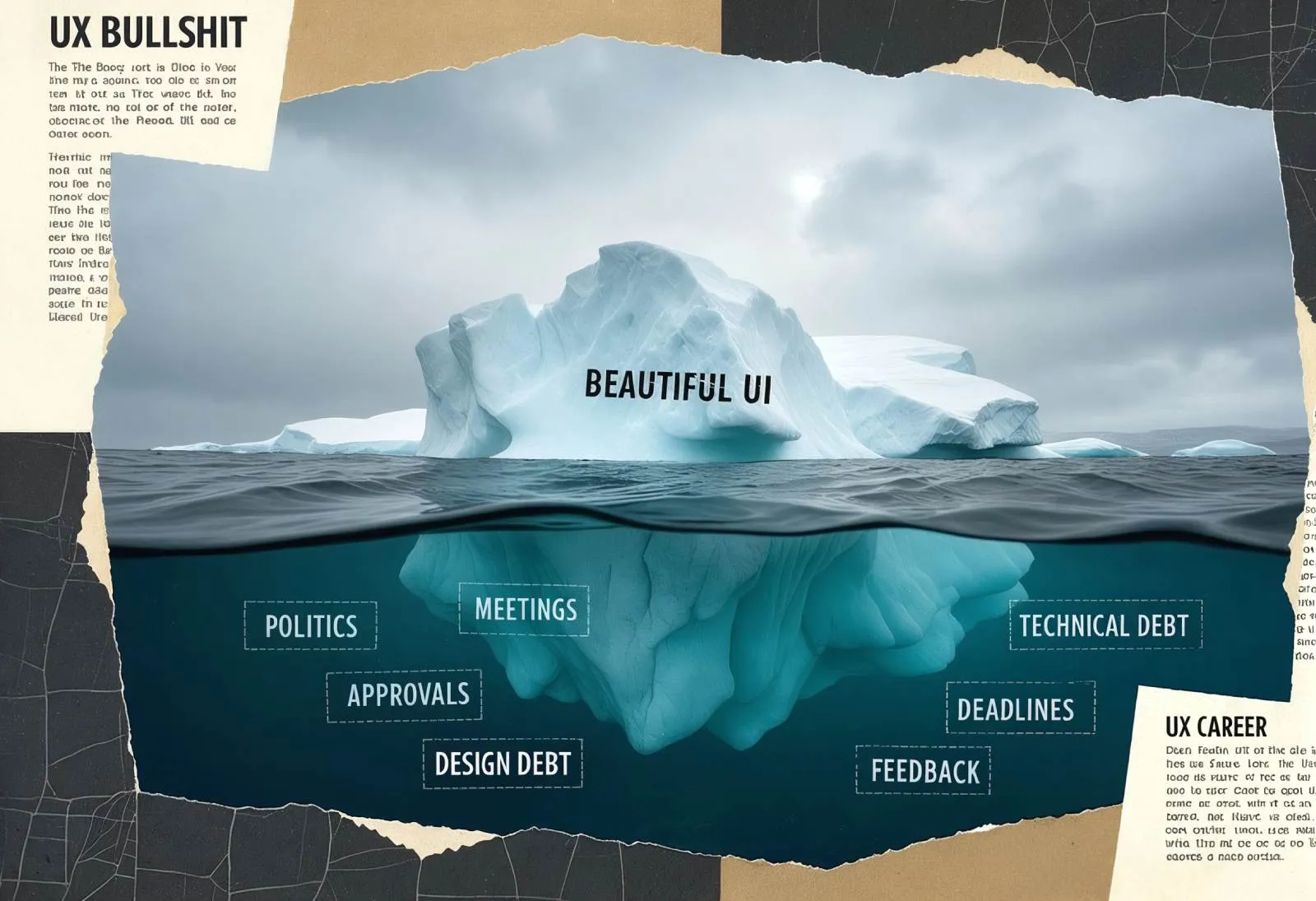
Pixels are easy. Navigating bullshit is the real UX.

Behind every polished UI is a mess of meetings, politics, and quiet battles for alignment. This publication breaks down the part of UX that bootcamps never teach, and why it wears so many of us down.

Why designers are losing motivation and how to fix it

Career

6 min read

Why designers are losing motivation and how to fix it

Understand why many designers are feeling unmotivated and learn how to break free from the cycle of burnout. Find your path to a fulfilling design career.

Insights from the hiring frontlines to craft a stellar UX portfolio

Career

5 min read

Insights from the hiring frontlines to craft a stellar UX portfolio

Learn how to create a standout UX design portfolio with expert tips from hiring managers. Discover UX portfolio tips, UI design essentials, and graphic design best practices to land your dream job.

Figma Templates & UI kits

Save time and human resources by reusing hundreds of pre-made templates crafted by us. Based on top notch UX taken from the World's best apps.
Dashboards
Mobile
Charts
Code
Websites
Bundle
Freebies

Nocra UI kit

Nocra is a design system for AI products. Built specifically for startups harnessing AI generation: images, video, audio, music, prompts, and beyond.

Material X for Figma

Figma library with 1100+ components & 40 app templates beyond Material Design. Powered by top-notch shapes and Manrope font. Customizable & Adjustable UI kit now available for Angular & Figma

Material You UI kit

Figma & React library with 2600+ variants of 32 components compatible with Material Design 3. Plus 220+ dashboard templates for all the viewports. Now available for NextJS & TailwindCSS.

Figma React UI kit

Designed and well-organized in Figma React-based UI toolkit for the web. Optimized for building complex data-dense interfaces for desktop and mobile applications.

Panda Design System

Figma library with dashboard, calendar, kanban, profile, table, ecommerce and 80+ templates in total. Components with variants, dark theme included.

Eclipse UI kit

Figma library with 1100+ components & 74 templates for data-driven web applications. Powered by auto-layout. Supercharged by Figma's variants.

Rome UI kit for Figma

Customizable and well-organized team library. Contains 250+ components & 30 web app templates powered by stylish and trendy guidelines.

Material Design System

Figma library is based on 100% guidelines compliance with Material.io. Contains ready-to-use templates to accelerate app UI design.

Neolex Dashboard UI kit

Customizable & adjustable dashboard design system with 50+ ready-to-use app layouts, 1900+ variants for 30 components with auto-layout.

Material Desktop Dashboard UI kit

Figma library with 48+ dashboard templates based on reusable desktop app patterns carefully handpicked from the most popular web apps.

Xela UI kit for Figma

Figma library with 1900+ variants of 30 components categories to craft perfectly shaped desktop & mobile apps. Customizable & Adjustable dashboard design system with 50+ web app templates.

Figma S8 Design System

Figma design library for mobile and desktop apps made of high quality styled components. Full version includes 67 dashboard templates.

OE Figma Design System

Customizable and well-organized Figma library. This design system aimed to build highly loaded interfaces, boost the speed and save more costs.