

Dashboard templates
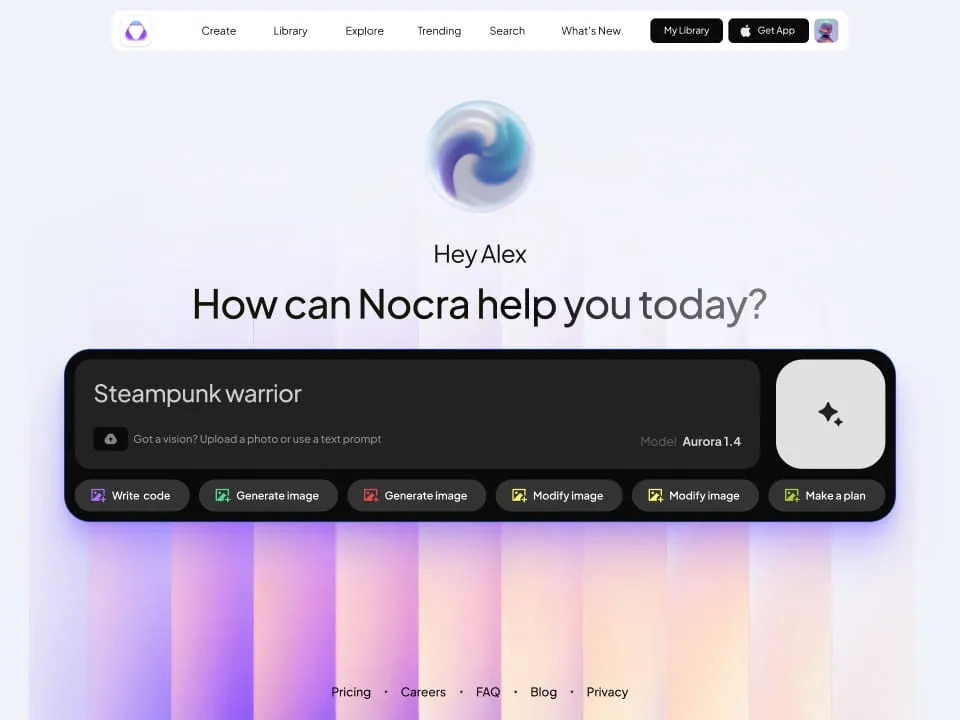
Nocra UI kit
Nocra is a design system for AI products. Built specifically for startups harnessing AI generation: images, video, audio, music, prompts, and beyond.
.webp&w=1920&q=75)
Material X for Figma
Figma library with 1100+ components & 40 app templates beyond Material Design. Powered by top-notch shapes and Manrope font. Customizable & Adjustable UI kit now available for Angular & Figma
.webp&w=1920&q=75)
Material You UI kit
Figma & React library with 2600+ variants of 32 components compatible with Material Design 3. Plus 220+ dashboard templates for all the viewports. Now available for NextJS & TailwindCSS.
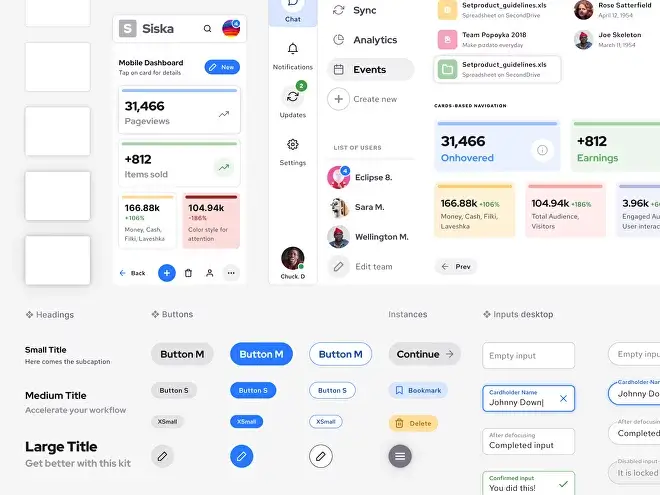
Figma React UI kit
Designed and well-organized in Figma React-based UI toolkit for the web. Optimized for building complex data-dense interfaces for desktop and mobile applications.
.webp&w=1920&q=75)
Panda Design System
Figma library with dashboard, calendar, kanban, profile, table, ecommerce and 80+ templates in total. Components with variants, dark theme included.
.webp&w=1920&q=75)
Eclipse UI kit
Figma library with 1100+ components & 74 templates for data-driven web applications. Powered by auto-layout. Supercharged by Figma's variants.
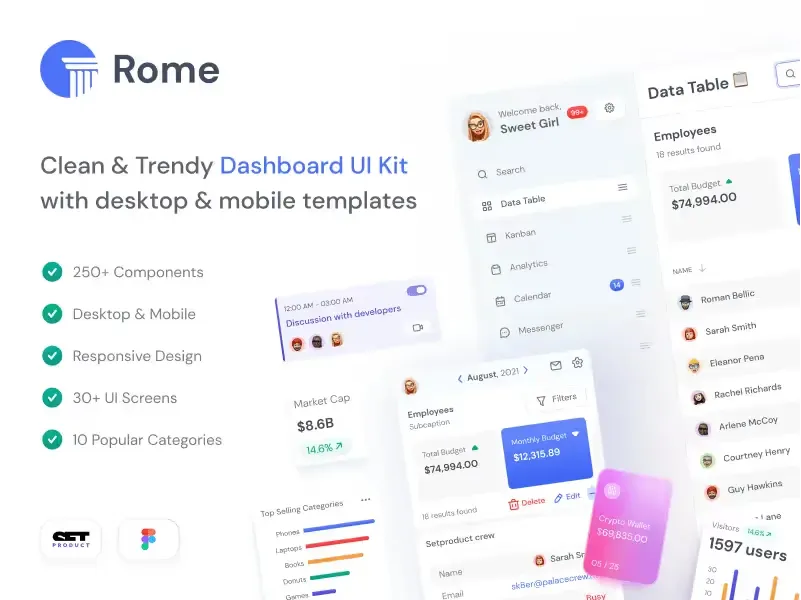
Rome UI kit for Figma
Customizable and well-organized team library. Contains 250+ components & 30 web app templates powered by stylish and trendy guidelines.
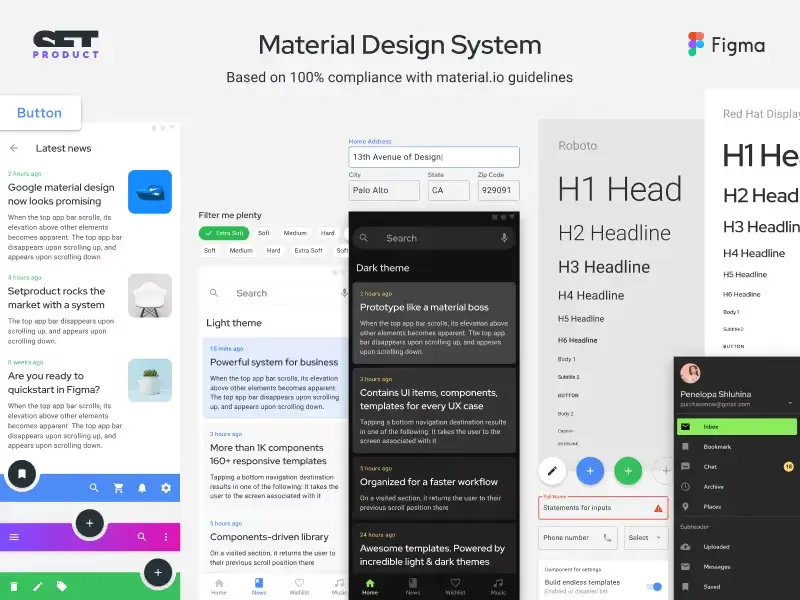
Material Design System
Figma library is based on 100% guidelines compliance with Material.io. Contains ready-to-use templates to accelerate app UI design.
Dashboard Benefits
Numerous advantages catered to your needs are provided by our dashboard templates:
- Organized Library: Save time with our meticulously crafted Figma dashboard template, featuring auto-layout, variants, color & text styles.
- Simple Customization: Take advantage of auto-layout, trendy style guides, and component customization to get started. A rapid start is ensured by comprehensive desktop and mobile templates.
- Modern Designs: Select from light or dark dashboard layouts that feature sleek, contemporary web app user interface kits for excellent outcomes.
- Preview Variants: Explore various components and UI widgets with auto-layout drag & drop functionality, meticulously crafted with variants support.
Subscribe to Setproduct
By clicking Sign Up you're confirming that you agree with our Terms and Conditions.
FAQs
How do I start with the design system after purchase?
After the successful purchase via Gumroad (it's safe and encrypted) you will be taken to a download page. You will also get the download link in your email. Then just simply drag and drop .FIG file onto your Figma app.
Do your dashboard UI templates support responsive design?
Yes, our Figma dashboard UI kits are designed with responsive design principles in mind. They include components and layouts that adapt to different screen sizes, ensuring your web application looks great on both desktop and mobile devices.
How to import your kits?
Importing .FIG files into Figma: https://help.figma.com/hc/en-us/articles/360041003114-Import-files-to-the-file-browser
Can I customize the color scheme and branding of the dashboard templates?
Absolutely! Our dashboard UI templates come with customizable color schemes and branding options. You can easily adapt the design to match your brand's visual identity by modifying the color variables and styles within Figma.
I 💜 Your designs, but can I have a discount?
We provide discounts for those, who scrolled to the bottom and revealed our proposal. Just drop us a message with a short story about how you plan to use our product and we will give you a ✨30% off coupon for the upcoming purchase. Please, provide a specific product name you've put your eye on.
How can I use dashboard templates to improve business performance?
Dashboard templates help streamline data visualization and decision-making processes. By using well-designed templates, you can present complex data in an easily digestible format, enabling faster insights and better-informed business decisions.
Are there any restrictions on the usage or distribution of the dashboard templates?
Our templates come with flexible licensing options. Individual licenses are for personal or freelance use, while business licenses allow team usage. You cannot resell or redistribute the templates as standalone products.
How frequently are your Figma dashboard UI kits updated with new features or components?
We regularly update our UI kits with new components, templates, and improvements. Updates are free for existing customers and are delivered through Gumroad.

