
You shipped the app. The AI wrote half the code. The feature works. Then the first real user opens it, stares at the screen, and leaves before they find the one button that mattered. Driver.js closes that gap with a single small file and a list of steps.
What driver.js actually does
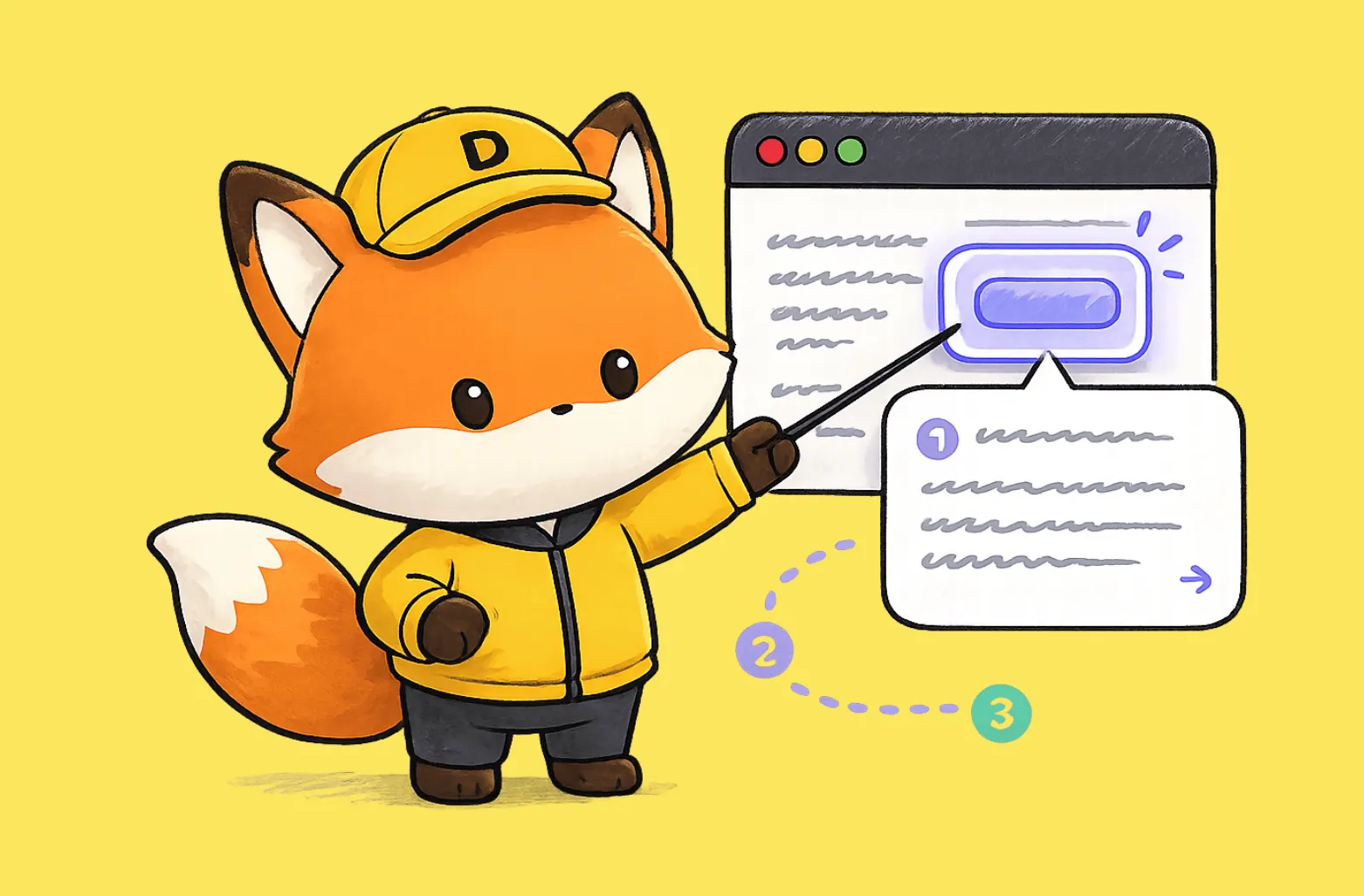
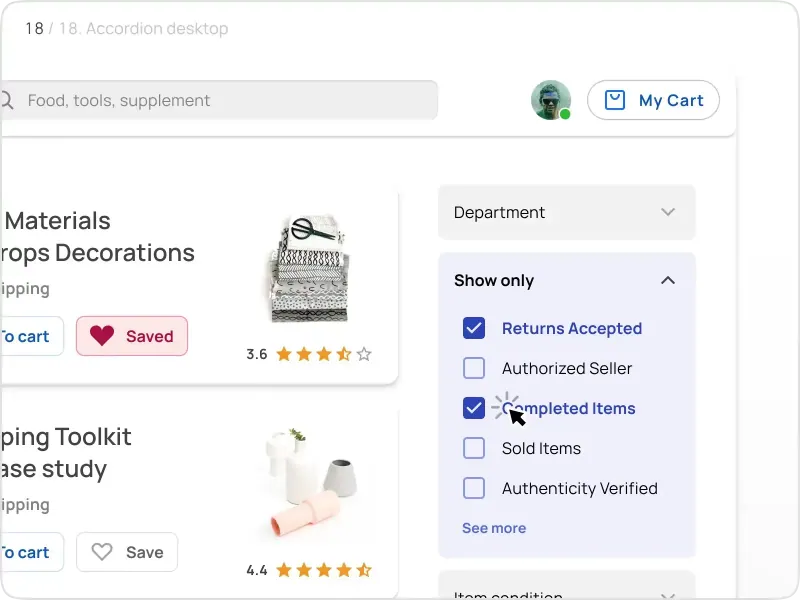
Driver.js highlights any element on a page, dims everything else, and walks the user through your interface one step at a time. You point it at a button, a menu, or a form field. It draws a spotlight around that element, shows a small popover with your text, and waits. The user clicks next, the spotlight moves, and the next idea lands. That is the whole mechanic, and it covers most of what onboarding needs.
The library ships as vanilla TypeScript with zero dependencies. It weighs around 5kb gzipped. It runs in every major browser, responds to the keyboard, and carries an MIT license, so you use it in personal and commercial work without paying anyone or asking permission. The numbers back the adoption: roughly 4.3 million downloads a month and 287 million jsDelivr hits a month.
Why onboarding is the thing you postpone
Onboarding is the distance between “it works” and “people use it.” Most solo founders skip it because the usual options feel heavy. A full product-tour SaaS wants a monthly fee and a script tag that loads a chunk of someone else’s framework. A hand-built tour eats a weekend you do not have. So the tour never ships, and new users keep churning on day one.
Driver.js removes that excuse. You add one file. You write a list of steps. You point each step at a CSS selector. The first session now ends with a user who understands the product instead of one who guessed and gave up.
How it works under the hood
A tour in driver.js is an array of steps. Each step names an element on the page and the text you want beside it:
element→ the CSS selector you want to highlightpopover→ the title and description shown next to itsideandalign→ where the popover sits relative to the element
You pass that array to a driver() call and run drive(). The library handles the overlay, the focus trap, the keyboard arrows, and the next and previous buttons. You write copy and selectors. It handles the rest.
The part that makes it flexible is the hooks. Driver.js gives you callbacks for the moment an element is about to be highlighted, the moment it gets highlighted, and the moment it is deselected. You use those hooks to change the page as the tour moves. Open a dropdown right before you point at an item inside it. Load chart data before you highlight the chart. Scroll a hidden panel into view. The tour and your app stay in step instead of fighting each other.
The size argument that matters
Five kilobytes sounds like a detail. It is not. Every script you add to onboarding loads before the user has done anything useful. A 12kb-plus tour library competes with your own app for that first second. Driver.js is roughly half the weight of the common alternatives, and it pulls in nothing else. No React requirement, no framework lock-in.
It drops into a Next.js app, a plain HTML page, or whatever the model generated for you, and it behaves the same way in each. That consistency is worth more than it looks: you write the tour once and trust it across browsers rather than chasing edge cases one device at a time.
More than tours
Calling it a tour library undersells it. A tour is one use case. The same spotlight mechanic covers a lot of ground:
- ❶ Point at a single new feature and explain it in one popover
- ❷ Open contextual help with the rest of the page dimmed
- ❸ Shift focus to one form field so the user finishes signup
- ❹ Build a “turn off the lights” widget that frames any section
- ❺ Drive a simple modal without writing modal code
You learn one API and reuse it for half a dozen jobs you would otherwise solve with separate libraries and separate bugs.
Wiring it into an AI-built app
If you built your product by prompting an AI, this fits your workflow. You do not need to master a framework. You need three things: the file, a list of selectors, and your copy.
Ask your assistant to install driver.js, then describe the path in plain language. “Highlight the new-project button first, then the share menu, then the export icon.” Paste the selectors it returns. Write the popover text yourself, because that text is your product voice and the model does not know it yet. Trigger the tour the first time someone logs in, store a flag in local storage so it runs once, and you have onboarding that plenty of funded startups still skip.
Why it belongs in your stack
You care about activation. You want the first session to end with a user who gets the product. Driver.js gives you that for the price of one small file and an afternoon of writing steps. It is free, it is light, it is written in TypeScript, and it works the same in every browser.
For a solo founder shipping fast with AI, that combination is rare. Grab the code, point it at your three most important buttons, and watch how many more users make it past the first screen. When you want the interface those tours point at to look sharp, the rest of our free Figma resources and design and code kits are built for the same fast, solo-founder workflow.
.webp)