
Notes from the people building and growing tech companies
An independent magazine, trusted by 17,000 readers a month.
What we published this week
Career
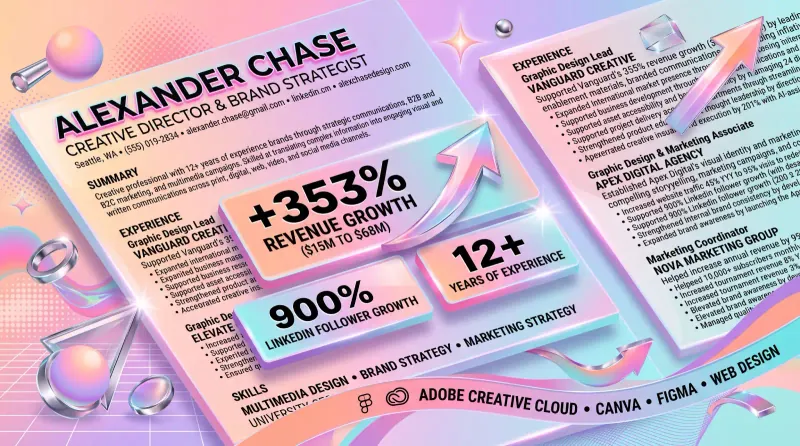
Designer resume that landed 22 interviews and 4 offers in 2026
A plain one-page designer resume hit a 20% interview rate in 2026. See the outcome-first bullet formula and where a designer finds real metrics.
Tools
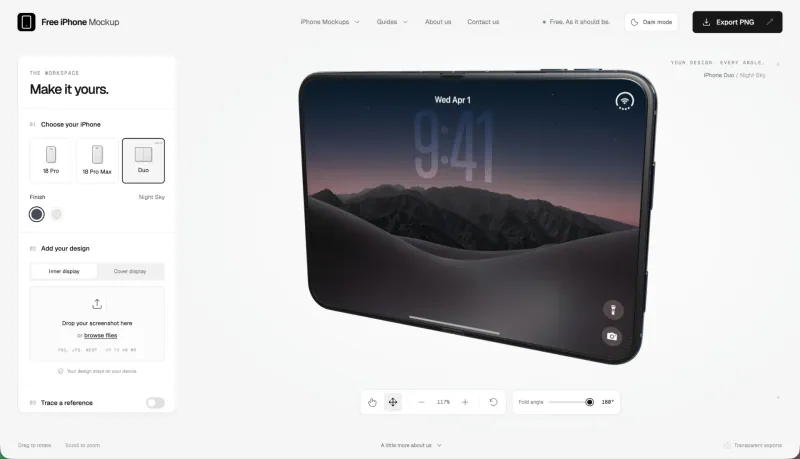
Free iPhone mockup generator review, 3D and 8K with no watermark
A hands-on review of a free browser tool for 3D iPhone mockups with transparent export and no account.
Tools
10 open source tools we bookmarked in September and October 2026
Ten tools we added to Resources this autumn, with the caveat that matters for each one.
Tools
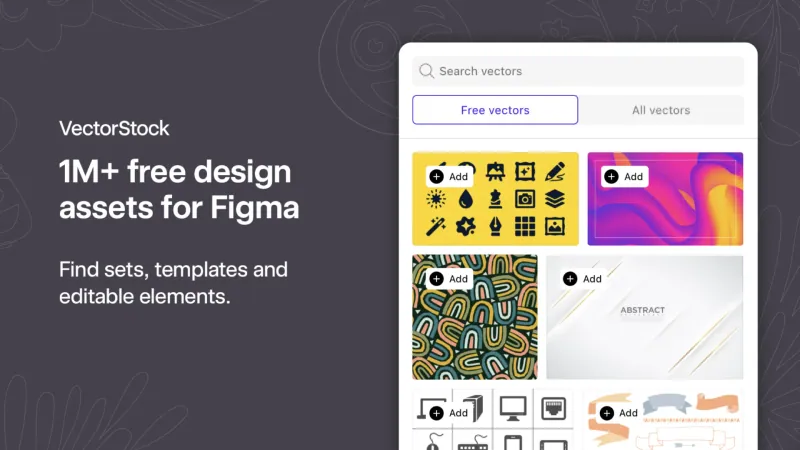
From 2007 to the AI era, how VectorStock is reinventing the stock graphics marketplace
How an established vector marketplace added AI-powered search and moved its library inside Figma.
Growth Hacking
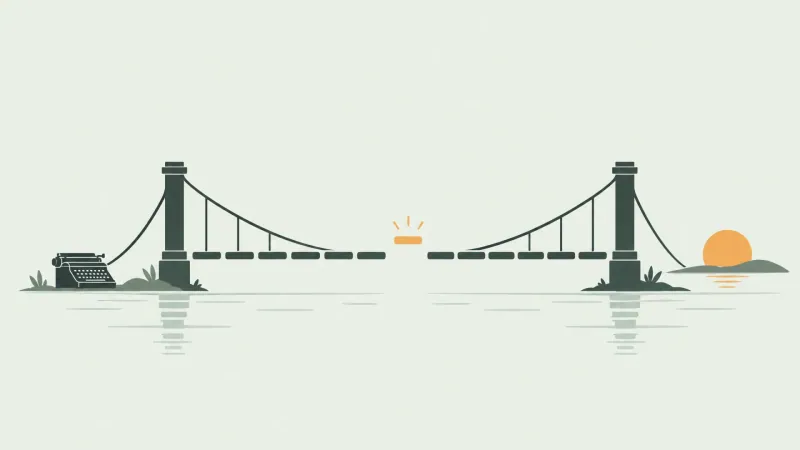
I tested the Hemingway bridge as a designer and a solo founder
Where the Hemingway bridge holds up under real work, and where it quietly costs you a morning.
Technology
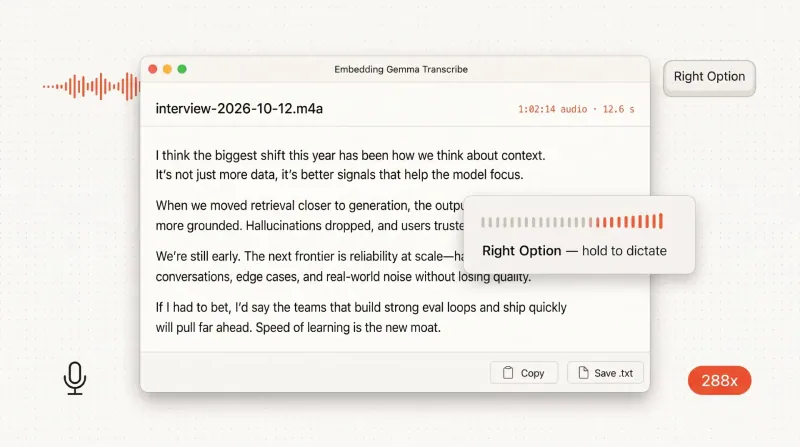
How to run offline speech-to-text on your Mac in 2026
From an empty Mac to a working transcript in about twenty minutes, with no cloud and no API bill.
Resources
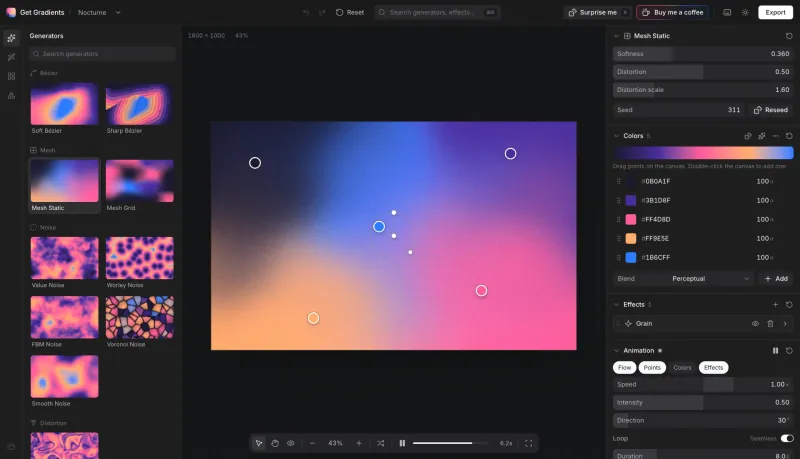
Get Gradients review, a free browser shader-grade gradient engine
A hands-on review of a free WebGL gradient tool with mesh and noise generators, 20+ effects and multi-format export.
SEO
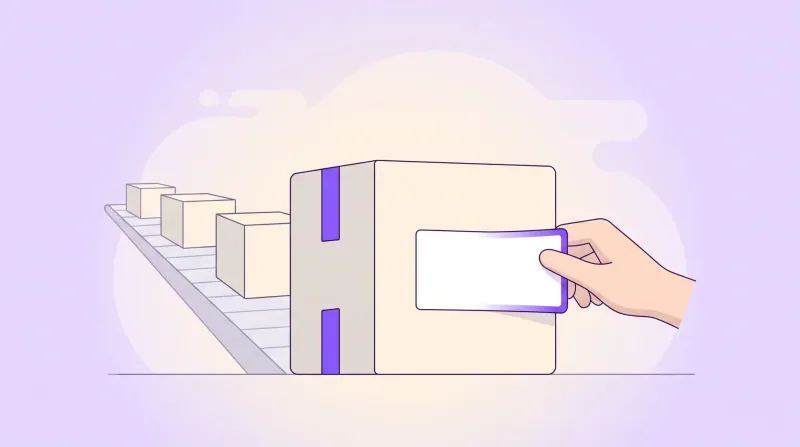
White label SEO reseller programs, how agencies resell SEO
How white label SEO reseller programs work and what agencies mark up, plus how to vet a vendor before you resell.
SEO
White label SEO tools, what to resell and build in house
Which SEO tools to resell under your brand and which to build in house, plus the real per-client cost math.
Startups & SaaS
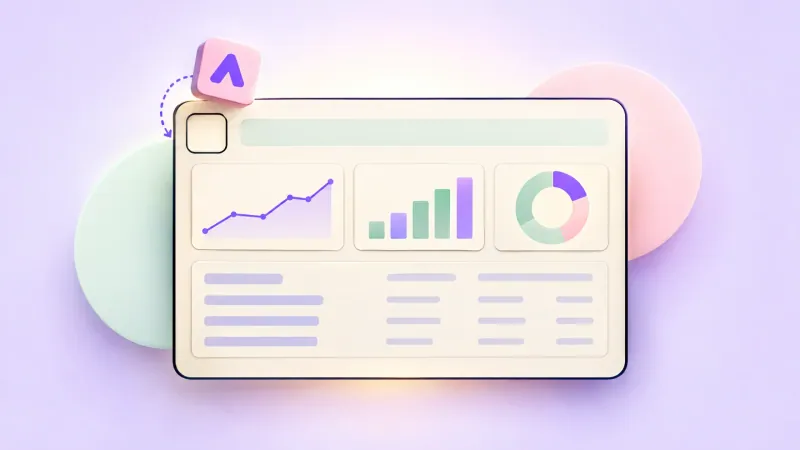
Hidden minutes slowing your business down, how to win them back
Small delays add up across a workday. A practical tour of the software that removes the repetitive steps slowing your business.

UI Design
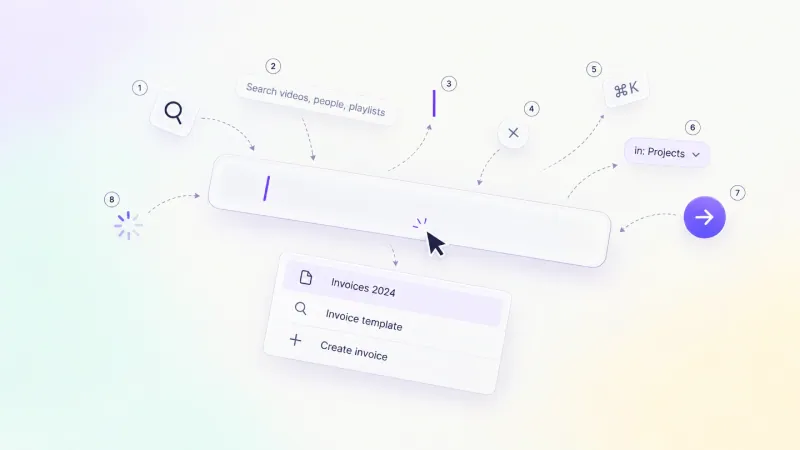
Search UI design guide, from autocomplete to no-results screens
Design search as one system: bar anatomy, six field states, autocomplete, recent queries, scoped search, results layout, zero-results recovery and mobile search, plus a pre-ship checklist.
UI Design
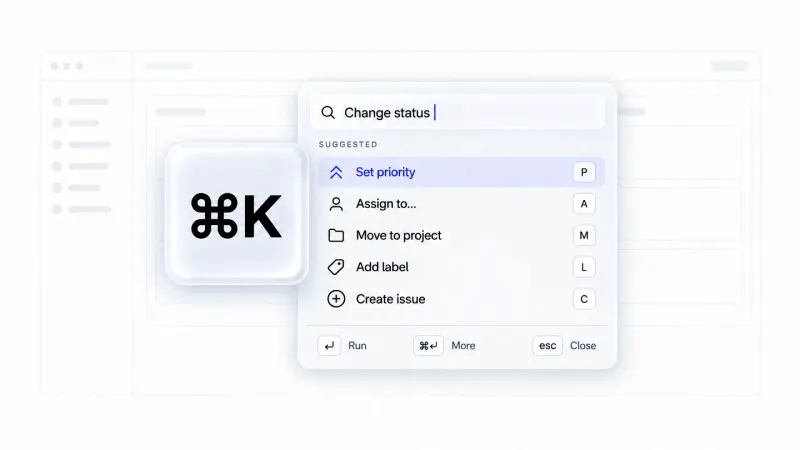
Command Palette UI Design, 8 States and 10 Teardowns
The anatomy, eight forgotten states and honest teardowns of 10 Cmd+K palettes in production.
Startups & SaaS
Are you wasting money on SaaS subscriptions? A practical guide
Most startups overspend on SaaS without noticing. A practical guide to auditing subscriptions and spotting overlapping tools.
UI Design
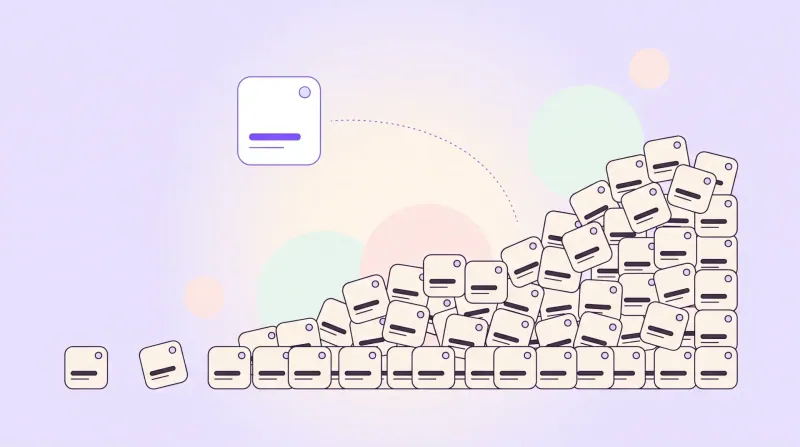
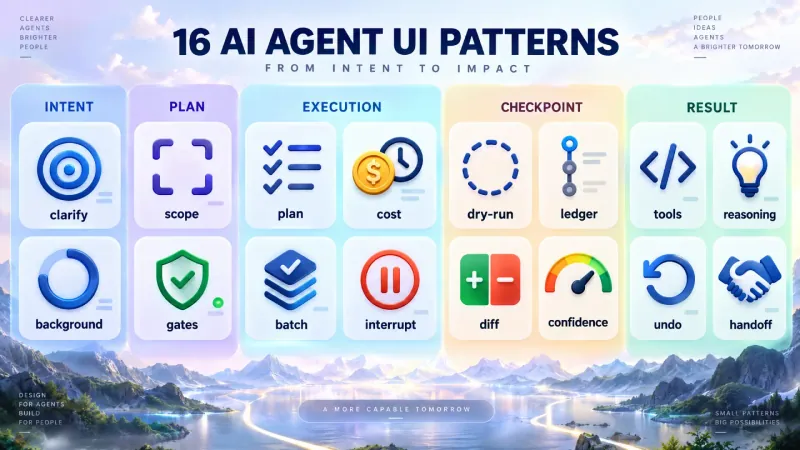
16 AI agent UI design patterns for plans, approvals and undo
16 agentic UI patterns across six task phases, six anti-patterns shipping in 2026, and a 2x2 rule for how much autonomy to expose.
Startups & SaaS
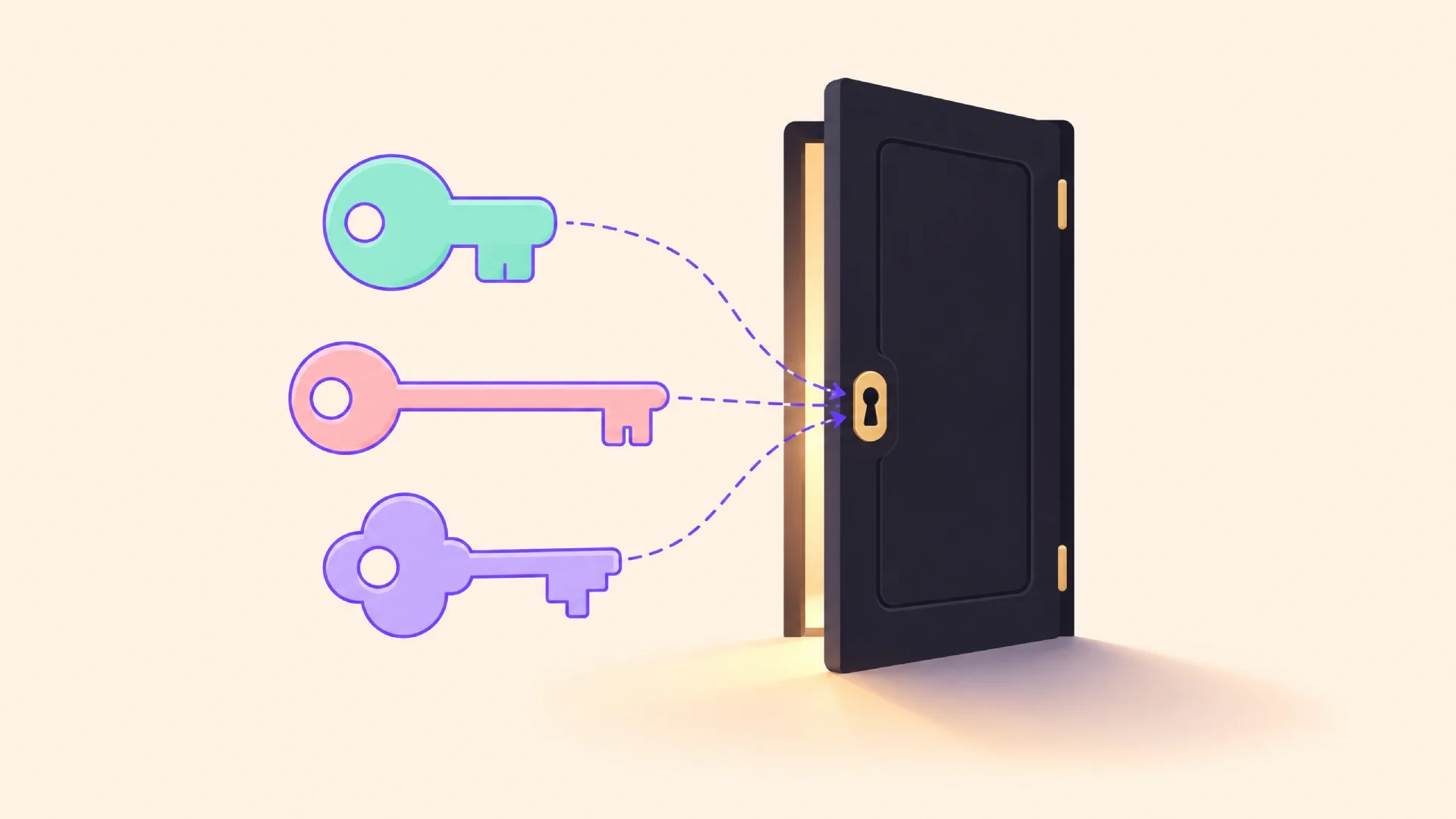
Choosing the right computer vision consultancy engagement model
Project-based, retainer, or embedded: Which engagement model actually produces a system your team can own.
UI Design
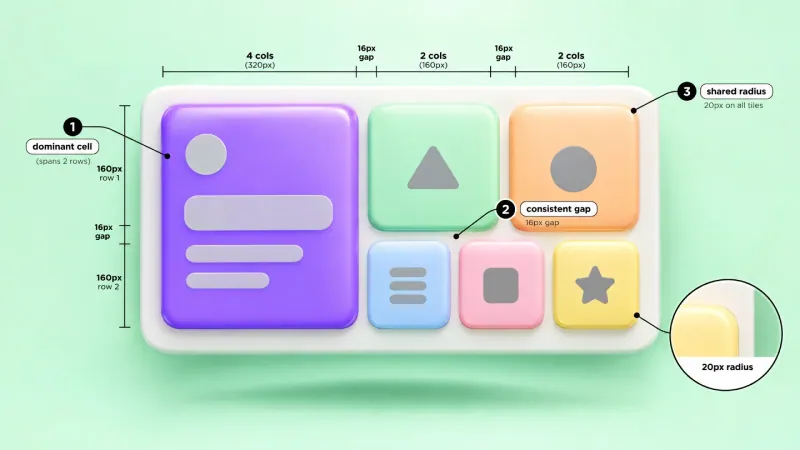
Bento grid layout explained with grid math and 12 real examples
Grid math, 12 real teardowns, a responsive fix, plus a spec prompt and rules file for briefing an AI agent.
Resources for your team
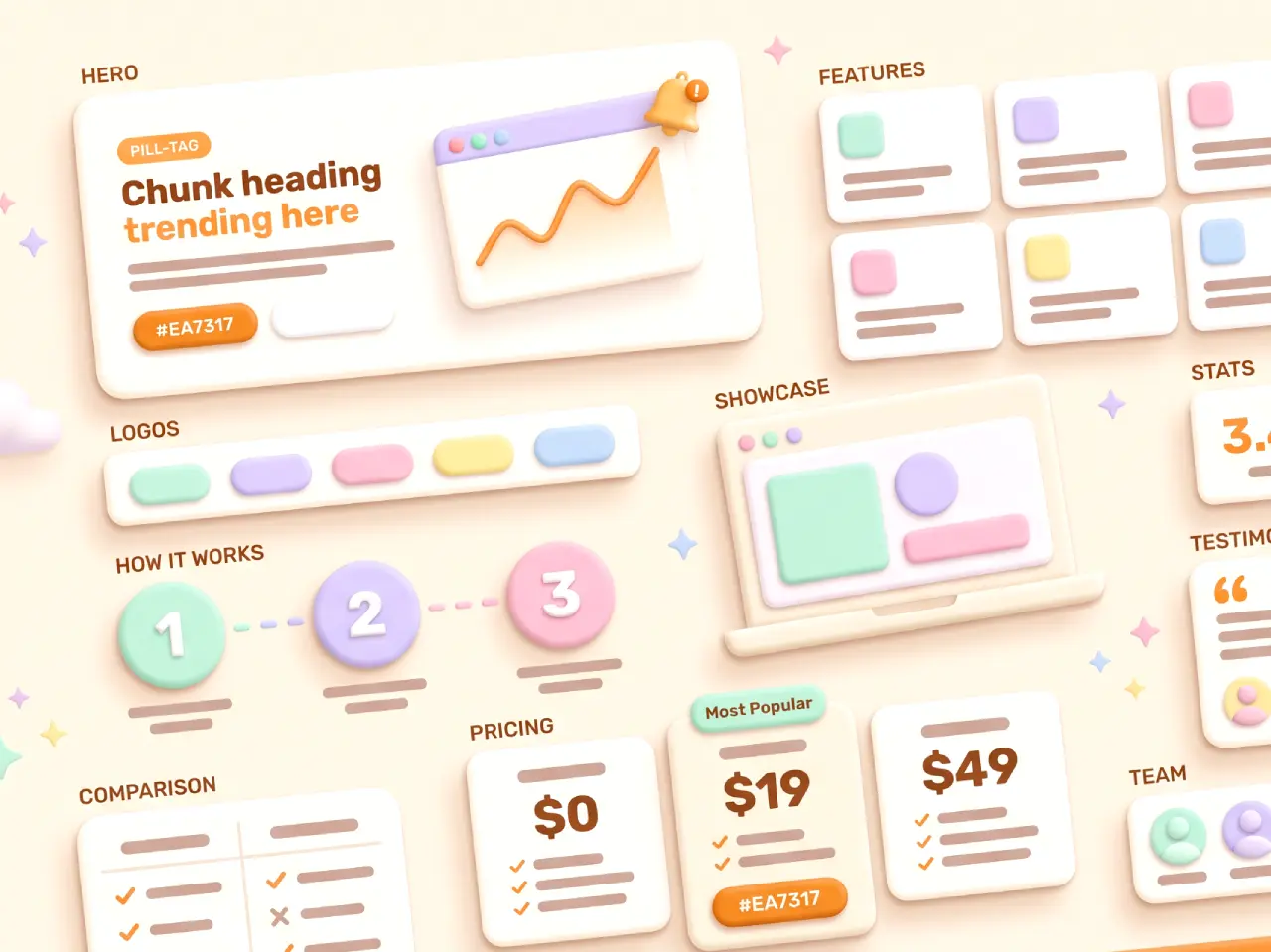
Claylo landing page
Claymorphism website HTML template. Zero JS, zero build, 100/100 PageSpeed, AI-agent ready. 13 sections in the pack, thoughtful UI animations, mobile-friendly. Rebrand it with Claude, Codex, or Cursor.
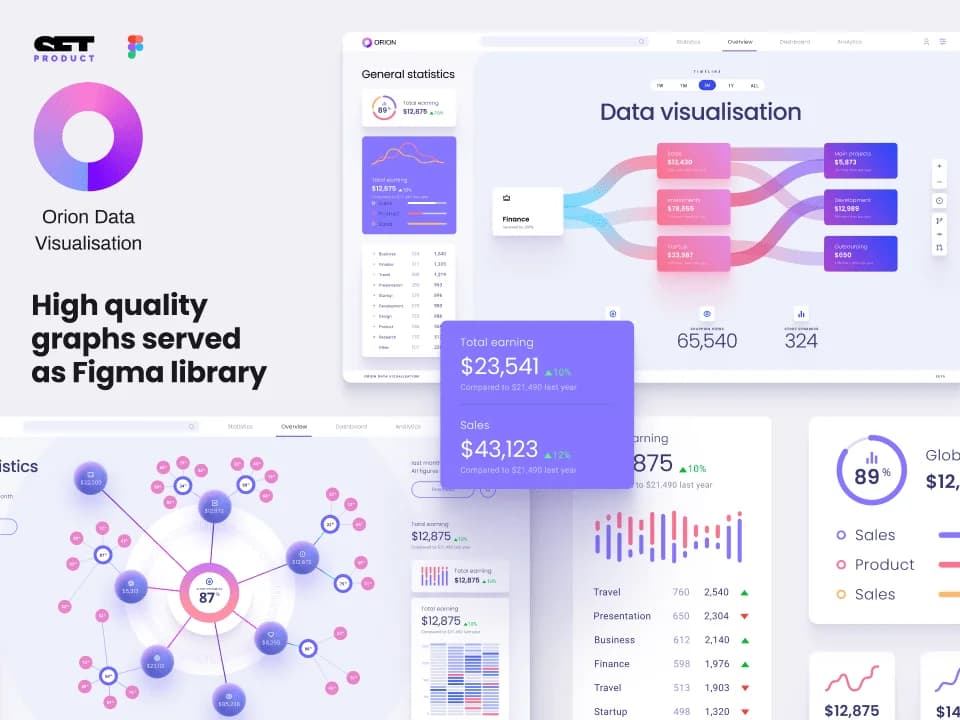
Orion UI kit
Figma library with 40+ full-width charts templates served in light & dark themes. Contains 200+ of dataviz widgets that look perfect on desktop & mobile screens.
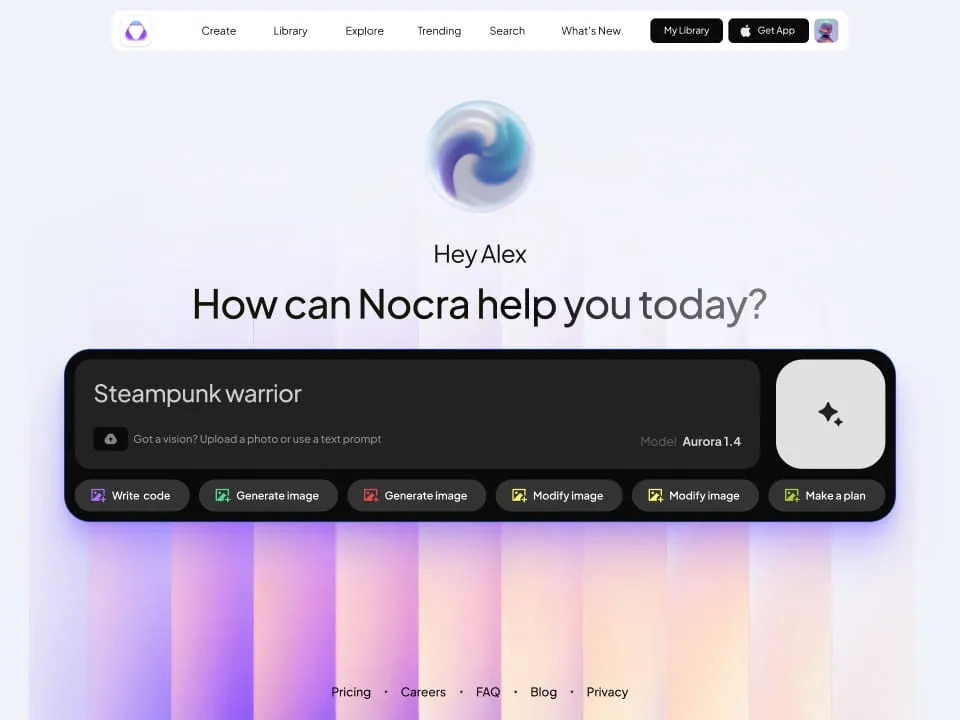
Nocra UI kit
Nocra is a design system for AI products. Built specifically for startups harnessing AI generation: images, video, audio, music, prompts, and beyond.
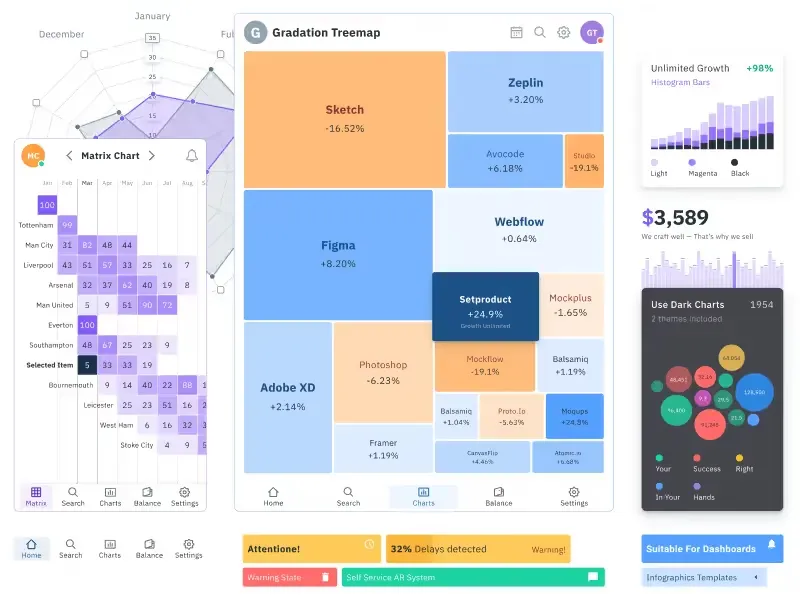
Figma Charts UI kit
Components-driven graphs design kit for dashboards, presentations, infographics & data visualisation. Includes 25+ charts types for all the viewports.
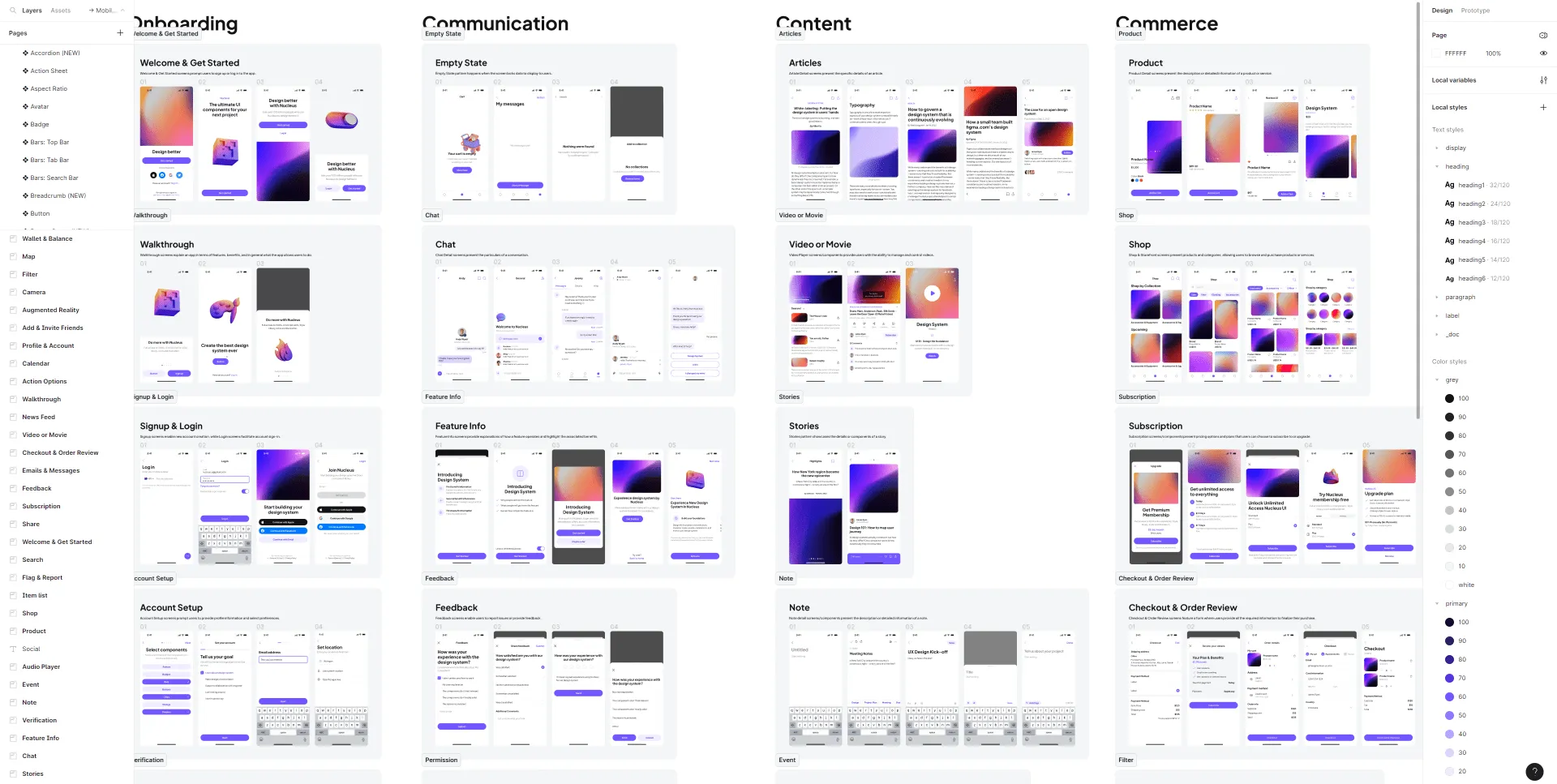
Nucleus UI
Nucleus UI contains 1000 components and variants with 500+ mobile screens designed for Figma (including 9 themes from Event, E-commerce, Finance, NFT, etc.).
.webp&w=1920&q=75)
Material X for Figma
Figma library with 1100+ components & 40 app templates beyond Material Design. Powered by top-notch shapes and Manrope font. Customizable & Adjustable UI kit now available for Angular & Figma
.webp&w=1920&q=75)
Material You UI kit
Figma & React library with 2600+ variants of 32 components compatible with Material Design 3. Plus 220+ dashboard templates for all the viewports. Now available for NextJS & TailwindCSS.
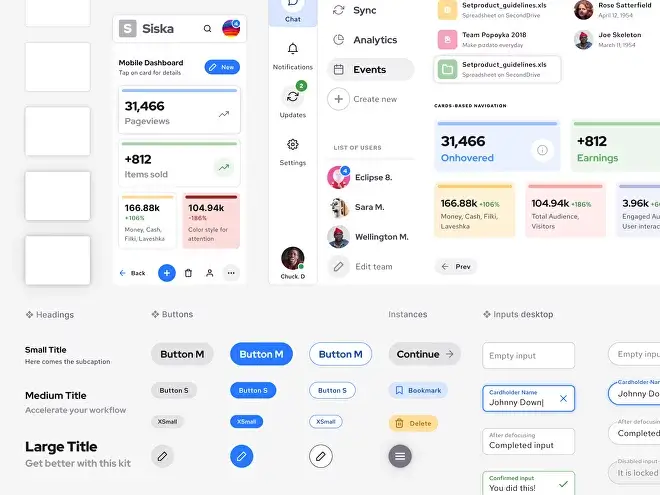
Figma React UI kit
Designed and well-organized in Figma React-based UI toolkit for the web. Optimized for building complex data-dense interfaces for desktop and mobile applications.
.webp&w=1920&q=75)
Panda Design System
Figma library with dashboard, calendar, kanban, profile, table, ecommerce and 80+ templates in total. Components with variants, dark theme included.
.webp&w=1920&q=75)
Eclipse UI kit
Figma library with 1100+ components & 74 templates for data-driven web applications. Powered by auto-layout. Supercharged by Figma's variants.
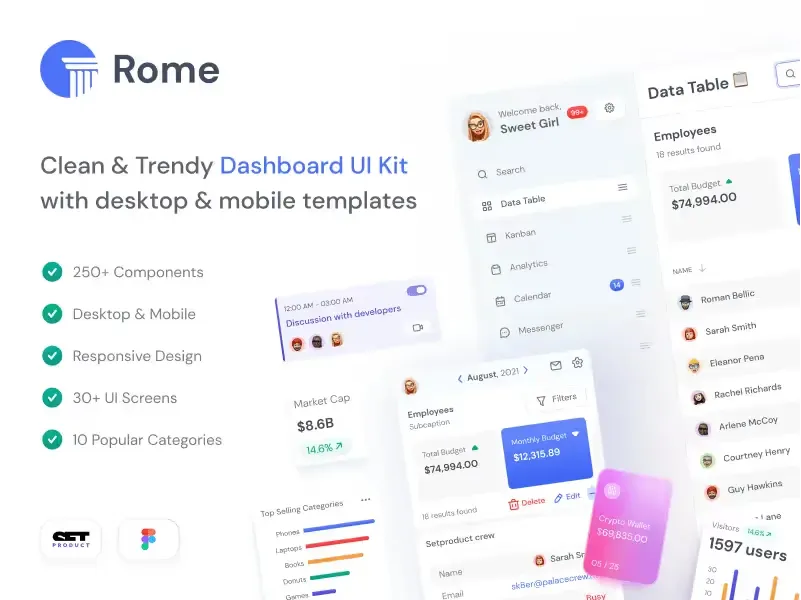
Rome UI kit for Figma
Customizable and well-organized team library. Contains 250+ components & 30 web app templates powered by stylish and trendy guidelines.
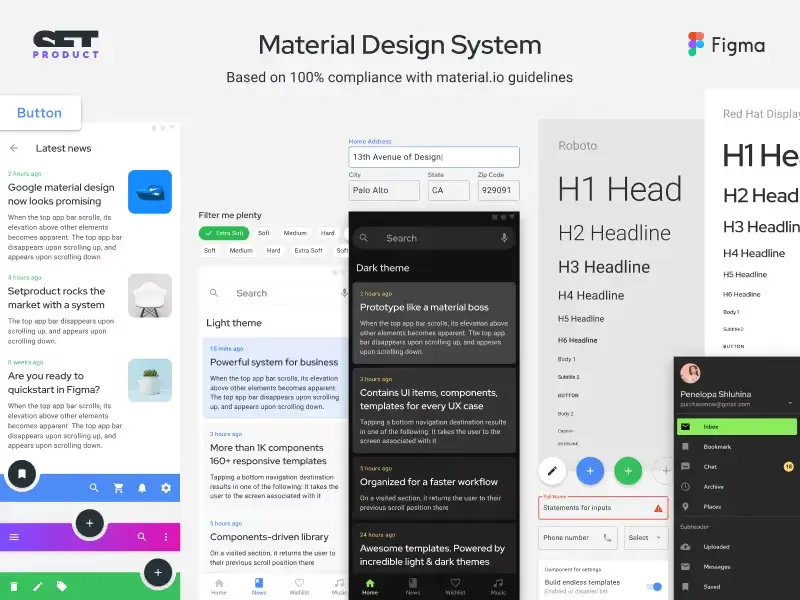
Material Design System
Figma library is based on 100% guidelines compliance with Material.io. Contains ready-to-use templates to accelerate app UI design.
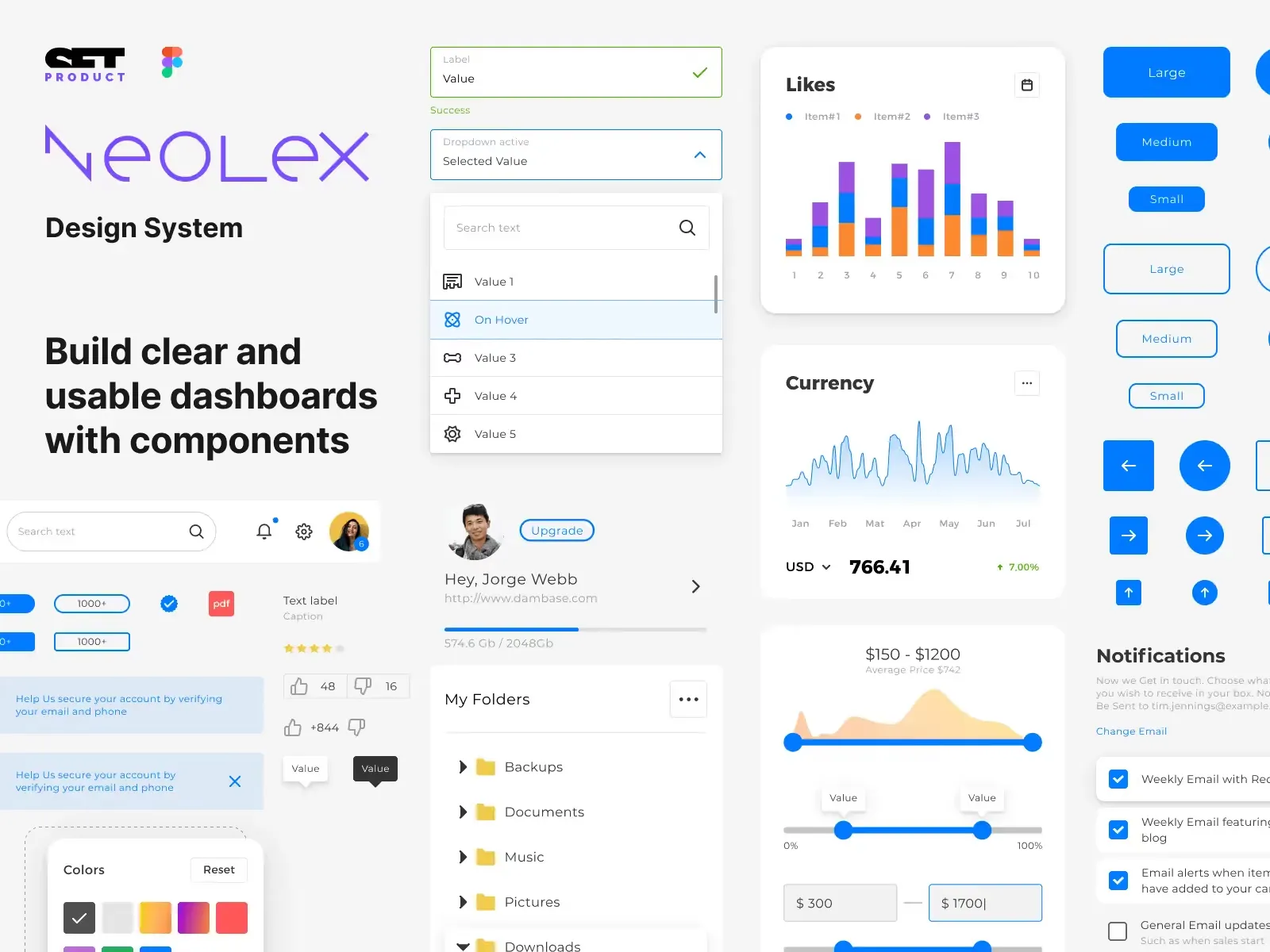
Neolex Dashboard UI kit
Customizable & adjustable dashboard design system with 50+ ready-to-use app layouts, 1900+ variants for 30 components with auto-layout.
.webp&w=1920&q=75)
Zeus UI kit
Create hassle-free landing pages in Figma. This kit is based on 10 landing page templates, powered by 1600+ variants for 630+ web blocks.
.webp&w=1920&q=75)
Figma Landing Pages UI kit
Landing pages templates library based on constrained & organized components aimed to speed-up the production of effective websites.
Your questions answered
What is the AI UI inspiration gallery?
The Setproduct AI UI inspiration gallery is a searchable library of AI-generated UI examples: buttons, cards, tabs, and full layouts you can browse by component. Like anything to save it to your personal library, and check back often since we add new images weekly. Try it on the Setproduct app.
How is it different from Dribbble, Mobbin, or other inspiration sites?
The key difference is that Setproduct shows AI-generated references, not real shipped products, so there's no legal risk if a pattern inspires your work. The component search also makes it faster to find exactly what you need. It's built for brainstorming, not pixel-copying. There's more on that in this guide.
Can I use AI-generated UI ideas in client projects?
Yes, you can use them as inspiration rather than finished assets. The healthy way is to study a layout, understand why it works, then design your own version. Copying a visual one-to-one isn't the point and won't serve your client. We wrote about getting more out of these examples in studying AI-generated UI.
Which UI kit should I start with as a beginner?
Start with the kit that matches your goal. For SaaS, try Material You or Eclipse. For an AI product, Nocra. For landing pages, Zeus. For mobile, Mobile X. For data viz, Charts or Orion. Browse everything on the full catalog.
Do you offer a free Figma UI kit?
Yes, Setproduct offers free Figma UI kits you can use right away. Head to free resources to duplicate them into your own Figma account at no cost. They're a good way to try the build quality and component structure before buying a full kit.
What's the difference between a UI kit and a design system?
A UI kit is a set of ready-made components and screens you can drop into a project. A design system goes further, adding the rules, tokens, and documentation that keep those components consistent at scale. Most Setproduct products are full design systems, not just loose component packs. Browse them on the catalog.
I'm new to Figma. Can I still use your kits?
Yes, beginners can absolutely use them. Every Setproduct kit is documented, so you can learn by exploring how real components and layouts are built. A good starting point is our free resources, no purchase needed. The blog also has tutorials to help you find your way around Figma.
How do I import a kit into Figma or React?
To import a kit in Figma, add it as a team library: open the file, hit "Publish library," then enable it across your projects. Most kits are Figma-only. If you specifically need design paired with code, the React UI kit covers the Figma plus React workflow, with components you can install and use directly.
Can I build commercial projects with your products?
Yes, the license allows it. One kit covers an unlimited number of commercial projects for a single person or company, with no per-project fee. Just pick the license tier that matches your team size before buying. Full details are on the license page.
Which license type should I choose?
Personal is for a single designer, so freelancers and solo builders. Team is for agencies and groups of five or more designers sharing the files. Enterprise is for larger companies that also need distribution rights. If you're unsure, the license page breaks down exactly what each one covers.
What kind of content do you publish on the blog?
The Setproduct blog publishes practical UI design guides, with deep dives into components like buttons, tabs, and tooltips, plus design trends, startup advice, growth tactics, AI tools for designers, and research-backed UX articles. It's written to be useful, not filler. Have a look at the blog.
Do you cover topics beyond UI design?
Yes. We also write about running a SaaS, marketing on a tight budget, and AI tooling. One of our most-read pieces is a guide on paying for Claude with crypto when cards aren't an option, handy if you're outside the regions these services support.
Do you offer discounts or bundles?
Yes, Setproduct offers both. The bundle packs several kits together at a lower combined price, and we run seasonal sales fairly often. Newsletter subscribers hear about discounts first, so sign up at the bottom of any page to stay in the loop.
Can I pay with cryptocurrency?
Checkout runs through Gumroad, which supports card and PayPal. If those aren't available to you, you can fund a virtual crypto card and pay that way. We walk through it in paying with USDT and our SolCard review.
I have a project. Can I hire you?
Yes, we take on custom design and development work, often building on top of our own Figma libraries. Tell us about your brief, budget, and timeline through the contact form, and we'll let you know if it's a fit.
Can I write a guest post for your blog?
Yes, we accept guest posts on design and technology topics. Submission guidelines and pricing live on our publishing portal, see publish.setproduct.com.

