

Jeff Flipper
If you have ever tried to pay for a global subscription from a country where international cards are hard to get, you know the frustration. You hold the money, the merchant accepts cards, and the rails between you and them simply refuse to cooperate. Crypto cards are the workaround a lot of people reach for, so I spent time funding, testing, and reading the fine print on the main options.
Affiliate disclosure: I earn a small commission when readers sign up through my SolCard link. It doesn't change anything you pay, and it doesn't change my ranking - SolCard sits on top here for the same reasons it did before I had a link.
TL;DR
→ Best overall for USDT subscriptions: SolCard. Virtual Mastercard, real No KYC on the basic tier, fully published fee schedule, and it works at most online checkouts.
→ Best for self-custody spenders: Solflare Card, if you are inside the EEA or UK and accept that KYC is mandatory. You keep your keys, but it is not a no-KYC option.
→ Best traditional baseline: Wise. Not crypto at all, requires KYC, but it sets the honest yardstick for what low card fees look like.
→ Higher-volume no-KYC option: CardUpNow, with the caveat of a $50 activation cost and 5% fees stacked across deposit, issuance, and withdrawal.
→ Mostly a merchant tool: PayGate.to. It advertises a no-KYC card, but it is built for accepting payments, and its personal-card fees are not publicly disclosed.
→ My take: for spending stablecoins on subscriptions without verification, SolCard is still the one I reach for. The full SolCard review covers six months of real use.
What makes a good crypto card in 2026
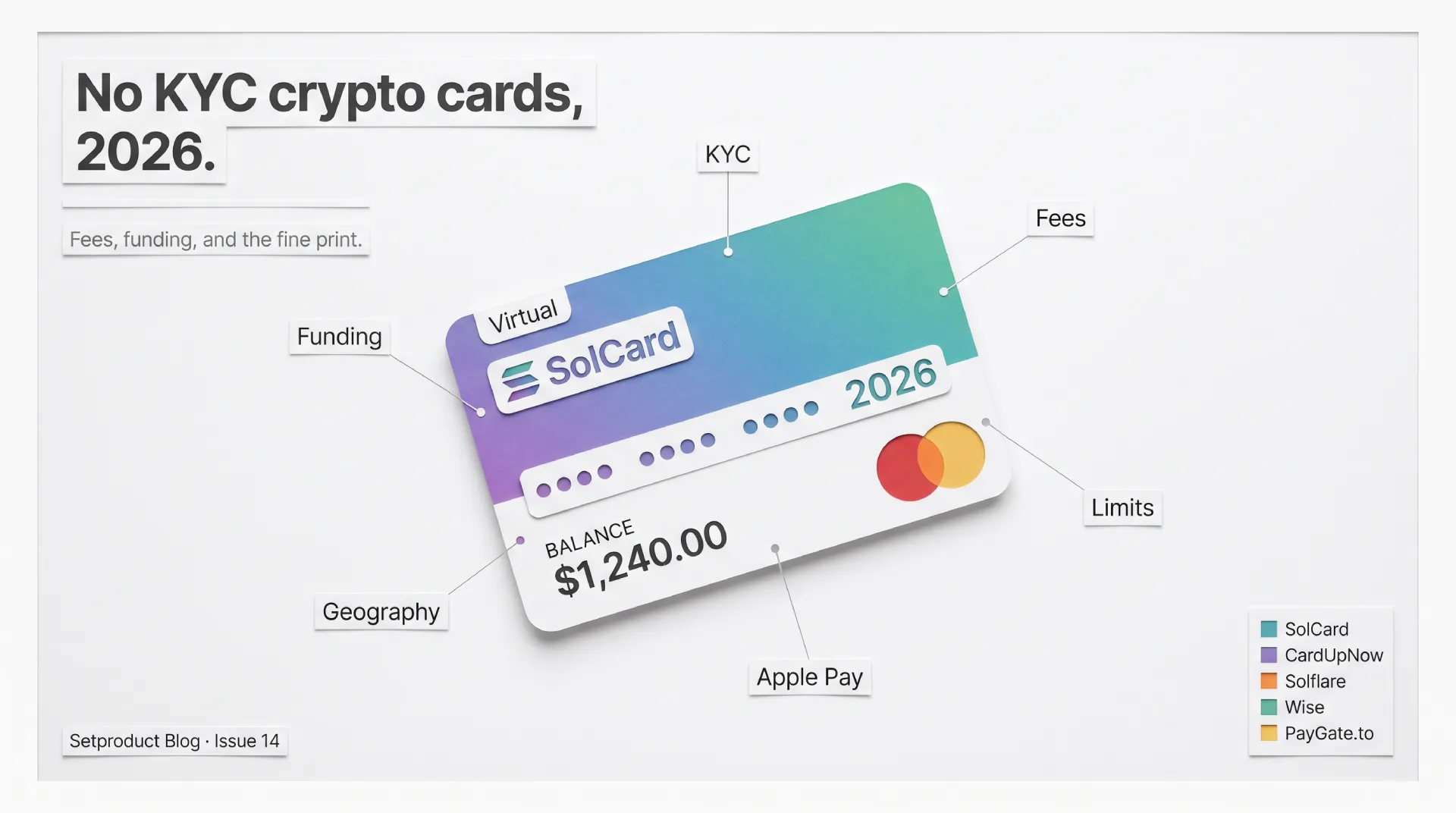
Before any comparison table is useful, you need a scoring frame. A crypto card is not a single feature, it is a bundle of trade-offs, and the right pick depends on which trade-off you can live with. After funding several of these, here are the six parameters I weigh, roughly in order of how much they decide the outcome.
❶ Funding method. Can you load it with the coins you actually hold? USDT and USDC on a cheap chain like Solana or Polygon is the practical sweet spot. A card that only takes a bank transfer defeats the purpose, and a card that only takes one obscure token will leave you swapping before you can spend.
❷ KYC reality. This is where marketing and truth drift apart. Some cards are genuinely no-KYC on a basic tier and then require verification for a higher tier with Apple Pay or higher limits. Read the claim as "no KYC up to a point," then find the point.
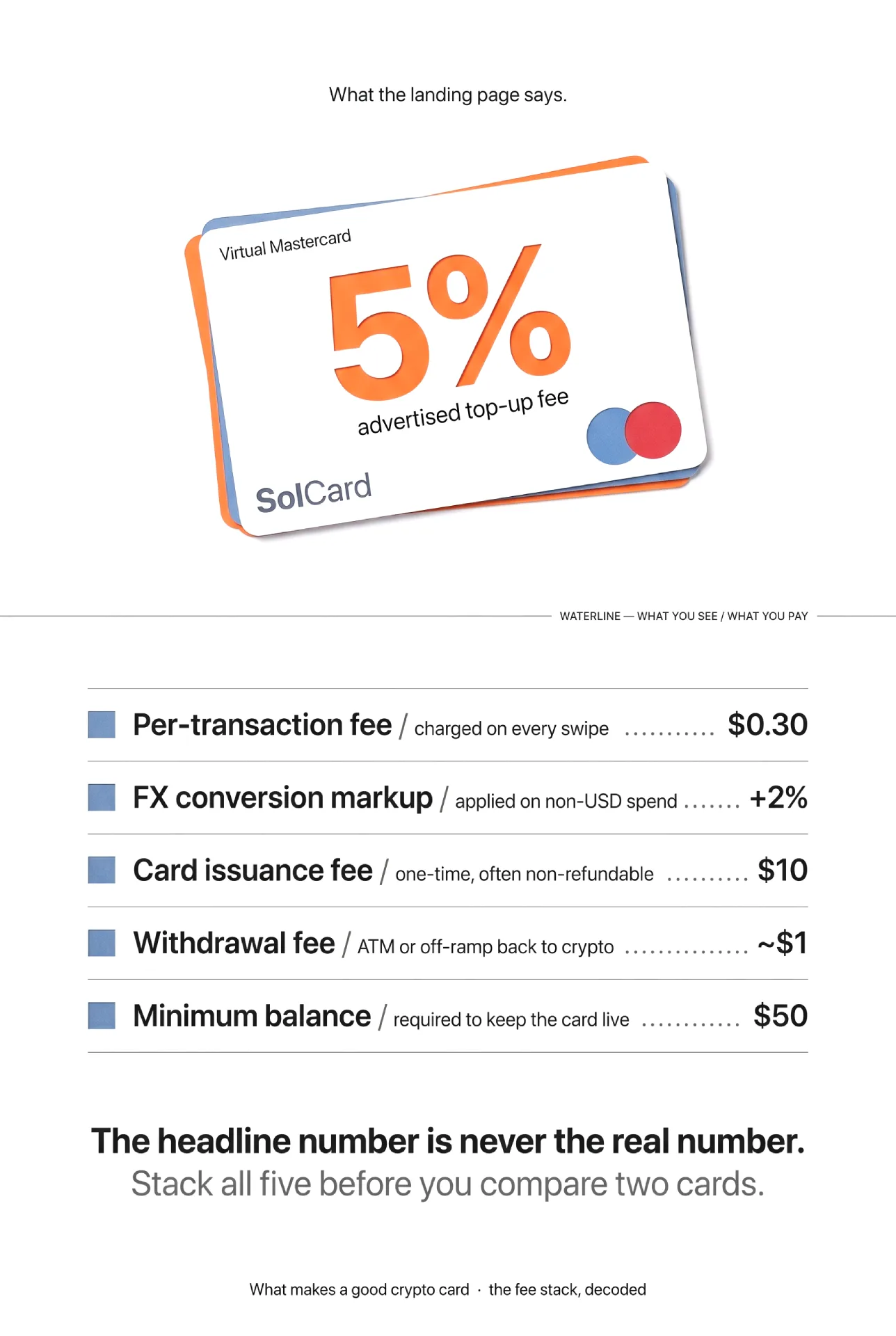
❸ Fee stack. The headline number is never the real number. You have to add top-up or deposit fees, per-transaction fees, FX or conversion markup, issuance fees, and withdrawal fees. A card with a low top-up fee and a brutal FX markup can cost more than an honest 5% card.
❹ Limits and minimums. Minimum deposits, minimum balances, monthly spend caps, and per-transaction ceilings all shape whether a card fits your pattern. A $100 minimum deposit is fine for a power user and absurd for someone topping up $20 to pay for one tool.
❺ Platform support. Virtual-only is enough for online subscriptions. If you want to tap a phone in a shop, you need Apple Pay or Google Pay, and that feature is frequently gated behind KYC.
❻ Geography. Restricted-country lists quietly decide everything. A perfect card you cannot open is worse than an average card you can. Always check the restricted list against your own residence before you fund anything.
Hold these six in mind as you read the table. No card wins on all of them, and the "best" card is just the one whose weaknesses you do not care about.
No KYC crypto cards compared, 2026
Here is the side-by-side. Where a provider does not publish a number, I have written "Not publicly disclosed" rather than guess, because inventing a fee helps nobody. All figures reflect each provider's own public documentation as of June 2026.
| Parameter | SolCard | PayGate.to | CardUpNow | Solflare Card | Wise |
|---|---|---|---|---|---|
| Card type | Virtual Mastercard | Virtual Visa / Mastercard | Virtual Visa / Mastercard | Self-custody debit (Mastercard) | Multi-currency debit |
| Funding | USDT, USDC, SOL, SOLC | Crypto (USDC) | Crypto and other methods | USDC direct from wallet | Bank / fiat, no crypto |
| KYC required | No (basic virtual tier) | No (per its marketing) | No | Yes (instant) | Yes |
| Top-up / deposit fee | 5% top-up | Not publicly disclosed | 5% deposit | None (direct spend) | n/a |
| Card issuance fee | $10 (Mastercard) | Not publicly disclosed | 5% of issuance | Not publicly disclosed | $9 one-time |
| Per-transaction fee | $0.30 | Not publicly disclosed | $0.40 on declines | Not publicly disclosed | None on the card itself |
| FX / conversion | +2% | Not publicly disclosed | Not publicly disclosed | Not publicly disclosed | Mid-market + from ~0.33% |
| Withdrawal fee | ~$1 | Not publicly disclosed | 5% | Not publicly disclosed | Free ATM up to $250/mo |
| Minimum to start | $5 min balance | Not publicly disclosed | $50 activation + $100 deposit | Not publicly disclosed | $9 card cost |
| Apple / Google Pay | Yes (verified tier) | Yes (per its marketing) | Not publicly disclosed | Google Pay now, Apple soon | Yes |
| Availability | Most countries; US and Russia restricted | Merchant-oriented, global | Global | EEA, UK, case-by-case | 160+ countries |
| Best for | USDT subscriptions, no KYC | Merchants accepting crypto | Higher-volume no-KYC | Self-custody spenders | Travel, low-fee fiat |
A quick read of the table: SolCard and CardUpNow are the two genuinely no-KYC, crypto-funded personal cards with published economics. Solflare is excellent but verification-bound. Wise is the fiat baseline. PayGate.to is the odd one out, and the deep-dive below explains why.
SolCard
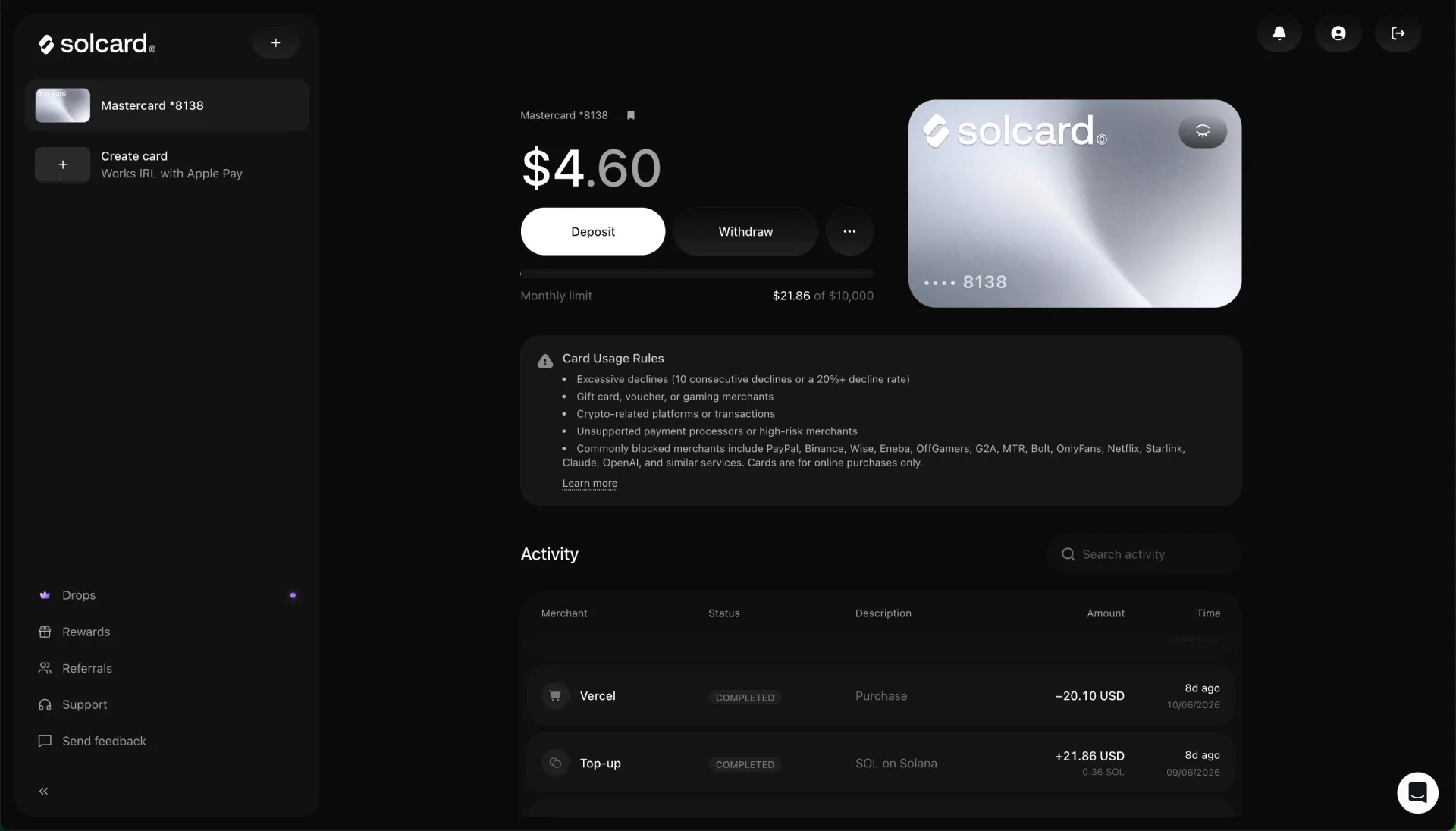
SolCard is a virtual prepaid Mastercard you fund with crypto and then spend at any online checkout that accepts Mastercard. It is the card I have used the longest, and it is the reason this comparison exists. Per SolCard's own help docs, you top up with USDT, USDC, SOL, or SOLC, the balance is denominated in USD, and the basic virtual tier is genuinely no-KYC.
The fee schedule is the most transparent in this group: 5% top-up, $0.30 per transaction, +2% on currency conversion, $10 Mastercard issuance, and a $1 monthly fee. For occasional subscription payments that math is reasonable. For heavy micro-spending the per-transaction and top-up fees add up, so it rewards a "top up once, spend deliberately" pattern.
Two honest caveats. The No KYC claim holds for the basic virtual Mastercard, but the verified Full Access tier with Apple Pay and Google Pay does require verification. And the restricted-country list includes the US and Russia, so check your residence first. I cover the full six-month experience, including merchant declines and the things the marketing skips, in the SolCard review.
For most readers whose actual problem is "I hold USDT and I want to pay for ChatGPT or a SaaS tool without a bank card," this is where I would start. You can open a SolCard and fund a small amount to test it before committing anything meaningful.
CardUpNow

CardUpNow issues virtual Visa and Mastercard cards with no KYC, and it competes directly with SolCard on the same use case. The structure is different enough to matter. According to its fees and usage policy, last updated in September 2025, there is a $50 one-time account activation that is non-refundable and does not itself issue a card, a 5% deposit fee, a minimum deposit of $100 with no maximum, a 5% card issuance fee, and a 5% withdrawal fee.
That $50 entry cost is the headline trade-off. It means CardUpNow only makes sense once your volume is high enough to absorb a fixed cost that SolCard does not charge. On the per-transaction side it lists a $0.40 fee on declined transactions and on small authorizations under $30, and small USDT deposits under $100 carry an extra $1 handling fee on top of the deposit fee.
So the honest read is this. If you are a low-volume user topping up $20 here and there, the activation cost and $100 minimum deposit make CardUpNow expensive relative to SolCard. If you are moving larger, regular amounts and value Visa as an option, the stacked 5% fees become a smaller share of each load and the card gets more competitive. You can verify the current numbers on the CardUpNow fees page before deciding, since this provider updates its policy periodically.
Solflare Card
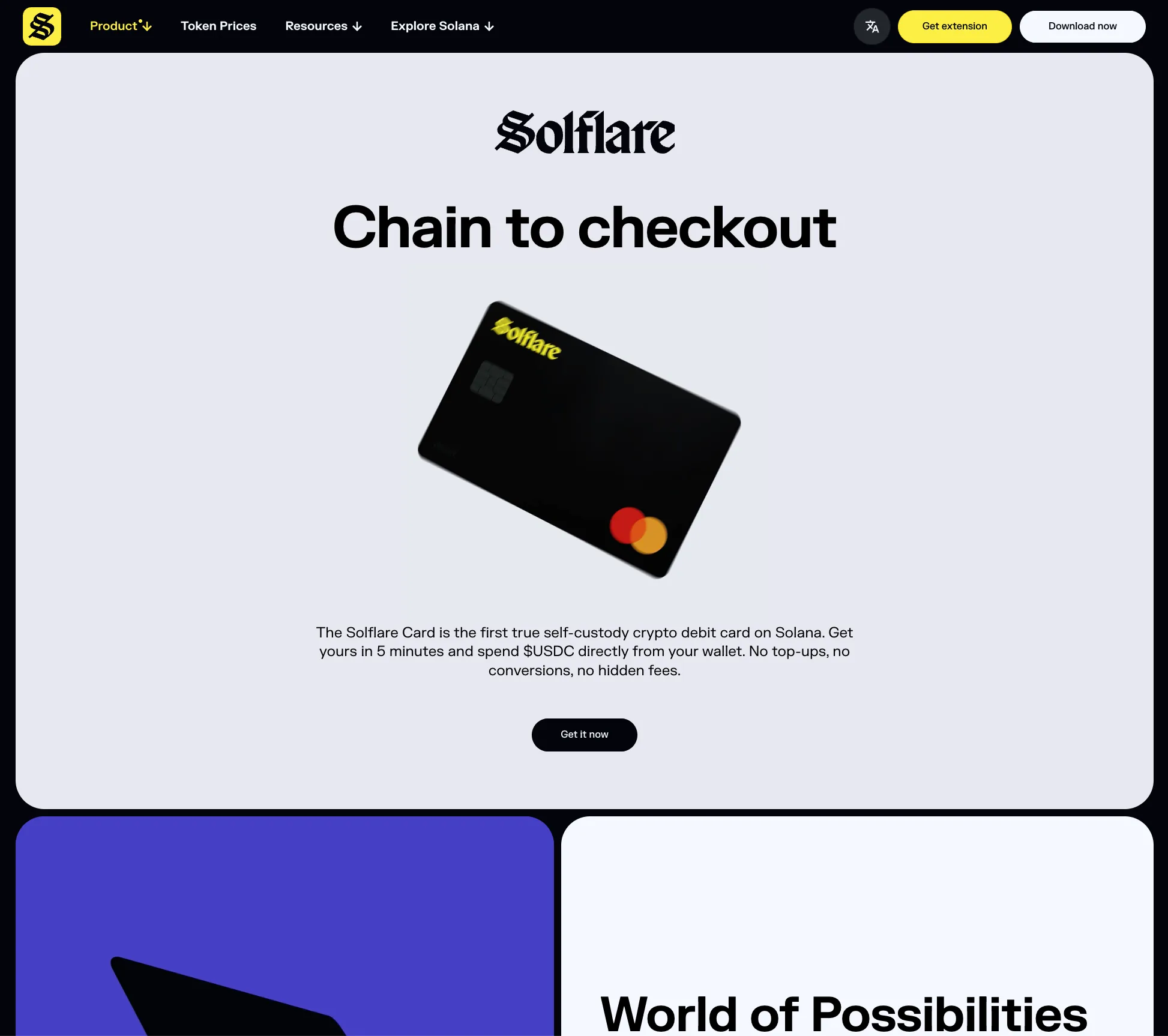
Solflare takes a genuinely different architecture. Instead of a custodial prepaid balance, the Solflare Card is a self-custody debit card on Solana: you spend USDC directly from your own wallet, with no top-up step and no conversion into a separate card balance. It runs on Mastercard, is accepted at the same global merchant network, and works with Google Pay today, with Apple Pay listed as coming.
The appeal is control. With a custodial card you hand your float to the issuer, whereas here you keep the keys and the rails handle settlement at the moment of purchase. For people who refuse to park money with a card provider, that is a real advantage and a rare one.
The trade-off is verification and geography. Solflare requires instant KYC at sign-up, so this is explicitly not a no-KYC option, and availability is limited to the EEA, the UK, and other countries decided case by case. Its marketing describes "competitive fees" and "no hidden fees," but it does not publish a specific fee table on the card page, so I will not put numbers next to it. If self-custody is your priority and you are eligible, check eligibility through the Solflare app and confirm the current fees in-app before funding.
Wise
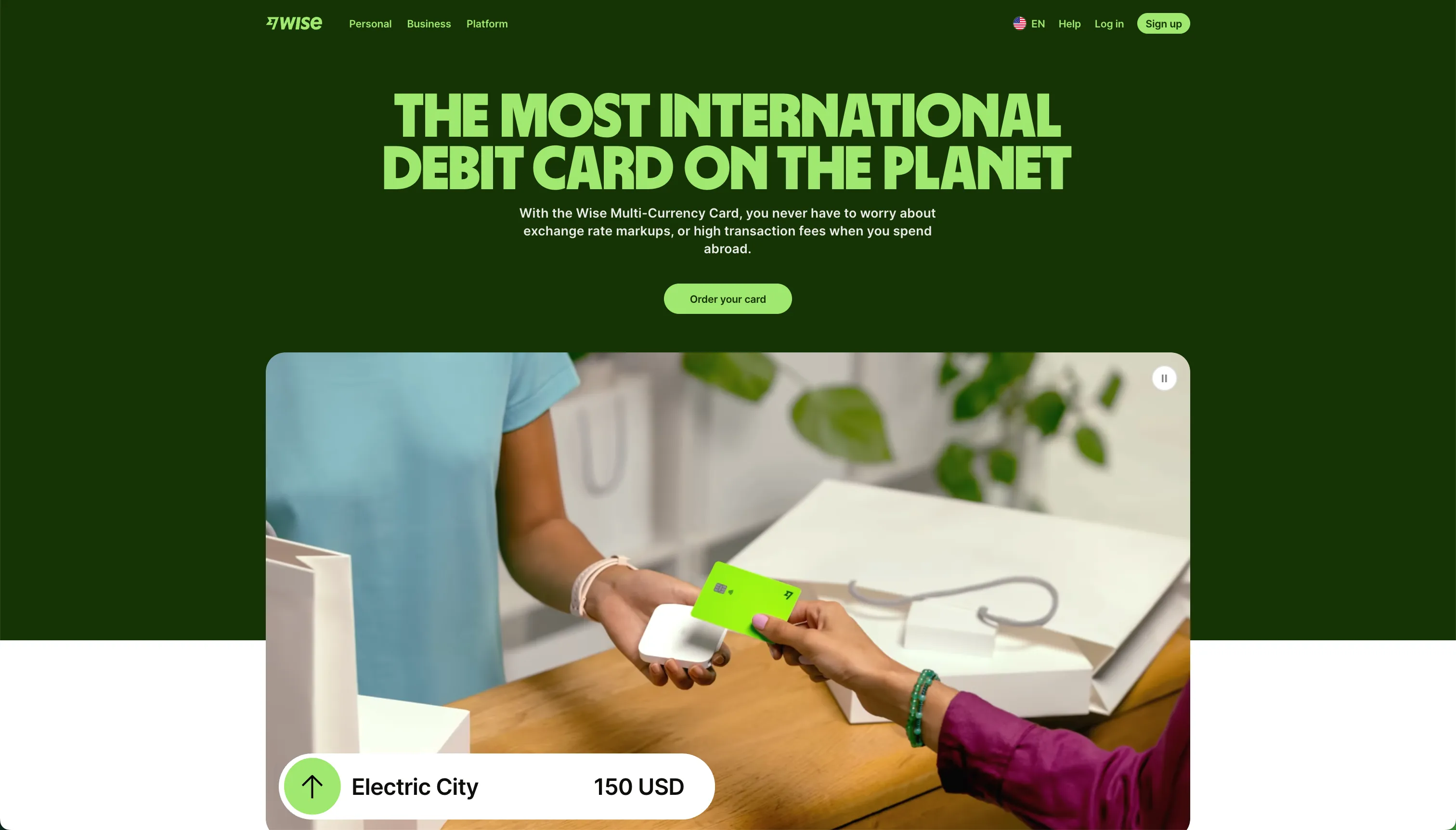
Wise is not a crypto card, and that is exactly why it belongs here. It is the baseline that tells you what genuinely low card fees look like, so you can judge whether a crypto card's premium is worth paying for the access it buys. Wise issues a multi-currency debit card funded from a fiat balance, with a one-time card cost of $9, spending at the mid-market exchange rate plus a conversion fee starting around 0.33%, and free ATM withdrawals up to $250 per month before a small fee applies.
It supports Apple Pay and Google Pay out of the gate, works across 160-plus countries, and is about as cheap as mainstream fiat spending gets. The catch, for the audience of this article, is twofold: Wise requires full KYC, and it does not let you fund the card with crypto. You need a bank relationship Wise can connect to, which is precisely the thing many crypto-card users do not have.
So Wise is the reality check. If you can open and fund a Wise account, its fees will beat every crypto card here, and you probably do not need a crypto card at all. If you cannot, the crypto cards are solving an access problem that Wise simply does not address. You can compare its published pricing on the Wise card page.
PayGate.to
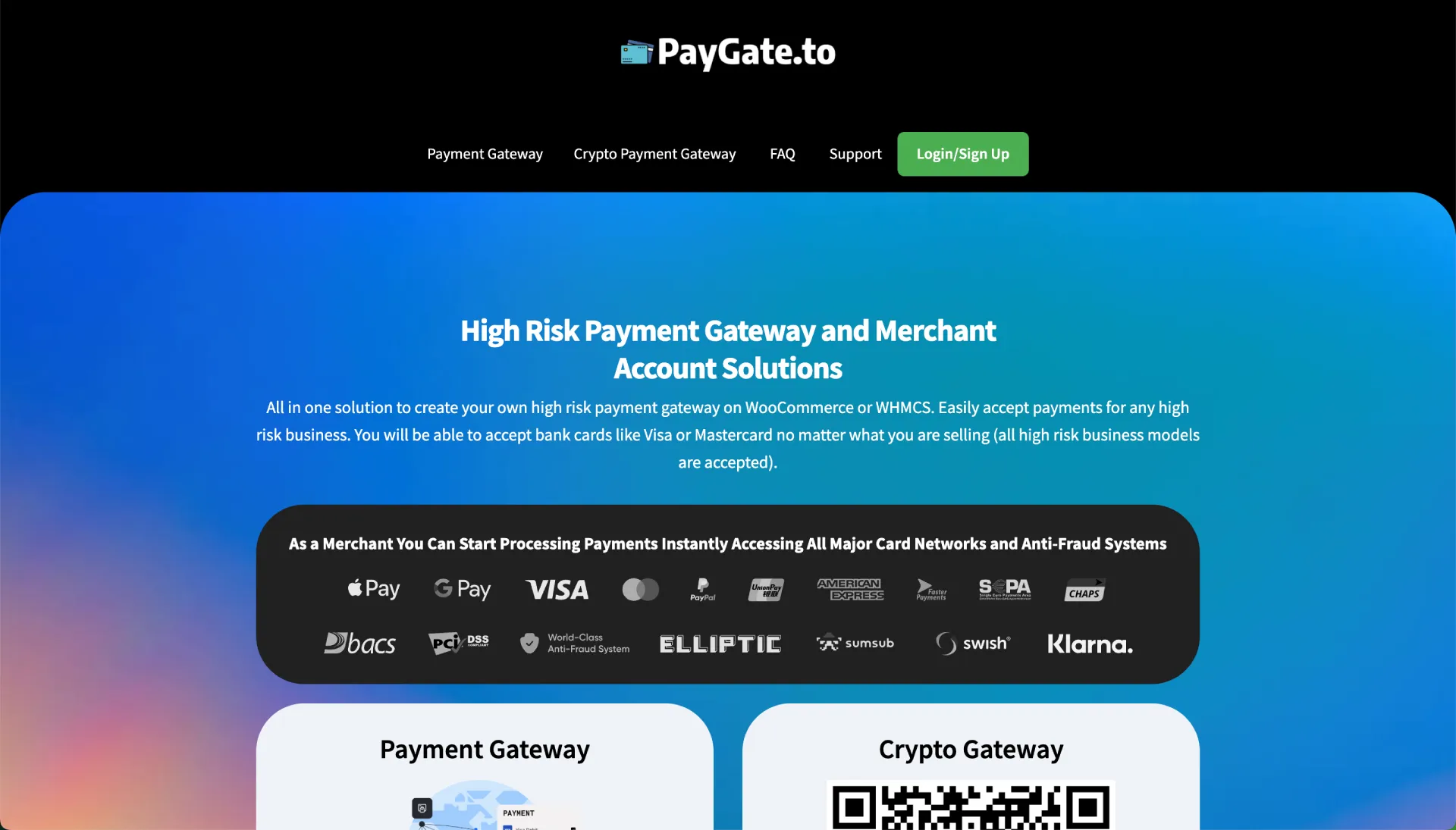
PayGate.to is the entry I went back and forth on, and the honest conclusion is that it is mostly not a personal spending card. It is a high-risk payment gateway built for merchants: no KYC or KYB onboarding, USDC payouts on Polygon, and plugins for platforms like WooCommerce and WHMCS. Its core job is helping businesses accept crypto, not helping you pay for a subscription.
It does advertise a "No KYC Virtual Credit Card" alongside the gateway, described as Visa or Mastercard, crypto-funded, with Apple Pay, Google Pay, and NFC support. The problem for a comparison like this is that the personal-card fees are not publicly disclosed anywhere I could find. There is no published top-up rate, no issuance fee, no per-transaction number to put in the table.
By the rules I set for this guide, that means I will not invent figures to fill the gap. If you are a merchant looking to accept crypto, PayGate.to is worth a direct look on its own terms. If you are an individual trying to pay for online services, the lack of transparent personal-card pricing is a reason to prefer an option whose costs you can see before you commit. You can evaluate the gateway yourself at PayGate.to, keeping in mind that its strengths are on the merchant side.
Which card fits your use case
The table tells you what each card is. This section tells you which one to pick, because the right answer changes completely with your situation.
→ Paying for subscriptions like ChatGPT, Claude, or SaaS with USDT. SolCard is the cleanest fit. No KYC on the basic tier, published fees, and it spends fine at most online checkouts. Top up what one or two months of subscriptions cost and treat it as a spending wallet, not a savings account.
→ You move larger, regular amounts and want Visa as an option. CardUpNow becomes competitive once your volume absorbs the $50 activation and the stacked 5% fees. At low volume it loses to SolCard on raw cost.
→ You refuse to give custody of your money to a card issuer. Solflare is the only self-custody option here, provided you are in the EEA or UK and accept mandatory KYC. You trade privacy for control.
→ You can open a normal fiat account and just want low fees. Use Wise. The crypto cards exist to solve an access problem, and if you do not have that problem, you are paying a premium for nothing.
→ You run a business that needs to accept crypto. PayGate.to is built for you, not for personal spending. Evaluate it as a gateway, not as a card.
→ Privacy is your single highest priority. Stick to the genuinely no-KYC, crypto-funded options, SolCard or CardUpNow, and keep balances small. No card can promise perfect privacy, but these two avoid the document upload that the others require.
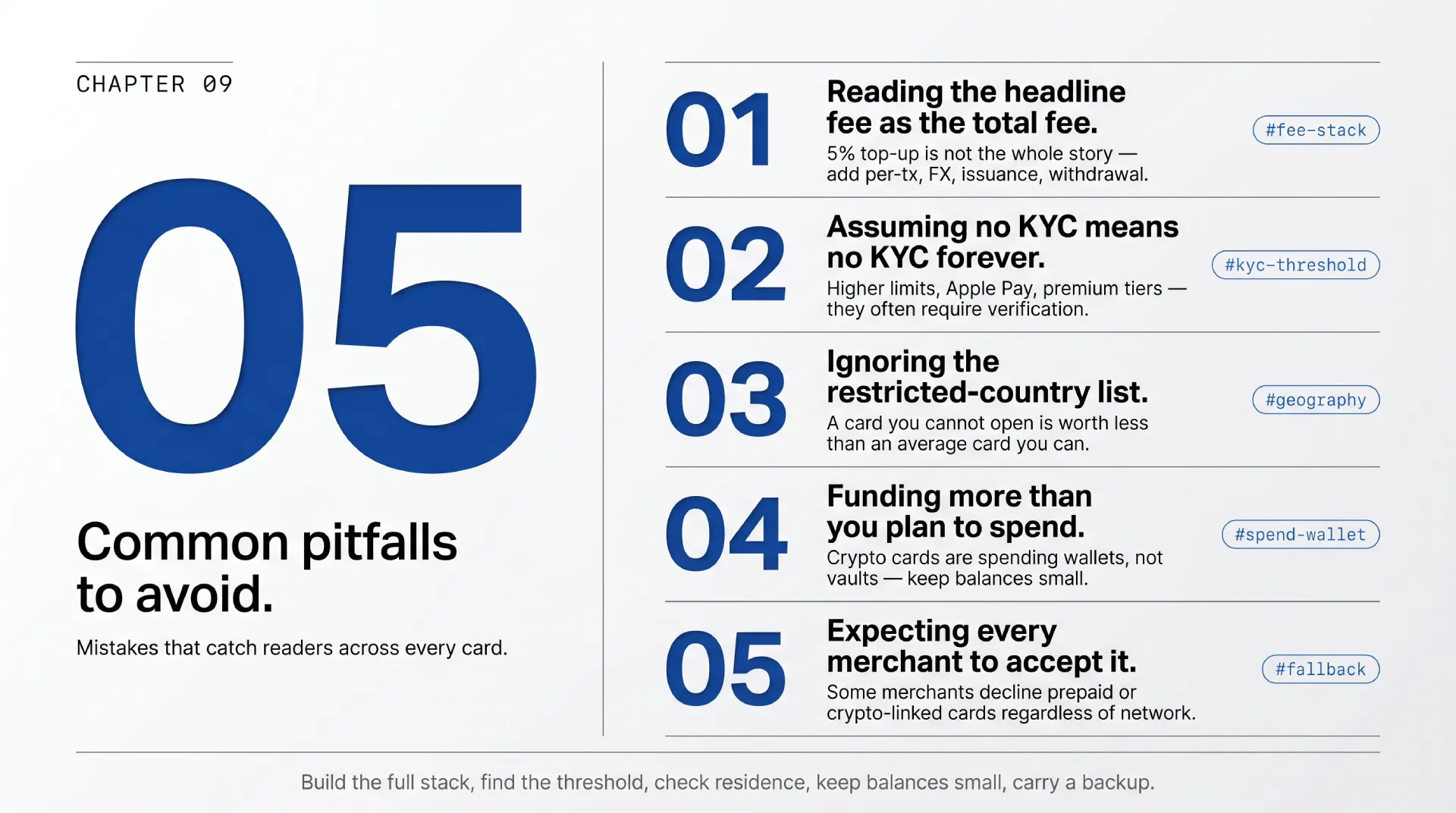
Common pitfalls to avoid
The same handful of mistakes catch people across every card in this list. Watch for these before you fund anything.
→ Reading the headline fee as the total fee. A 5% top-up is not the whole story once you add per-transaction, FX, issuance, and withdrawal costs. Build the full stack for your own spending pattern, then compare.
→ Assuming No KYC means no KYC forever. Several cards are no-KYC on a basic tier and require verification for higher limits, Apple Pay, or a premium card. Find the threshold before you rely on the claim.
→ Ignoring the restricted-country list. A card you cannot open is worthless. SolCard restricts the US and Russia, Solflare limits to the EEA and UK, and others have their own lists. Check residence first, always.
→ Funding more than you plan to spend. Crypto cards are spending wallets, not vaults. Keep only what you intend to use soon, so a frozen card or a closed provider never costs you a large balance.
→ Expecting every merchant to accept it. Some merchants decline prepaid or crypto-linked cards regardless of network. No provider can guarantee acceptance, so always have a fallback for a payment that truly matters.
How to test a crypto card safely
Whatever you pick, the safe way in is the same. I follow this sequence with every new card, and it has saved me from more than one bad surprise.
❶ Confirm eligibility first. Check the restricted-country list against your residence before you create an account, so you do not waste an activation fee on a card you cannot use.
❷ Fund the minimum. Load only the smallest amount the card allows, or just enough for one small purchase. This is your test stake, and you should be fully willing to lose it.
❸ Run one real transaction. Pay for one small, genuine charge, a single month of a subscription is ideal, and confirm it clears. A successful real charge tells you more than any review, including this one.
❹ Check the statement against the fee table. Compare what you were actually charged to the published fees. If the numbers do not match the documentation, treat that as a serious red flag and stop there.
❺ Scale up only after it passes. Once a card has cleared a real transaction and the fees match the docs, increase your top-ups gradually. Never jump from a $5 test to a large balance in one move.
FAQ
What is a no KYC crypto card?
It is a payment card you fund with cryptocurrency and use without completing identity verification, meaning no passport, selfie, or proof of address. In practice "no KYC" usually applies to a basic tier with limits, and providers often require verification for higher limits or premium features. The claim is real for cards like SolCard's basic virtual Mastercard, but you should always confirm where the no-KYC threshold ends.
Which is the best no KYC crypto card in 2026?
For spending USDT on online subscriptions, SolCard is my pick, because it combines genuine no-KYC on the basic tier with a fully published fee schedule and broad Mastercard acceptance. CardUpNow is a reasonable alternative at higher volume despite its $50 activation cost. The honest answer depends on your volume, your country, and whether you value transparency of fees, which is why this guide compares rather than crowns.
Can I buy SOL or other crypto with a credit card and load these cards?
The cards here are funded by sending crypto you already hold, not by buying crypto on the card itself. If you need to acquire stablecoins first, you would buy USDT or USDC on an exchange or on-ramp, then send them to the card. SolCard accepts USDT, USDC, SOL, and SOLC, so if you already hold any of those on Solana, funding takes minutes.
Is SolCard better than PayGate.to?
For personal spending, yes, and it is not close, because SolCard publishes its fees and is built as a personal card, while PayGate.to is primarily a merchant gateway whose personal-card fees are not publicly disclosed. PayGate.to is the better tool if you run a business that needs to accept crypto. They solve different problems, and comparing them only makes sense once you know which side of the counter you are on.
How does SolCard compare to CardUpNow?
Both are no-KYC, crypto-funded virtual cards, so the difference is cost structure. SolCard has no fixed entry fee and a $5 minimum balance, which suits low and occasional spending. CardUpNow charges a $50 one-time activation plus a $100 minimum deposit and stacked 5% fees, which only pays off at higher, regular volume. Light users should prefer SolCard; heavier users who want Visa should price out CardUpNow.
Are no KYC virtual cards legal?
Using a crypto-funded card is legal in most places, but rules vary by country, and some jurisdictions restrict either the cards or the providers. The cards' own restricted-country lists, like SolCard excluding the US and Russia, exist partly for this reason. You are responsible for your local rules, and "no KYC" describes the sign-up flow, not a license to ignore your own jurisdiction's law.
Can I use a USDT card for online subscriptions?
Yes, that is the core use case for cards like SolCard. You fund with USDT, the balance shows in USD, and you enter the card details at checkout the same way you would any Mastercard. The main limits are merchant acceptance, since a few merchants decline prepaid or crypto-linked cards, and the fee stack, which favors topping up once and spending deliberately rather than many tiny charges.
Do any of these cards work with Apple Pay or Google Pay?
Some do, often behind verification. SolCard offers Apple Pay and Google Pay on its verified Full Access tier, Solflare supports Google Pay now with Apple Pay listed as coming, and Wise supports both out of the box. The basic no-KYC tiers are frequently virtual-only, which is fine for online checkouts but not for tapping a phone in a physical shop.
What happens to my money if a card provider shuts down?
With custodial cards like SolCard and CardUpNow, your balance sits with the provider, so a shutdown or freeze puts that balance at risk. This is the main reason to keep only what you plan to spend on any custodial card. Solflare's self-custody model avoids this specific risk, since funds stay in your own wallet, though it comes with mandatory KYC in exchange.
Is Wise a crypto card?
No. Wise is a fiat multi-currency debit card that cannot be funded with crypto and requires full KYC. It is in this comparison as a baseline, because its low fees show what mainstream card spending costs. If you can open and fund a Wise account, it will beat the crypto cards on fees, and you likely do not need a crypto card at all.
Final verdict
After lining these five up on funding, fees, KYC, and geography, the field sorts itself cleanly. SolCard is the best general no-KYC crypto card for spending stablecoins on subscriptions, thanks to honest fee disclosure and a basic tier that genuinely skips verification. CardUpNow is the higher-volume alternative once you can absorb its entry cost. Solflare is the self-custody choice for the eligible and the verified. Wise is the fiat yardstick that quietly wins on price if access is not your problem, and PayGate.to is a merchant gateway wearing a card as an accessory. If your situation matches mine, holding USDT and needing to pay for online tools, start with SolCard and the full review.
Methodology
This comparison is based on each provider's own public documentation as of June 2026, plus my hands-on use of SolCard over six months. Where a provider does not publish a fee, I marked it "Not publicly disclosed" rather than estimate. Fees and country restrictions change, so verify the current numbers on each provider's site before funding. I earn a commission only on SolCard sign-ups through my link, and it did not affect the ranking.