
How to use AI UI inspiration to design faster without copying blindly

Learn how to use AI-generated UI inspiration without creating shallow designs. A step-by-step process to choose references, apply constraints, and ship better UI faster.

How to use AI UI inspiration to design faster without copying blindly
Inspiration

Published on

March 8, 2026

|

4 min read

Tutorials

How to use AI UI inspiration to design faster without copying blindly

Navigation

Subscribe to new posts

Thank you! Your submission has been received!
Oops! Something went wrong while submitting the form.

By subscribing you agree to with our Privacy Policy.

Share this post

Author image

Roman Kamushken

AI-generated UI used to be a toy. It looked glossy, it broke under real copy, and it collapsed the moment you asked for states. That changed. Today the output is often coherent enough to be useful as a reference layer, especially when you treat it as material for decisions rather than pixels to trace.

This guide is a workflow for turning AI UI inspiration into shippable UI. It is written for the moment when you need speed, consistency, and breadth, while still staying responsible about usability.

Start with intent, open the gallery later

If you browse first, you will end up collecting styles. If you write intent first, you collect decisions.

A fast brief takes 60 seconds. Use one sentence that contains context, user, and constraint. Example for a Settings pattern: Power user settings for a B2B analytics tool, dense but readable, advanced options grouped behind clear sections, with safe defaults.

Now your browsing becomes targeted. In app.setproduct.com you can open a pattern category like Settings and filter further by component ideas, like Tabs or Switch. Your goal is one reference that solves structure, one that solves interaction, one that defines tone.

☞ Do: start with a single sentence that includes platform and audience. Example: Mobile checkout for first-time buyers, single column, trust cues visible, friction minimized for address entry.
✘ Don’t: start with a style request. Example: Make it glassy and neon. That brief has no product shape, so your reference will have no useful constraints.

Real example. You need a Checkout screen for a small ecommerce store. The intent sentence might be: Mobile checkout, guest flow, address plus delivery slots, clear error messaging, no hidden fees. When you browse, you ignore fancy hero banners and look for form density, validation, and order summary placement.

Collect references in sets, avoiding singles
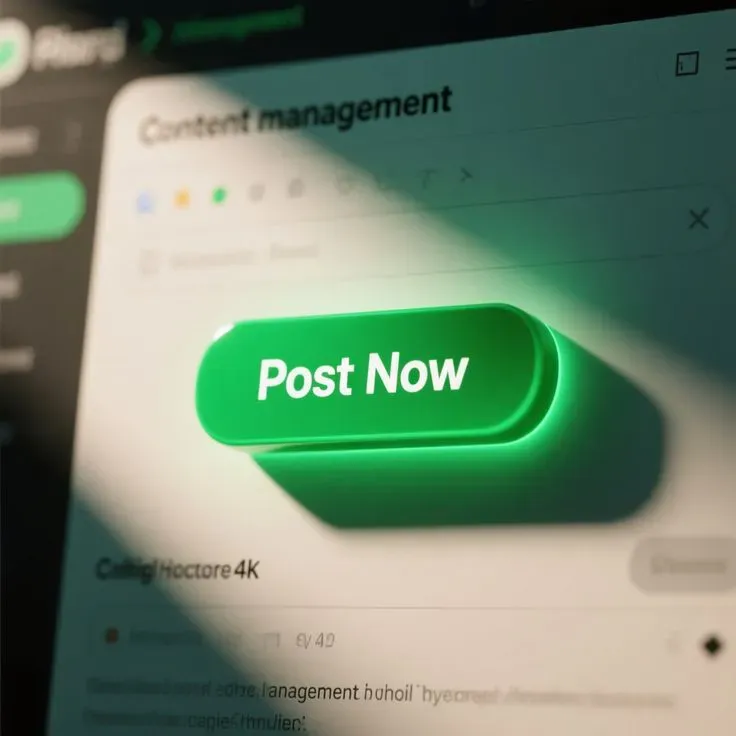
Post now buttons UI design style for content management

A single screenshot can be persuasive and still be wrong. A set exposes the hidden parts: states, edge cases, and content realism.

Use the 3-reference rule.

❶ Structure reference. It defines layout, grouping, hierarchy.
❷ Interaction reference. It shows states, validation, feedback.
❸ Tone reference. It sets typography weight, contrast, motion philosophy.

Real example. You are designing Buttons for a web dashboard.

Structure reference: a button group layout inside a toolbar, showing how primary and secondary actions align with filters.
Interaction reference: a state matrix, hover, pressed, disabled, loading.
Tone reference: a restrained theme that keeps buttons readable in dense UI.

In your AI gallery, this often means opening the Buttons category, then saving three items that differ by purpose, rather than three that share the same gradient.

☞ Do: save sets with names like Toolbar actions, Destructive confirm, Loading state.
✘ Don’t: save ten variations of the same shiny primary button. It looks like progress and produces zero decisions.

To make sets actionable, attach a short note to each saved reference in your head. You can also treat the prompt as a hint about why the design looks the way it looks, especially when you see consistent choices like radius, elevation, and spacing.

Validate a reference with a 30-second checklist
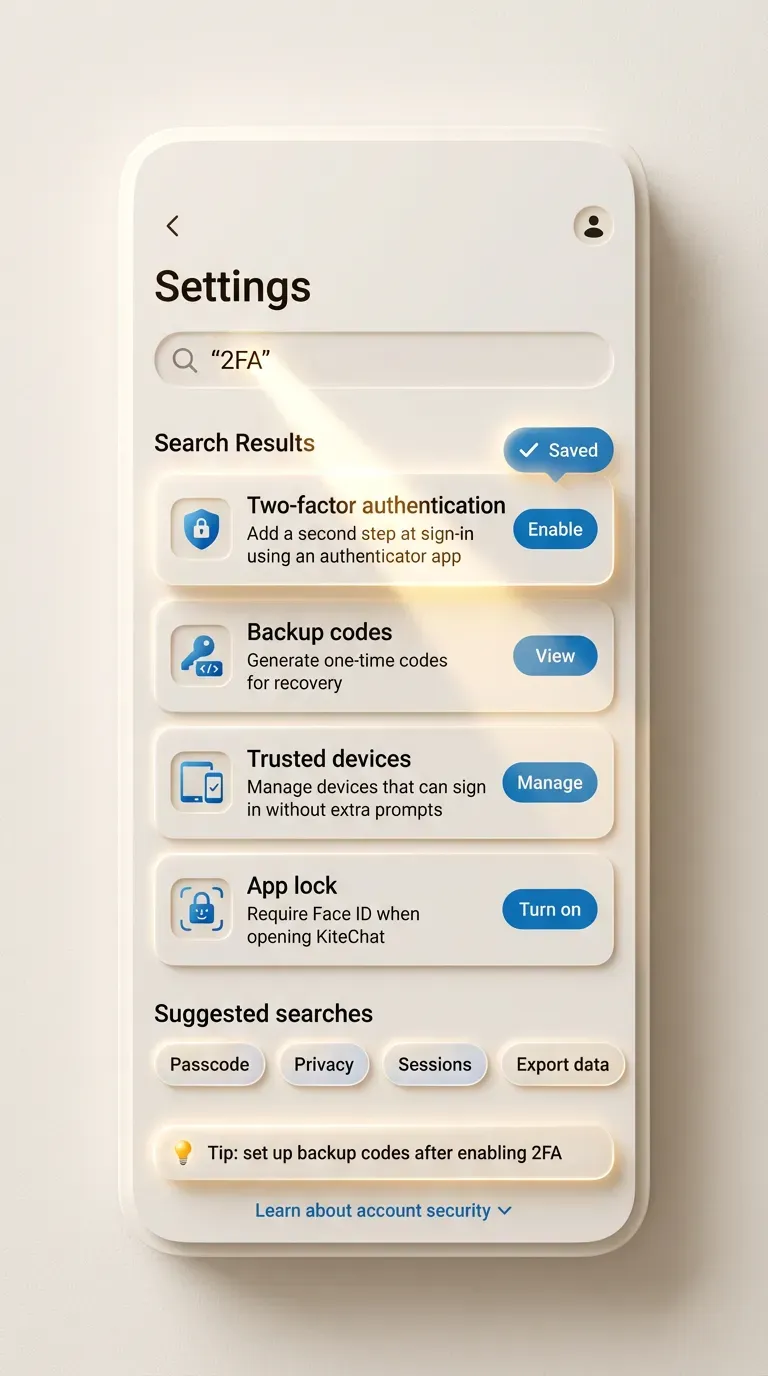
Light theme mobile Settings screen for a messaging app called KiteChat

AI inspiration tends to optimize for coherence, not for failure modes. Your job is to filter references before they infect your Figma file with risky decisions.

Here is a fast validation frame you can run mentally on the detail page.

First, states. If the reference shows only the happy path, treat it as incomplete. Second, hierarchy. If the eye has no stable reading order, the design will feel expensive and still frustrate users. Third, copy realism. If the text is decorative filler, the layout will break when product copy arrives.

Real example. You open a Settings reference that looks clean. Then you notice advanced sections hidden behind tiny accordions, with no explanation and no search. For a power user tool, that is a problem. You keep the layout idea, then you replace the navigation pattern with a left rail or search-driven settings.

☞ Do: prefer references that show at least one error or empty state in the same visual language. Example: a login form that shows invalid password feedback without jumping layout.
✘ Don’t: accept a reference that hides all complexity behind micro text. Example: critical privacy toggles pushed to footnotes.

When you see a strong reference, write down the decision it implies. Example: error messages occupy a reserved line under each input, so the layout stays stable. That decision is reusable across your product.

Translate inspiration into constraints and tokens
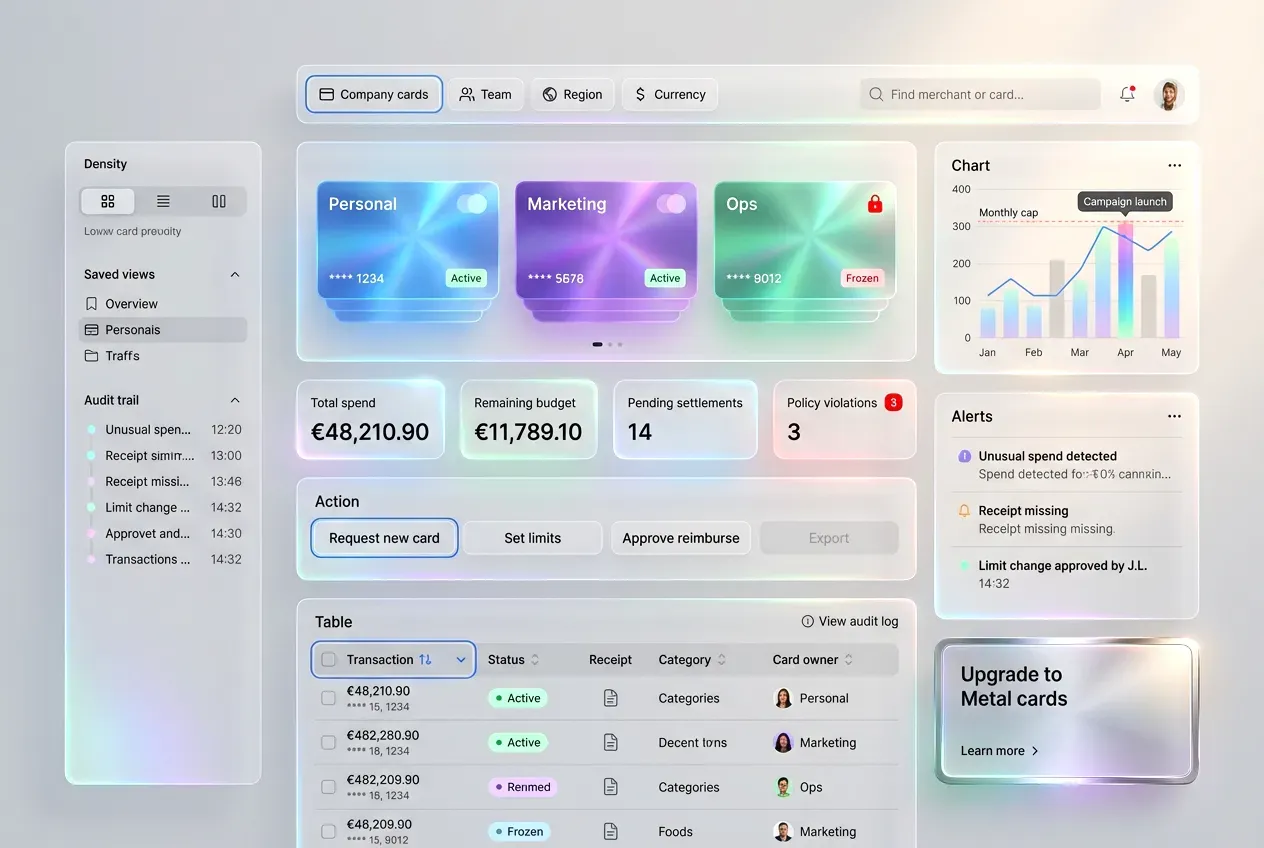
Liquid glass fintech dashboard UI for business spend control, light theme

This is the step that prevents copying. You extract rules, then you build your own UI with your own content.

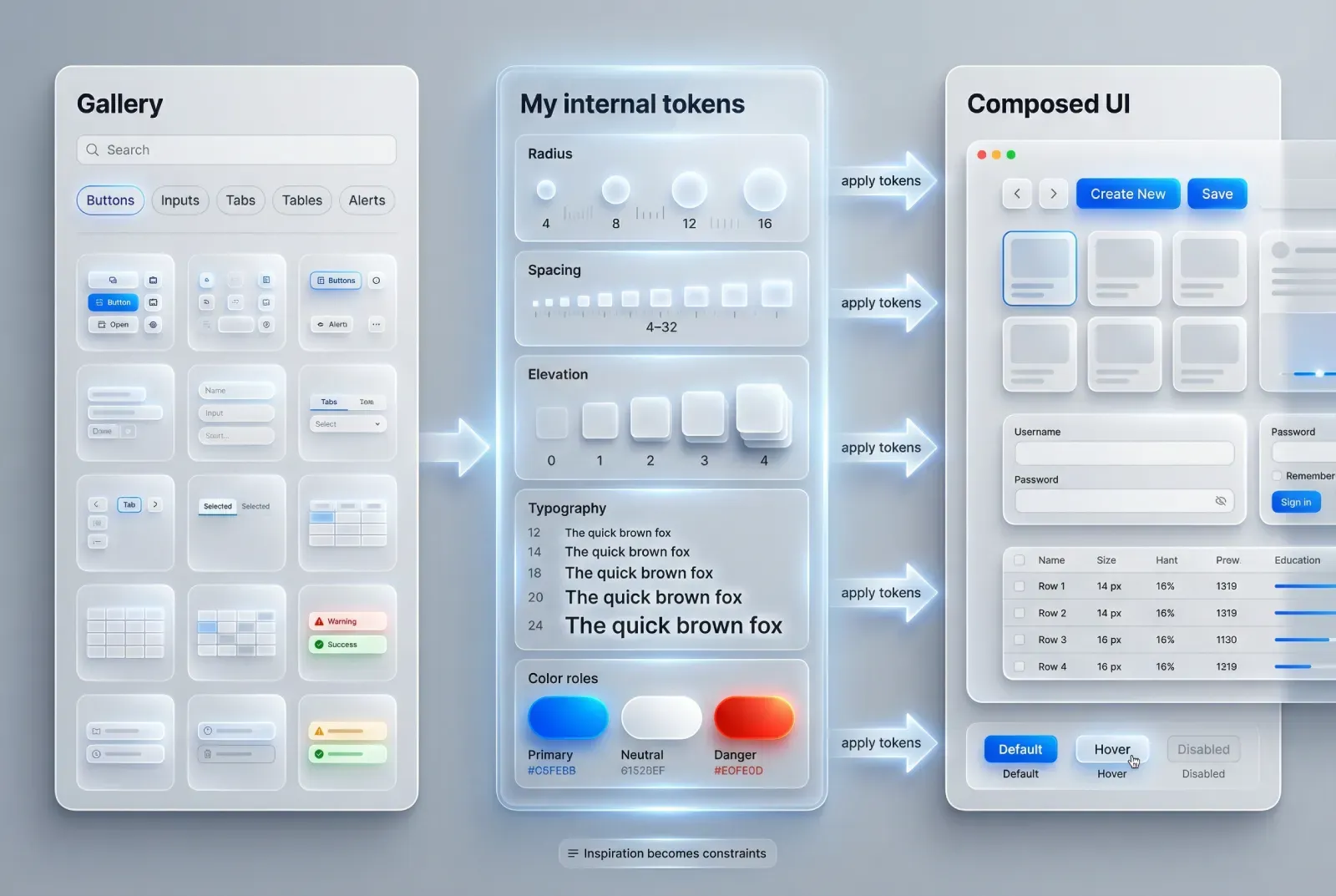
Take one reference and translate it into tokens. Tokens are roles, not colors. Spacing is a scale, not a one-off padding. Shadows are levels, not random blur.

Real example. You like a Dashboard card layout from the gallery. Instead of copying the card, you extract:

Radius strategy: 12 for containers, 10 for inputs, 999 for chips.
Elevation: 0 for surfaces, 1 for cards, 2 for floating controls.
Type scale: 20 for section titles, 14 for body, 12 for metadata.
Spacing: 8 as base, 16 as section padding, 24 as block spacing.

Now you can recreate the feel in shadcn components, while changing the layout as needed.

Do & Don’t applied to a Tabs reference.

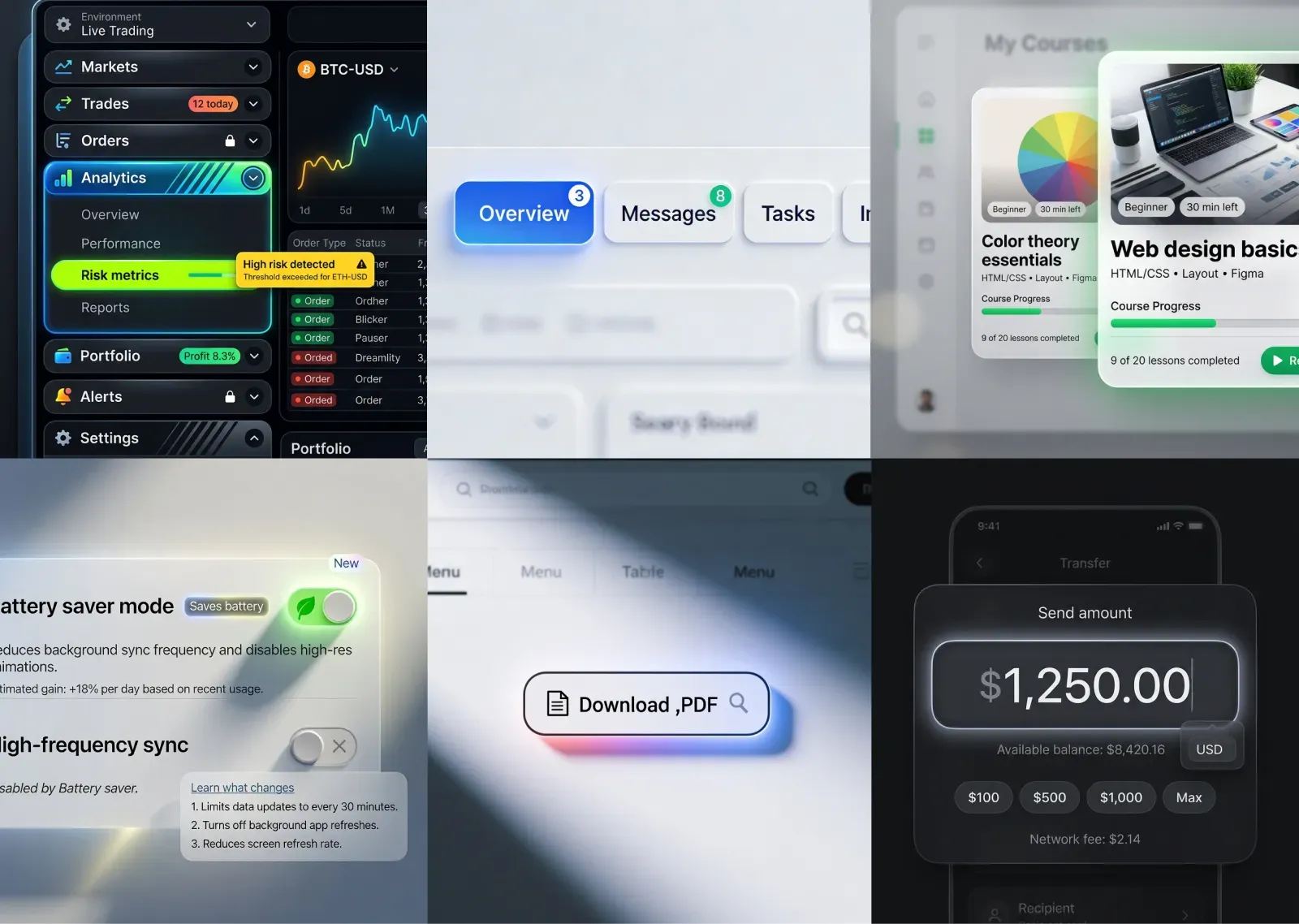
☞ Do: extract tab anatomy. Example: label, count badge, focus ring, active indicator thickness, overflow behavior.
✘ Don’t: extract only the gradient and call it a day. A tabs component is a navigation contract, not a color exercise.

This is also the right moment to make component inventory explicit. Look at the reference and name what exists: buttons, badges, tabs, search, table, empty state. If you cannot name it, you cannot implement it.

Rebuild in Figma, stress test it after
Rebuild has a predictable order. You can do it fast with shadcn-style building blocks.

❶ Skeleton layout with real spacing.
❷ Realistic copy and real data density.
❸ States and feedback.
❹ Stress tests.

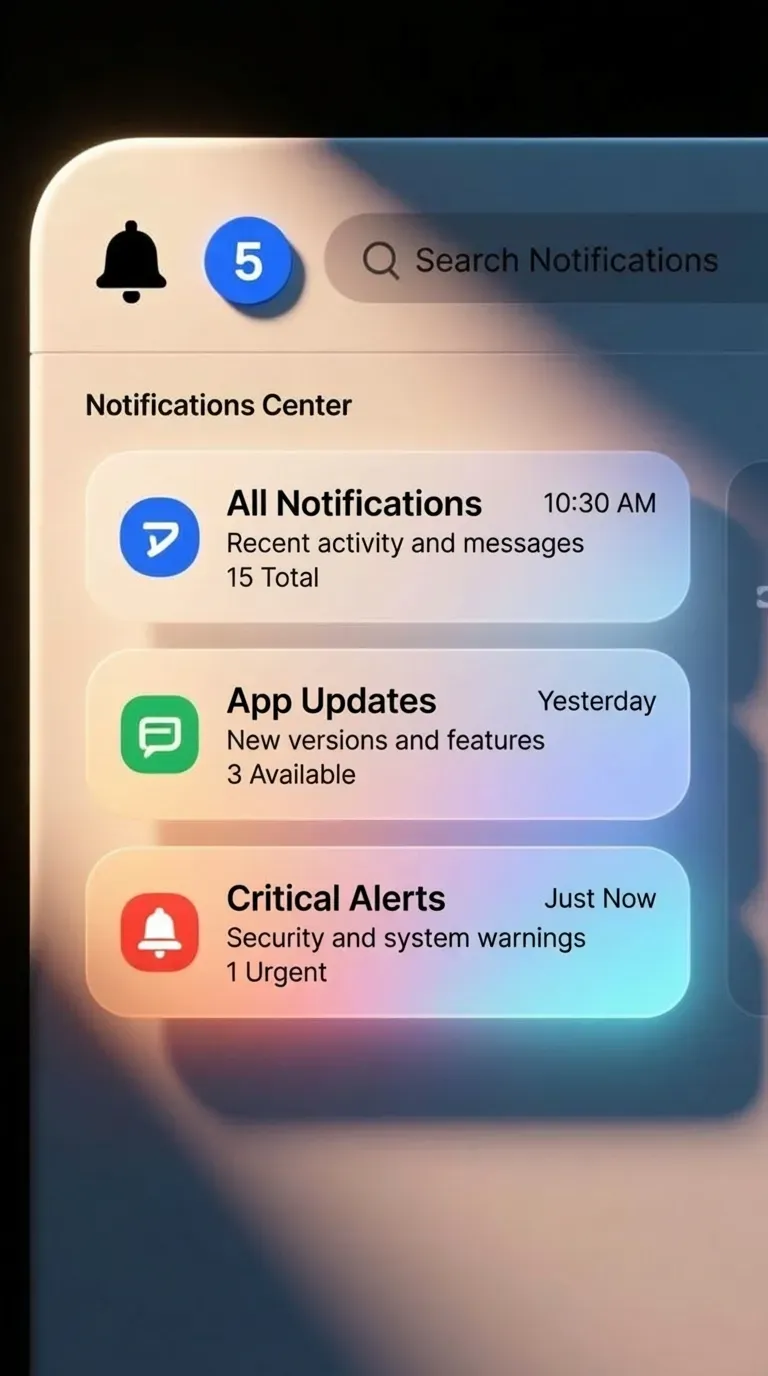
Real example. You rebuild a Notifications center reference.

Skeleton: header, filters, list, detail panel.
Copy: replace lorem with real notification titles like Payment failed, Invite accepted, Report ready.
States: unread, read, muted, action required.
Stress tests: very long titles, empty list, offline mode, bulk actions.

Stress tests are where glossy references lose. They also show you where to spend your next hour.

Use stress tests that reflect your product realities.

A common one is localization. If you target EU markets, German strings will increase length. If your UI survives that, it is robust. Another is permissions. If you have file access, the first denial must keep the user oriented.

☞ Do: stress test before you fall in love with the visuals. Example: switch a compact table into a small viewport and see if columns collapse gracefully.
✘ Don’t: polish shadows before you have error messaging. That order produces attractive failure.

If you want a systematic habit, pick one stress test per screen type and always apply it. For checkout, that can be invalid card, invalid address, and slow network.

Use AI inspiration for speed, then decide like a human

AI is strongest at breadth. It gives you many plausible variants quickly. Humans decide tradeoffs.

Use AI references to explore questions like: what if the settings are grouped by mental model instead of product modules, what if the primary button is persistent versus contextual, what if the tabs use badges versus dots.

Then decide using constraints: accessibility, clarity, implementation cost, and consistency across your design system.

Real example. You browse Button UI design references and see a trendy pill with glass blur. It looks great. Your constraints say the app must pass contrast checks, and the interface is dense. You keep the pill shape, you drop the blur, and you use a solid fill with a clearer focus ring.

☞ Do: treat prompts as a recipe to recreate style quickly. Example: use the same prompt structure to generate variations for Tabs, Inputs, and Tables, so the system stays consistent.
✘ Don’t: treat prompts as a source of truth. Your product constraints and user tasks stay the truth.

This is the mindset that makes your AI gallery valuable. It becomes a way to generate controlled variety, while the final design remains human-led.

A reusable workflow in six moves

If you want a repeatable habit, keep it short.

❶ Intent sentence
❷ Set of three references
❸ 30-second validation
❹ Extract constraints and tokens
❺ Rebuild with real content
❻ Stress test states and edge cases

You can run this workflow on any component category inside app.setproduct.com: Buttons, Tabs, Tables, Settings, Checkout. The category gives breadth, your intent gives direction, and the constraint extraction gives you a design you can ship without shame.

If you want to try it today, open the gallery, pick one component you are currently working on, and build a set of three references with a written intent sentence. The output should be a clearer Figma file, fewer random decisions, and a system that holds under real content.
Share this post

Subscribe to Setproduct

Once per week we send a newsletter with new releases, freebies and blog publications
Thank you! Your submission has been received!
Oops! Something went wrong while submitting the form.

By clicking Sign Up you're confirming that you agree with our Terms and Conditions.

Congratulations!

You're in! Expect awesome updates in your inbox

FAQs

Lorem ipsum dolor sit amet, consectetur adipiscing elit. Suspendisse varius enim in eros elementum tristique.
No items found.

Our Dashboard Templates Will Make It A Treat To View Data

Experience the magic of data visualization with our user-friendly dashboard templates. Try out our dashboards now and enjoy efficient reporting processes, greater transparency in, among others monitoring and making educated decisions easily.
Nocra UI kit

Nocra UI kit

Nocra is a design system for AI products. Built specifically for startups harnessing AI generation: images, video, audio, music, prompts, and beyond.

Material X for Figma

Material X for Figma

Figma library with 1100+ components & 40 app templates beyond Material Design. Powered by top-notch shapes and Manrope font. Customizable & Adjustable UI kit now available for Angular & Figma

Material You UI kit

Material You UI kit

Figma & React library with 2600+ variants of 32 components compatible with Material Design 3. Plus 220+ dashboard templates for all the viewports. Now available for NextJS & TailwindCSS.

Figma React UI kit

Figma React UI kit

Designed and well-organized in Figma React-based UI toolkit for the web. Optimized for building complex data-dense interfaces for desktop and mobile applications.

Panda Design System

Panda Design System

Figma library with dashboard, calendar, kanban, profile, table, ecommerce and 80+ templates in total. Components with variants, dark theme included.

Eclipse UI kit

Eclipse UI kit

Figma library with 1100+ components & 74 templates for data-driven web applications. Powered by auto-layout. Supercharged by Figma's variants.

Rome UI kit for Figma

Rome UI kit for Figma

Customizable and well-organized team library. Contains 250+ components & 30 web app templates powered by stylish and trendy guidelines.

Material Design System

Material Design System

Figma library is based on 100% guidelines compliance with Material.io. Contains ready‑to-use templates to accelerate app UI design.

Neolex Dashboard UI kit

Neolex Dashboard UI kit

Customizable & adjustable dashboard design system with 50+ ready-to-use app layouts, 1900+ variants for 30 components with auto-layout.

Material Desktop Dashboard UI kit

Material Desktop Dashboard UI kit

Figma library with 48+ dashboard templates based on reusable desktop app patterns carefully handpicked from the most popular web apps.

Xela UI kit for Figma

Xela UI kit for Figma

Figma library with 1900+ variants of 30 components categories to craft perfectly shaped desktop & mobile apps. Customizable & Adjustable dashboard design system with 50+ web app templates.

Figma S8 Design System

Figma S8 Design System

Figma design library for mobile and desktop apps made of high quality styled components. Full version includes 67 dashboard templates.

OE Figma Design System

OE Figma Design System

Customizable and well-organized Figma library. This design system aimed to build highly loaded interfaces, boost the speed and save more costs.

Related posts

Lorem ipsum dolor sit amet, consectetur adipiscing elit.

Inspiration

4 min read

Marketing dashboard UI design guide: Layouts, chart types, and mobile optimization

Most marketing dashboards fail because designers prioritize aesthetics over usability. Imagine spending weeks crafting a pixel-perfect interface, only to hear marketers say, “I can’t find the data I need.”

Inspiration

11 min read

Best SaaS Dashboard Examples. Dashboard Design Templates for SaaS Companies

Explore the benefits, features, and best practices of SaaS dashboards to enhance your business's data-driven decision-making.

Inspiration

8 min read

Best E-Commerce Dashboard Templates & Examples

Discover top E-commerce dashboard templates to streamline your data analysis and boost your online store's performance.

Figma Templates & UI kits

Save time and human resources by reusing hundreds of pre-made templates crafted by us. Based on top notch UX taken from the World's best apps.

Nocra UI kit

Nocra is a design system for AI products. Built specifically for startups harnessing AI generation: images, video, audio, music, prompts, and beyond.

Material X for Figma

Figma library with 1100+ components & 40 app templates beyond Material Design. Powered by top-notch shapes and Manrope font. Customizable & Adjustable UI kit now available for Angular & Figma

Material You UI kit

Figma & React library with 2600+ variants of 32 components compatible with Material Design 3. Plus 220+ dashboard templates for all the viewports. Now available for NextJS & TailwindCSS.

Figma React UI kit

Designed and well-organized in Figma React-based UI toolkit for the web. Optimized for building complex data-dense interfaces for desktop and mobile applications.

Panda Design System

Figma library with dashboard, calendar, kanban, profile, table, ecommerce and 80+ templates in total. Components with variants, dark theme included.

Eclipse UI kit

Figma library with 1100+ components & 74 templates for data-driven web applications. Powered by auto-layout. Supercharged by Figma's variants.

Rome UI kit for Figma

Customizable and well-organized team library. Contains 250+ components & 30 web app templates powered by stylish and trendy guidelines.

Material Design System

Figma library is based on 100% guidelines compliance with Material.io. Contains ready‑to-use templates to accelerate app UI design.

Neolex Dashboard UI kit

Customizable & adjustable dashboard design system with 50+ ready-to-use app layouts, 1900+ variants for 30 components with auto-layout.

Material Desktop Dashboard UI kit

Figma library with 48+ dashboard templates based on reusable desktop app patterns carefully handpicked from the most popular web apps.

Xela UI kit for Figma

Figma library with 1900+ variants of 30 components categories to craft perfectly shaped desktop & mobile apps. Customizable & Adjustable dashboard design system with 50+ web app templates.

Figma S8 Design System

Figma design library for mobile and desktop apps made of high quality styled components. Full version includes 67 dashboard templates.

OE Figma Design System

Customizable and well-organized Figma library. This design system aimed to build highly loaded interfaces, boost the speed and save more costs.

Figma iOS kit

Figma library of iOS patterns served as ready-made templates. This UI kit inspired by World's best apps. Based on Human Interface guidelines.

Figma S8 Design System

Figma design library for mobile and desktop apps made of high quality styled components. Full version includes 67 dashboard templates.

Most iOS UI kit for Figma

iOS native components and app templates organized into a «Most Design System» fully compatible with Apple's Human Interface guidelines.

Rome UI kit for Figma

Customizable and well-organized team library. Contains 250+ components & 30 web app templates powered by stylish and trendy guidelines.

Material Design System

Figma library is based on 100% guidelines compliance with Material.io. Contains ready‑to-use templates to accelerate app UI design.

Nucleus UI

Nucleus UI contains 1000 components and variants with 500+ mobile screens designed for Figma (including 9 themes from Event, E-commerce, Finance, NFT, etc.).

Figma Android UI kit

Components-driven Android mobile UI library for Figma. Consists of 140 high quality application templates made of total 250+ UI components.

Mobile X UI kit

Customizable & adjustable iOS / Android design system loaded with ready-made 157 app templates based on 860+ variants for 20 components.

Appka iOS UI kit

Customizable & adjustable iOS design system with 4100+ variants for 28 components and 280+ ready-to-use app layouts crafted for Figma.

Full iOS UI kit

Customizable iOS design system with 320 ready-to-use app layouts. You can modify them or use as it is to save time and never design from scratch again.

Xela for Flutter

XelaUI for Flutter is a simple, modular and accessible component library that gives you the building Flutter apps for mobile and desktop.

Xela for Android

Ready-made collection of fully customizable widgets, UI screens and reusable components for Android coded with Jetpack Compose.

Xela for Swift

Designed for iOS Developers. We provide fully coded customizable components, widgets and well-organized iOS screens for Figma & SwiftUI.

Material You UI kit

Figma & React library with 2600+ variants of 32 components compatible with Material Design 3. Plus 220+ dashboard templates for all the viewports. Now available for NextJS & TailwindCSS.

Figma Charts UI kit

Components-driven graphs design kit for dashboards, presentations, infographics & data visualisation. Includes 25+ charts types for all the viewports.

Hyper Charts

Create impressive visuals with Figma's graphs templates – dozens of scalable and customizable data visualization blocks for dark and light modes.

Orion UI kit

Figma library with 40+ full-width charts templates served in light & dark themes. Contains 200+ of dataviz widgets that look perfect on desktop & mobile screens.

Xela for React

React based components library for beautiful user interface in React apps. Lightweight library for your projects. Contains pre-made web app templates.

Figma React UI kit

Designed and well-organized in Figma React-based UI toolkit for the web. Optimized for building complex data-dense interfaces for desktop and mobile applications.

Material X for Figma

Figma library with 1100+ components & 40 app templates beyond Material Design. Powered by top-notch shapes and Manrope font. Customizable & Adjustable UI kit now available for Angular & Figma

Xela for Flutter

XelaUI for Flutter is a simple, modular and accessible component library that gives you the building Flutter apps for mobile and desktop.

Xela for Android

Ready-made collection of fully customizable widgets, UI screens and reusable components for Android coded with Jetpack Compose.

Xela for Swift

Designed for iOS Developers. We provide fully coded customizable components, widgets and well-organized iOS screens for Figma & SwiftUI.

Material You UI kit

Figma & React library with 2600+ variants of 32 components compatible with Material Design 3. Plus 220+ dashboard templates for all the viewports. Now available for NextJS & TailwindCSS.

Xela for React

React based components library for beautiful user interface in React apps. Lightweight library for your projects. Contains pre-made web app templates.

Levitate 3D kit for Figma

Components-driven 3D kit to design eye-catching Figma presentations. Helps to enhance your landing page, product or app, brand ident, etc.

Website templates UI kit

Landing pages reusable templates kit based on most effective web design patterns. 140+ dark & light constrained design blocks.

Figma Landing Pages UI kit

Landing pages templates library based on constrained & organized components aimed to speed-up the production of effective websites.

Zeus UI kit

Create hassle-free landing pages in Figma. This kit is based on 10 landing page templates, powered by 1600+ variants for 630+ web blocks.

This is some text inside of a div block.