

Connor Patterson
SaaS tools make it easy to build and ship products fast, but they also make it surprisingly easy to overspend.
A few subscriptions rarely seem expensive on their own. The problem starts when teams add new tools without removing old ones, forget about rarely used accounts, or keep paying for overlapping features across several platforms.
Over time, those small recurring charges can turn into a significant and largely invisible part of the operating budget.
For startups and growing product teams, this matters even more. Money tied up in unused software is money the product itself never gets to use. Teams that start a SaaS business with no money feel this fastest, because every recurring charge competes with something the product actually needs.
Reducing SaaS waste doesn't require you to cut every tool from your stack. It starts with understanding where unnecessary costs come from, which subscriptions still provide real value, and where your team can consolidate or downgrade.
Here are the most common hidden costs of SaaS, and practical ways to keep them under control.
Where does the waste come from?
SaaS spending tends to grow gradually, which is exactly why it's so easy to lose track of.
One of the most common problems is tool overlap. Teams often adopt several products that solve similar problems, such as project management or customer support, without realizing how much functionality is being duplicated.
For example, a company might pay for several security tools when one well-chosen platform or a single VPN app for Mac and other work devices would cover the actual requirement.
Auto-renewals create another source of waste. A tool might have once been useful for a specific project or short-term need, but once that project is finished, the subscription can continue running in the background for months if no one is looking over things.
Unused user accounts are another frequent expense. Many SaaS platforms use per-seat pricing, which means businesses can keep paying for employees who have changed roles, left the company, or stopped using the software entirely.
None of these costs might seem significant on their own, but across a growing SaaS stack, dozens of small inefficiencies can add up quickly.
The first step toward controlling SaaS costs is understanding exactly where the money is going, and whether every subscription still earns its place in the stack.
How to cut unnecessary SaaS costs
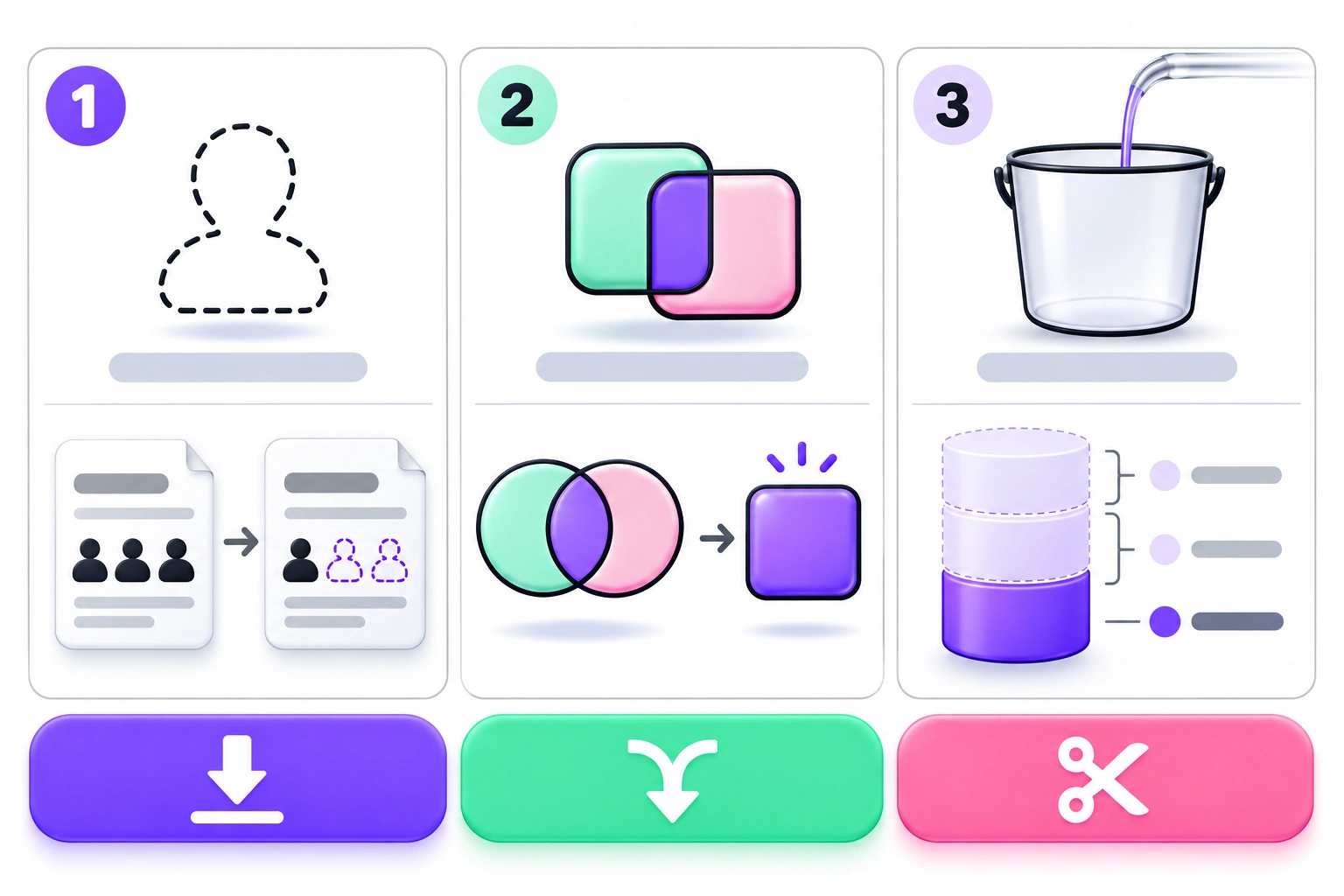
Reducing SaaS spending doesn't mean removing every non-essential tool or forcing teams to work with fewer resources. The goal is to make sure the software you pay for is actively delivering value.
A few simple habits can make a noticeable difference.
1. Audit your subscriptions
Many companies simply don't have a complete picture of every SaaS product currently being billed.
Start by creating a list of all active subscriptions with the cost and owner of each tool, then compare that list with actual usage.
You might find products that have barely been opened in months, subscriptions tied to former employees, or several platforms offering nearly identical features.
Cancel tools that are no longer used and review duplicate products to see whether the team can consolidate around one platform.
2. Negotiate better deals
The price shown on a SaaS provider's website isn't always the final price, particularly for larger teams or long-term customers.
If your company relies heavily on a platform, it might be worth negotiating and asking about annual billing and custom licence arrangements, even as a startup.
Annual plans can reduce costs when you're confident that the software is going to remain useful, but they shouldn't become another source of wasted spending. Committing to a year only makes sense when the product has proven its value.
Before renewing a major contract, compare current usage with the number of seats and features included in the plan. You might discover that a smaller package is more than enough.
3. Remove unused licences
Per-user pricing can quickly become one of the largest expenses in a growing SaaS stack.
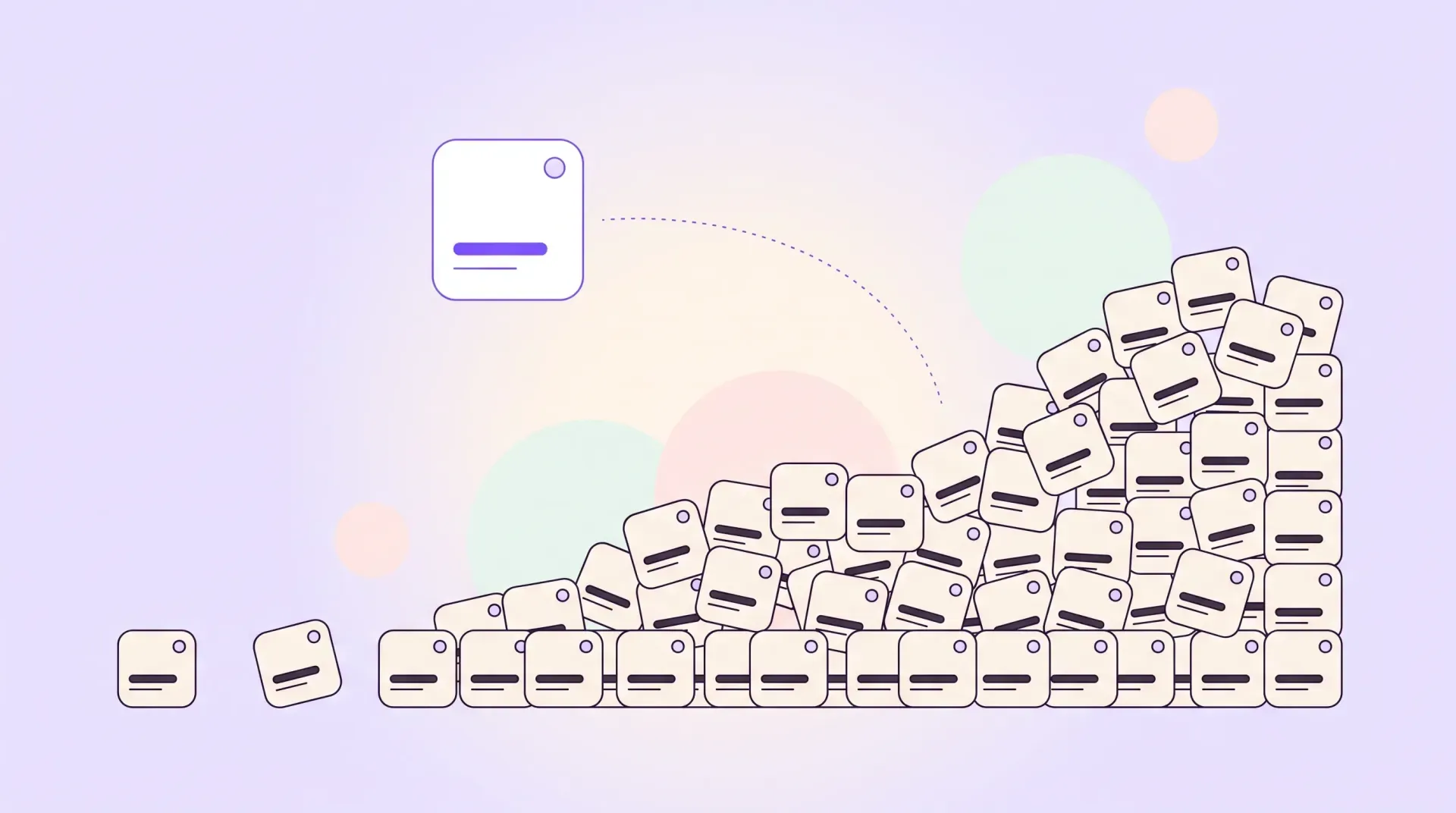
As teams expand and responsibilities change, users are added far more often than they are removed, which creates ghost seats: paid accounts belonging to people who no longer need access.
Review user lists regularly, especially after staffing changes or project completions. Remove inactive accounts and downgrade users who no longer need premium features. Avoid assigning the highest plan to every employee unless it is truly necessary.
A few unnecessary seats may look harmless at first. Across several platforms, they still create substantial recurring costs.
4. Look for feature overlap
The fastest way to reduce SaaS spending is often to eliminate duplicated functionality rather than cancel a single unused product.
For example, your project management platform might already include basic documentation, while your CRM might offer email automation that overlaps with another marketing tool. A design platform might also include collaboration features currently handled elsewhere.
Before adding another subscription, check whether an existing product already solves the problem well enough. It requires a little bit of quick research, but your budget will thank you for it.
Teams should not always settle for fewer tools. Specialized software can be worth the cost when it delivers better results. The point is to make those decisions intentionally rather than accumulating subscriptions by default.
5. Match plans to actual usage
Companies also often remain on premium plans long after they stop using the features that justified the upgrade.
Review what each pricing tier actually provides and compare it with how your team uses the product. If advanced reporting and enterprise integrations are no longer essential, downgrading can save money without affecting day-to-day work.
The same principle applies to usage-based services. If consumption has changed, the plan should change with it.
Preventing future waste
Reducing SaaS costs once is useful. Preventing them from growing back is just as important.
A good starting point is to review subscriptions on a regular schedule. Quarterly checks are often enough for smaller teams, whereas larger organizations might benefit from more frequent monitoring.
Centralizing software purchasing can also help. When every department or employee can subscribe to new tools independently, duplicate platforms and forgotten expenses become much harder to spot. A simple approval process creates visibility without slowing teams down.
It is also helpful to assign ownership to each subscription. Every SaaS product should have someone responsible for checking whether it is still useful and whether the number of licences is accurate.
The same logic that makes marketing a SaaS with a zero budget work applies here: spend only where it earns its place, and revisit the decision as the company changes.
Security belongs in the management process too
A growing SaaS stack means more user accounts and more integrations, which means more places where sensitive company data can be accessed. The more tools a team uses, the harder it becomes to keep track of who has access to what, and whether that access is still necessary.
Teams should regularly review user permissions, remove accounts that are no longer needed, and make sure former employees or contractors don't retain access after they leave.
Multi-factor authentication should be enabled wherever possible, especially for platforms that handle customer data or administrative controls.
Pay attention to integrations between tools as well. A SaaS product can have permission to read data from another platform long after the original reason for connecting the two has disappeared. Reviewing these integrations alongside subscriptions can reduce unnecessary complexity and potential security risks.
Good SaaS management is about visibility. When teams know what they are paying for and why each product is still needed, waste becomes much easier to identify before it turns into a recurring budget problem. The same principle drives good interface design, where systems should always show users their current state, and a software stack is no different.
Take a closer look at the tools you pay for
SaaS tools can make teams faster and more flexible, but convenience comes with a cost when subscriptions are allowed to accumulate unchecked.
Duplicate platforms and unused licences can quietly consume a significant part of a company's software budget, especially when renewals run on autopilot.
Aggressive cost-cutting can affect your team's performance and productivity. Better oversight is the safer path.
Regular subscription audits and more deliberate purchasing decisions can reduce unnecessary spending without removing the tools teams genuinely rely on.
For startups and growing product teams, that matters. Every recurring expense should support the product or the customer experience in a meaningful way.
A cleaner SaaS stack is cheaper, and it is also easier to manage and easier to secure, which makes it easier to scale.
Frequently asked questions
How do you audit SaaS subscriptions?
Start by listing every active subscription with its cost and billing cycle, then add the licence count and the team that owns it. Compare that list against real usage data, cancel what is unused, and renegotiate or downgrade what remains.
What are ghost seats in SaaS?
Ghost seats are paid user accounts that belong to people who no longer need access, including former employees and contractors who changed roles. Because seats are added more often than they are removed, they quietly increase recurring costs across every per-seat platform.
Is annual SaaS billing always cheaper?
Annual plans often lower the monthly rate, but only when the software stays useful for the full term. Before committing, compare your current usage with the seats and features the annual plan includes. A smaller package can cost less than a discounted larger one you do not use.
How often should you review your SaaS stack?
Quarterly reviews work for most small teams, while larger organizations may need more frequent checks. Any staffing change or completed project is also a good trigger, because that is when unused accounts and forgotten subscriptions tend to appear.