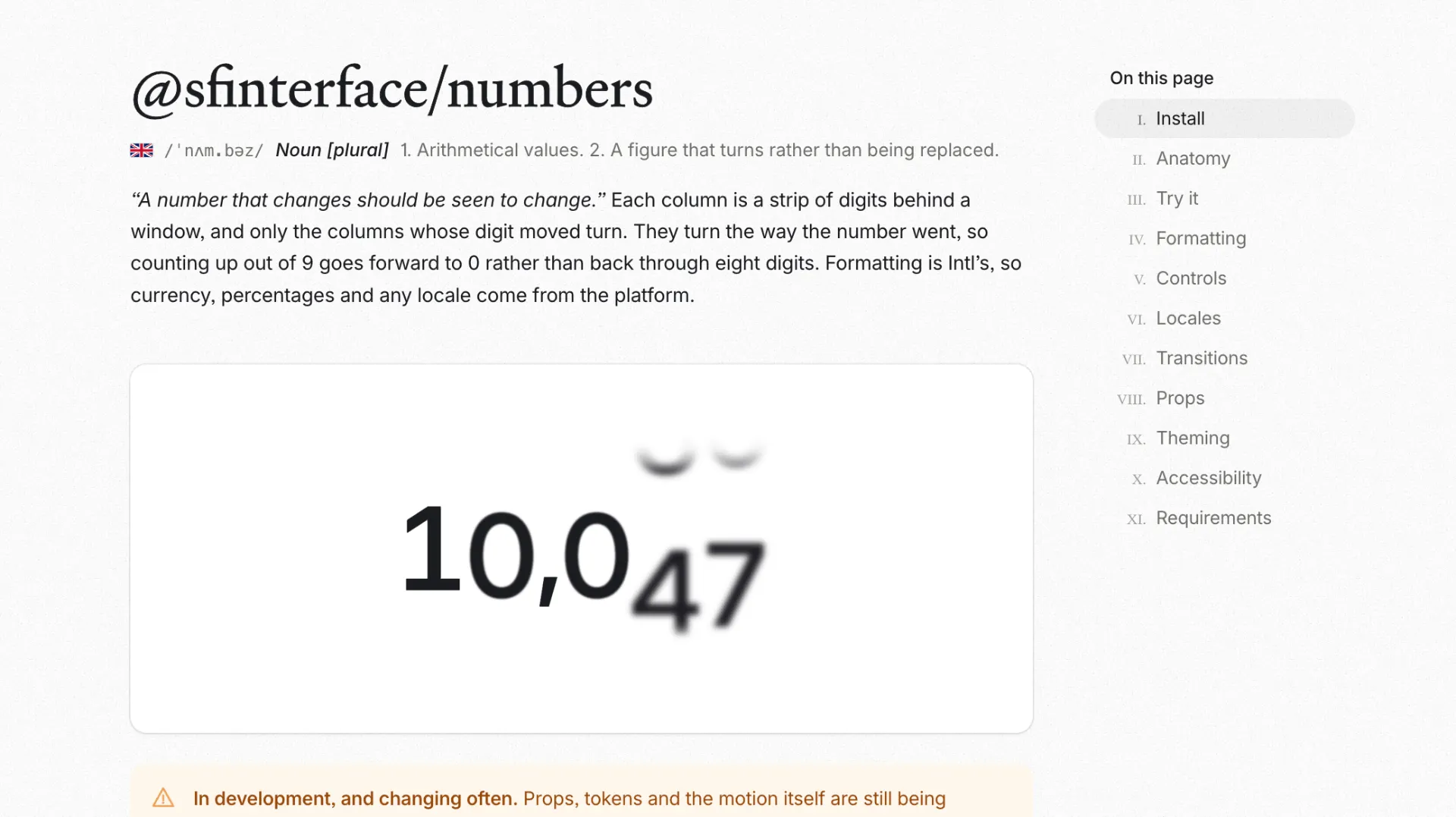

Your dashboard polls an API every ten seconds. Revenue ticks from 1,204 to 1,251. Or rather, it blinks. The old figure vanishes, the new one appears, and the change slides past your eye. @sfinterface/numbers turns that swap into motion, so the column you were watching rolls to its next value while you watch it happen.
What @sfinterface/numbers does
@sfinterface/numbers is a React component that renders numbers the way a mechanical counter does. Each digit sits in its own column, and each column is a strip of digits behind a window. When the value changes, only the columns whose digit actually moved turn. Add one to 1,204 and a single wheel goes round. Add forty-seven and three do, each by a different distance, on the same clock.
The install is two imports and a value:
npm i @sfinterface/numbersimport { Numbers } from "@sfinterface/numbers"import "@sfinterface/numbers/styles.css"<Numbers value={count} />
It comes from The San Francisco Interface and ships on its own, apart from the rest of that library. The source lives on GitHub, and the full prop reference with a playground sits at numbers.sfinterface.com. Both are open, so you can read the code, test the motion, or file an issue before you commit to anything.
Why a number that jumps feels broken
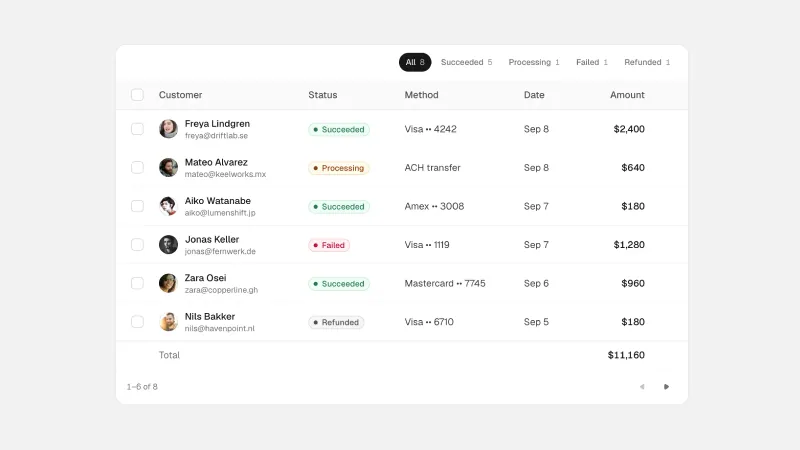
Counters are everywhere in a product: revenue, users, stock, cart totals, likes, progress. They update on almost every screen that shows live data. Most of them update by replacing the old figure with the new one in a single frame, and that hard cut hides the one thing the reader wants to know. Did it go up or down, and by how much?
Motion answers that question without a label. A wheel that turns forward reads as an increase. A wheel that turns back reads as a loss. The direction of the movement carries the meaning, which is why a rolling figure feels alive and a blinking one feels like a glitch.
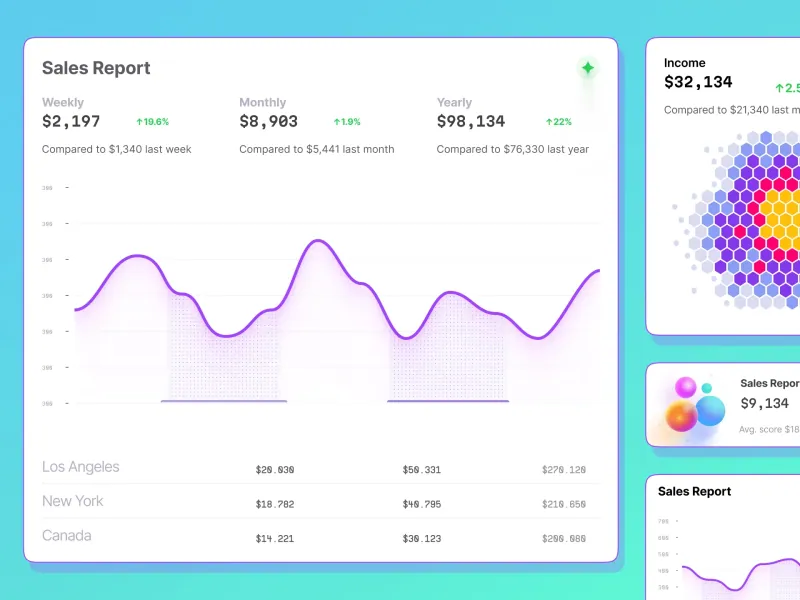
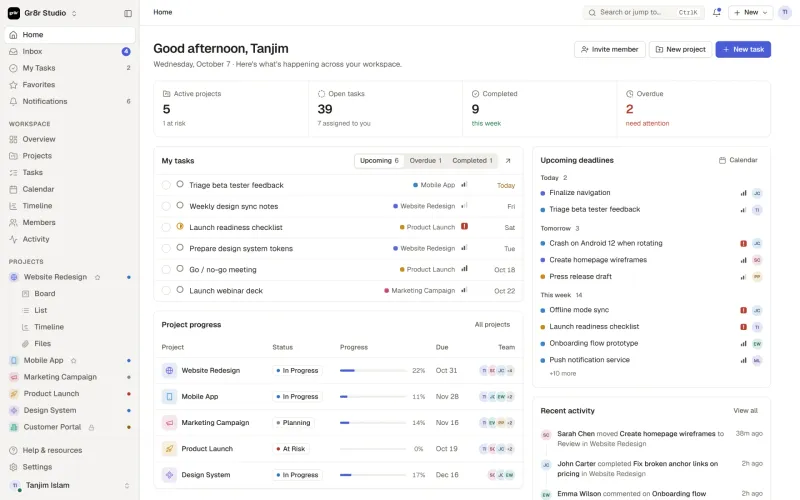
The usual fix is an animated counter written by hand. You lerp a number from the old value to the new one and re-render sixty times a second. It works until the figure has a currency symbol, a thousands separator, or a locale that puts the decimal comma in a different place. Then you are writing number formatting on top of animation, and both are now your problem. If you have fought that before, the notes in our dashboard UI design guide cover where live figures tend to break layouts.
How the columns work
The geometry is worth understanding because it explains why the component stays light. A column is a strip of thirty digits behind a window one cell tall. That is each digit 0 to 9, repeated three times, so the strip can roll in either direction without hitting an end. Turning a column means moving the strip three cells. The window does not move. It is where it always was.
The window is slightly taller than the glyph, and the extra space at each end is the bleed. The veil lives in that overhang, and two props shape it. fade sets how far into the overhang a digit dissolves. softness sets the shape of that dissolve, from a crisp edge that lets go quickly to an even ramp with no knee in it. While a column turns, the fade deepens, so the passing digits go ghostly and settle back when the roll stops.
The turning direction follows the number. Counting up out of 9 goes forward to 0, the way an odometer does, rather than rewinding through eight digits. Set trend to up or down when you want to force the reading, and leave it on auto when you want the component to decide from the values.
Formatting comes from Intl
The component does not format numbers itself. It hands the value to Intl.NumberFormat, the browser API that already knows about currencies, percentages, compact notation, numbering systems, and every locale. You pass the standard options and the platform does the work:
- Currency:
<Numbers value={1125.64} format={{ style: "currency", currency: "USD" }} /> - Percent:
<Numbers value={0.0241} format={{ style: "percent", maximumFractionDigits: 2 }} /> - Compact:
<Numbers value={48200} format={{ notation: "compact" }} locale="en-GB" />
That choice removes a whole class of bugs. The separators, the symbol placement, and the rounding rules come from the platform instead of from a formatter you have to maintain. Change the locale prop and the readout follows the reader rather than the developer.
Five transitions, one prop
The motion is a single prop with five values, so you can match the feel of the number to the product:
- ❶
rollturns the strip through every digit on the way, the classic counter - ❷
tickslides the old digit out and the new one in, quieter and more medical - ❸
blurdissolves the digit in place, defocused, good for live data that should feel soft - ❹
flipturns the digit over like a split-flap board, which reads as arrivals and departures - ❺
scaleshrinks the old digit away and grows the new one, the lightest of the five
duration controls the clock in milliseconds and defaults to 520. blur is a boolean you can switch off when the smear feels like too much. prefix and suffix take any node, so a currency symbol, a percent sign, or an icon sits beside the digits. Because the box is one inline box, the affix travels with the number as it gains a column or loses one instead of staying put while the digits shift underneath it.
Theming and inherited type
The stylesheet describes motion and geometry and nothing else. It does not set a font, a size, a weight, a colour, or letter spacing. All of that is inherited from wherever you drop the component, so a readout inside a heading is the heading’s type, and the same component in a table cell takes the table’s type. You do not restyle a widget to make it fit.
When you do want to change the motion, every value is a CSS custom property. Set one on :root, on a wrapper, or inline. The tokens include --sfi-numbers-roll for how long a column takes to turn, --sfi-numbers-exit for how long a leaving column takes to go, --sfi-numbers-cell for the pitch the digits stack at, and --sfi-numbers-ease for the curve a column turns on. The stylesheet ships in one @layer arc, below your own rules, so a class of yours wins over the component without !important.
Accessible by default
A rolling digit is a visual trick, and visual tricks need a fallback. The digits in @sfinterface/numbers are marked aria-hidden, and one formatted string sits behind them. A screen reader announces one thousand two hundred and four, the number as a person would say it, instead of reading twelve glyphs one at a time. The animation is decoration. The value is the content.
Motion follows the accessibility guidance on animation from interaction. When the operating system reports prefers-reduced-motion: reduce, the columns do not turn, blur, or fade. The number changes and nothing moves, which is the behavior a reader who asked for less motion expects.
Server rendering is handled too. The component renders the formatted value into the markup on the server, so the first paint shows the real figure. There is no empty box, no placeholder width to reserve, and no hydration guard to write. The package requires React 18 or 19, carries no dependencies, and ships its own types.
Frequently asked questions
How do I animate a number in React without a chart library?
You install the package, import the stylesheet, and pass your value as a prop. The component handles the columns, the timing, and the formatting. You do not write a timer, a requestAnimationFrame loop, or a formatter. If you only need one figure to count up, this is less code than a custom hook.
Does it support currency, percentages, and compact notation?
Yes. Formatting runs through Intl.NumberFormat, so you pass the standard options for style, currency, and notation, plus a locale. That covers currency symbols, percent signs, compact values like 48K, and the separators each locale uses.
Will it work in a Next.js app with server rendering?
It will. The component is SSR ready and renders the formatted value into the markup, so the number shows on first paint. It supports React 18 and 19, and it has no runtime dependencies to fight over.
What happens for users who prefer reduced motion?
The component reads the reduced-motion preference and stops the animation. The value still updates, it just arrives without the roll, blur, or fade. The digits also stay hidden from screen readers, which read the number as a single formatted string.
How large is the package and is it free?
It weighs about 13 kB and pulls in nothing else. It is MIT licensed, so you can use it in personal and commercial work. Version 0.3.4 is current, and the changelog notes that the props and motion are still being settled, so pin an exact version if you need the behavior to hold still.
Why it belongs in your stack
You care about the moment a figure changes, because that is the moment the reader looks. A number that rolls tells them the direction and the size of the change in one gesture. A number that blinks makes them check the previous screen to be sure. That difference repeats on every live screen you ship.
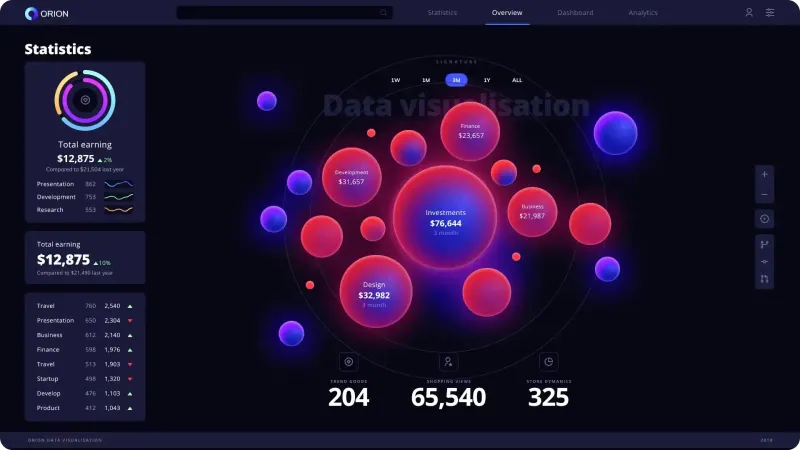
For a solo builder shipping fast, the trade is clean: one small component, no dependencies, formatting from the platform, and motion that already respects the accessibility settings. Grab the package, point it at your revenue or user count, and let the figure move the way the data did. When you want the dashboard around that figure to look deliberate, our Orion charts UI kit and the rest of the design and code kits are built for the same workflow. If you are still wiring the screen the number lives on, the guide on studying a SaaS dashboard in the AI era is a useful starting point.




















.webp)