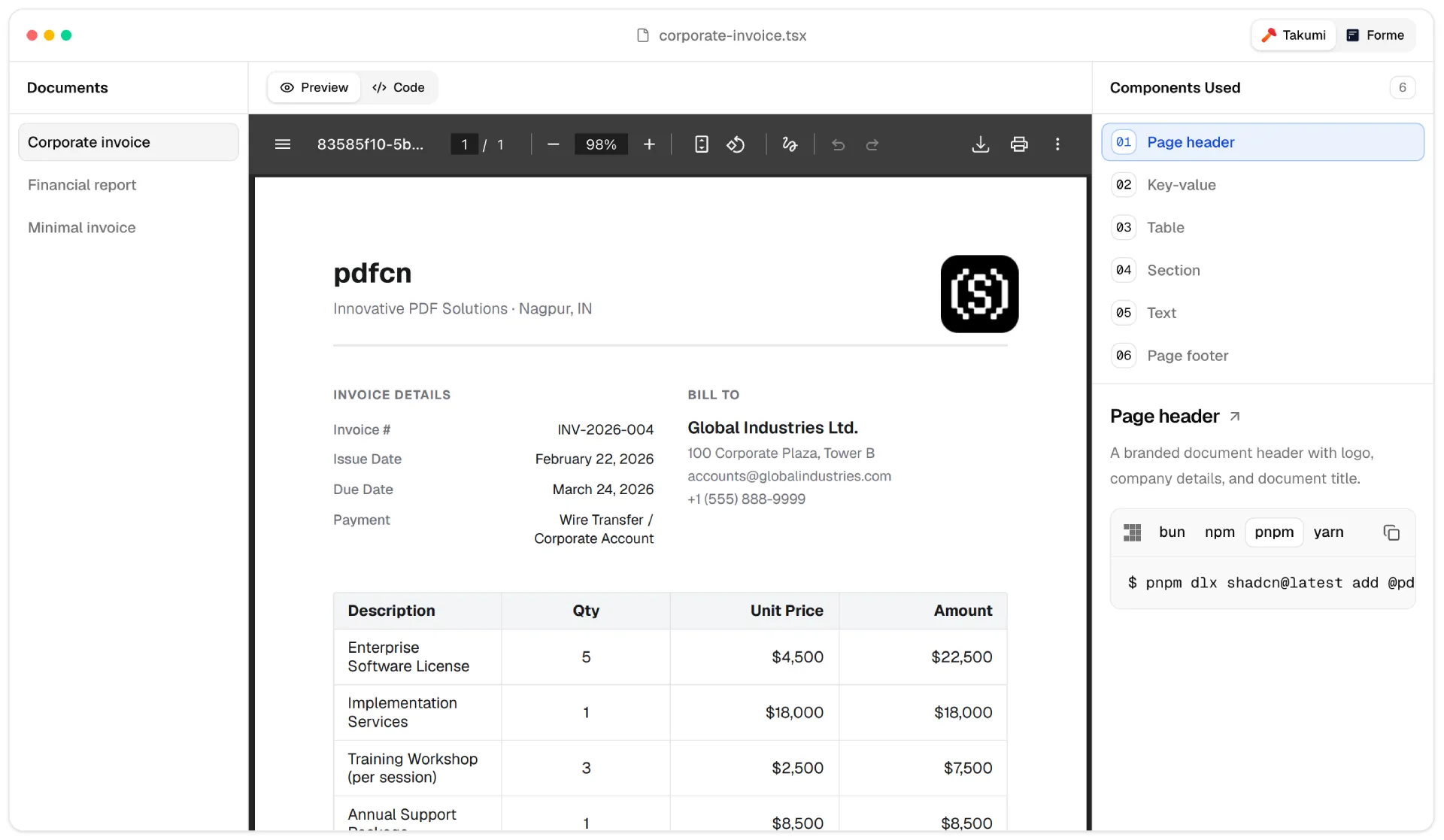

You shipped the SaaS. The dashboard works. Then a user clicks an invoice, the browser opens a new tab, and your app loses them. pdfcn closes that gap. It renders the PDF inside your React app, styled like the rest of your interface, with zoom, search, and page navigation already wired.
What pdfcn actually does
pdfcn is a PDF viewer component for React. You give it a file URL, and it renders the document on the page: pages scale to the container, a toolbar carries zoom in and out, a search field jumps to matches, and arrow keys move between pages. The whole thing runs in your app instead of the browser’s default PDF tab, so the user never leaves the flow you designed.
The component ships as open source under an MIT license and lives on GitHub. You read the code, fork it, or file an issue. The demo at pdfcn.dev shows the viewer running live, so you can test the interaction before you install anything.
Why PDF in React is harder than it looks
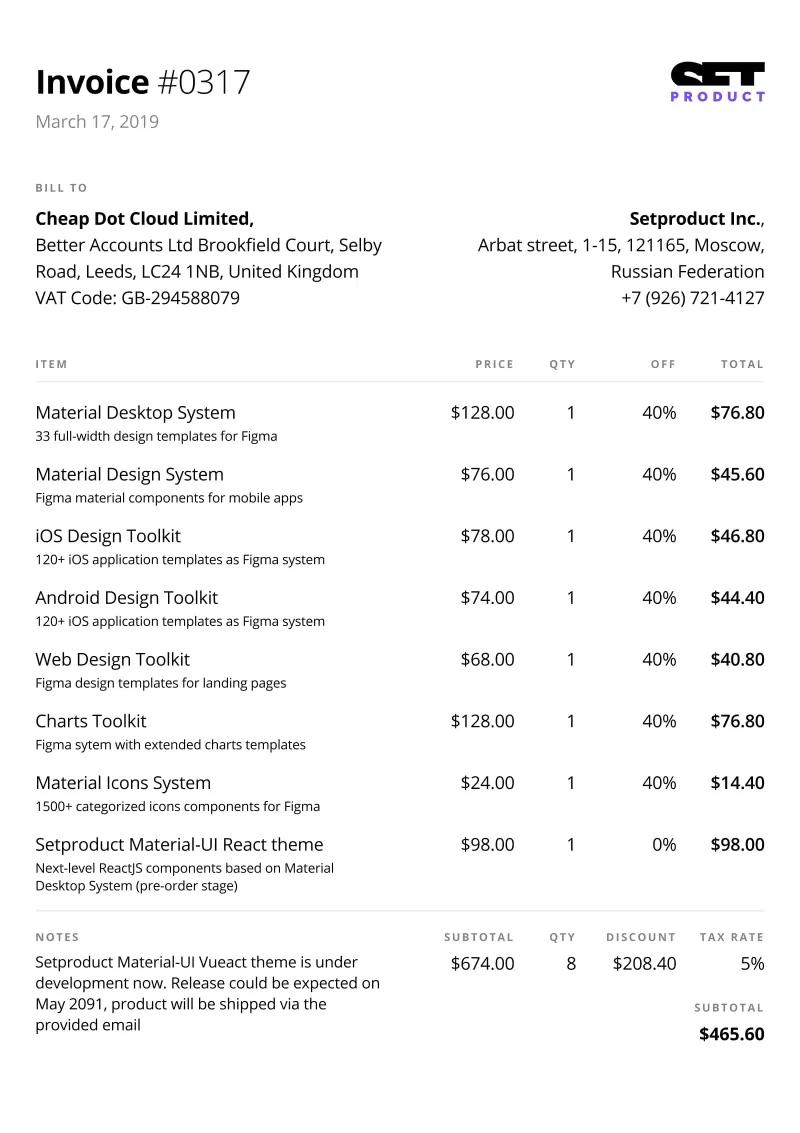
Every React app eventually meets a PDF. An invoice, a contract, a report, a terms-of-service the lawyer insists you show inline. The default answer is an iframe pointed at the file, and that answer breaks the experience. The browser takes over rendering, your dark mode stops applying, your design tokens mean nothing, and the user gets a UI that looks bolted on because it is.
The serious alternative used to be pulling in Mozilla’s PDF.js and building the viewer yourself. That path costs days. You wire the canvas rendering, then the toolbar, then search, then keyboard support, then mobile pinch zoom. Most solo founders skip the whole thing and let the new-tab version ship, and every invoice view quietly leaks session time.
Built on the shadcn stack
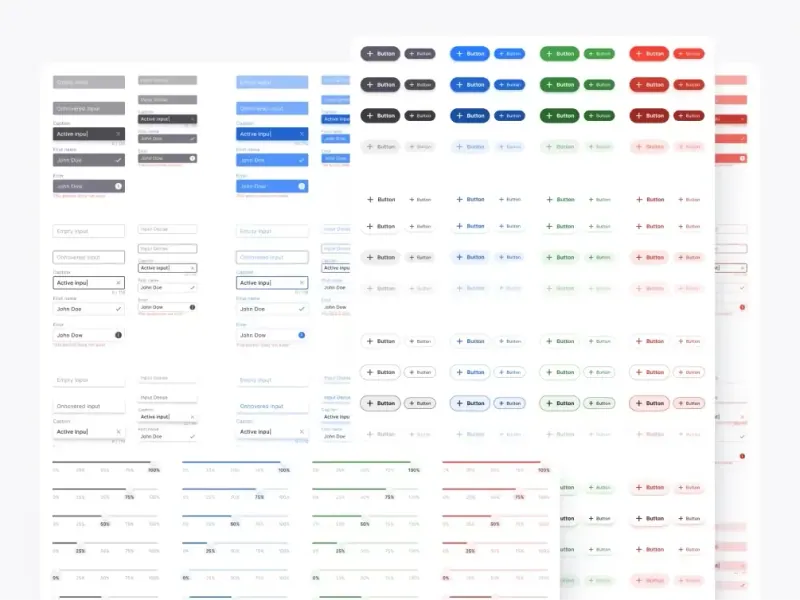
pdfcn is assembled from shadcn/ui components, so it inherits the look of the stack you probably already use. The buttons, the input, the tooltip, and the dropdown are the same primitives as the rest of your app. Tailwind classes control the styling, which means the viewer picks up your theme instead of fighting it.
That choice matters more than it sounds. A PDF viewer built on its own design system forces you to override a stranger’s CSS. A viewer built on shadcn slots into the tokens you already set. Dark mode works because your dark mode works. The focus ring matches because the focus ring is the same component. You style the viewer the way you style everything else, not as a special case.
How it works under the hood
The rendering layer is PDF.js, the same engine Firefox uses. pdfcn wraps it in React components so you touch props instead of canvas APIs:
- ❶ A document component that loads and parses the file
- ❷ Page components that render each sheet to canvas
- ❸ A toolbar with zoom, page count, and search built in
- ❹ Keyboard navigation, so arrows and escape behave as users expect
You install the package, import the viewer, and pass a source. The library handles the parsing workers, the render loop, and the resize observer that keeps pages sharp when the container changes size. You write one line of JSX. It handles the rest.
Wiring it into an AI-built app
If your product came out of an AI assistant, pdfcn fits the workflow. The component is plain React with TypeScript types, so the model reads the API surface cleanly and generates working integration code on the first pass.
Ask your assistant to add pdfcn, point it at the invoice route or the contract modal, and describe the chrome you want around the viewer. The model writes the wrapper. You review the spacing. The PDF stops being the screen that breaks your design system, and you did not spend a weekend on canvas rendering to get there.
Free, open source, no lock-in
pdfcn is free and MIT-licensed. The code is on GitHub, the issues are public, and the rendering happens in your own app. There is no vendor account, no API key, no usage quota, and no hosted viewer that could change its pricing next quarter.
That independence matters for documents. An invoice viewer that phones home to a third party is a privacy problem waiting for a lawyer to notice. A viewer that renders locally, from code you can read, is one less question in the security review.
Why it belongs in your stack
You care about session time. Every new tab is a chance the user does not come back. pdfcn keeps the document inside your app, styled like your app, for the price of one install and a few lines of JSX.
For a solo founder shipping with AI, that is a rare trade: a real PDF viewer without the weekend of PDF.js plumbing. Grab the code, point it at your invoice route, and keep the user in the flow. When you want the screens around that viewer to look sharp, our free Figma files and design and code kits cover the same fast, ship-it-yourself workflow.










.webp)