

Connor Patterson
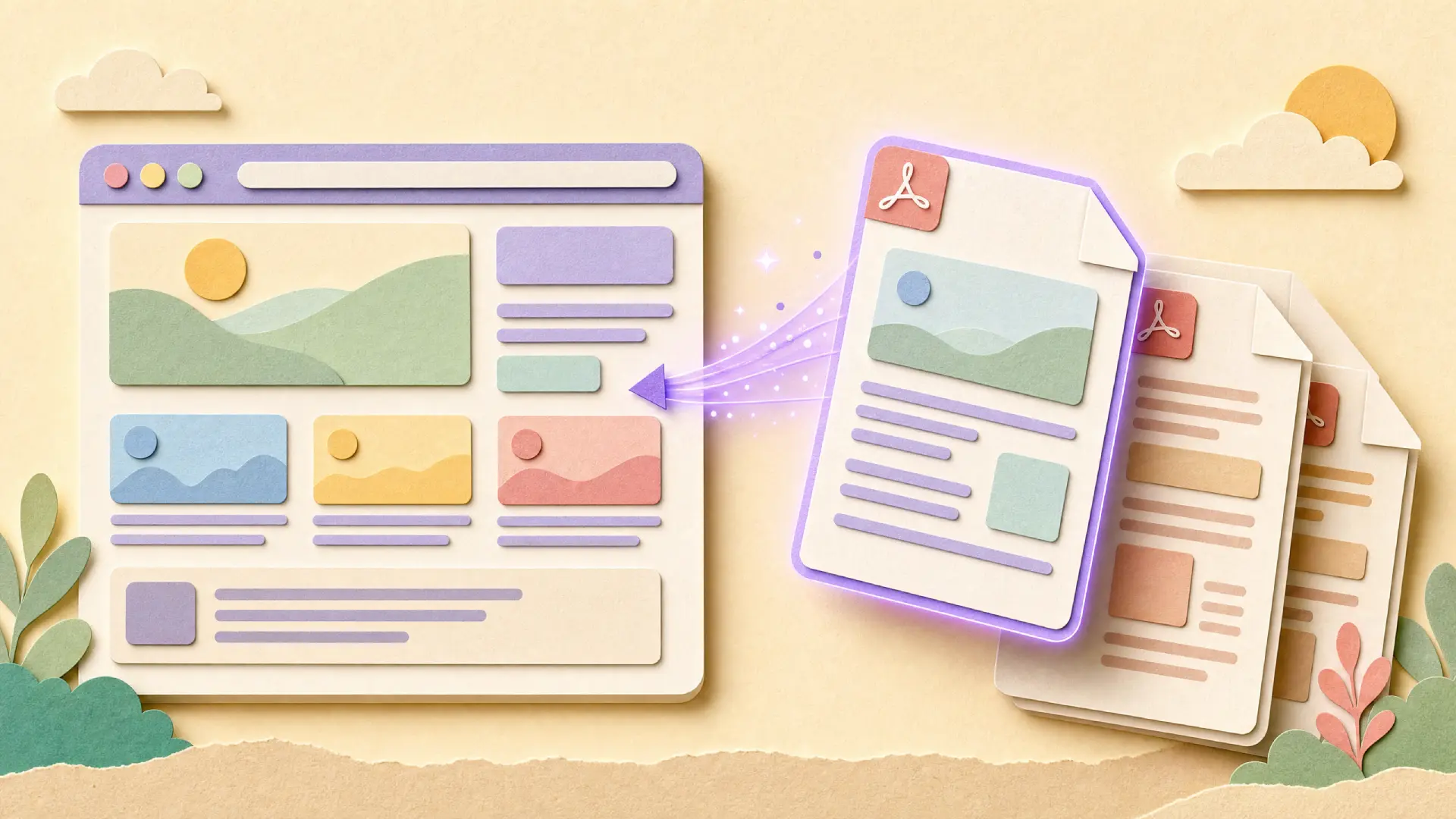
More brands are looking into PDF translation options to reach customers who do not speak English, but many of these projects are limited to the web page content and overlook the brochures, spec sheets, and reports that sit alongside the page yet are downloadable as a PDF. The multilingual experience fails at the last moment when a customer can read your home page in Spanish and then downloads a product manual in English.
In the past, the process of creating translations was to export content, then wait weeks for the agency to return it. Developers then had to add it back to the site. PDFs, catalogs, and guides were often left untranslated. AI has made translation faster, but these documents still need to be translated separately.
Why do so many projects fall short?
Generally, it is not an accident. If a multilingual site only has PDFs in English, someone made that choice; it did not just get ignored.
The scope problem
- Get a quote for website translation, and chances are it only covers the HTML, the content you see on the page itself.
- Catalogs, warranty PDFs, spec sheets? Those get forgotten. Or if someone does think of them, they are treated as a whole separate job.
- Nobody catches it until a customer downloads one of these files and thinks, "wait, this is not even the same language as the page I was just on".
The layout problem
- A PDF is not just text on a page. It has tables, columns, images, a whole layout locked into place. And that is exactly what trips up most translation tools.
- Feed a PDF into a typical machine translator and what comes back is usually one long chunk of paragraphs. No tables. No headers. Just text, stripped of everything that made the original document readable.
- Scanned documents, like older certificates or signed forms, get rejected outright by tools that only read selectable text.
The maintenance problem
- The translation of product spec sheets or price lists changes every time there is a change to the original, and it does not always happen automatically.
- When multiple documents are translated using different tools or multiple freelancers, the terminology can drift.
- Version control becomes a real headache once you are tracking five languages across dozens of PDFs alongside your web pages.
What a complete website translation plan should cover
It is useful to plan exactly what needs to be translated before deciding which tool to use; it is not just the pages a visitor sees first.
Match the approach to your content types
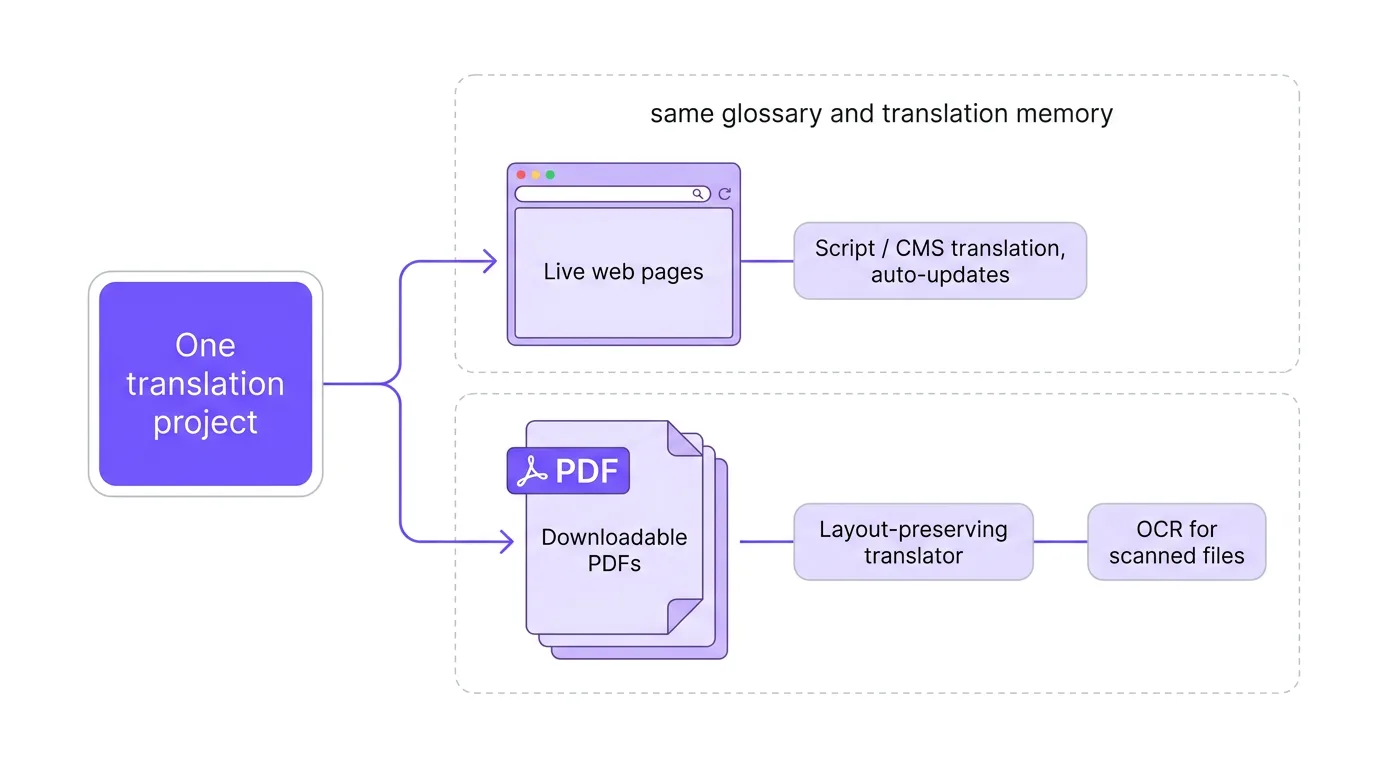
- Live web pages benefit from a script-based or CMS-connected translation tool that updates automatically as content changes.
- Downloadable PDFs need a program designed to keep tables, fonts, and format intact, not just to extract raw text.
- Built-in OCR is necessary for scanned documents and older files so the translation tool can read the text.
Match the approach to your update frequency
- Static pages, such as a company history page, can be translated once and remain unchanged.
- For pages that are updated regularly, such as pricing pages or seasonal catalogs, you need a workflow that marks only the sections that have changed for translation.
- Keep a shared glossary and translation memory across your website and PDFs. That is what keeps product names and legal terms consistent, no matter where they show up.
Where the options differ
Knowing the different tools available helps you avoid stitching together three separate vendors for one multilingual project. This is the same discipline that keeps website development from fragmenting into disconnected handoffs.
Page-level website translators
These tools translate the visible content of your site through a script tag or a direct CMS integration, and some can also generate the metadata search engines need to index each language version.
Document-level PDF translators
A separate category of tool focuses specifically on files rather than pages, pulling text out of a PDF, translating it, and rebuilding the original layout with tables, fonts, and images intact. If your website includes downloadable brochures, manuals, or reports, a dedicated website translation companion like Smartcat's PDF translator handles the documents that page translators usually miss, including scanned files through built-in OCR.
Manual agency workflows
Traditional agencies can do page copy and documents, but it will likely be much longer and costlier per word than an AI-assisted workflow, particularly if you need updates on a regular basis.
Usually the solution is to have a page-level translator for your live site, and a document-level translator for the documents that your visitors may download.
What to check before you commit
This short checklist will help you avoid finding the holes in your launch after it happens.
- Do they keep tables and columns, or do they only give a block of translated text that you have to reformat by hand?
- Check the supported page size and page count; manuals and regulatory submissions can go over the limits of free tools.
- See if the terms you approve are automatically applied in other documents, or if you have to approve them each time.
Rolling out a complete translation project
Once you actually count up how many file types you are dealing with, the list gets long fast. It is easy to feel like the project just doubled in size.
Check before you start
- List every downloadable file linked from your site, not just the ones on your main product pages.
- Flag which documents are updated often, since those need an ongoing translation workflow rather than a one-time pass.
- Check whether any of your PDFs are actually scanned images, since those need OCR support before translation can even begin.
Test before you scale
- Translate a handful of your highest-traffic pages and your most downloaded PDF first, then review both together for consistency.
- Confirm that product names and technical terms match across your web pages and your documents before rolling out to every language.
- When evaluating any tool, ask about their experience with tables, headers, and images; these are the areas where most PDF translations go wrong.
Conclusion
Once the visible translation of the web page is complete, a real web translation project is not finished yet, since the PDFs, catalogs, and guides linked from the translated pages are also part of the customer experience. If you have a few static pages, a small business can easily translate just those pages, but any company that ships spec sheets, manuals, or reports should have a plan that extends beyond translating text.
If you want to get website translation right, think of your pages and your downloadable files as one project, rather than two. If you already have a multilingual site and your PDFs do not match it, that is exactly the gap you do not want a customer to notice.