
You write an issue. You hit send. Somewhere between the draft and the reader, a newsletter platform bills you for every subscriber on your list, whether or not that subscriber opens anything. Mailcheap moves the whole newsletter onto your own Amazon SES account, so you pay for the emails you send and keep the list in your own database.
What Mailcheap actually does
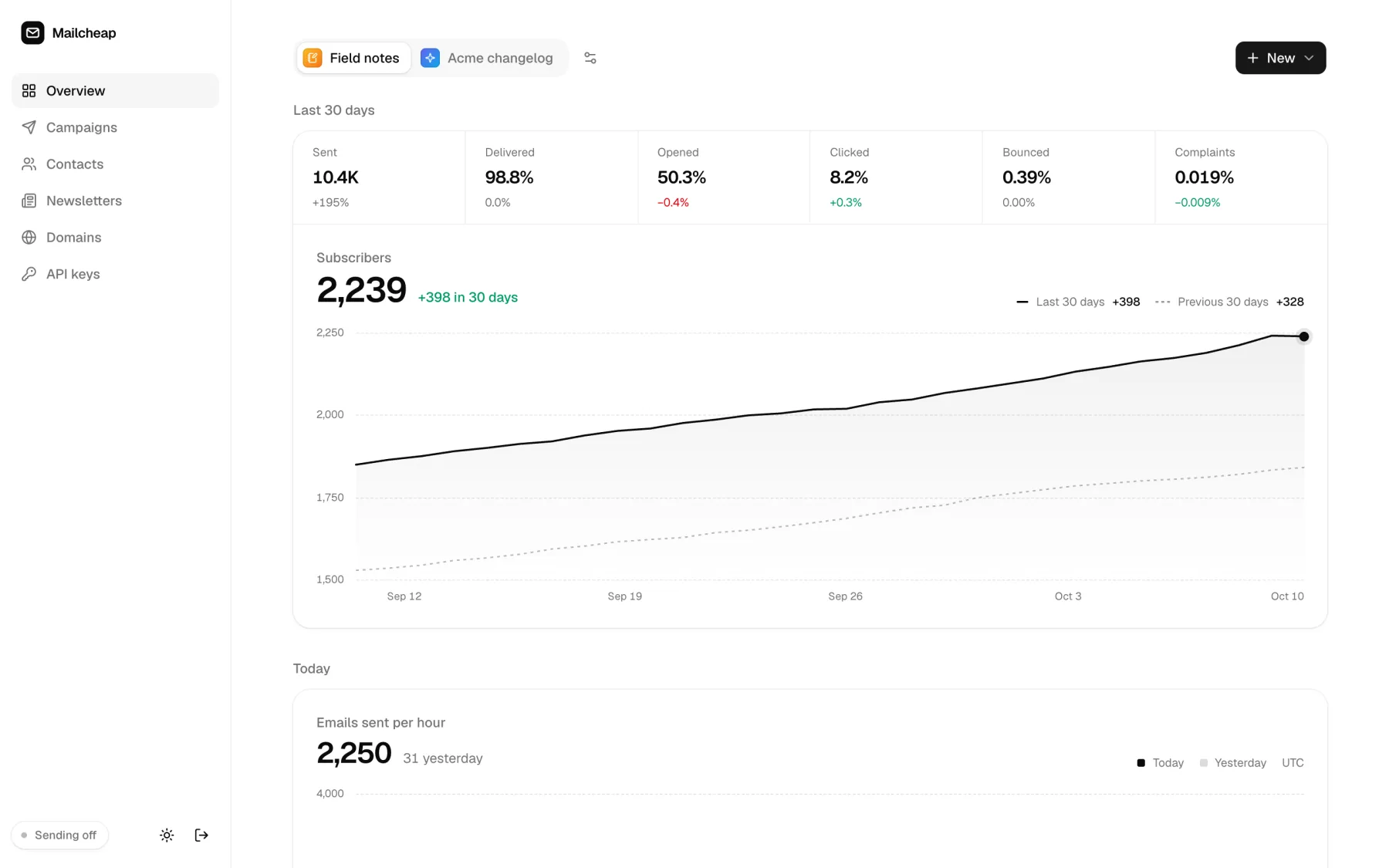
Mailcheap is a self-hosted newsletter app you deploy once. It holds an editor, a contact list, signup forms, unsubscribe handling and a public archive. You write a campaign, send it to your contacts through SES, and publish the same issue as a web page. One admin runs the whole thing. No teams, no seat upgrades, no plans that scale with your subscriber count.
It is a one-time open source release by Marc Lou, MIT licensed. The README is direct about the trade: issues are closed and setup questions go unanswered. You fork it and deploy it, then make it yours. That fits a builder who prefers to own the stack and read the code instead of filing a ticket.
Why subscriber pricing hurts as your list grows
Managed platforms price on how many subscribers you keep. A 10,000-name list costs the same on the first of the month whether you sent one issue or four. Your bill grows with your audience, and your audience is the whole point of the work.
Amazon SES prices on what you send. The README runs the numbers plainly: 10,000 readers and four issues a month is 40,000 emails, which lands near $4 at about $0.10 per 1,000 emails. The rest of the stack has free tiers for a newsletter that size, MongoDB Atlas for storage and Upstash QStash for scheduling. The saving is not because the software is worse, it is because the pricing follows usage instead of headcount.
☞ The saving comes from the billing model. You pay for the emails you send, so a quiet month costs less than a busy one.
How sending works under the hood
A send picks the audience first. Active contacts go out, suppressions stay in, and the most engaged readers are ordered to the front so a fresh domain warms up on people who actually open. The app turns that list into one message per reader and queues a QStash job for each batch of 50.
Each job hands the batch to the SES v2 API at the rate you set, between 1 and 14 emails a second, and 10 by default. If bounces pass 2% or complaints pass 0.08%, the job pauses the campaign on its own before the next batch goes out. SES publishes its events to an SNS topic, which posts them to the app. The app checks the SNS signature, updates the message and the campaign stats, plus the contact, then adds bounced and complaining addresses to a suppression list shared by every newsletter on the install.
What ships in the box
The package covers the jobs a newsletter actually needs:
- ❶ An editor with a live email preview and slash commands, plus image uploads, with Markdown and raw HTML when you want them
- ❷ Checks before every send: subject, preview text, unsubscribe link, size under Gmail’s 100 KB clip, postal address and a verified domain
- ❸ Test emails and scheduling, plus sending in steps that start with your most engaged readers
- ❹ Several newsletters in one install, each with its own from address, reply-to and postal address
- ❺ A signup form on each archive, plus a signup API with API keys
- ❻ Confirmed opt-in per newsletter, a welcome email, and rate limits on signups and the API
- ❼ A public archive per newsletter with issue pages and a sitemap, plus an author page and share images
- ❽ A contacts view with search and status filters, plus CSV import from any platform
- ❾ A domains page that shows each SES identity’s DKIM and MAIL FROM status with the DNS records to add
One Next.js app wired to MongoDB and SES runs all of it. The dashboard has a single login, and the contact list never leaves your database.
The health checks that keep you out of the spam folder
Deliverability is where most self-hosted senders get burned, so Mailcheap builds the guardrails in. SES publishes deliveries and complaints to an SNS topic; Mailcheap verifies the SNS signature before it trusts any of it.
The guardrails worth knowing about:
→ Suppression is shared across every newsletter, so one bad address cannot be emailed twice
→ A send pauses itself once complaints pass 0.08% or bounces pass 2%
→ Every email carries one-click unsubscribe headers per RFC 8058 with signed links, which Gmail and Yahoo expect from bulk senders
→ List cleanup is off by default and can ask readers who ignored several issues whether they still want the list, then stop
Open and click tracking runs on your own domain. Clicks within 30 seconds of the send, or from known link scanners, do not count.
Setting it up in an afternoon
Setup takes about an hour, and most of that hour is waiting for DNS and for AWS to approve production access. Four moving parts:
- ❶ A MongoDB cluster holding your contacts and campaigns
- ❷ An SES sending domain with DKIM and a custom MAIL FROM domain
- ❸ A QStash token for background sending
- ❹ A host, on Vercel or any Node.js server
From there it is four values in Vercel, a verified domain in SES and a QStash token. The README walks through the DNS records line by line. Sending stays off until you flip SENDING_ENABLED to true, so nothing can leak out during setup. If you would rather not manage any of it, the solo founder tech stack is a good place to see which pieces a small team runs on purpose.
Frequently asked questions
Do I need to code to run it?
No. You need to paste four values into Vercel and copy some DNS records, and the README labels each one. If you can follow a hosting tutorial, you can ship this. Reading code only helps when you want to change how it works.
What does it actually cost to run?
SES charges about $0.10 per 1,000 emails. MongoDB and QStash have free tiers that cover a list of a few thousand readers, and Vercel’s free tier does too. The costs grow with how much you send, not with how many people are on your list.
Is my subscriber list safe?
The list lives in your own MongoDB database, not on a newsletter platform you do not control. Sessions and email links are signed with a secret you generate, and the app ships its own security document. Export the whole list to CSV whenever you want.
Can I use Mailcheap for commercial newsletters?
Yes. It is MIT licensed, so you use it for personal and commercial work without paying anyone or asking permission. You supply your own SES account and domain.
Why it belongs in your stack
When your list is the asset, owning the list matters. Mailcheap gives you a newsletter that keeps contacts in your database, sends on a price that tracks usage, and publishes an archive you control. You trade a managed platform for a little setup and a clear bill.
☛ Everything runs as a single Next.js app. There is no per-seat bill to watch, and the contact list exports to CSV on any day you decide to leave.
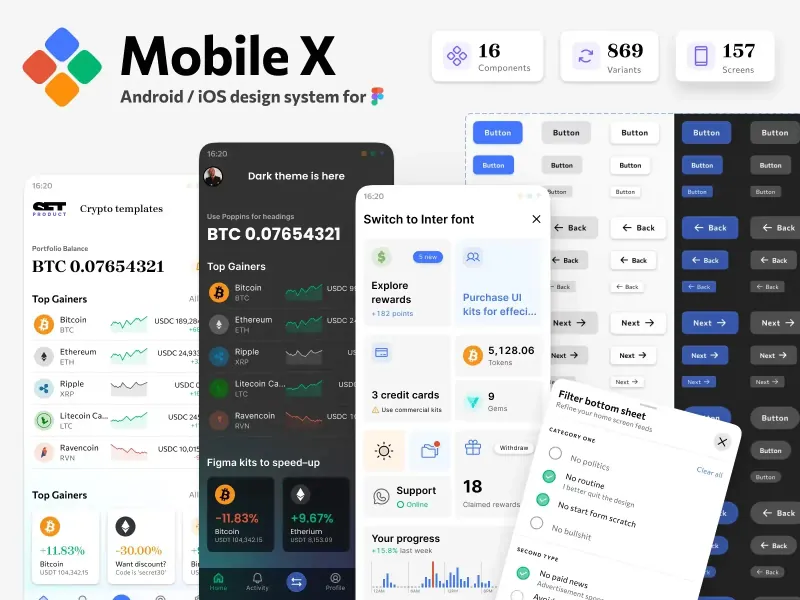
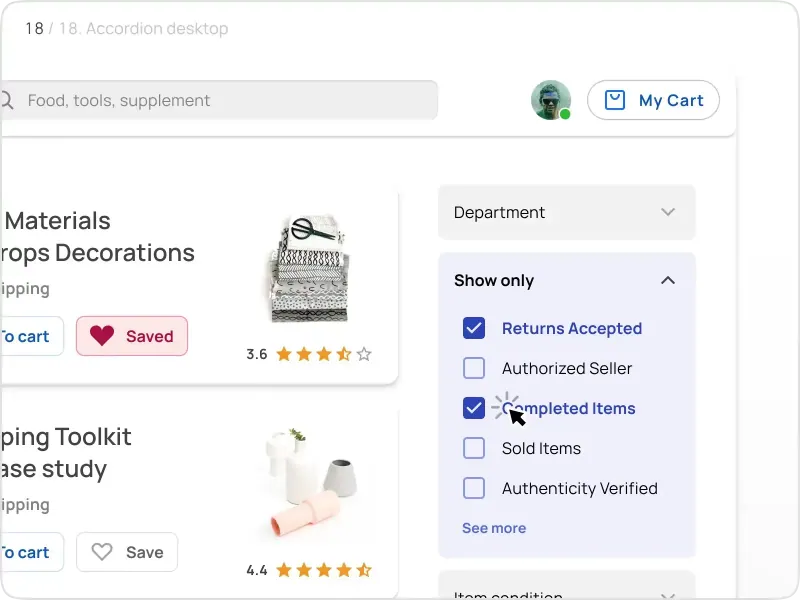
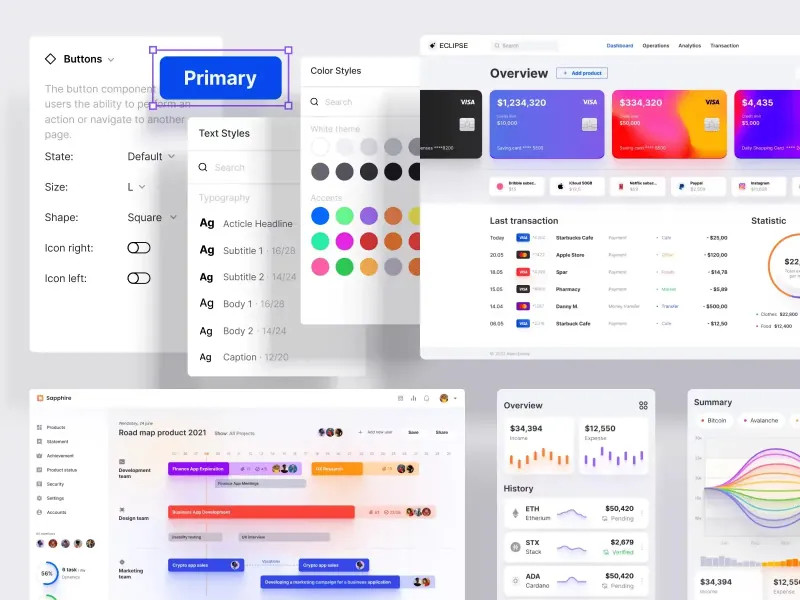
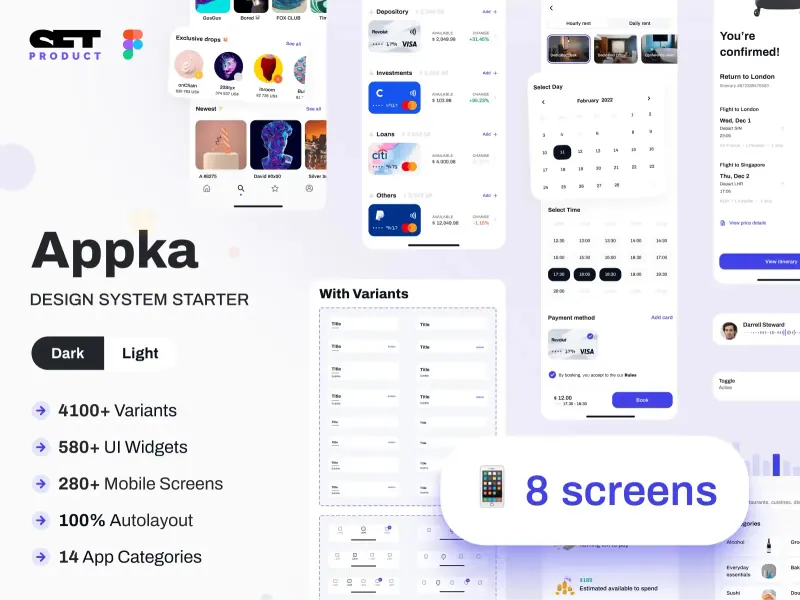
It pairs with the reading on this site. The guide on enhancing email security covers the authentication side, and visual elements in email marketing covers the design side of the issues you will send. When you have a list and no signups yet, the note on getting your first startup users rounds out the funnel. When you want the rest of the interface to match the app you send from, the other free code resources and design and code kits are built for the same fast, solo workflow.
.webp)