
Material You UI Kit for Figma. Material You Design System
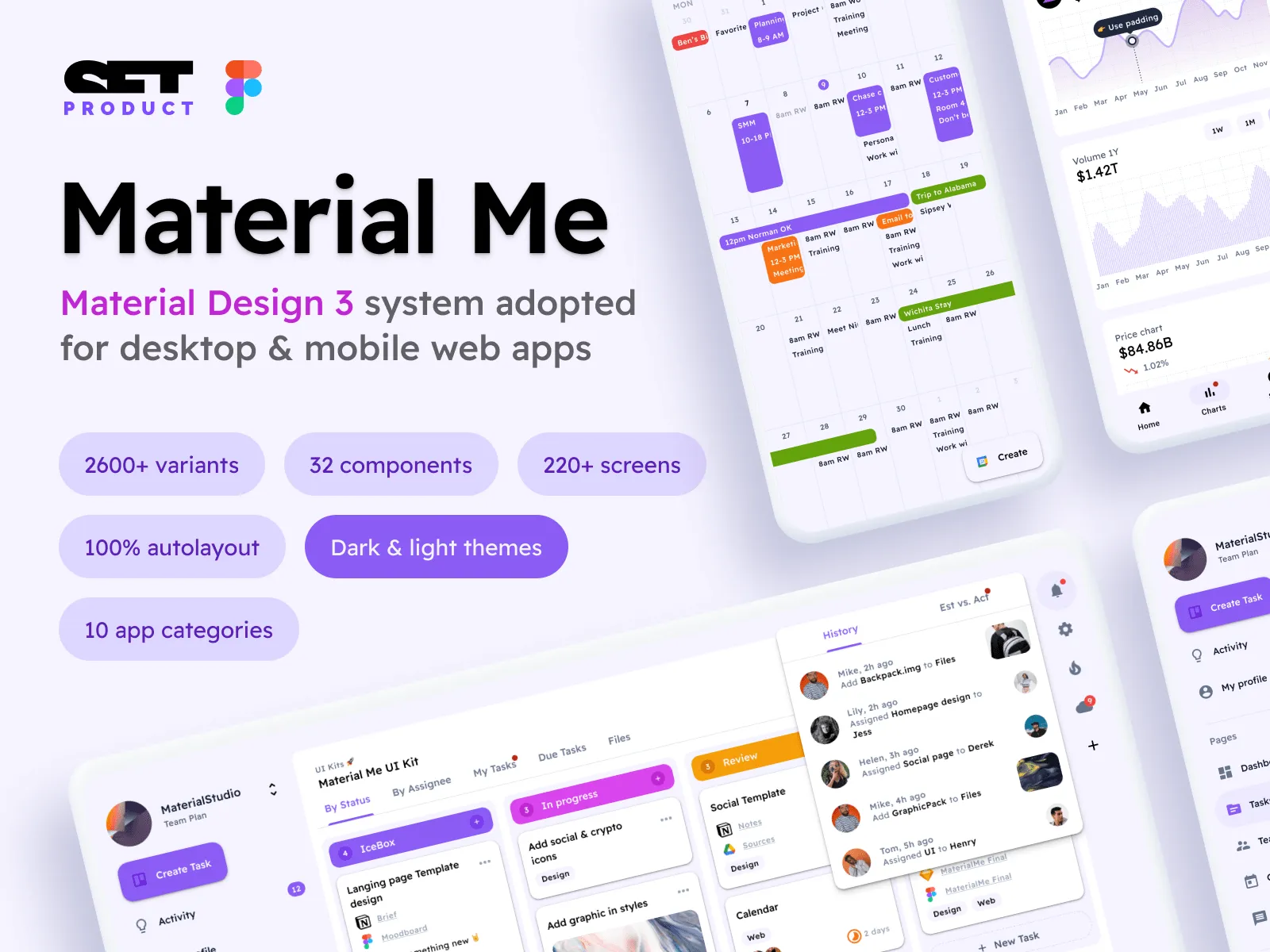
Material You Figma design system UI kit. 2600+ components compatible with Material Design 3. Mobile & desktop templates.
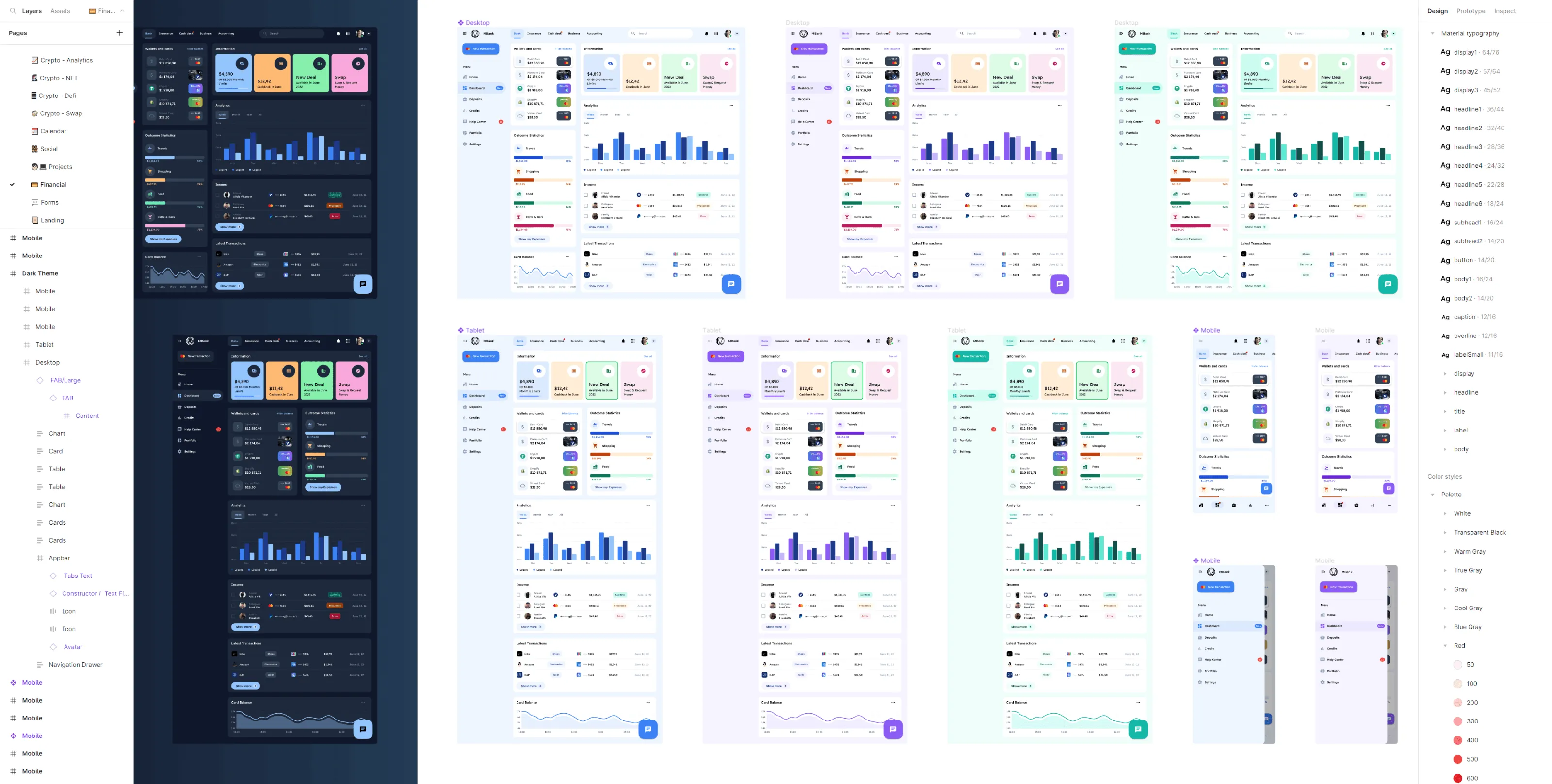
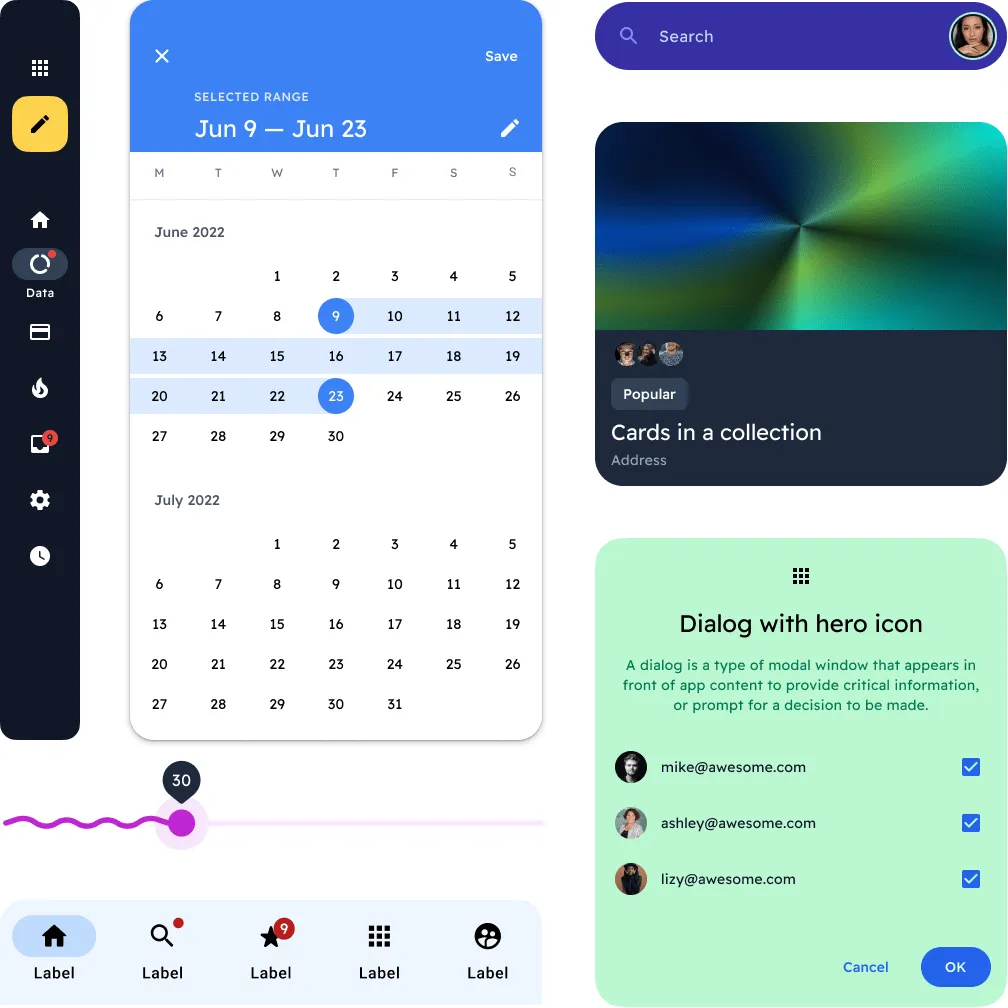
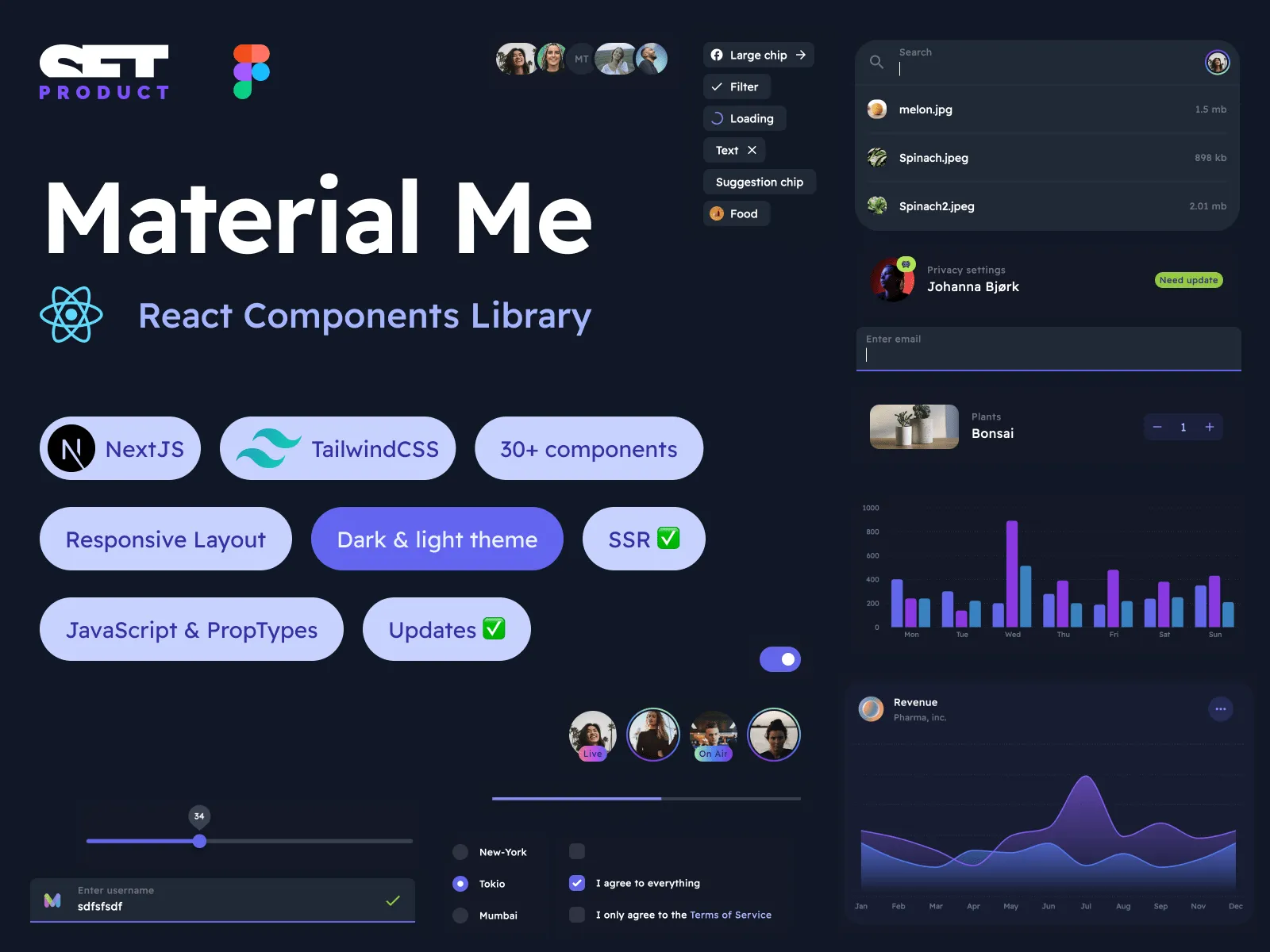
Figma UI kit with NextJS & Tailwind
2600+ variants for 32 components for UI design and coding web apps
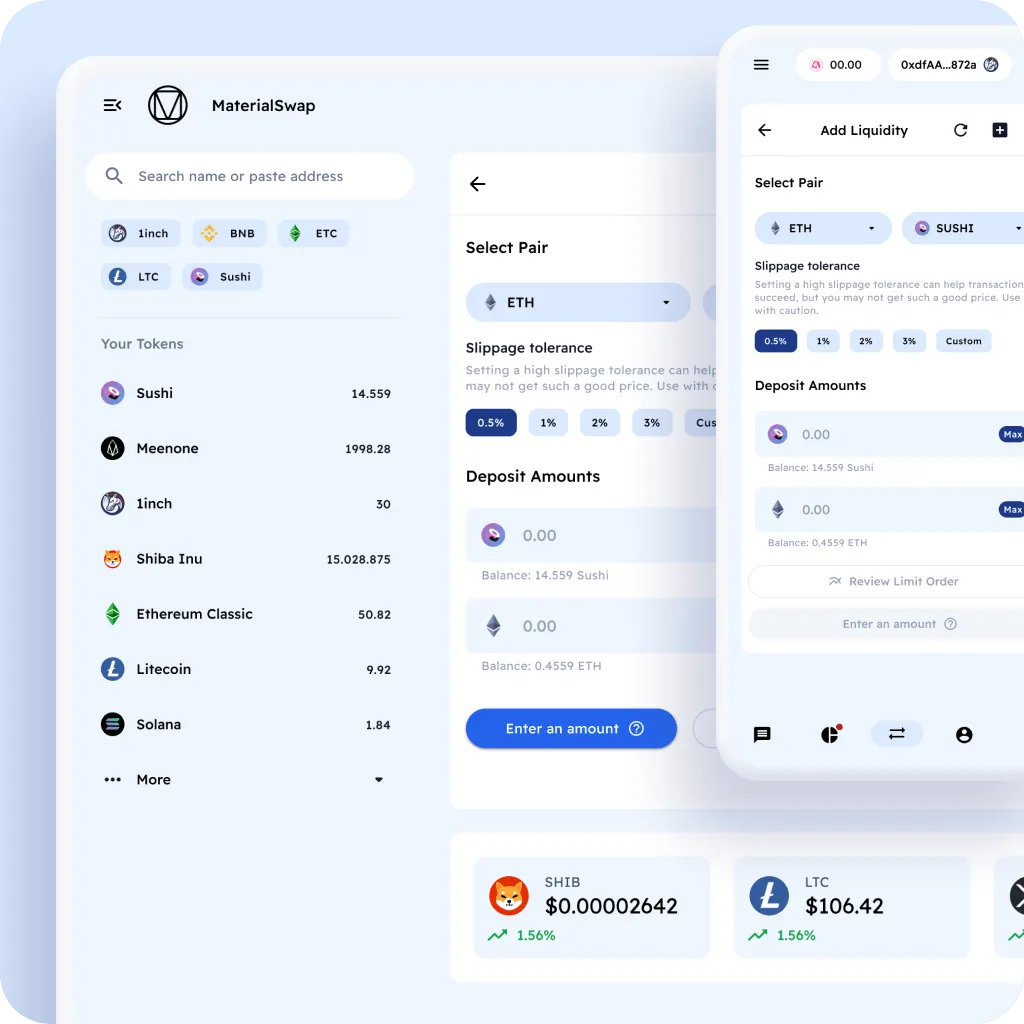
Ready for all the viewports
Desktop, Tablet and Mobile. Scaled to every screen size in advance.
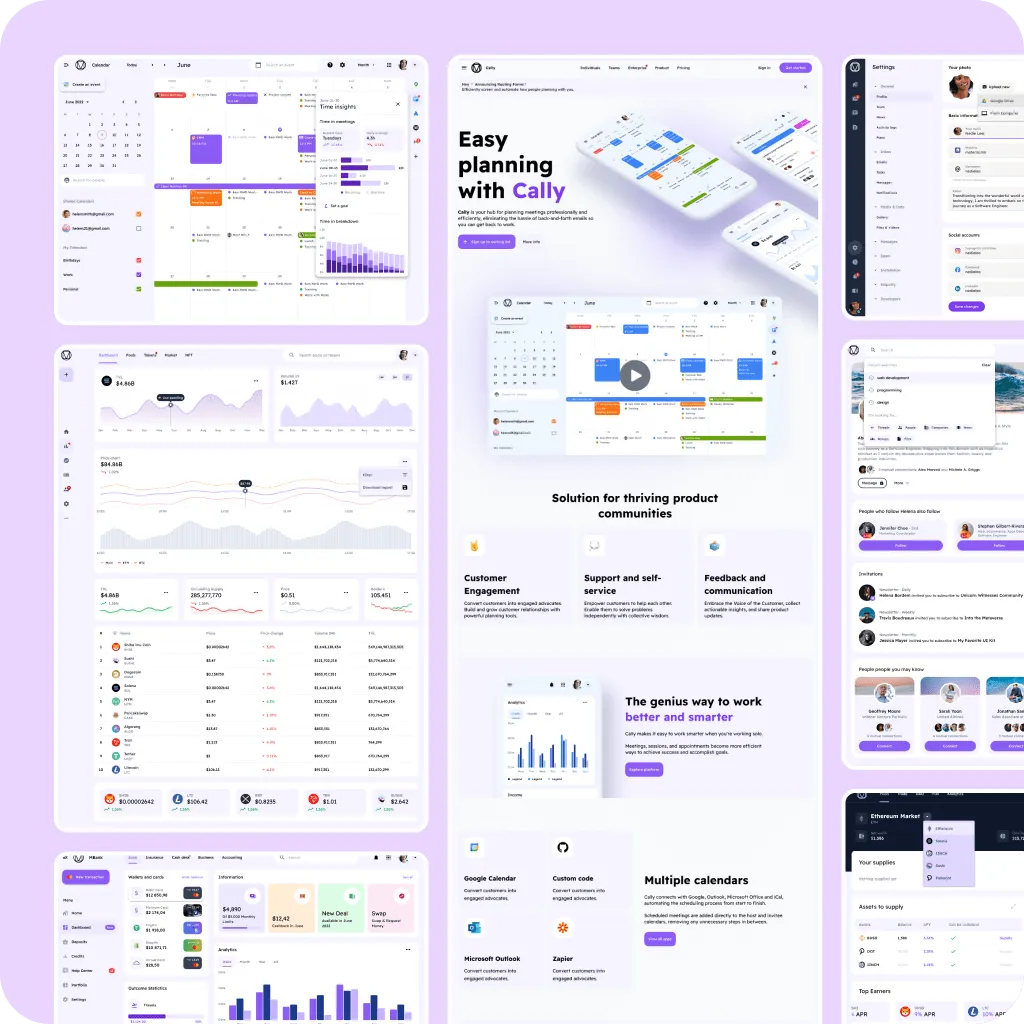
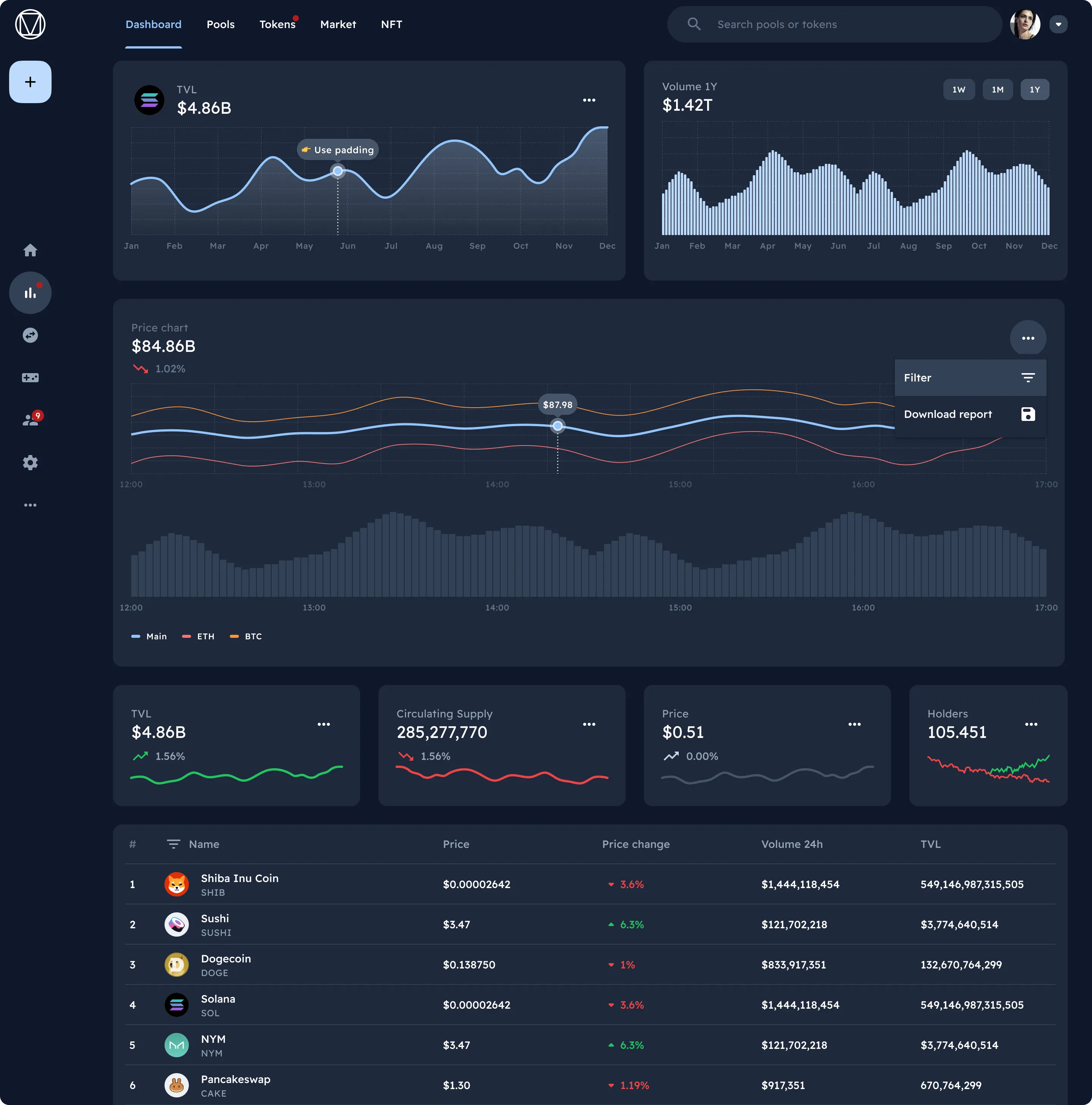
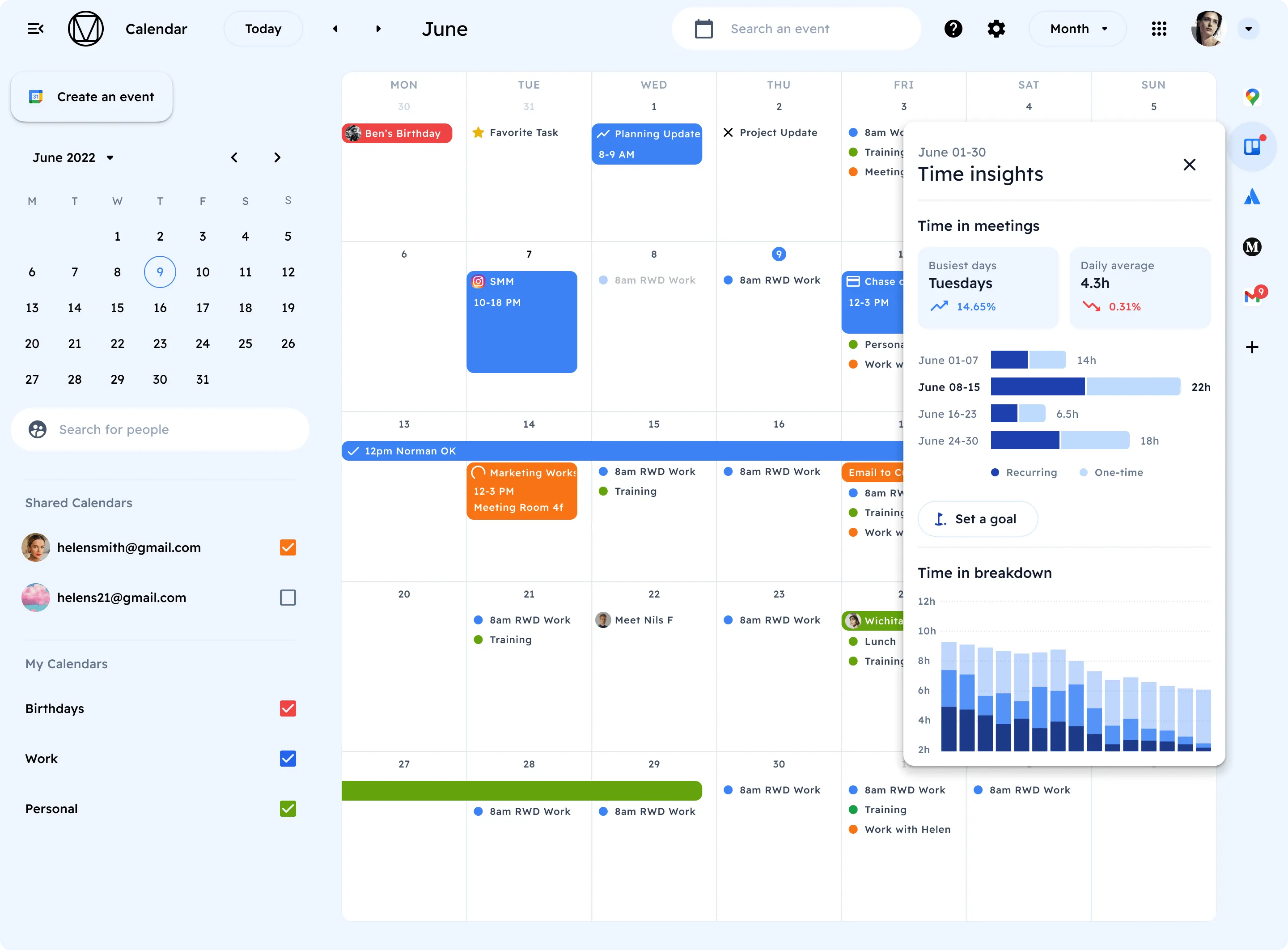
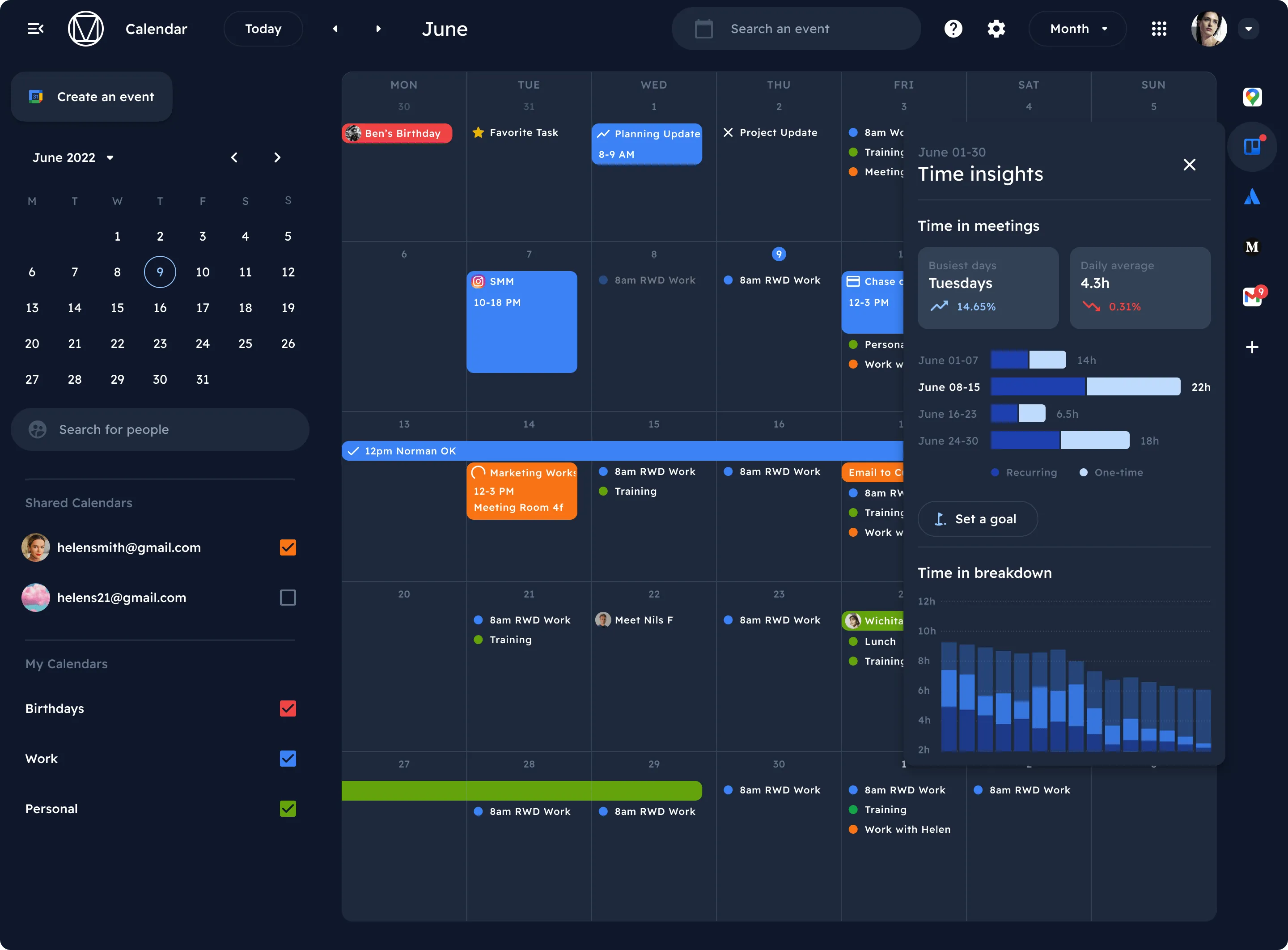
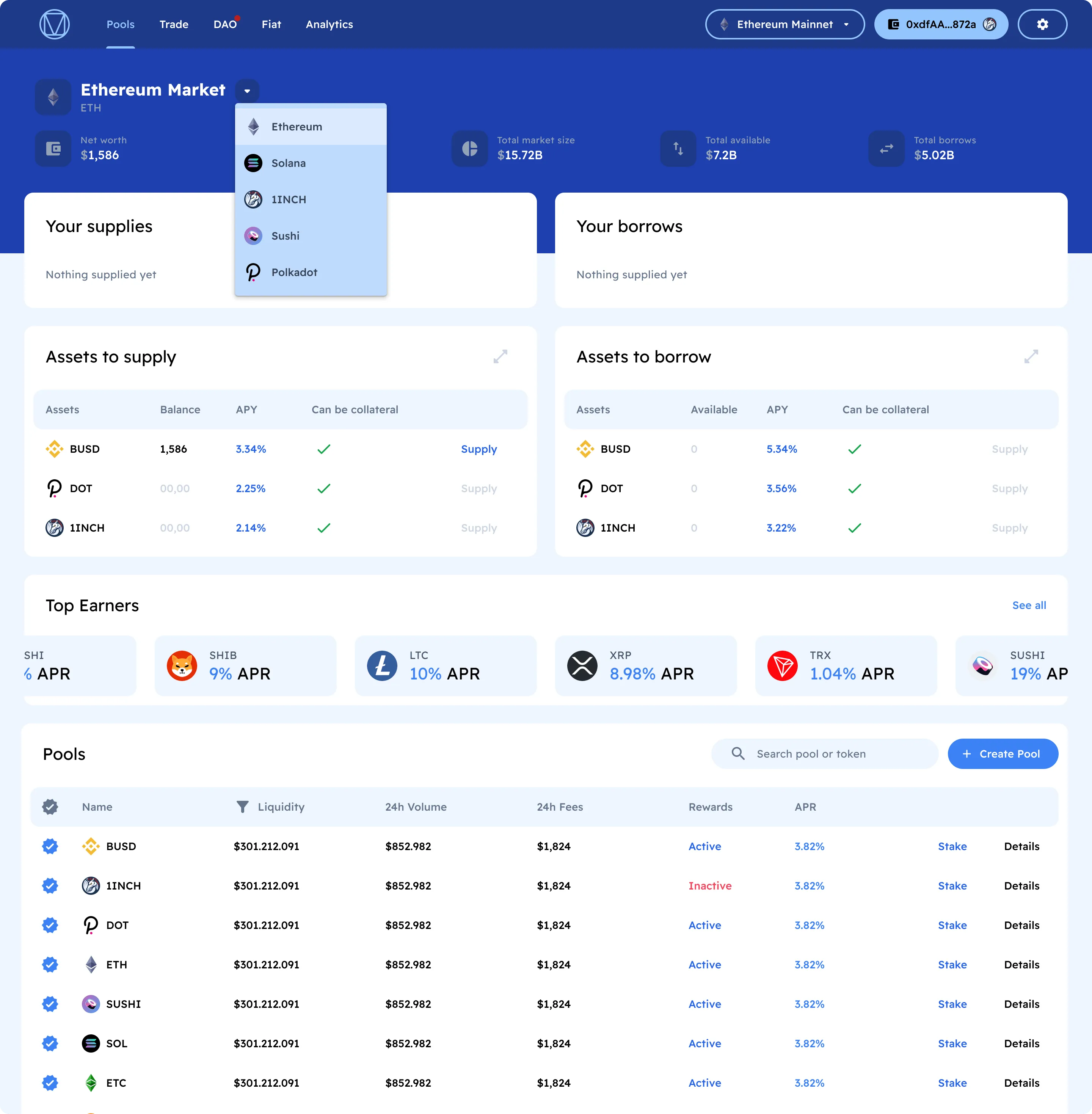
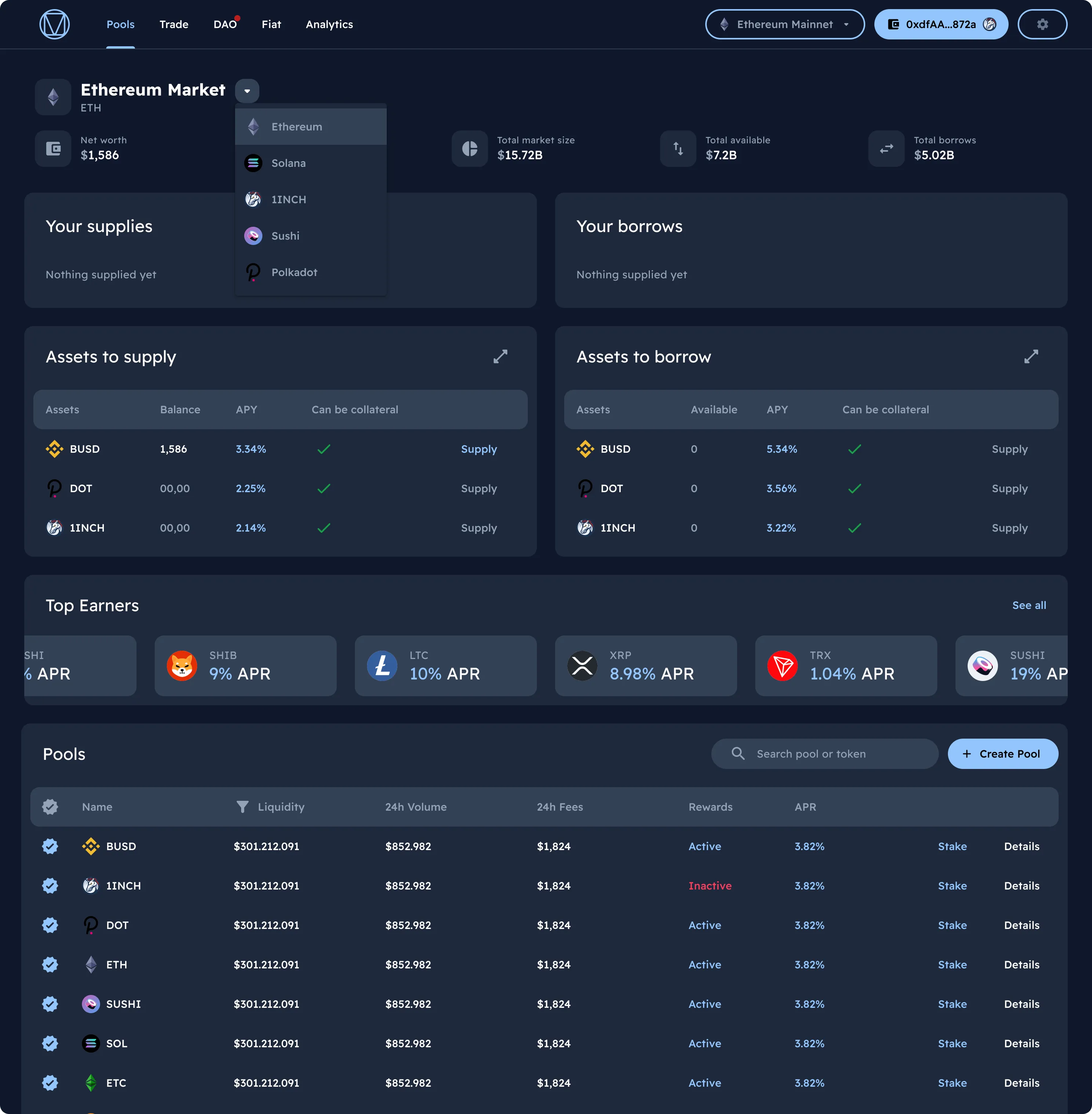
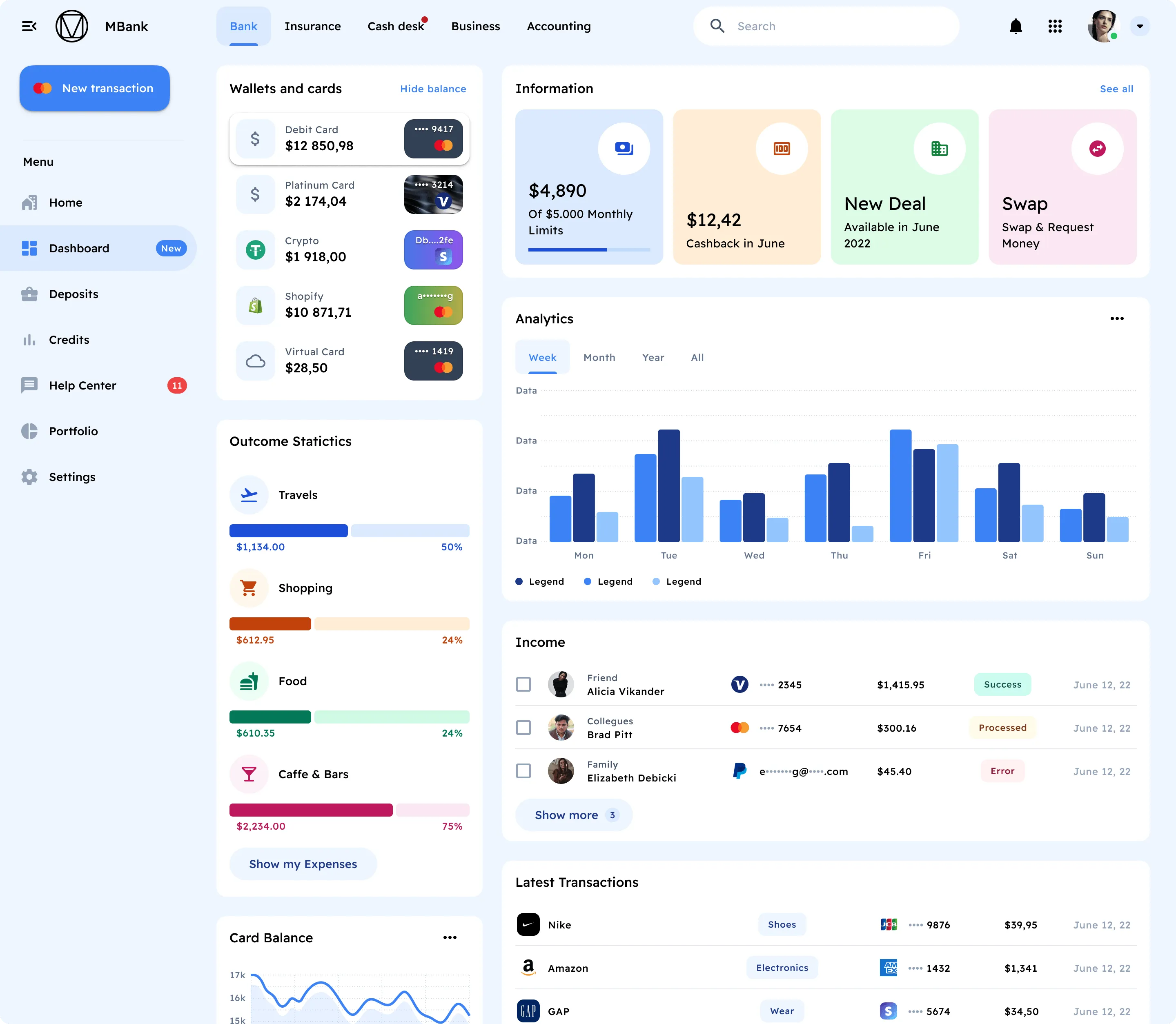
220+ dashboard templates
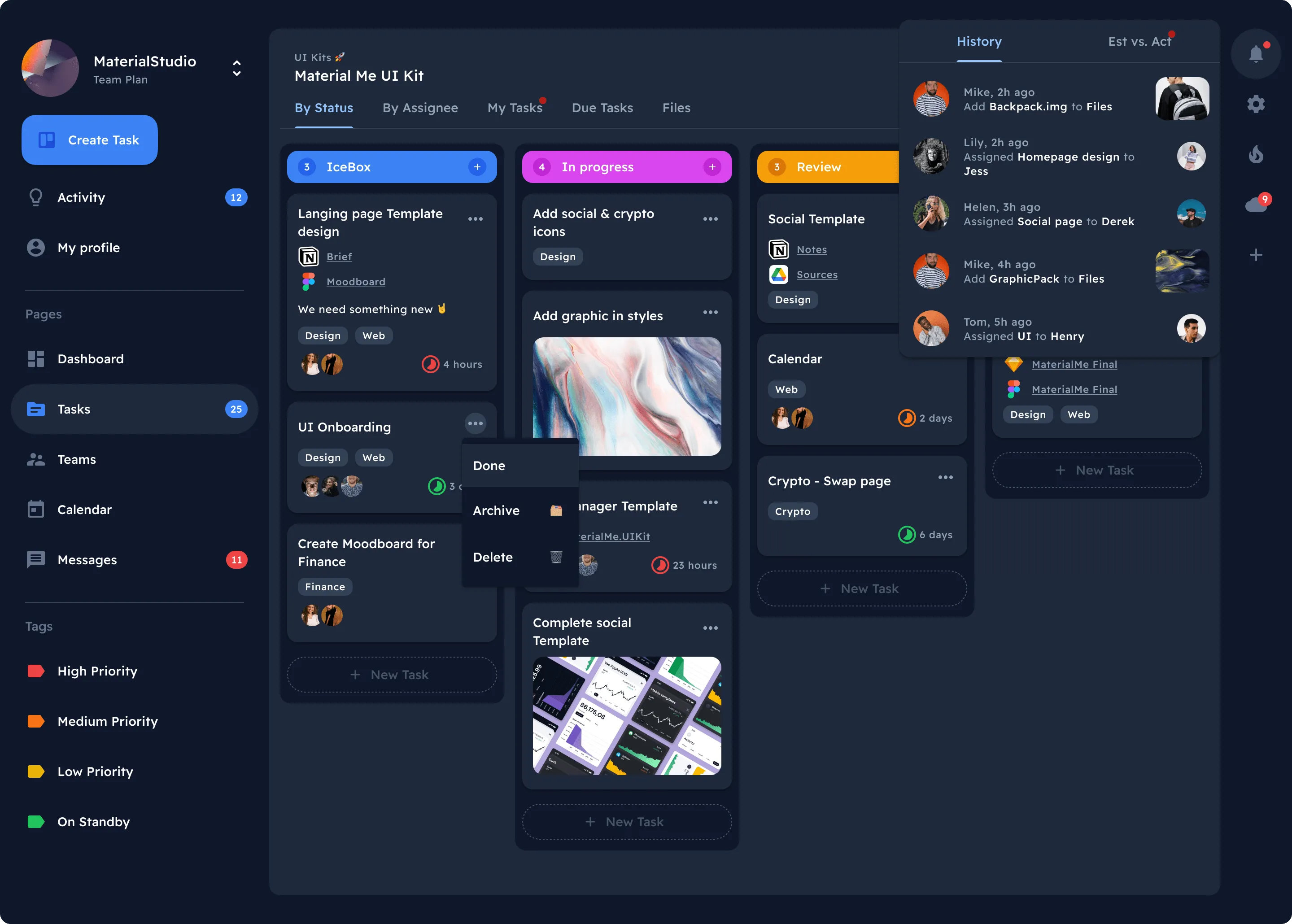
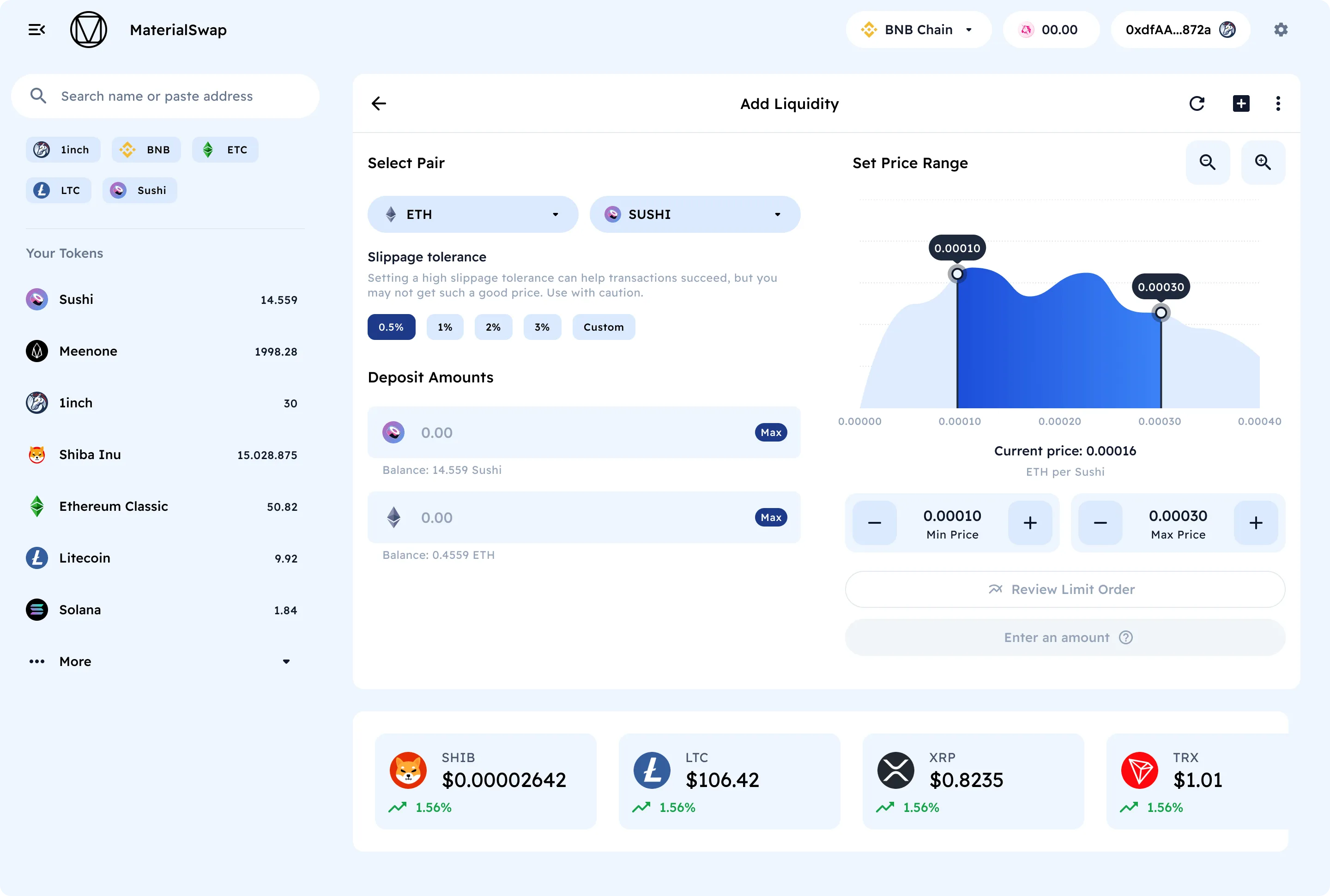
Analytics, Crypto, Social, Financial, Events, Projects, Forms, Landing page.
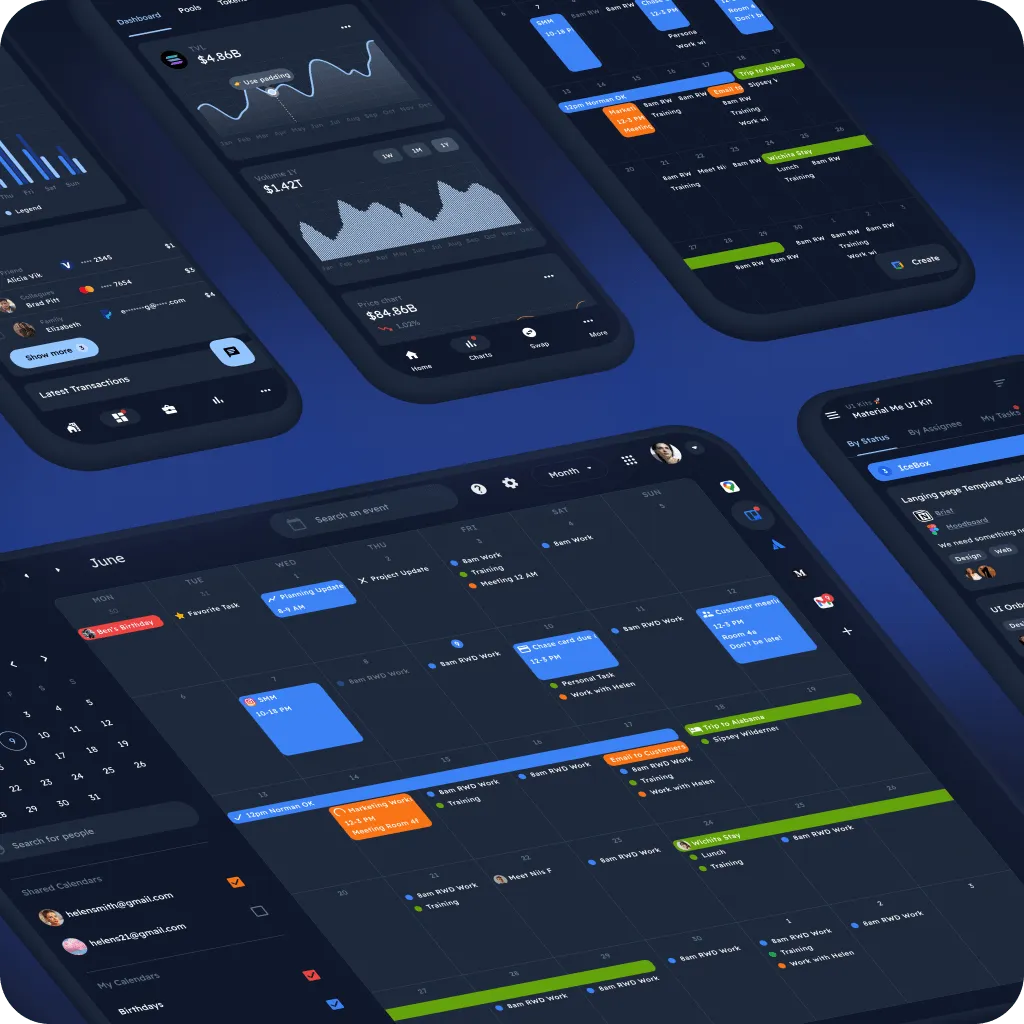
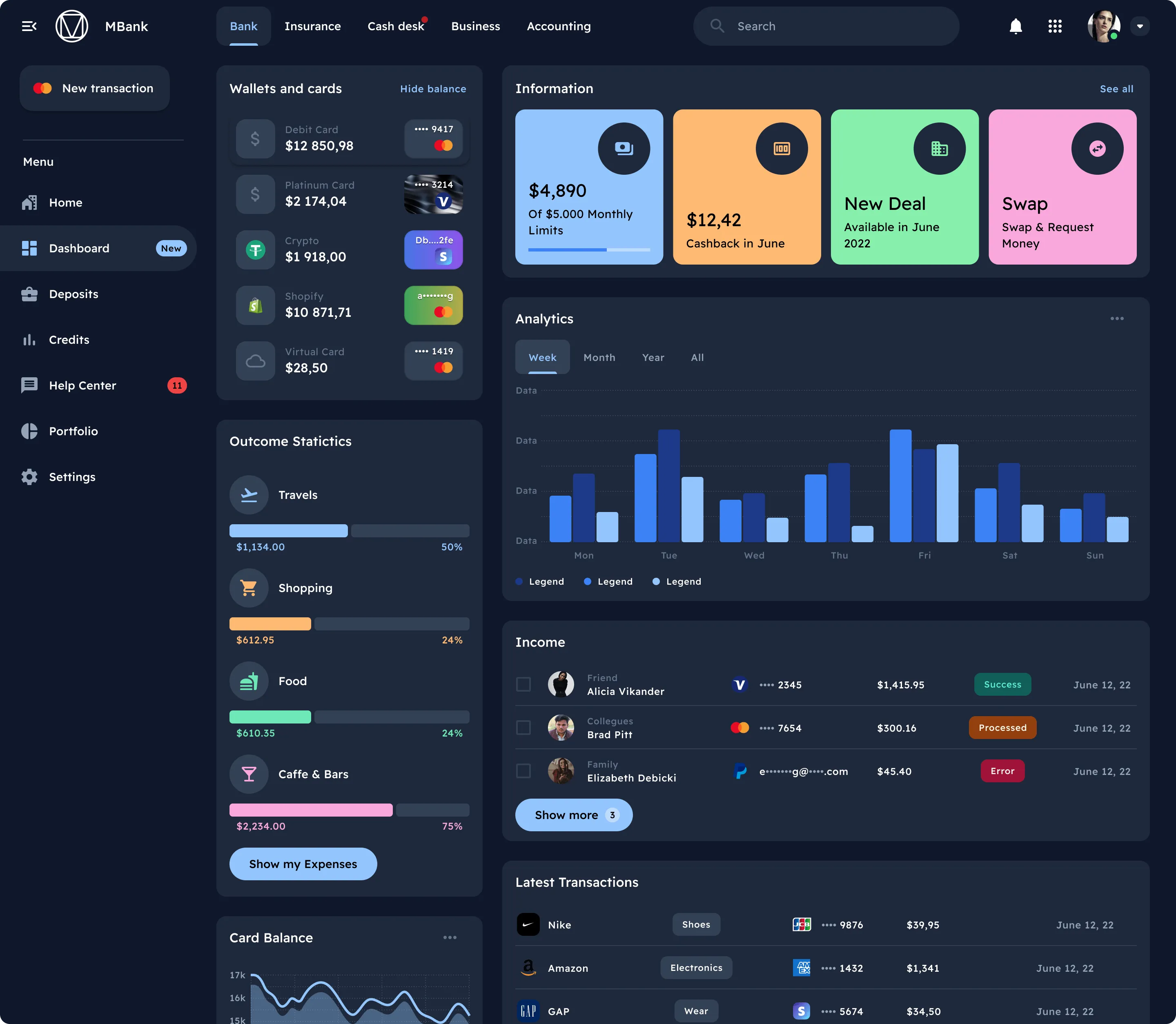
Dark theme is supported
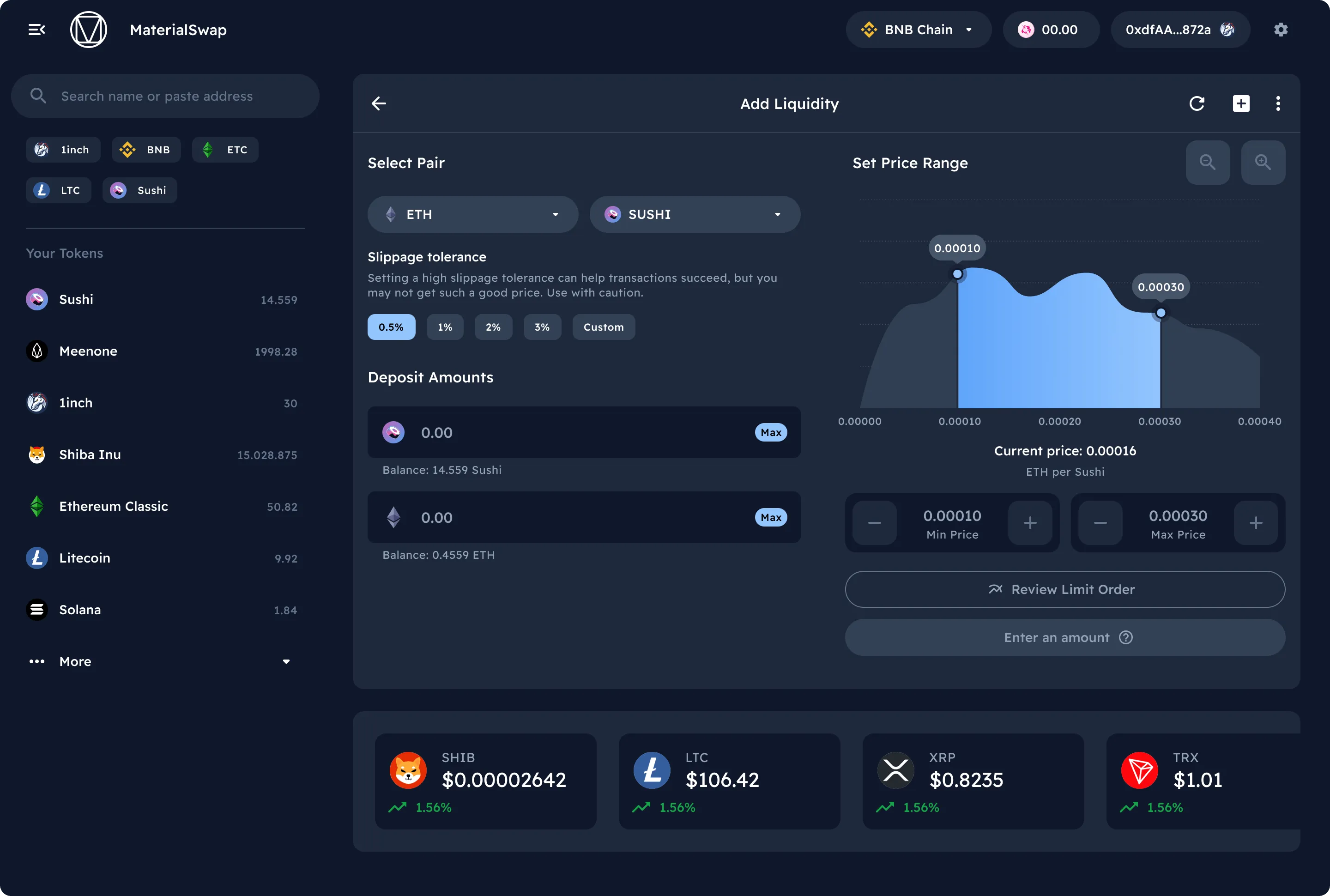
Each layout cloned and styled into a Dark mode. So, you have a choice.
Preview 2,600+ components
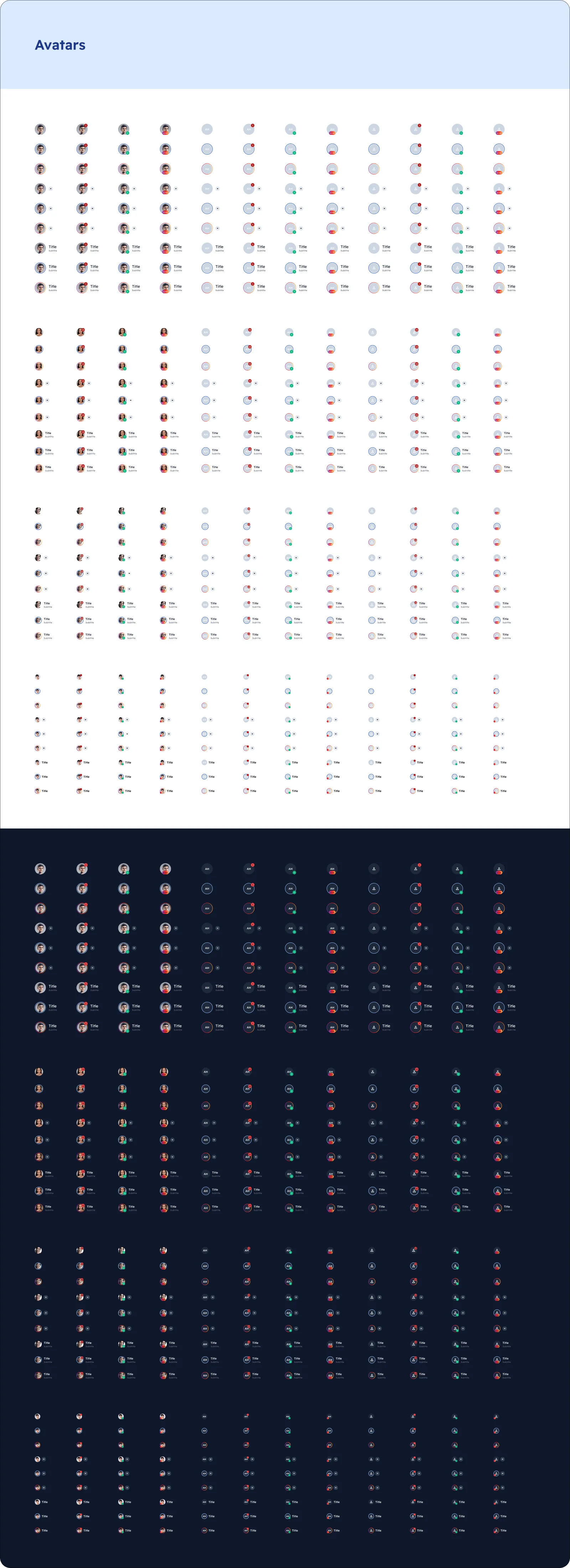
Avatars
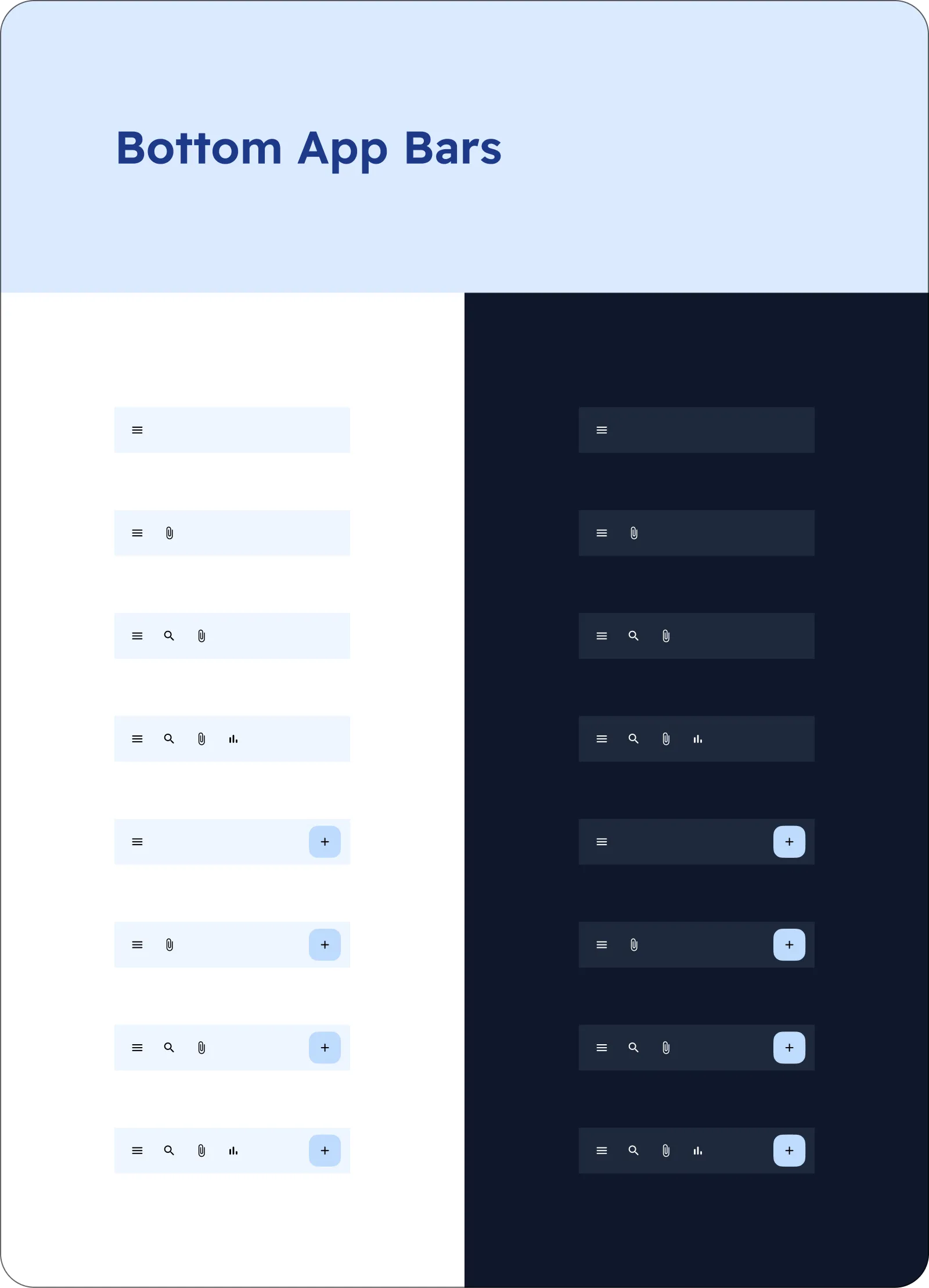
Bottom App Bars
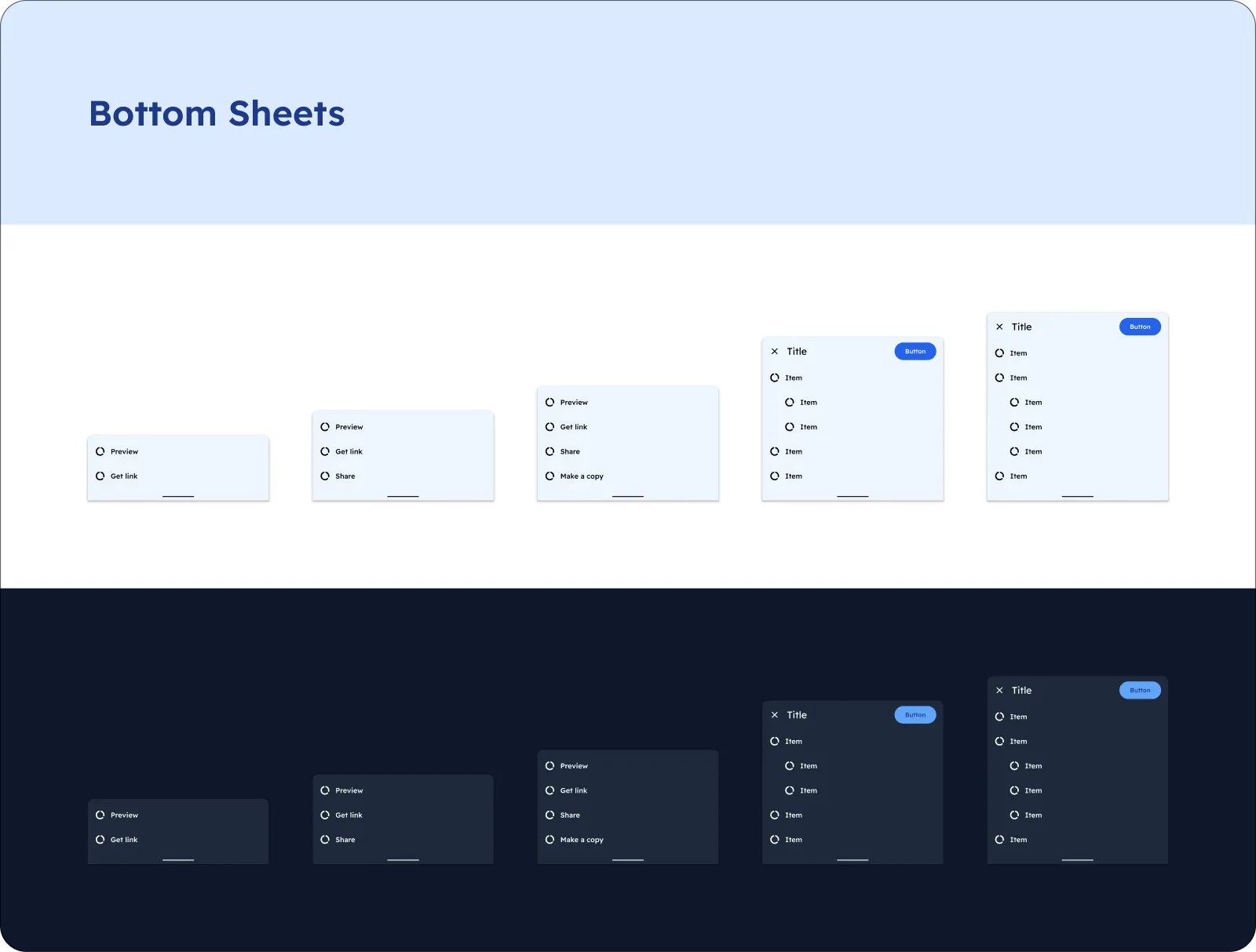
Bottom Sheets
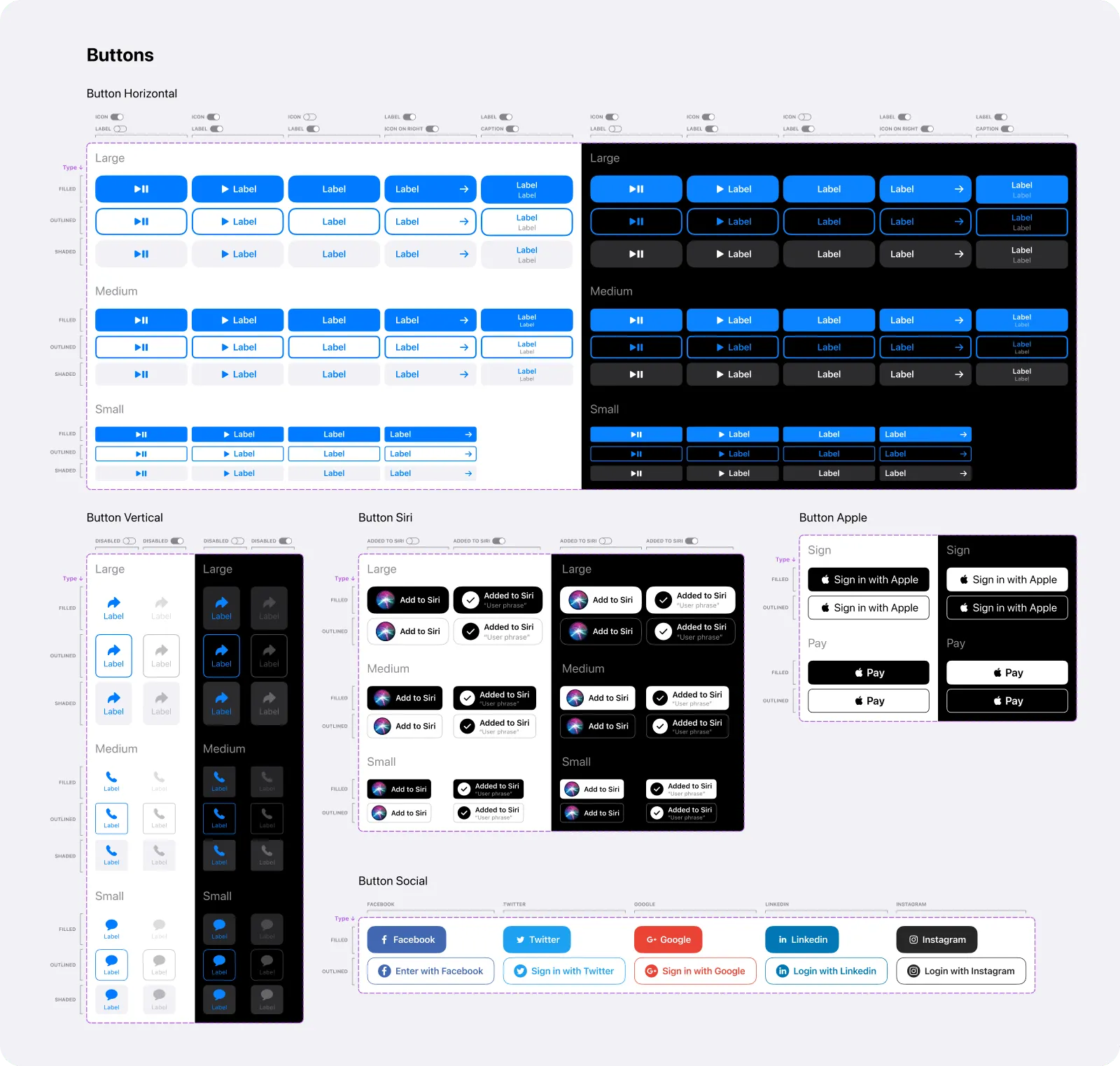
Buttons
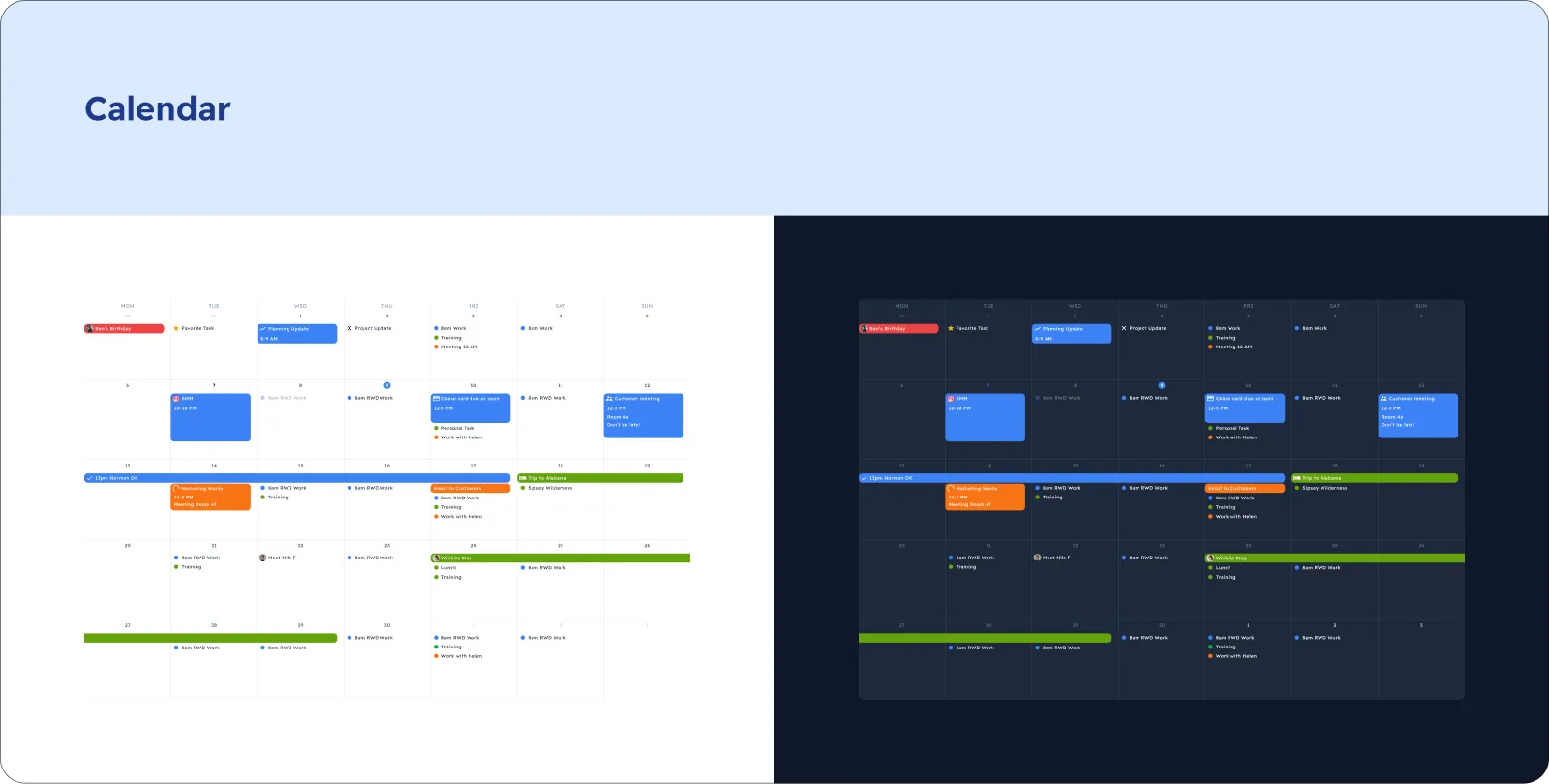
Calendar
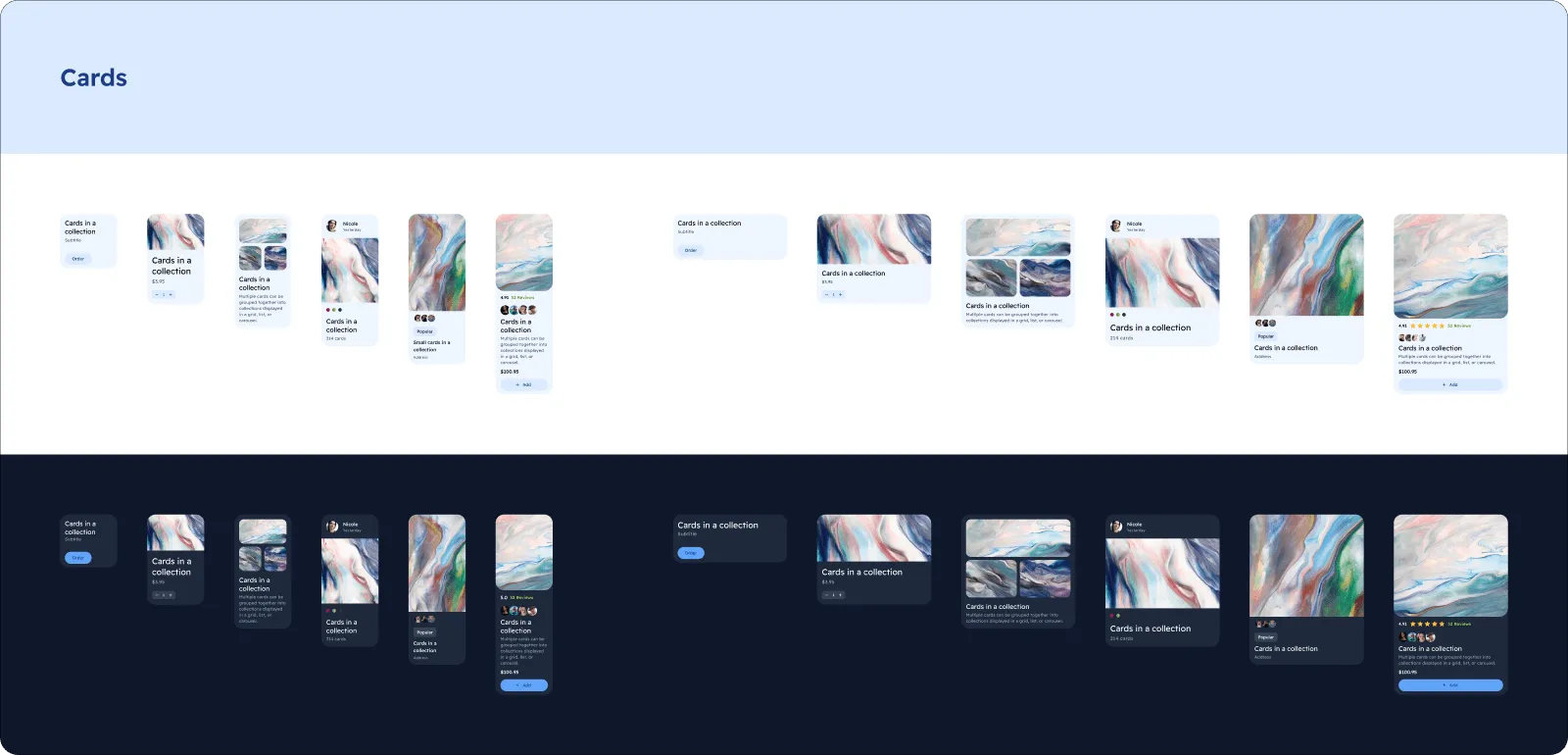
Cards
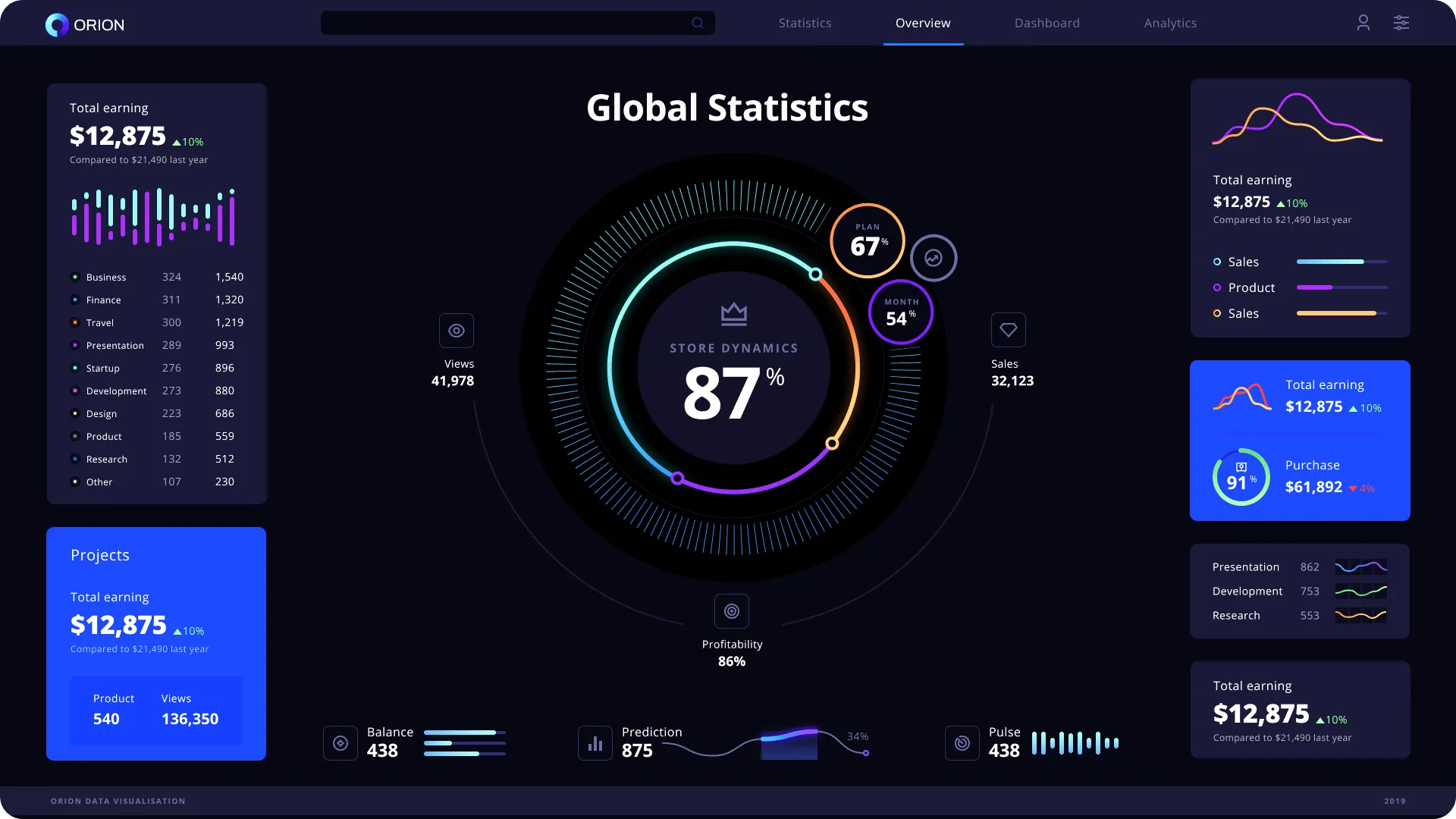
Charts
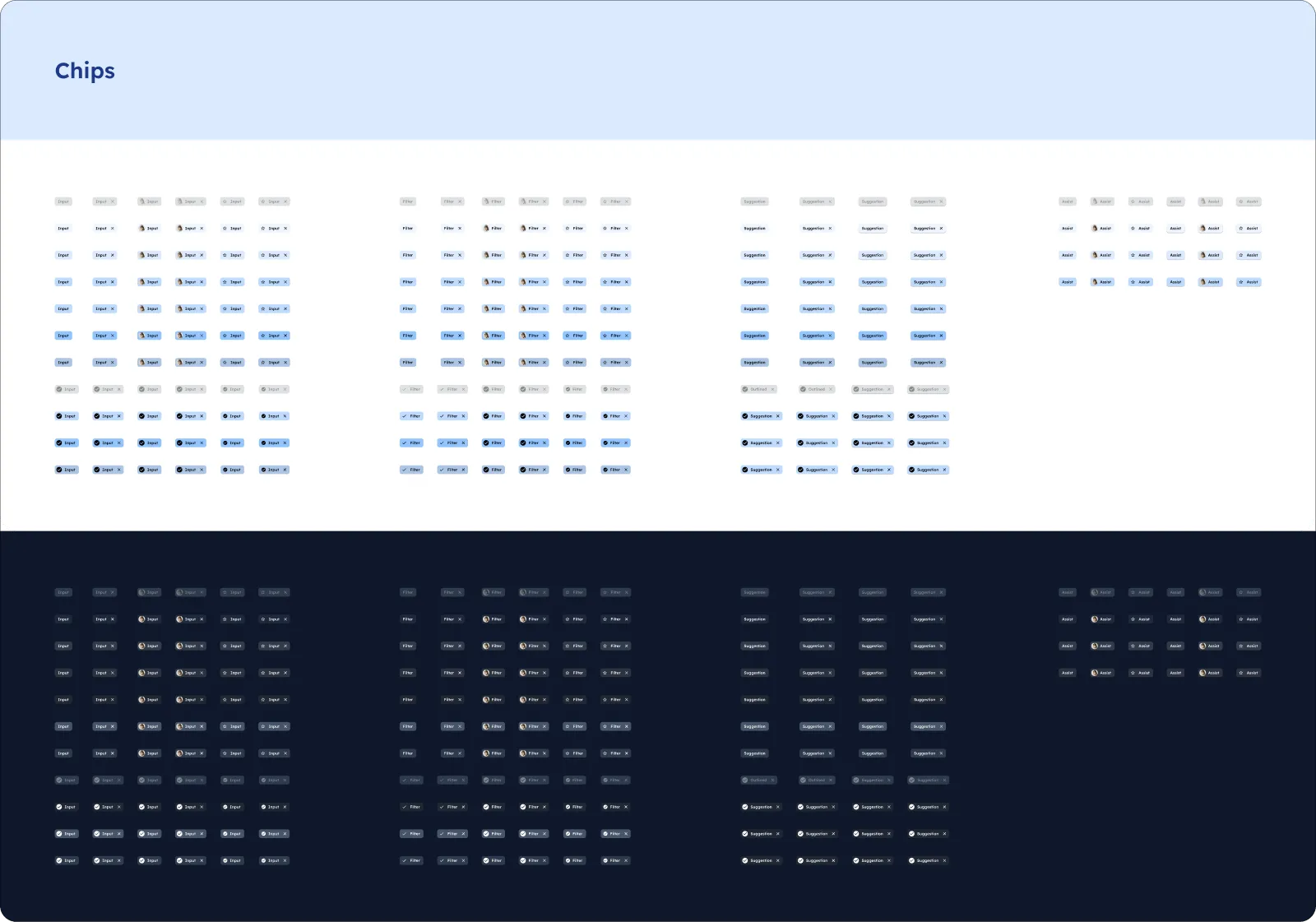
Chips
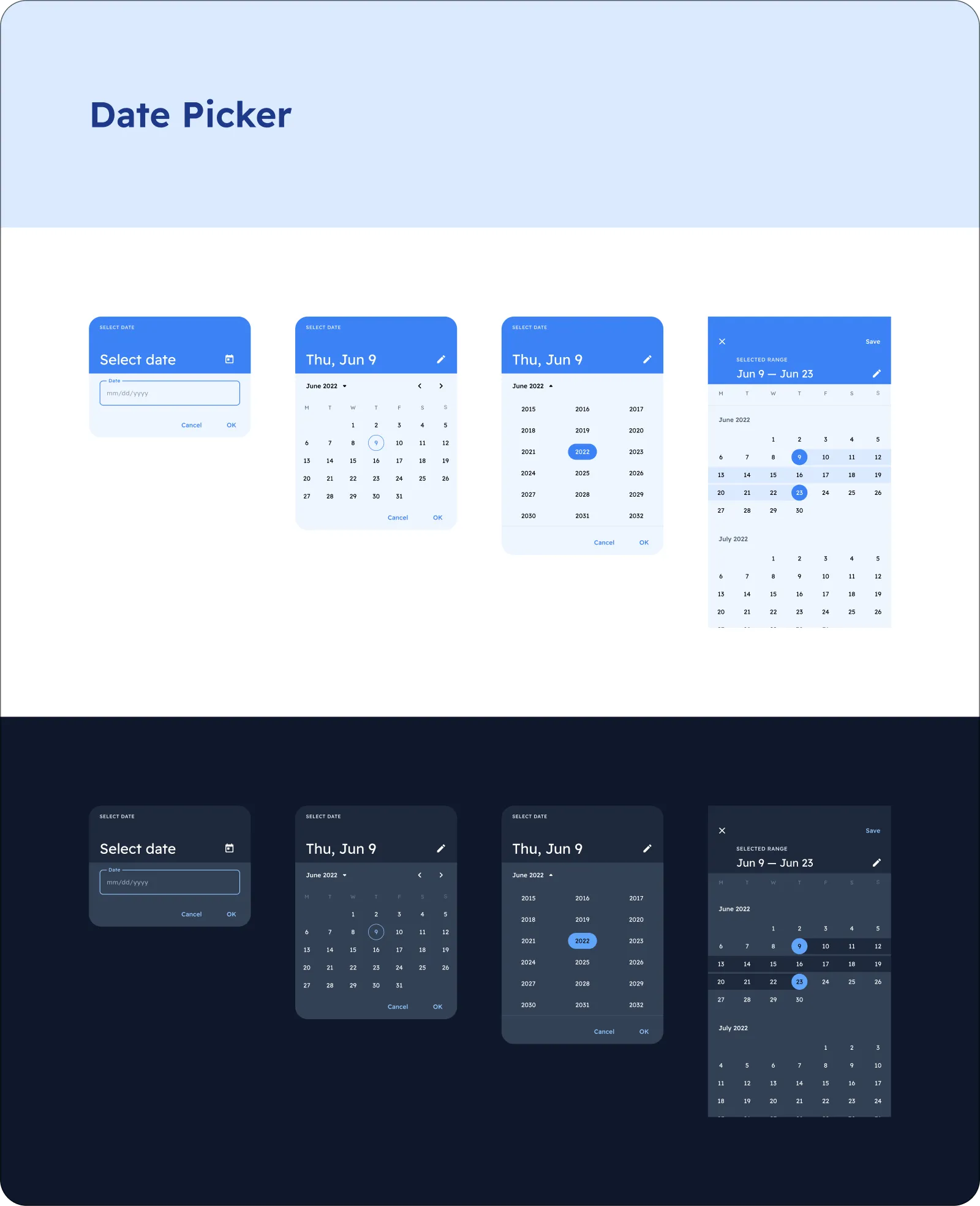
Date Pickers
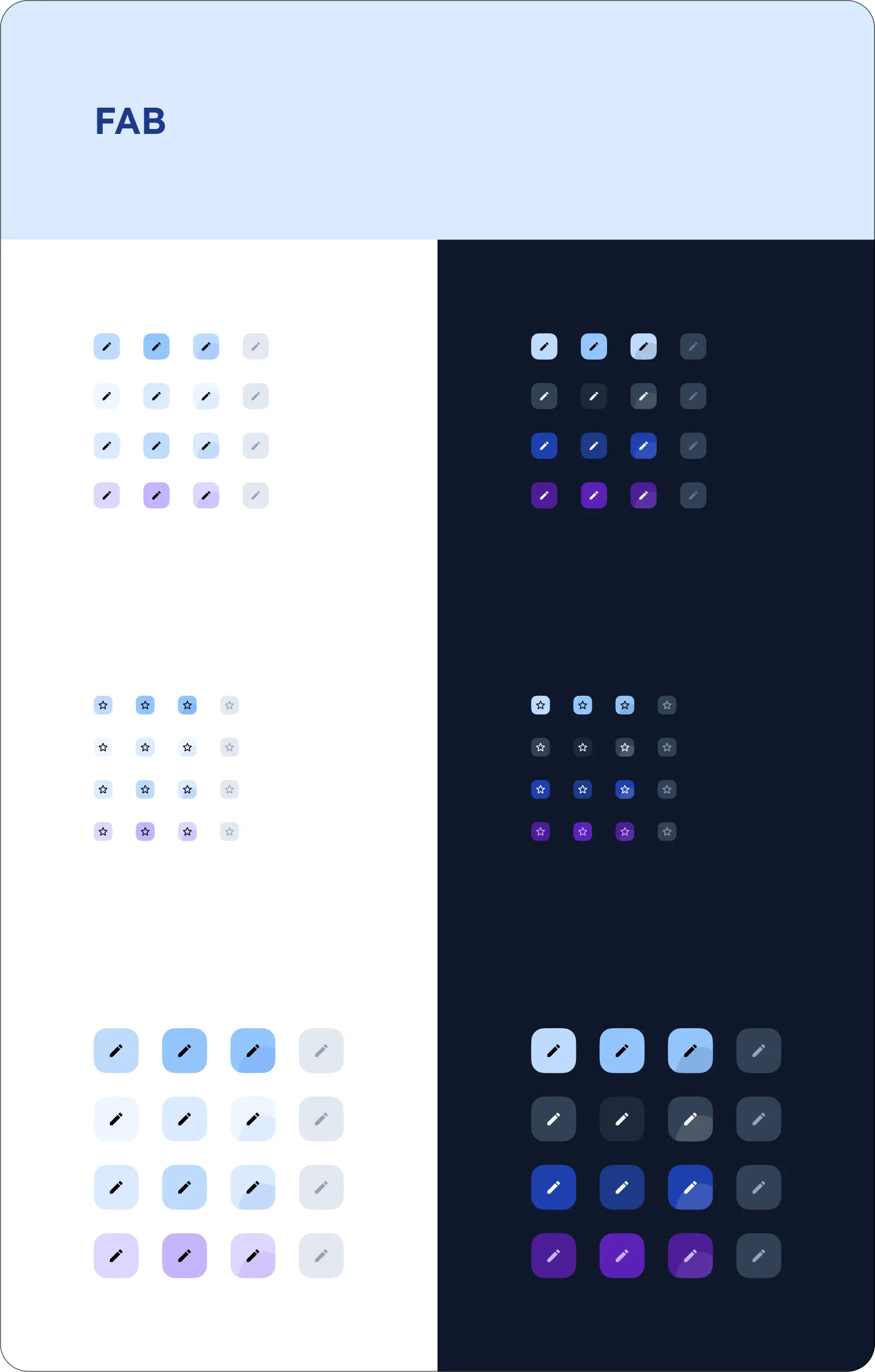
FAB
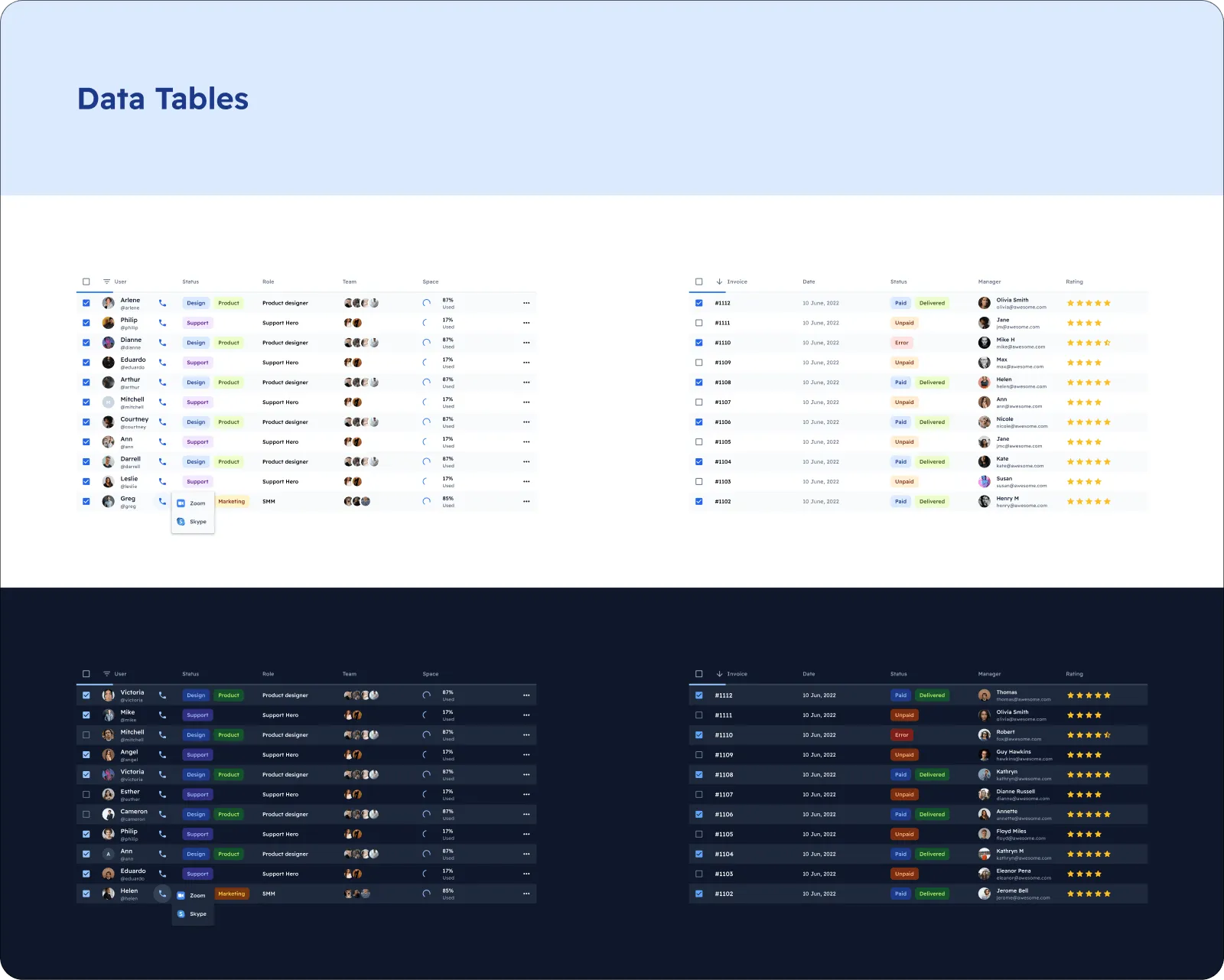
Data Tables
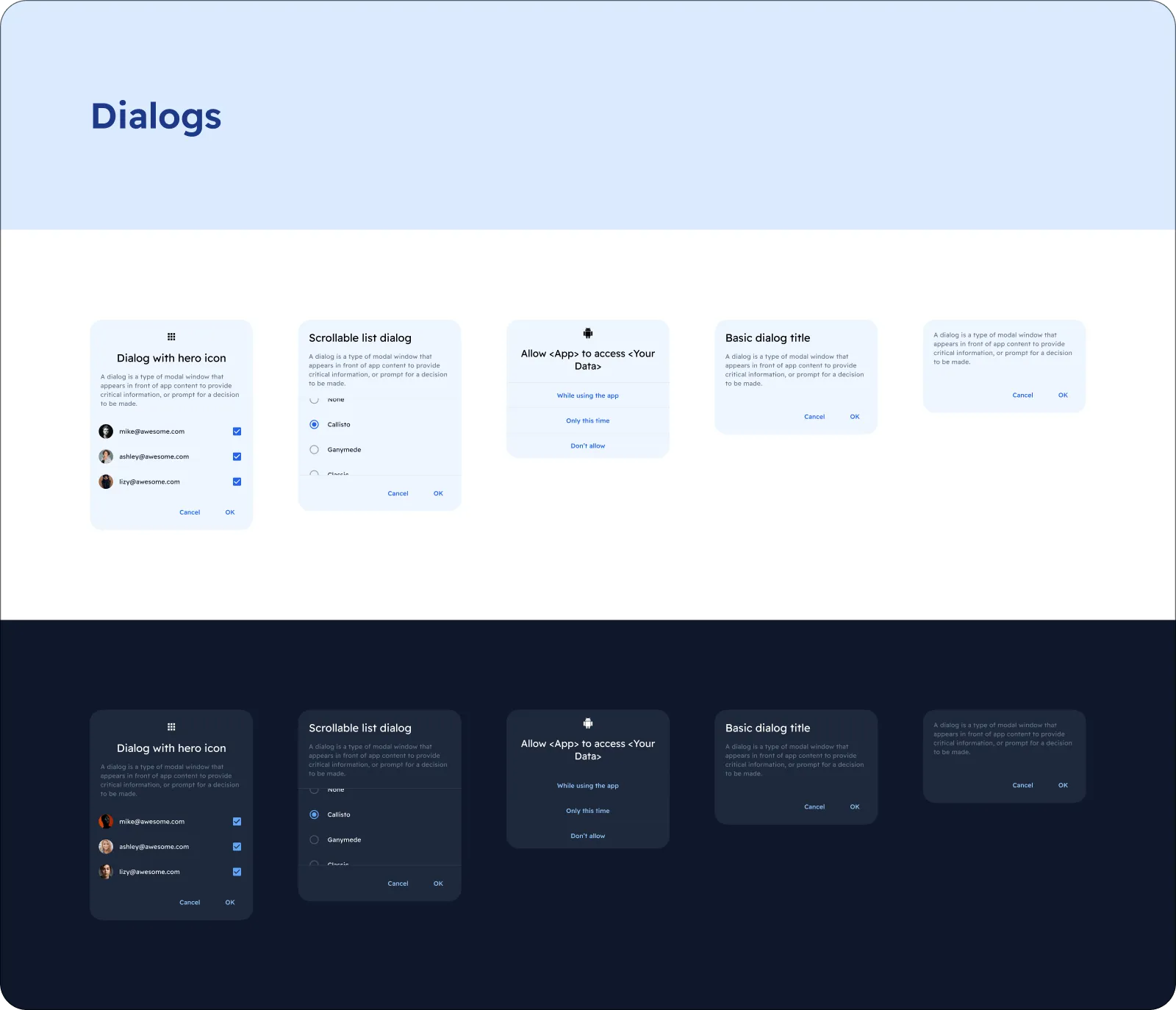
Dialogs
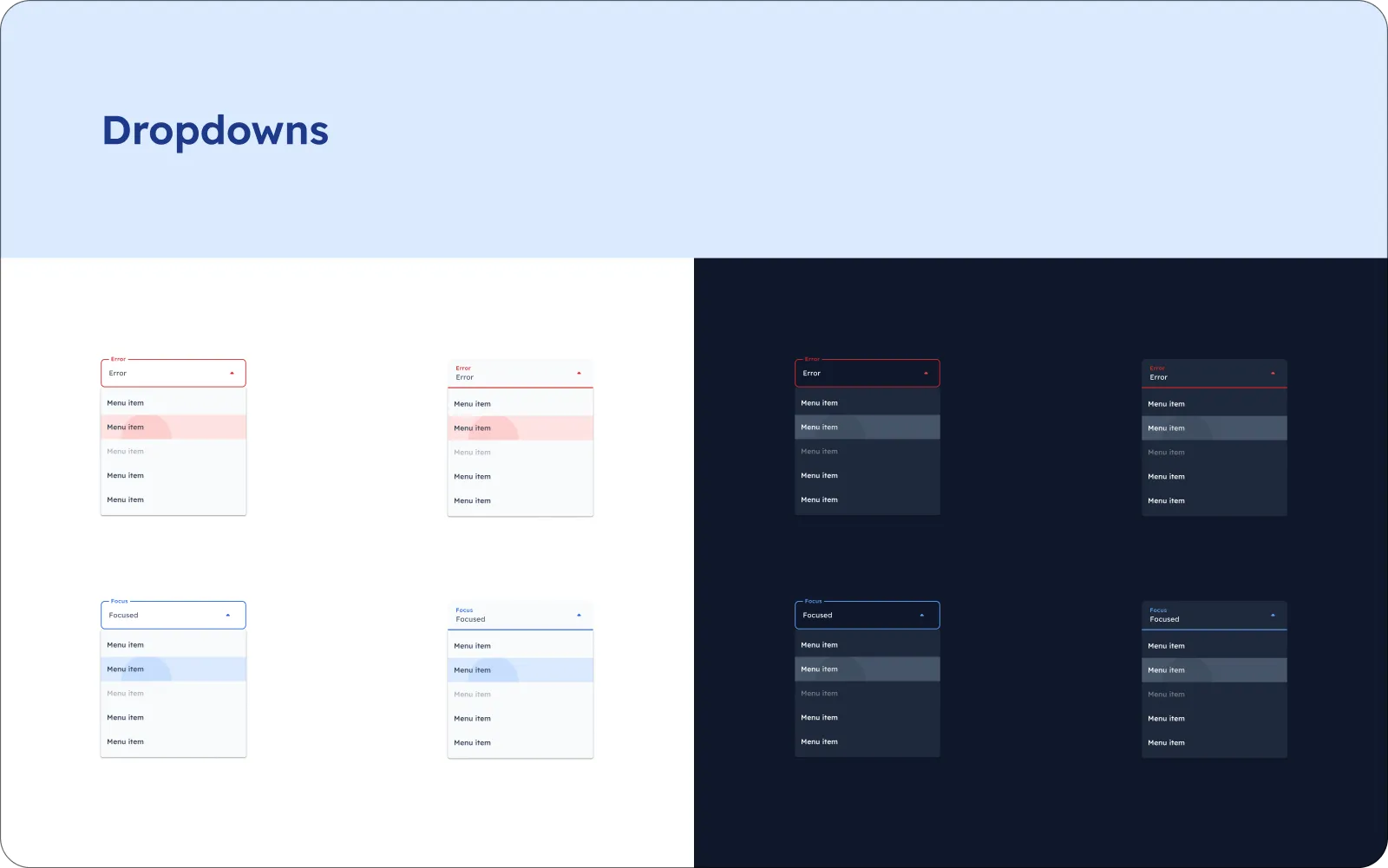
Dropdowns
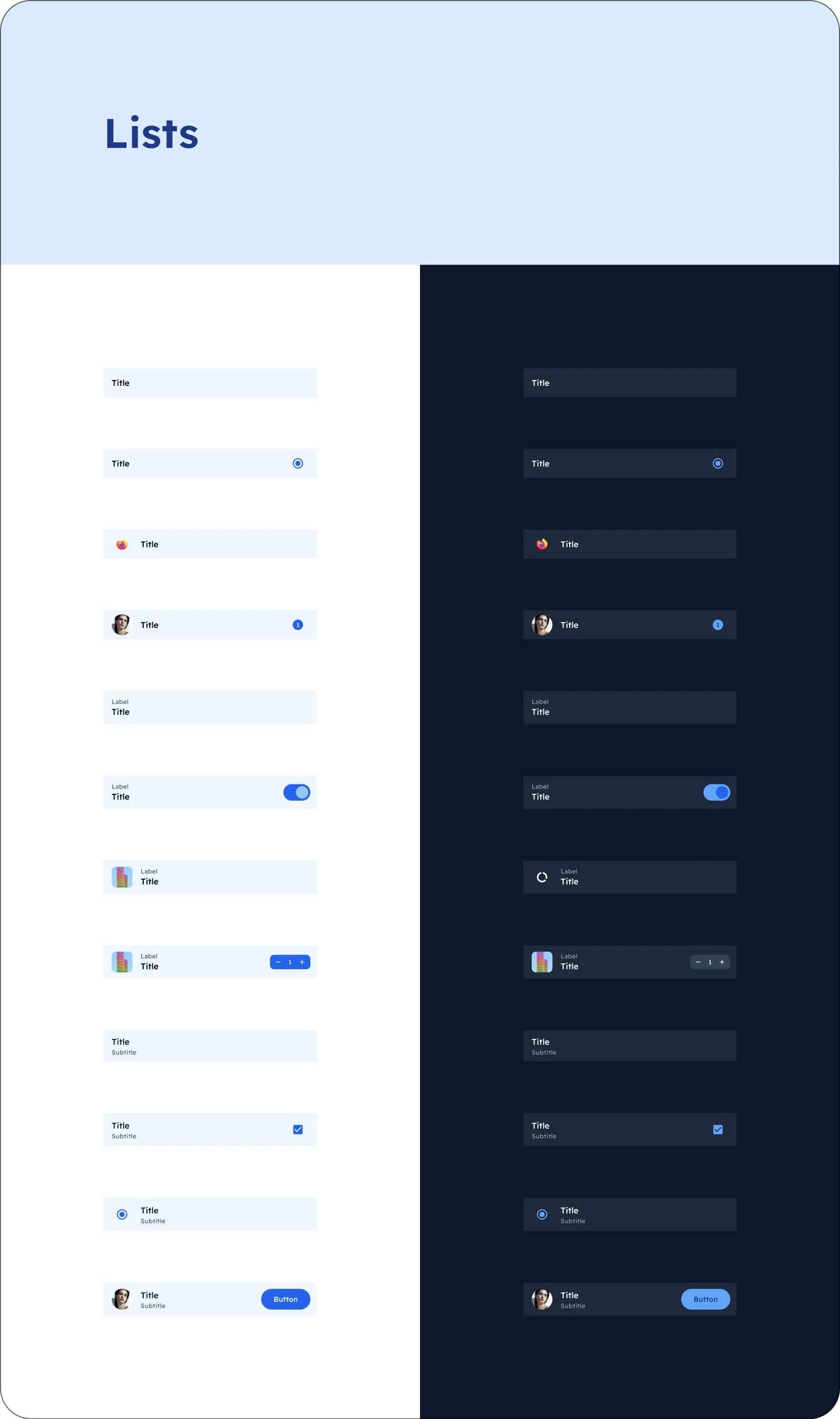
Lists
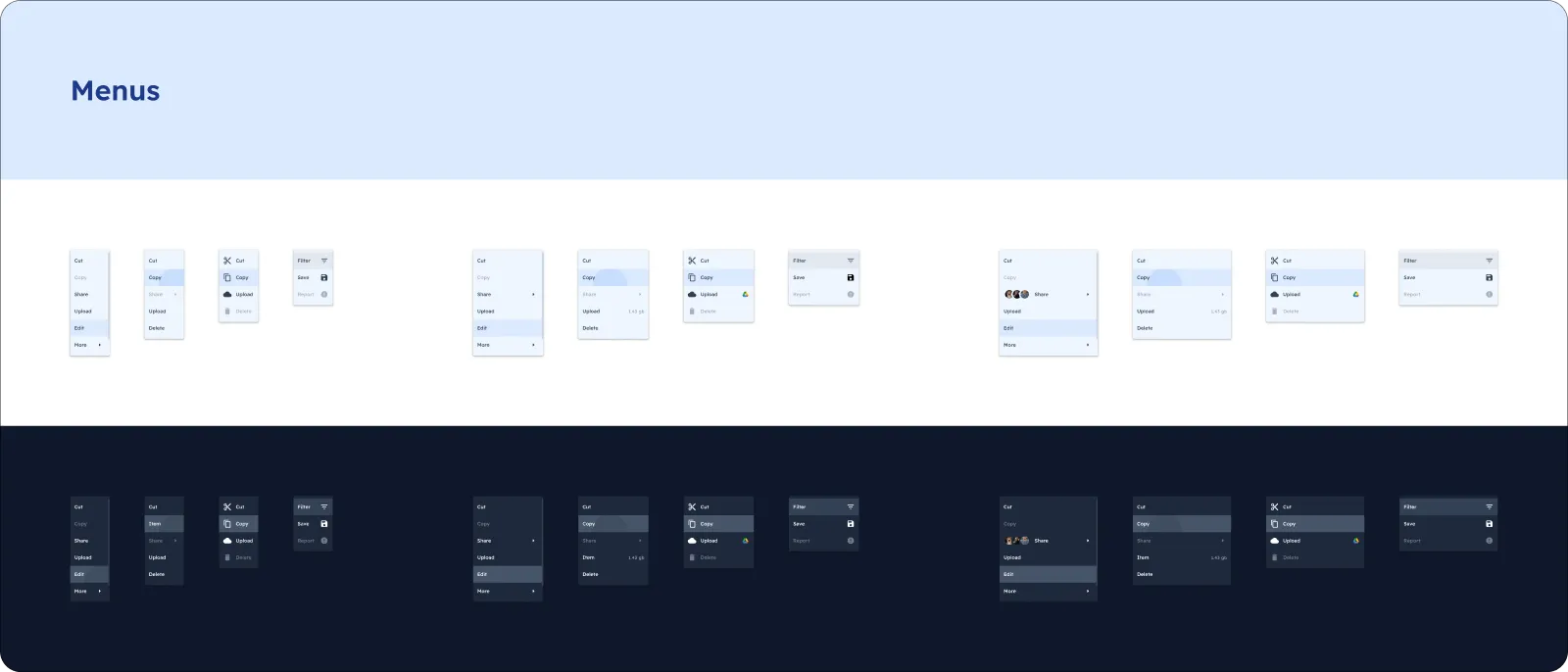
Menus
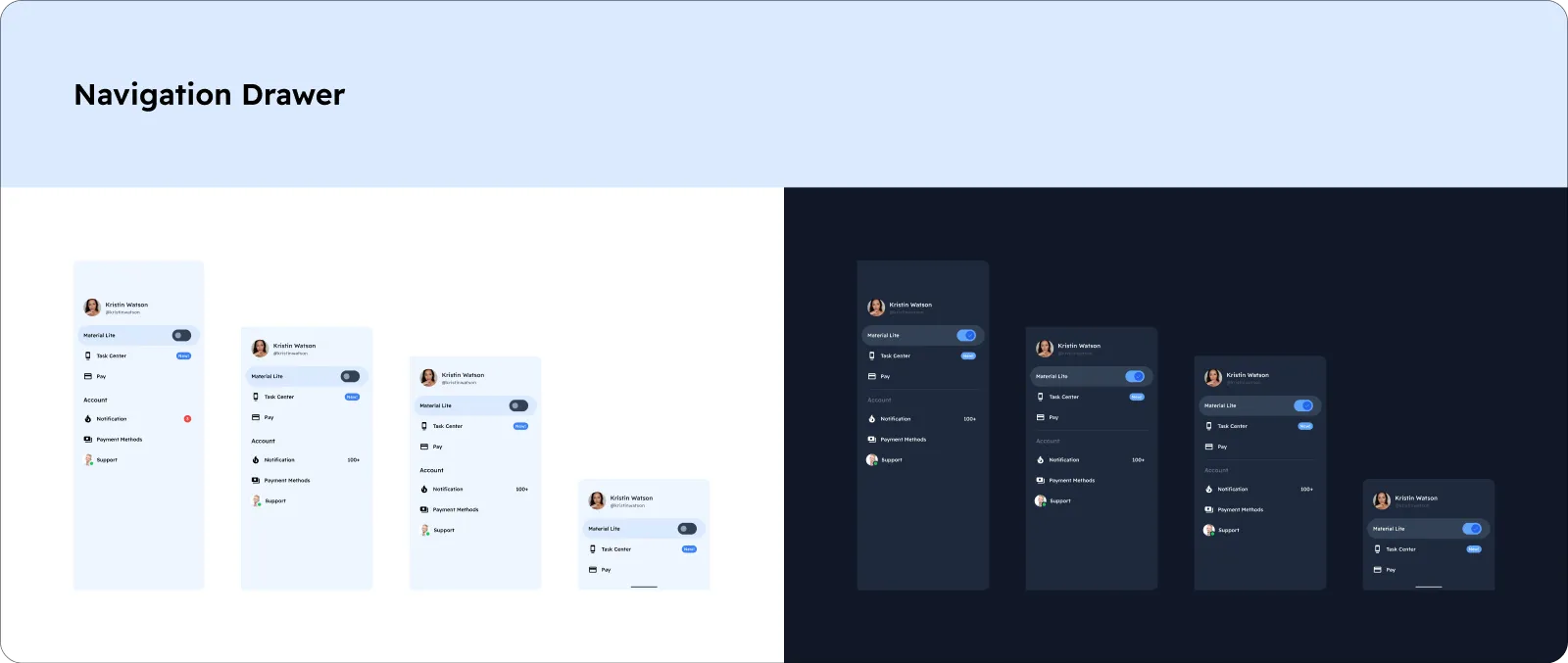
Navigation Drawer
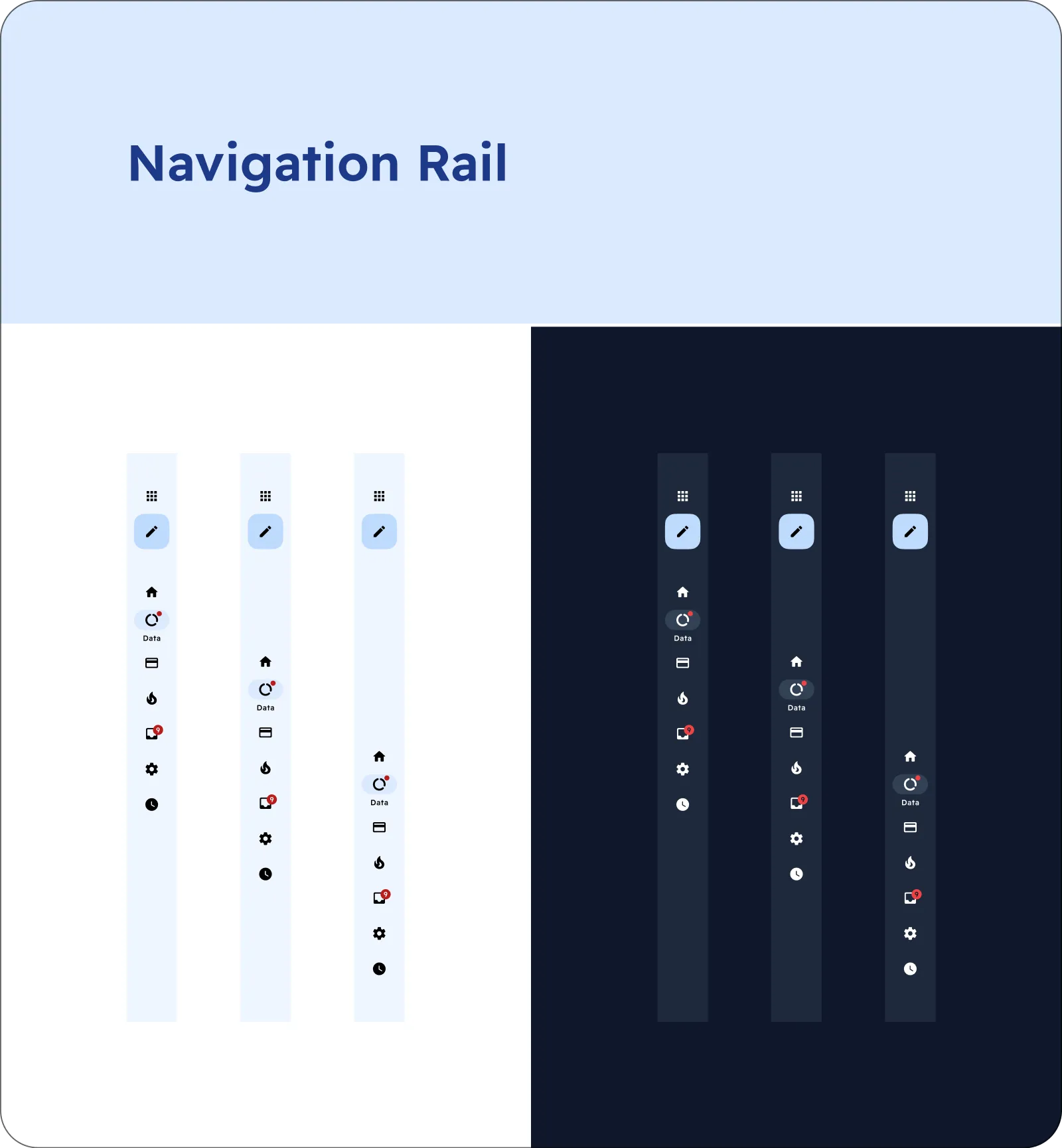
Navigation Rail
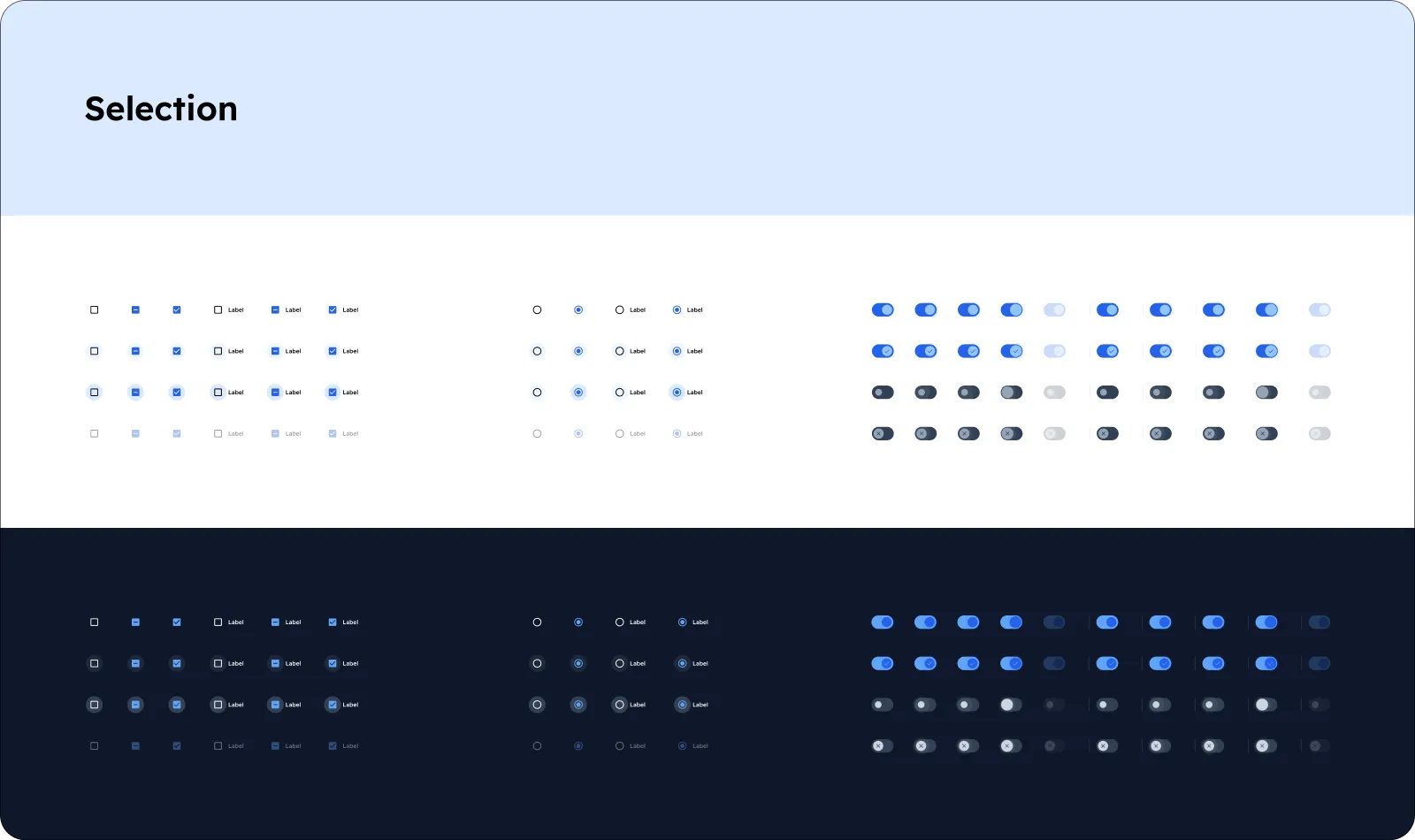
Selection
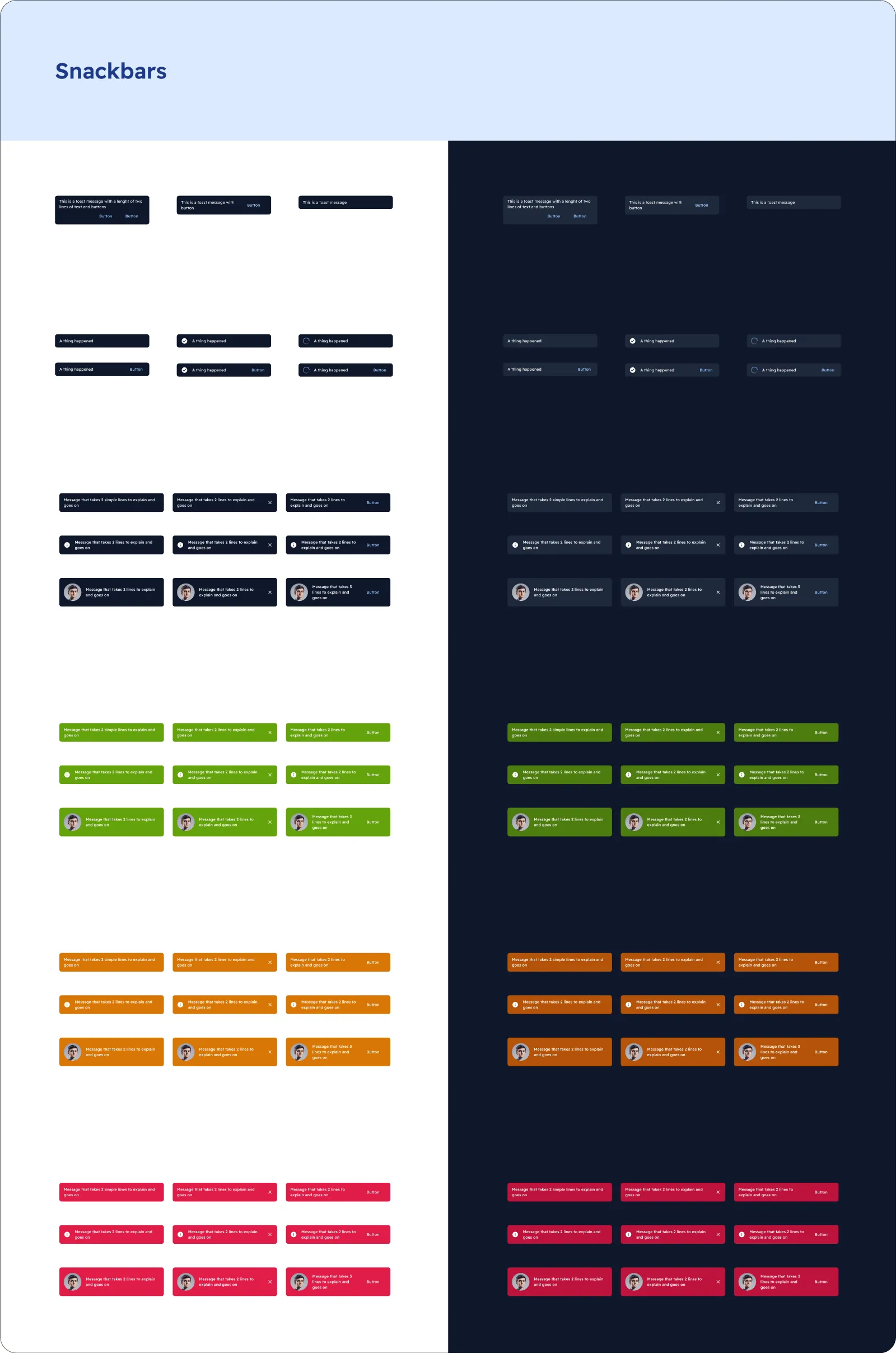
Snackbars
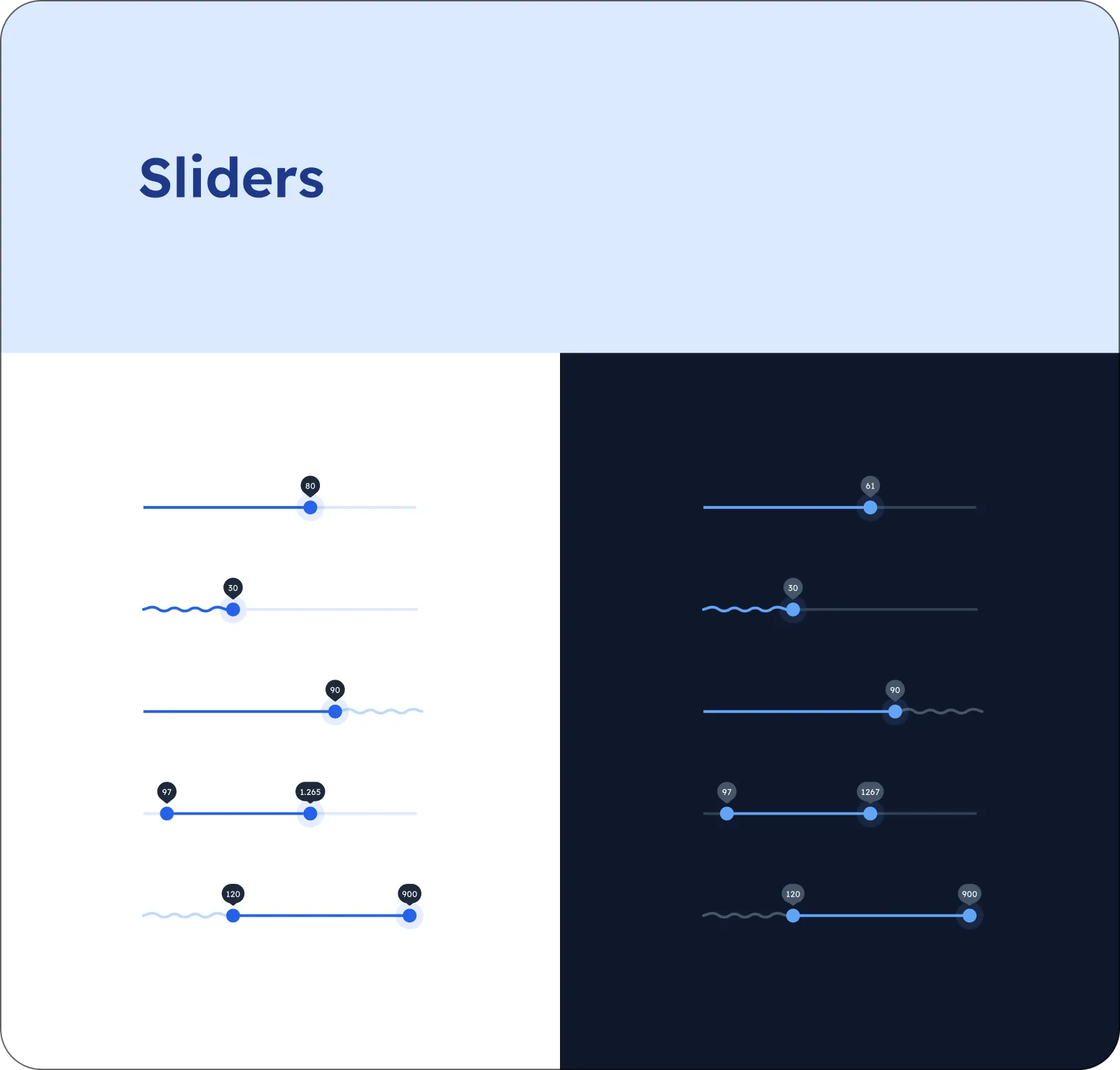
Text
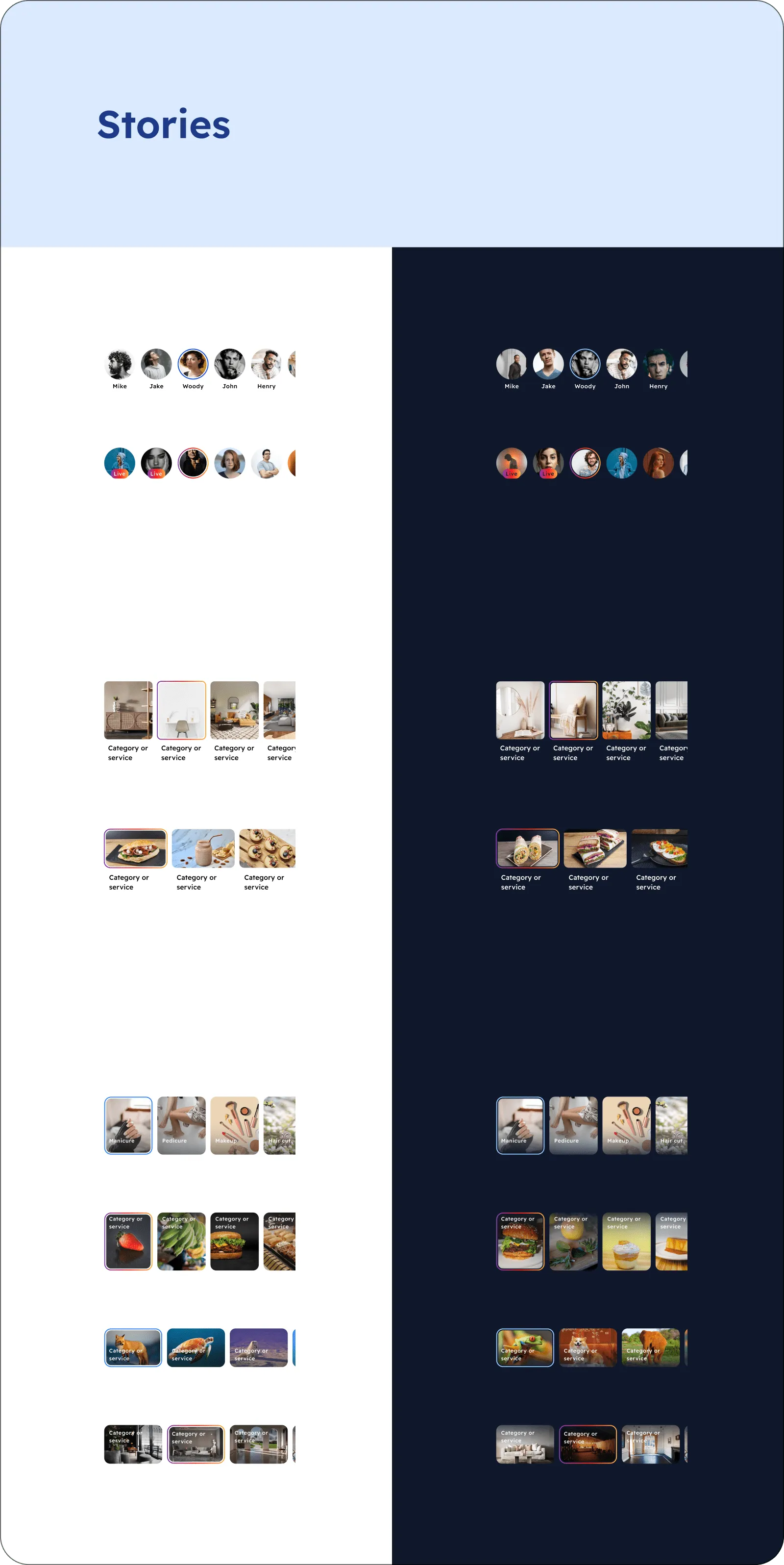
Stories
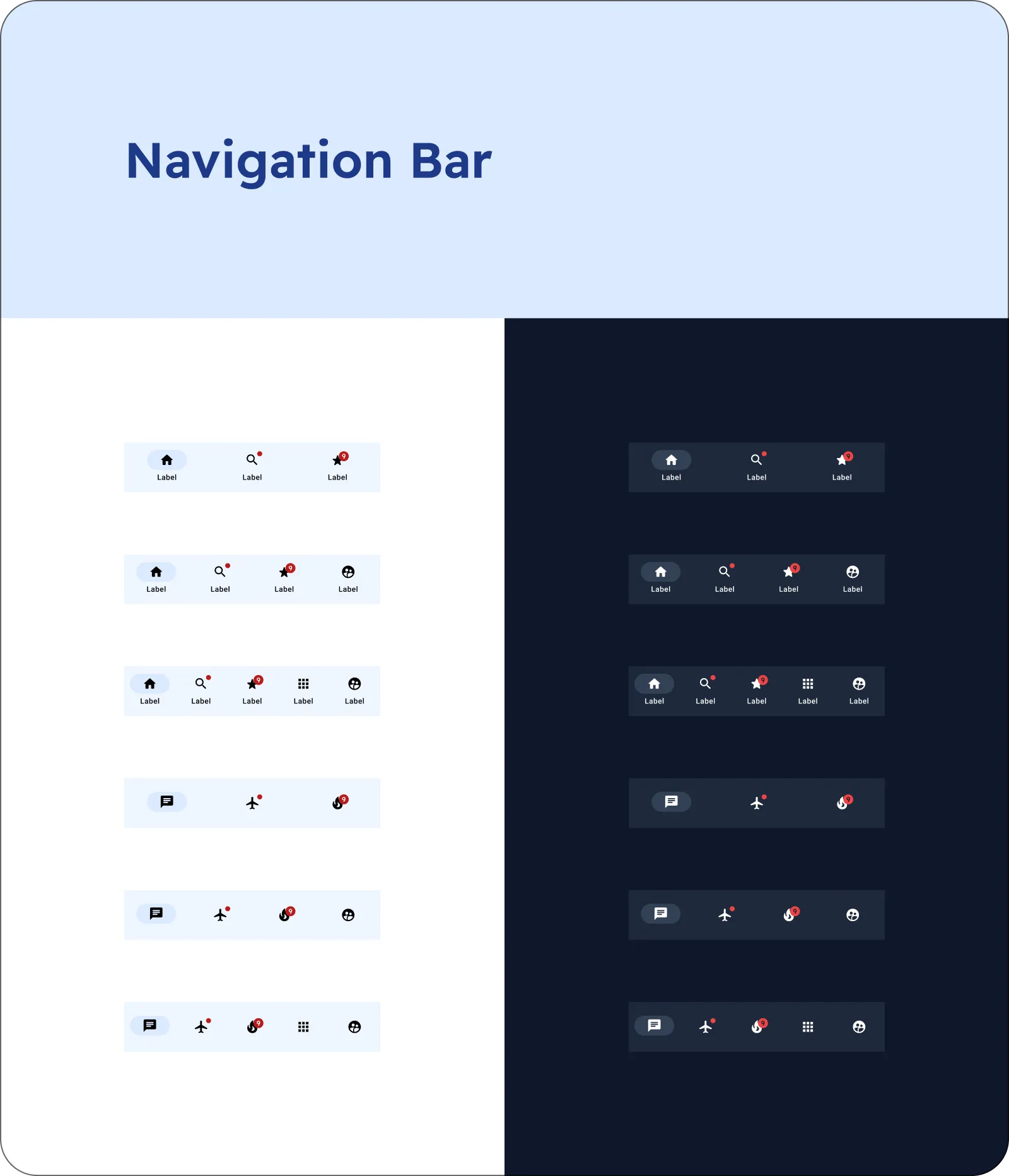
Navigation Bar
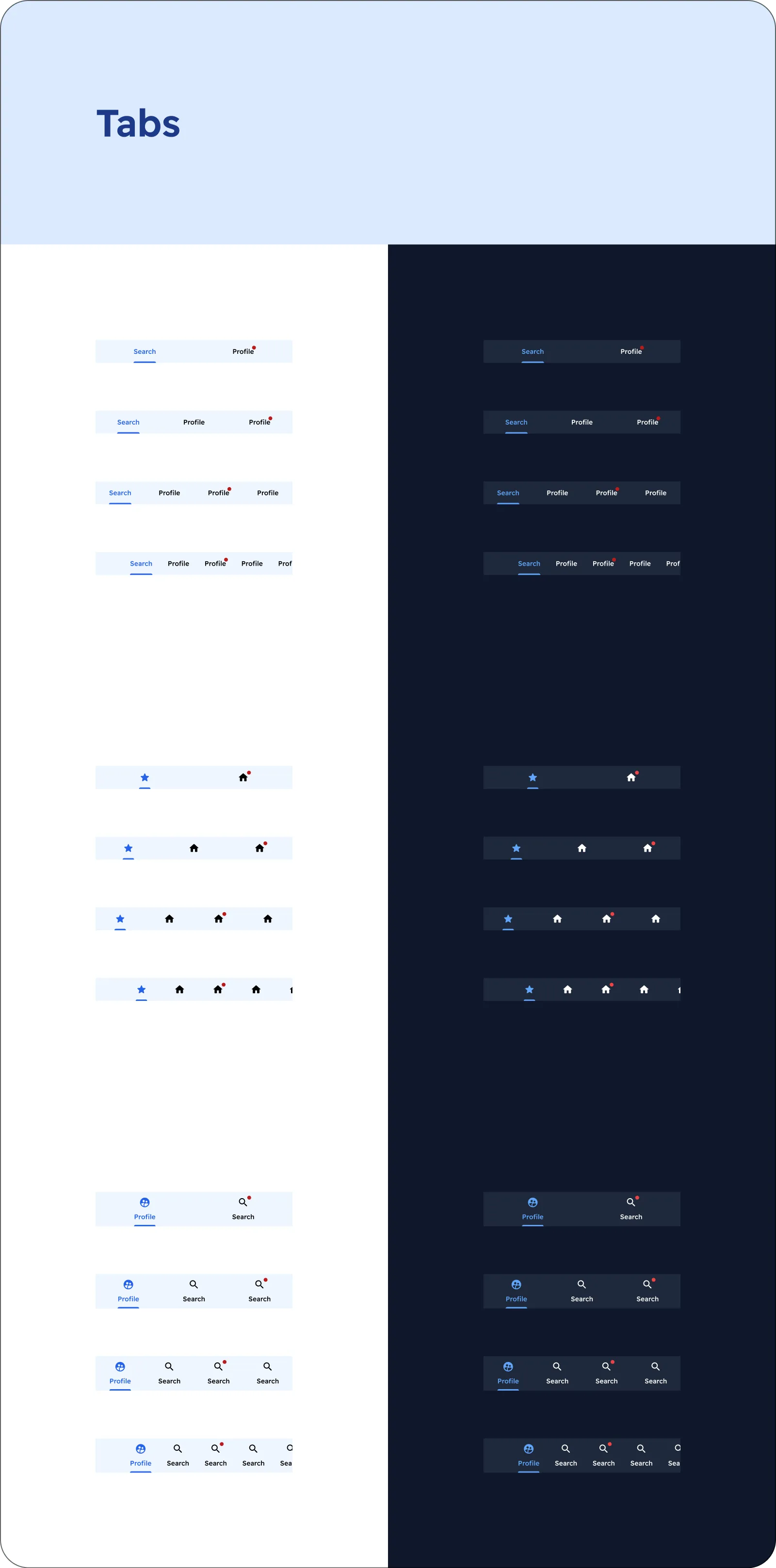
Tabs
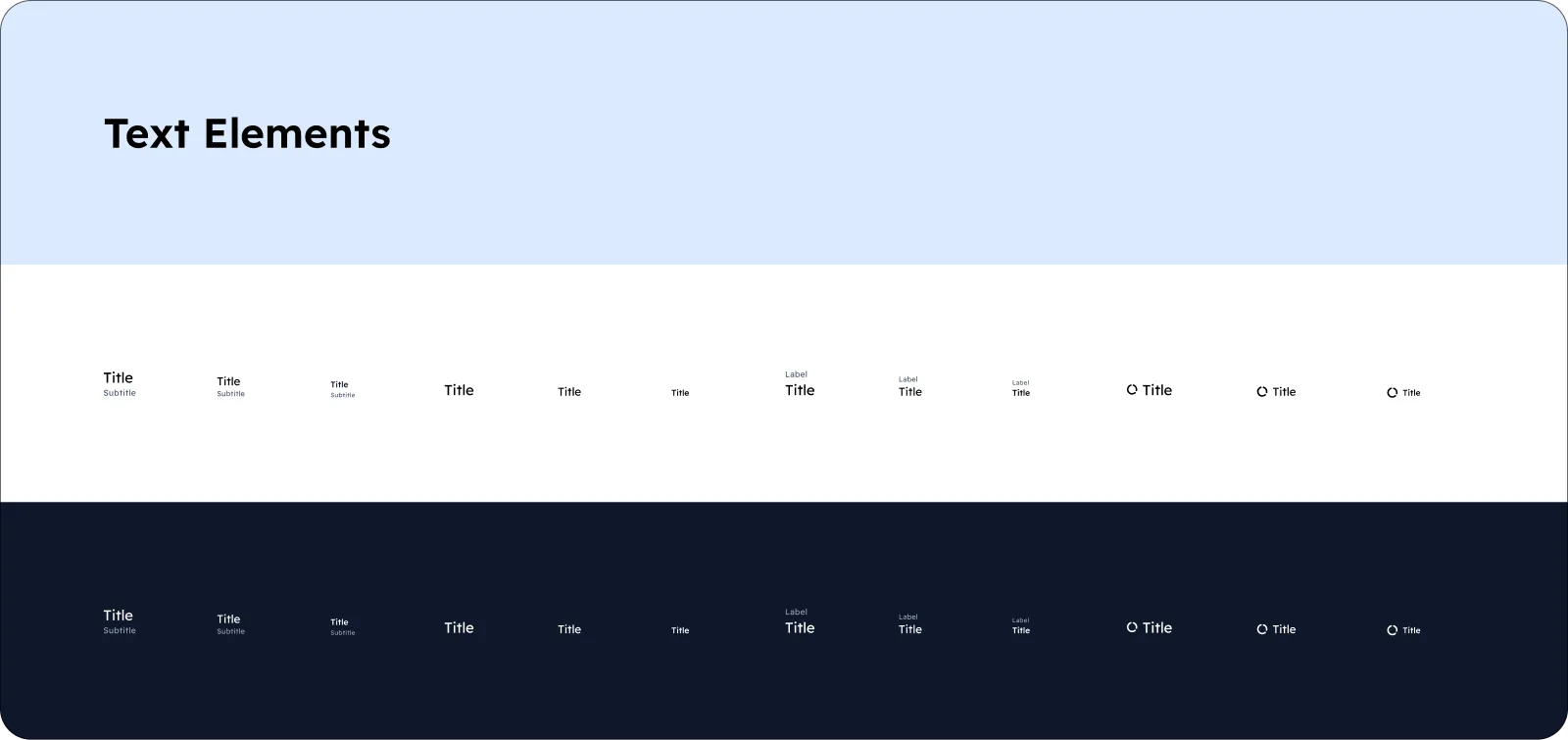
Text Elements
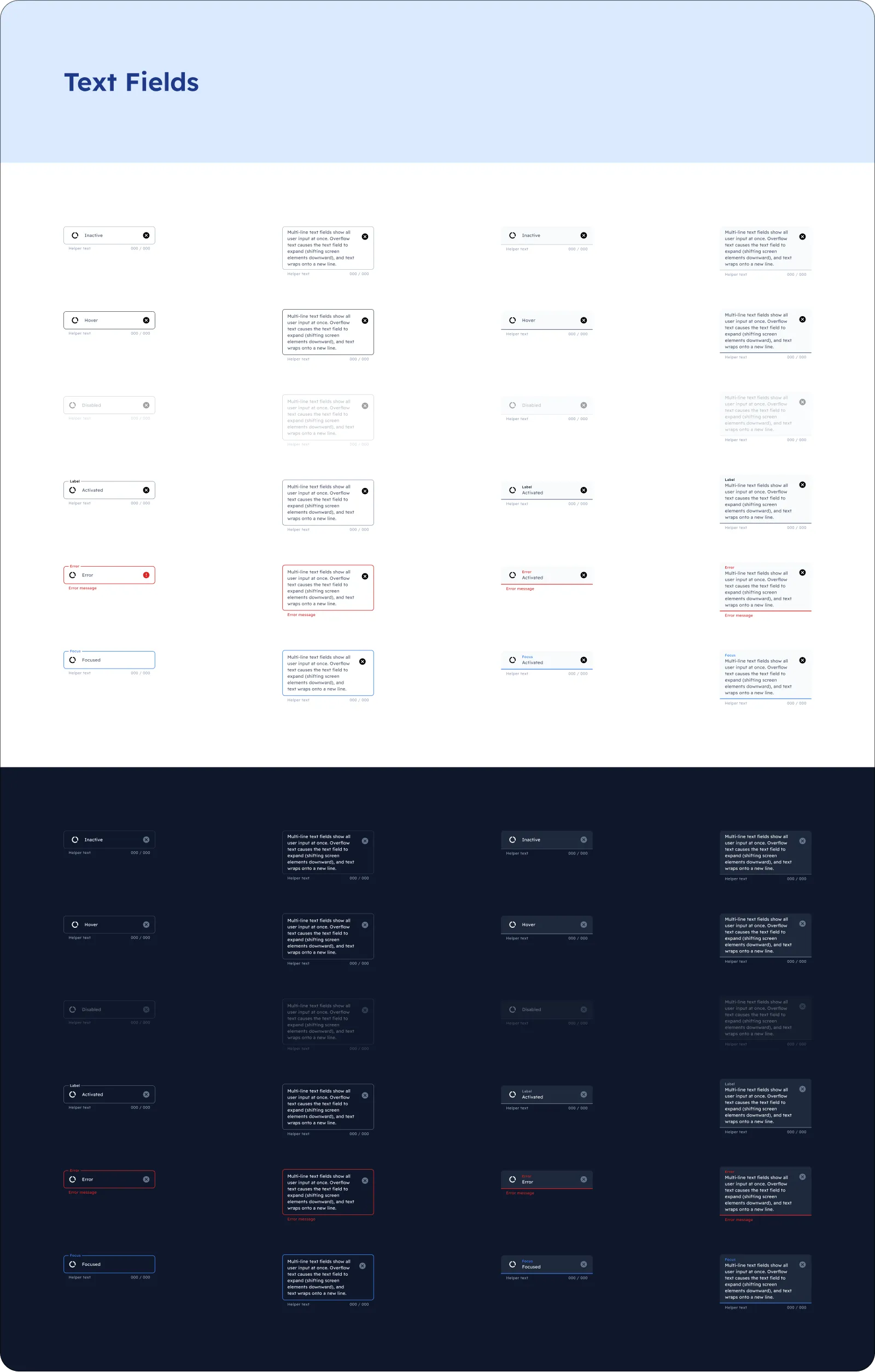
Text Fields
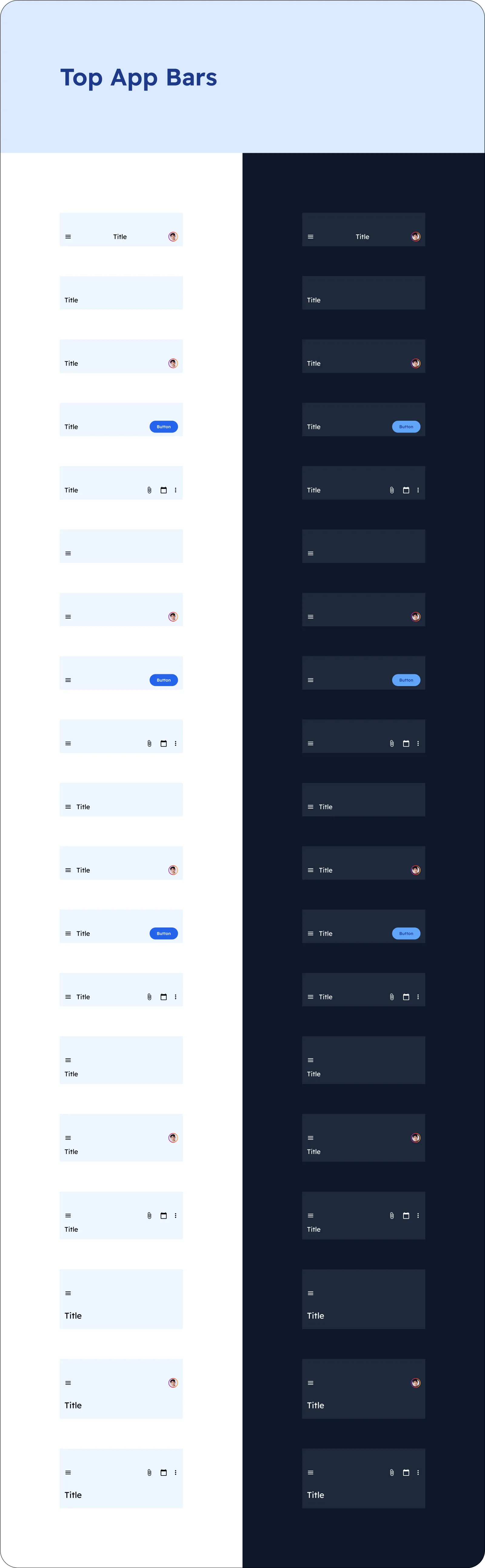
Top App Bars
All the viewports!
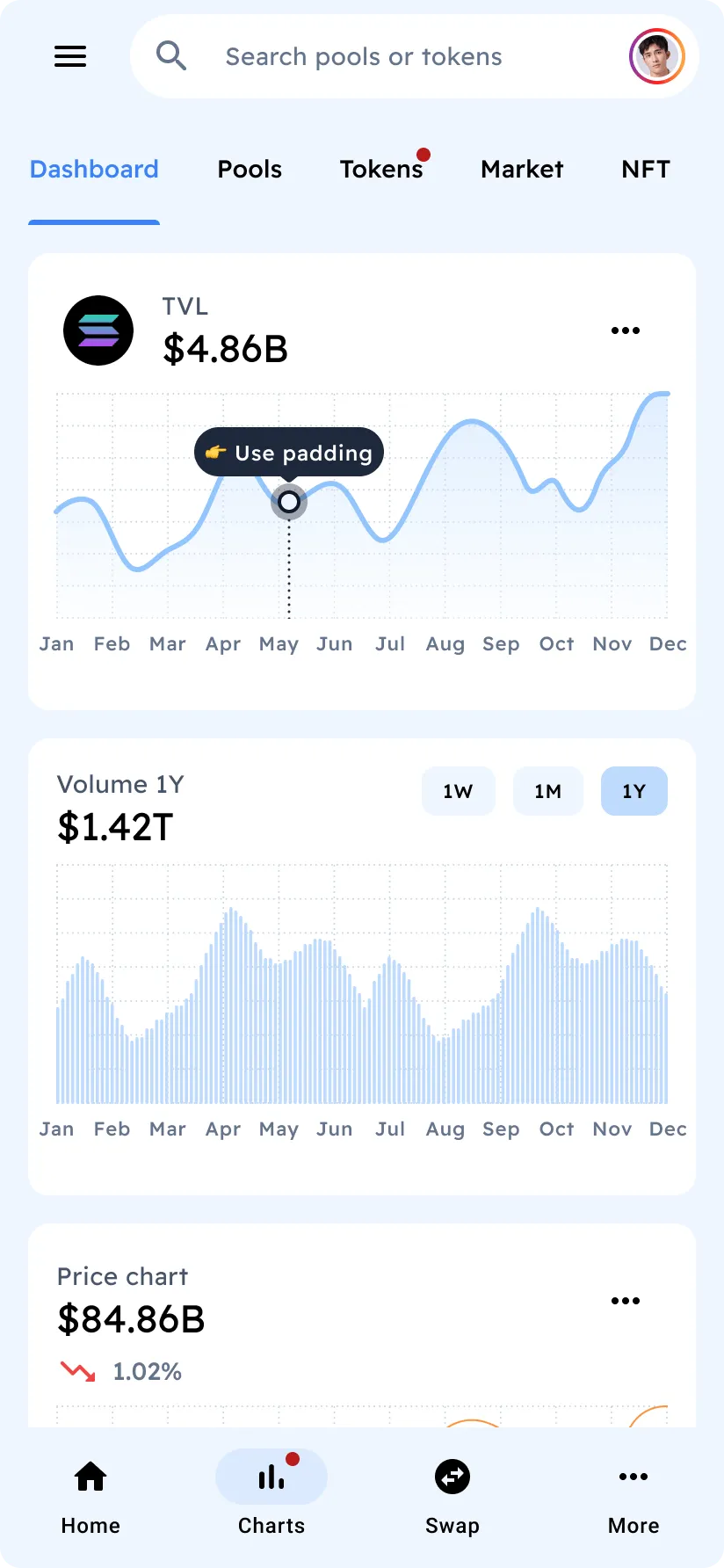
Analytics
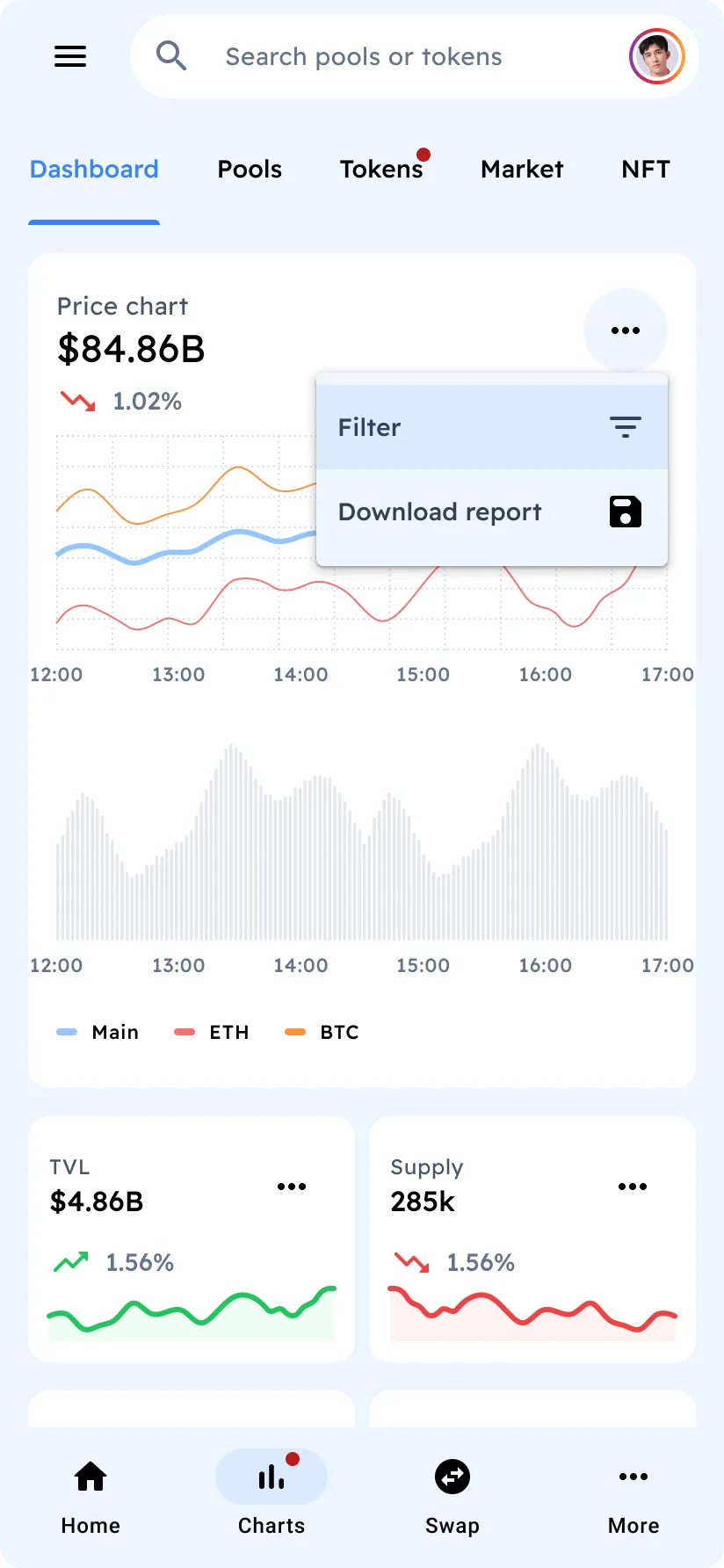
Analytics
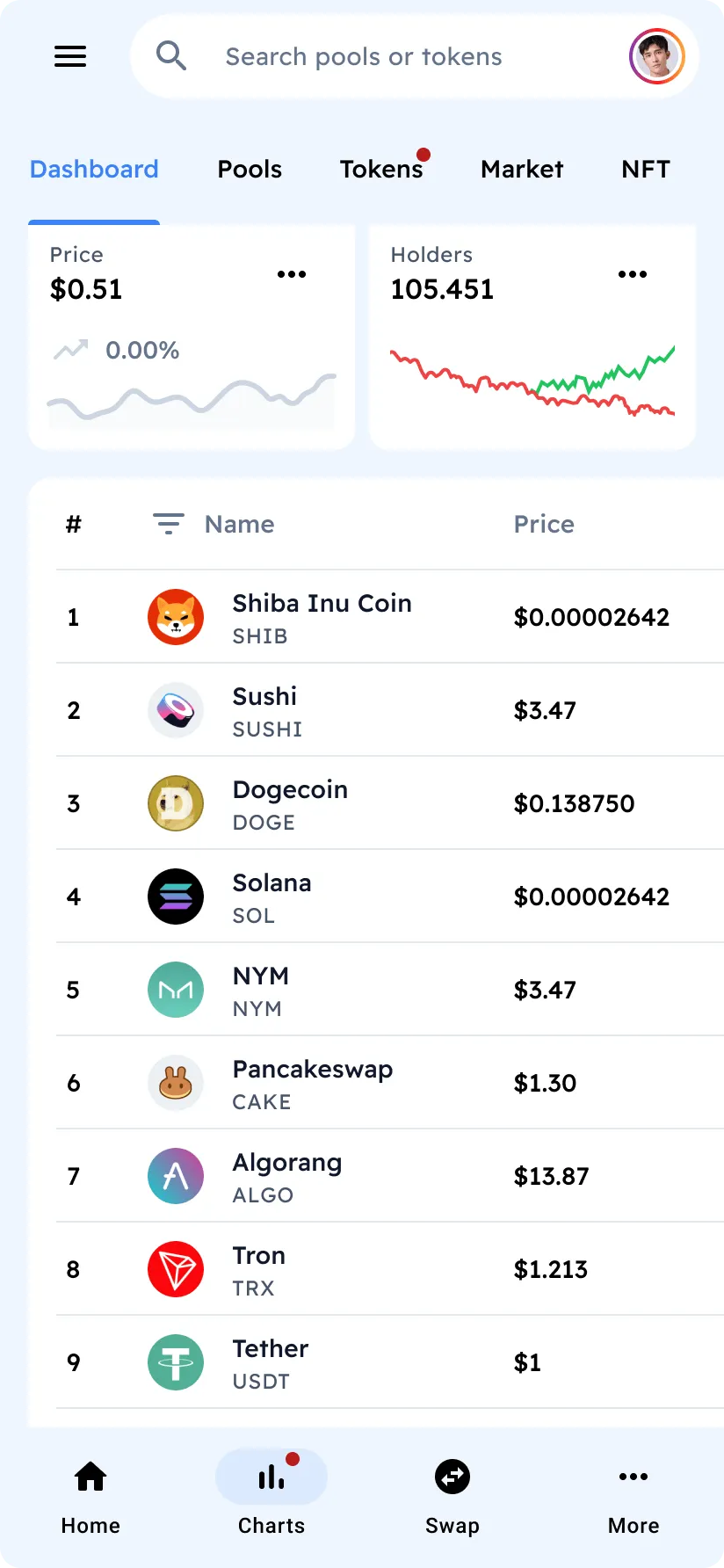
Analytics
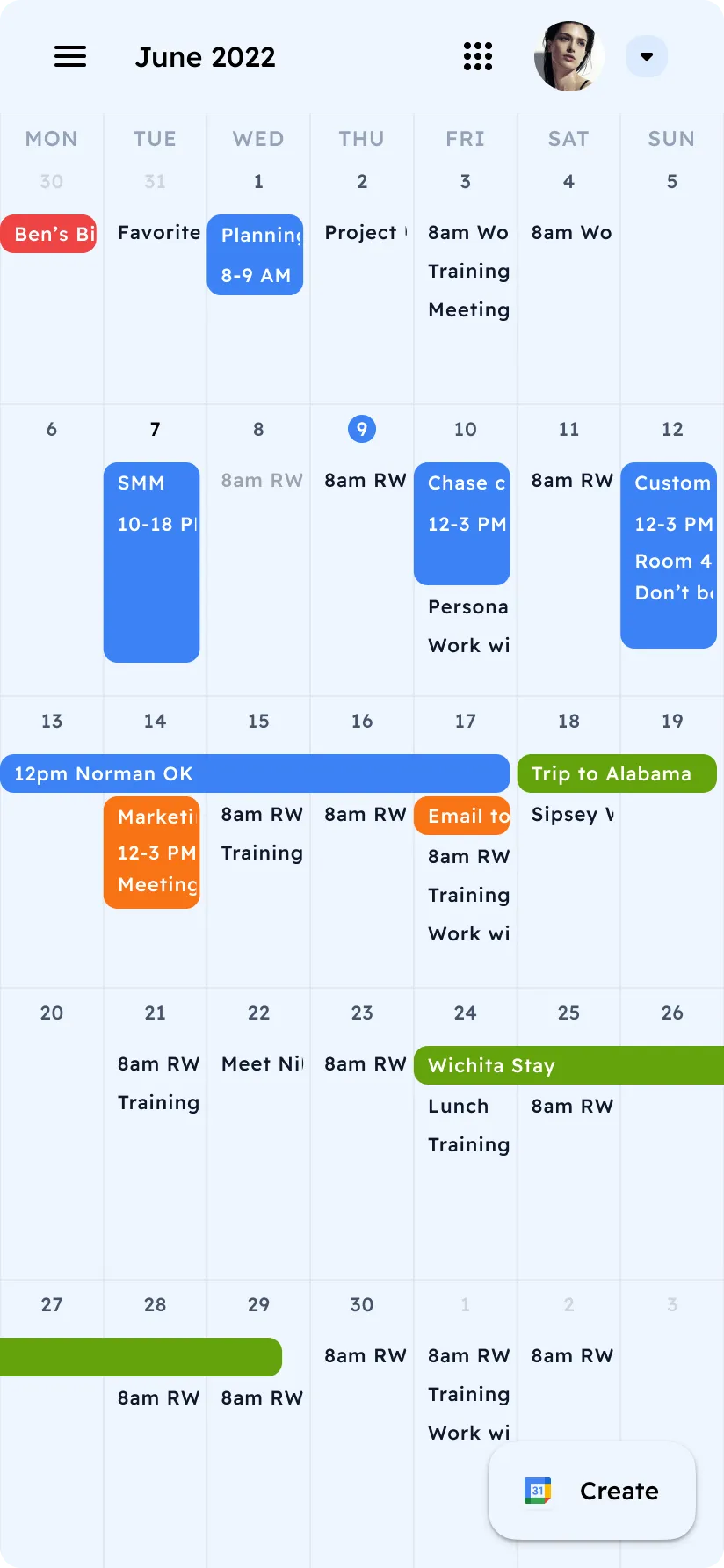
Calendar
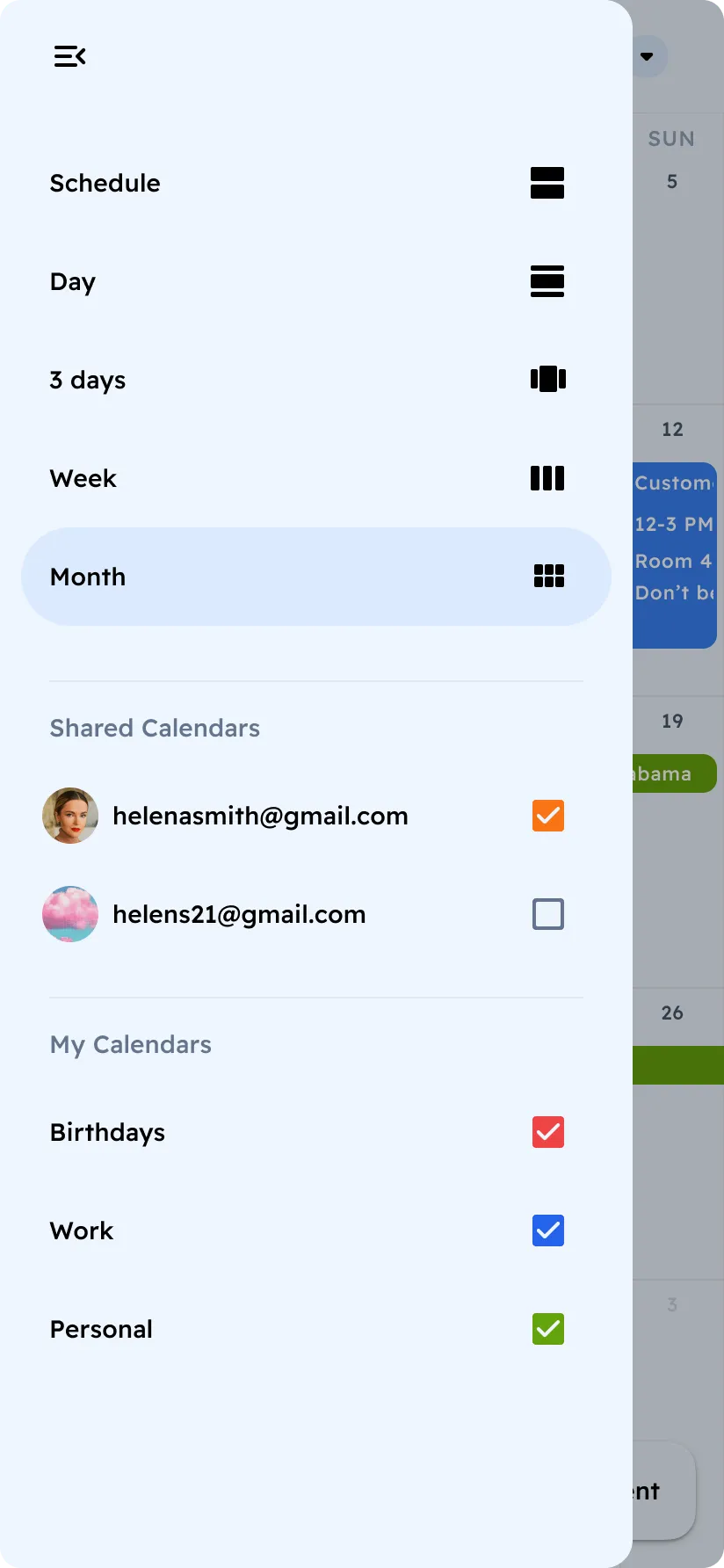
Calendar Navigation
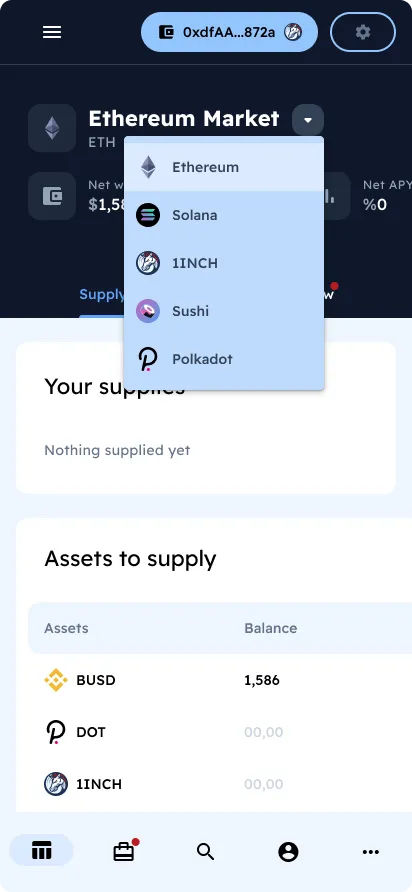
DeFi
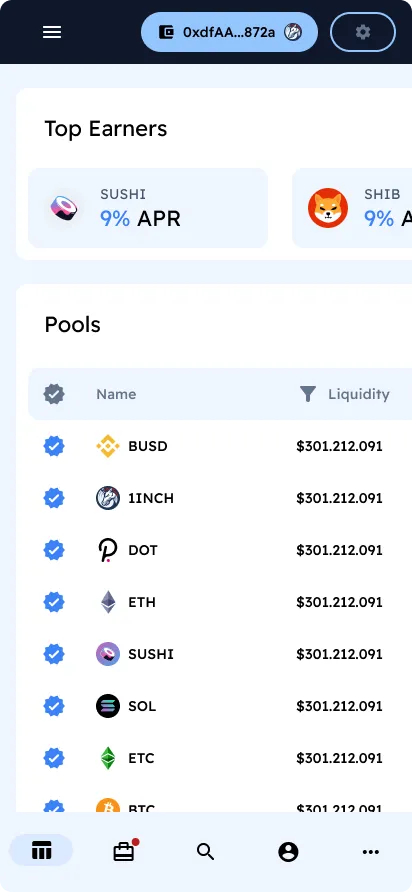
DeFi
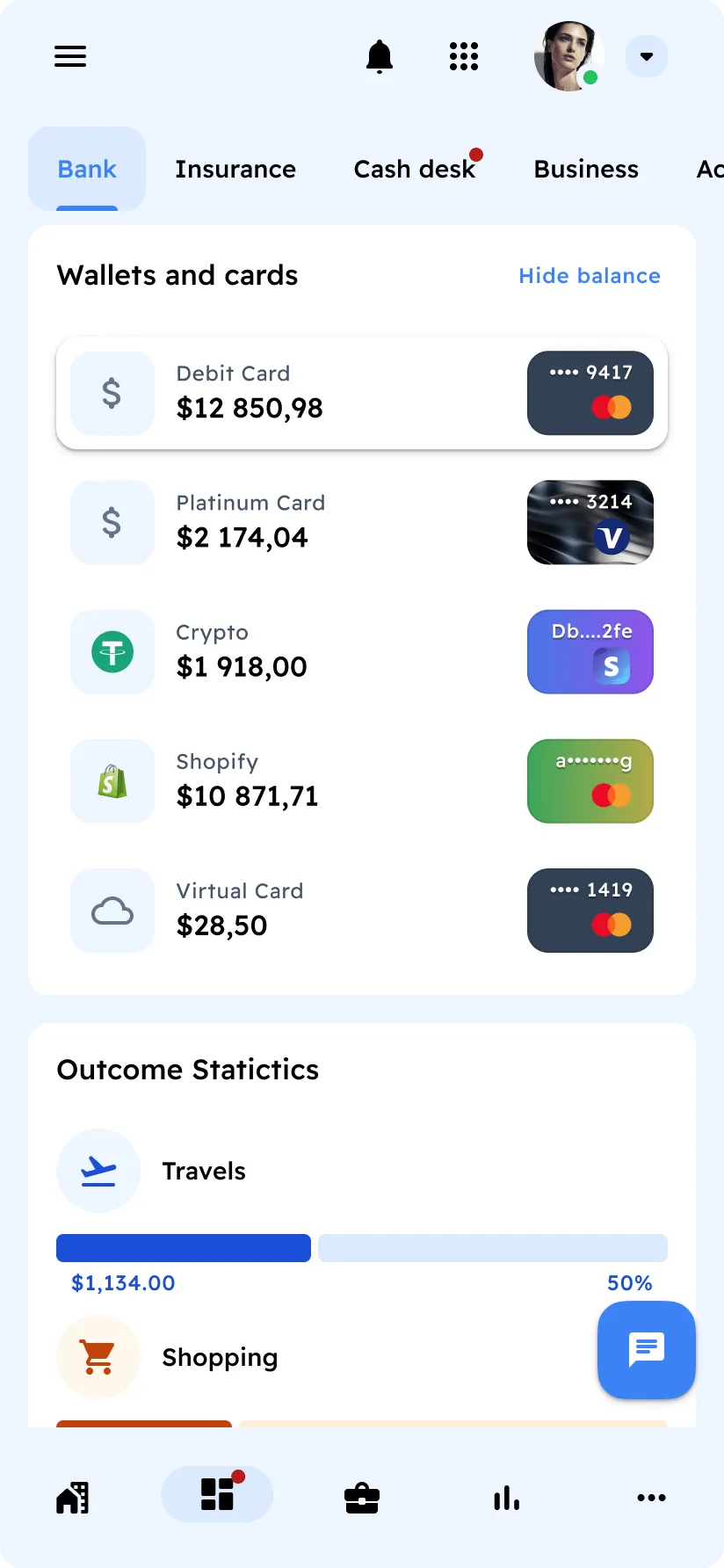
Finances
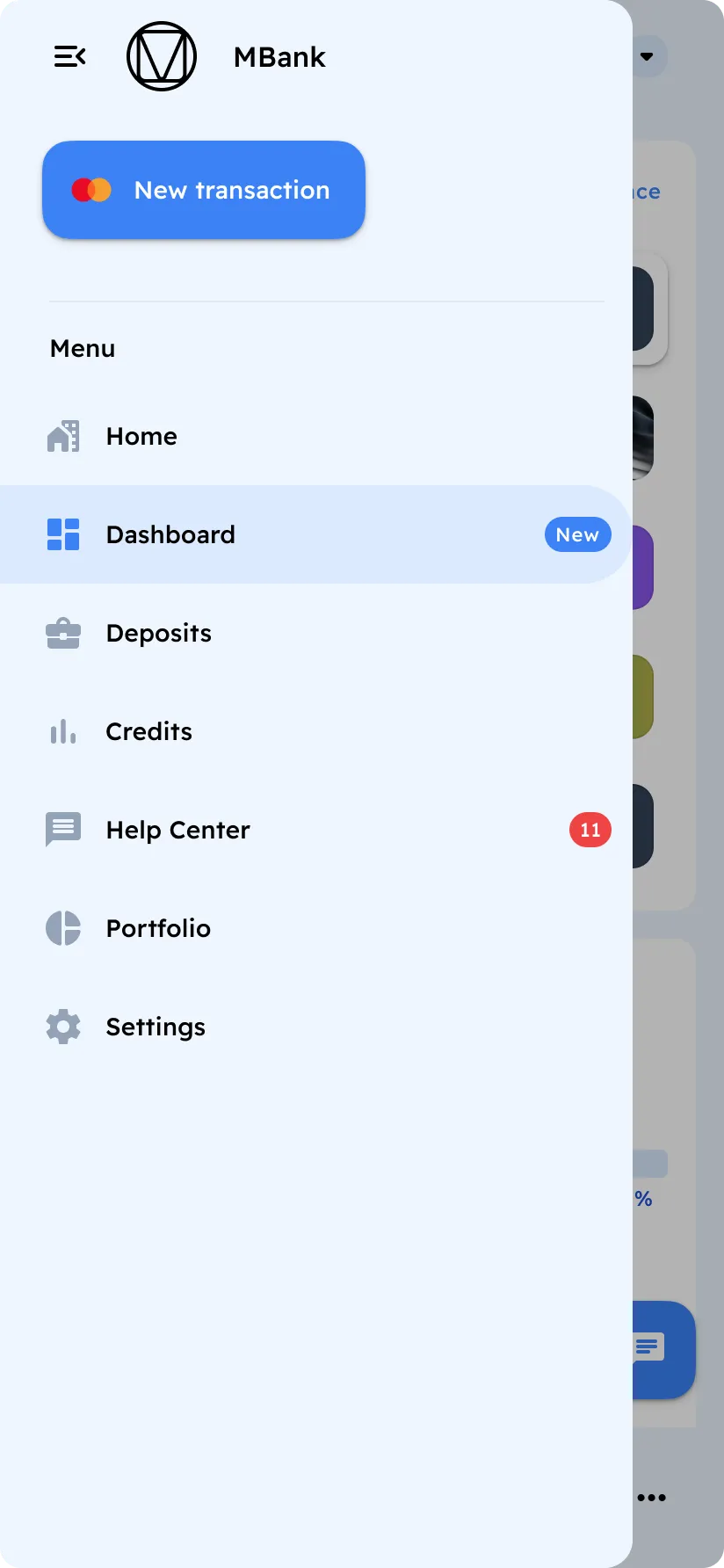
Finances Navigation
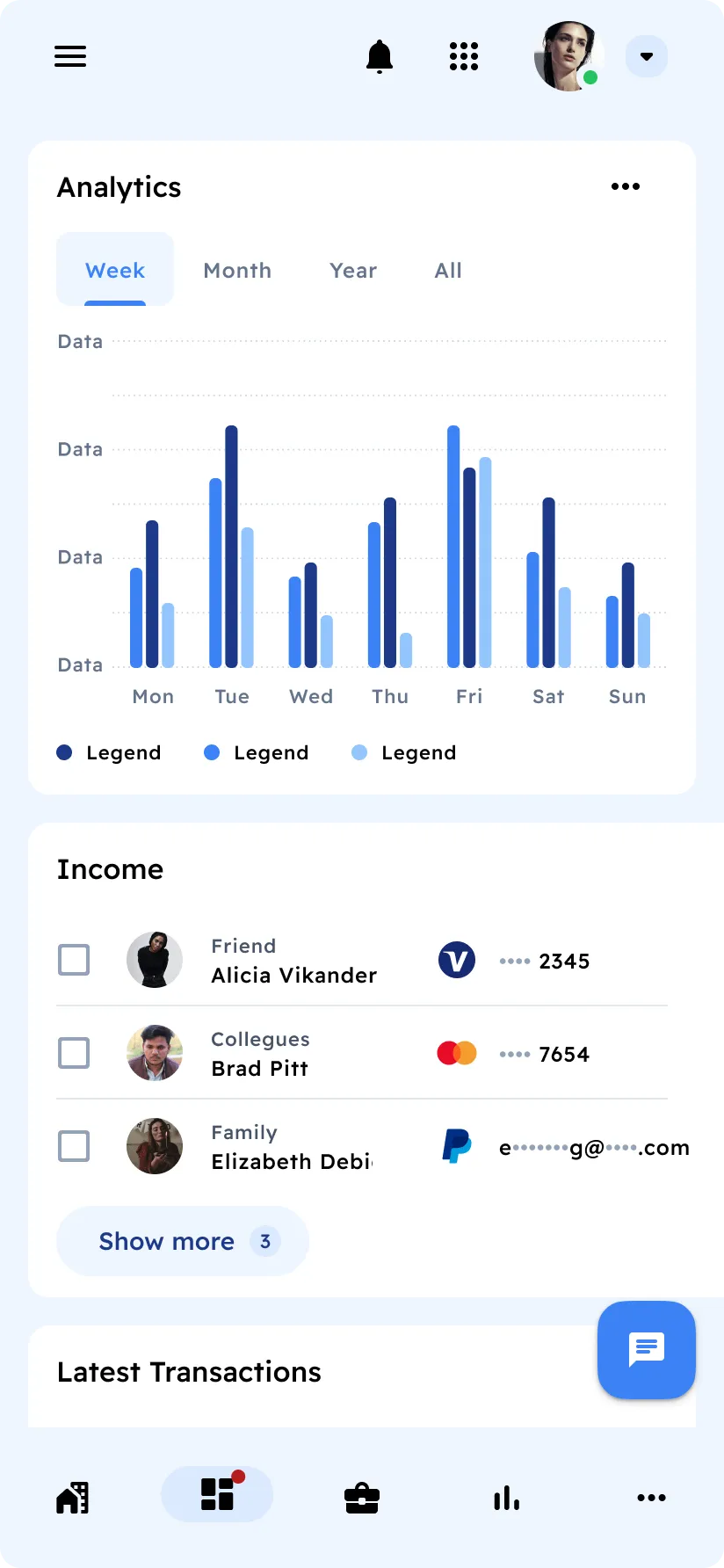
Finances Charts
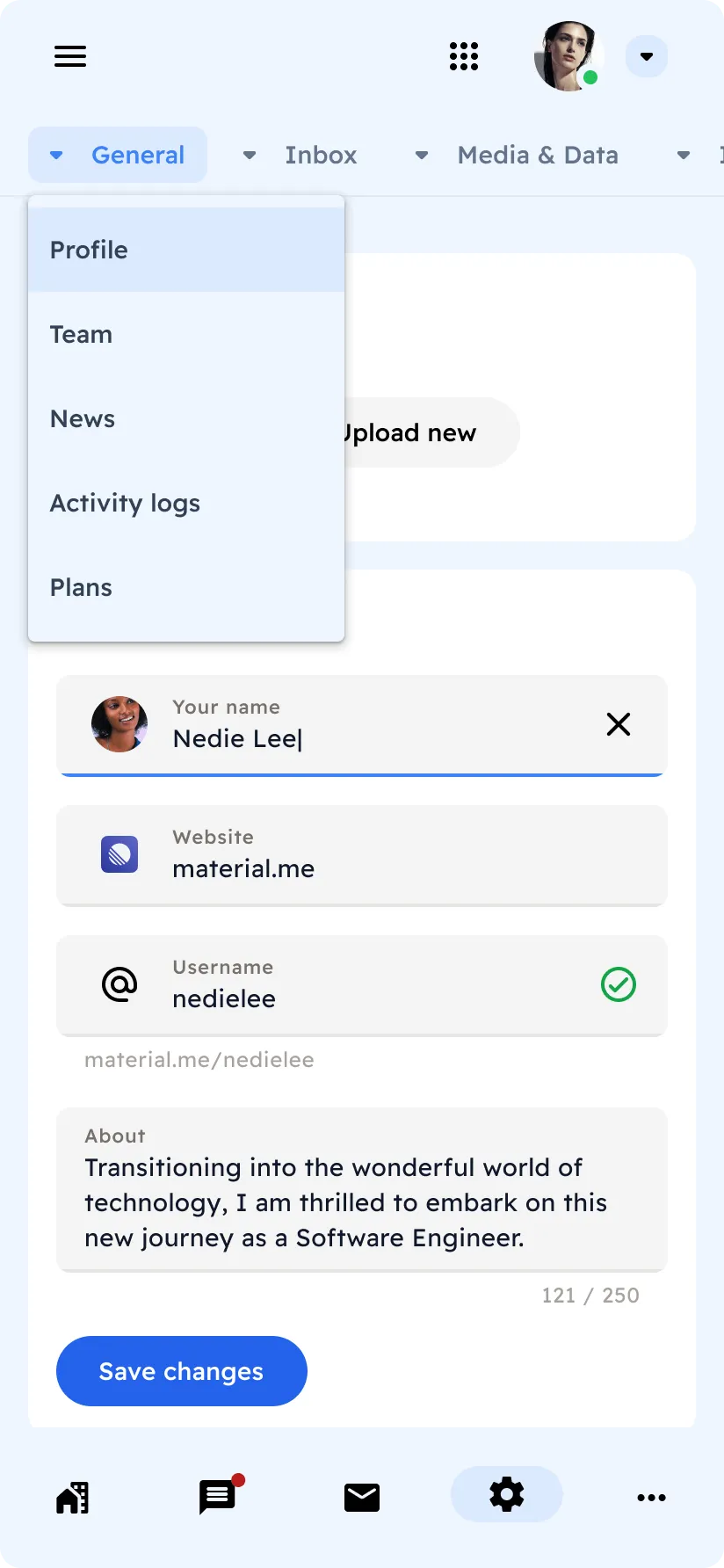
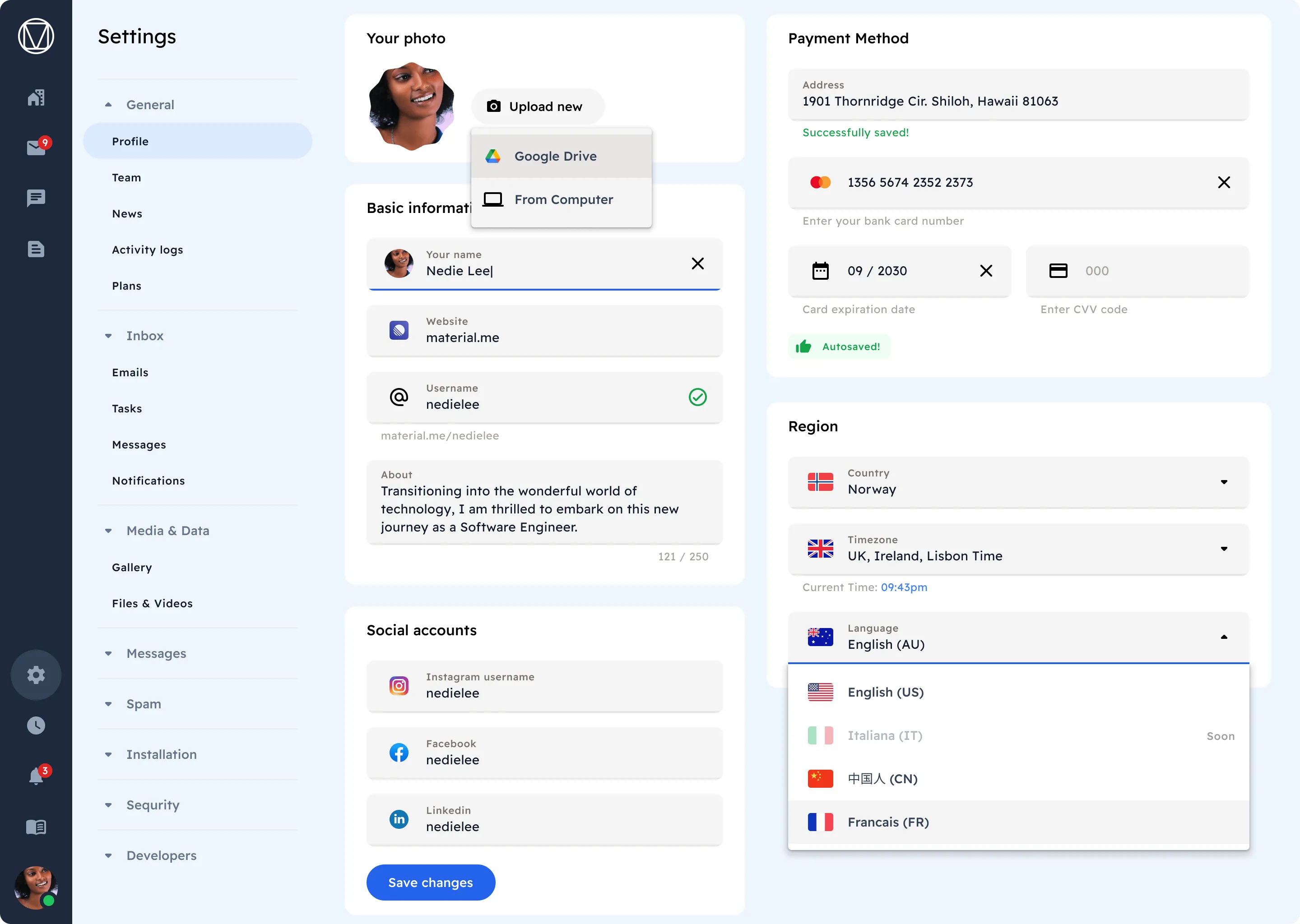
Inputs
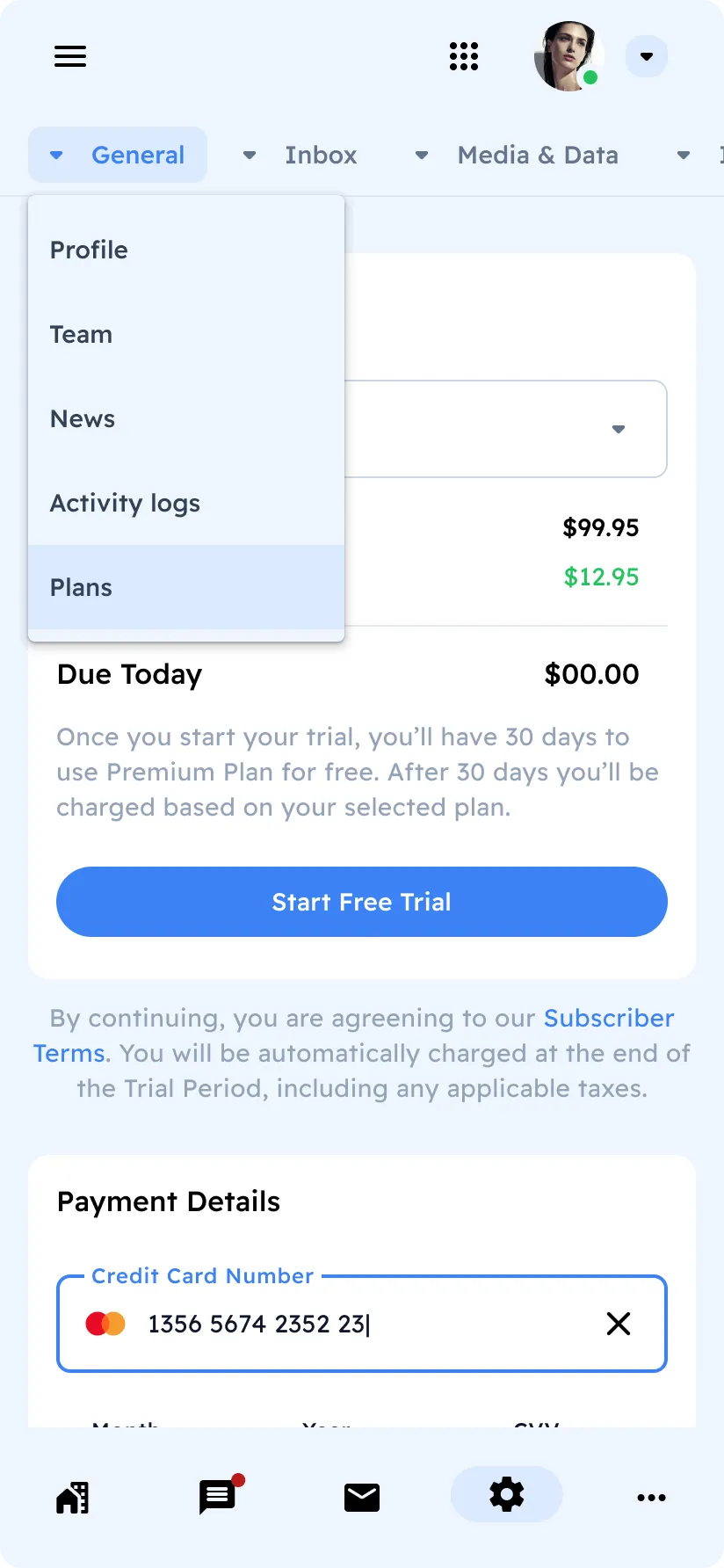
Inputs
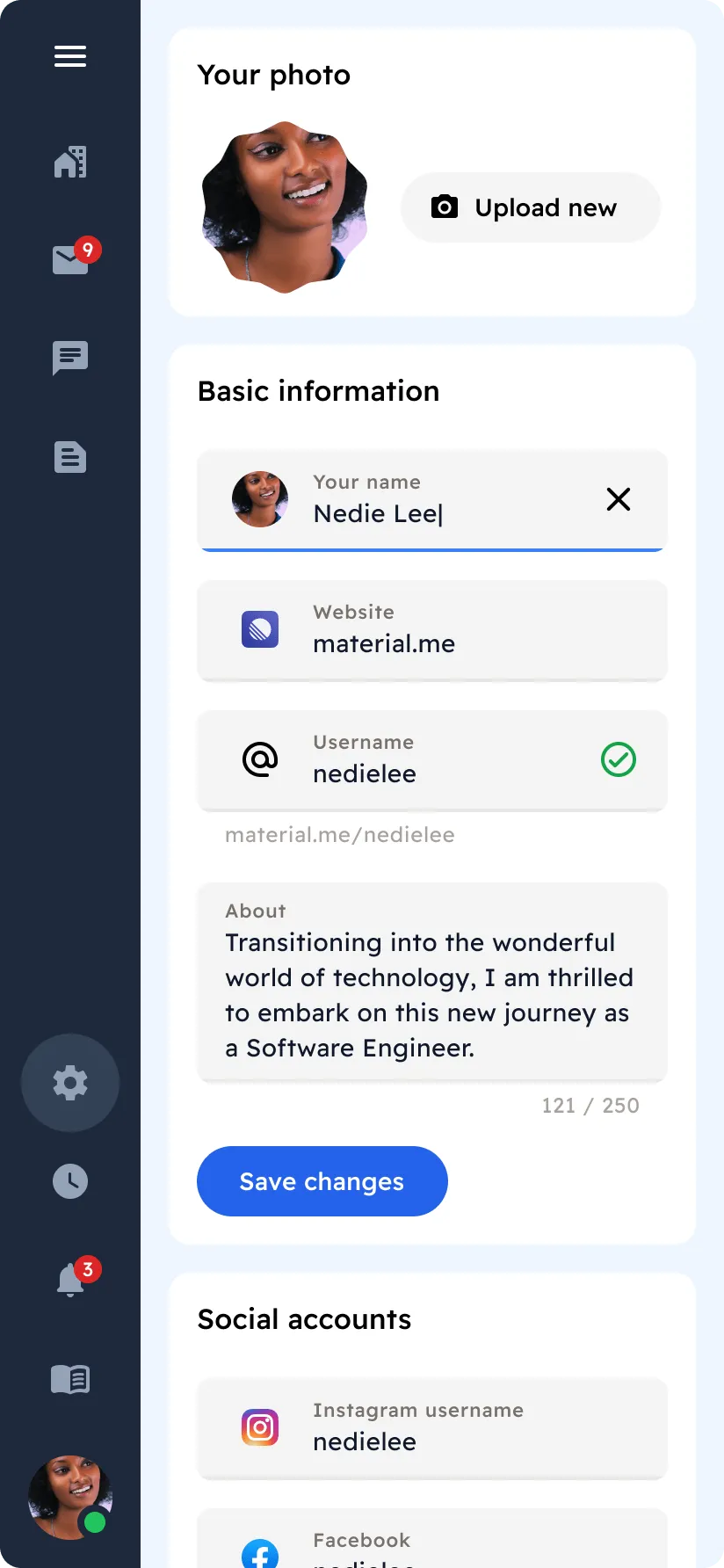
Dropdowns
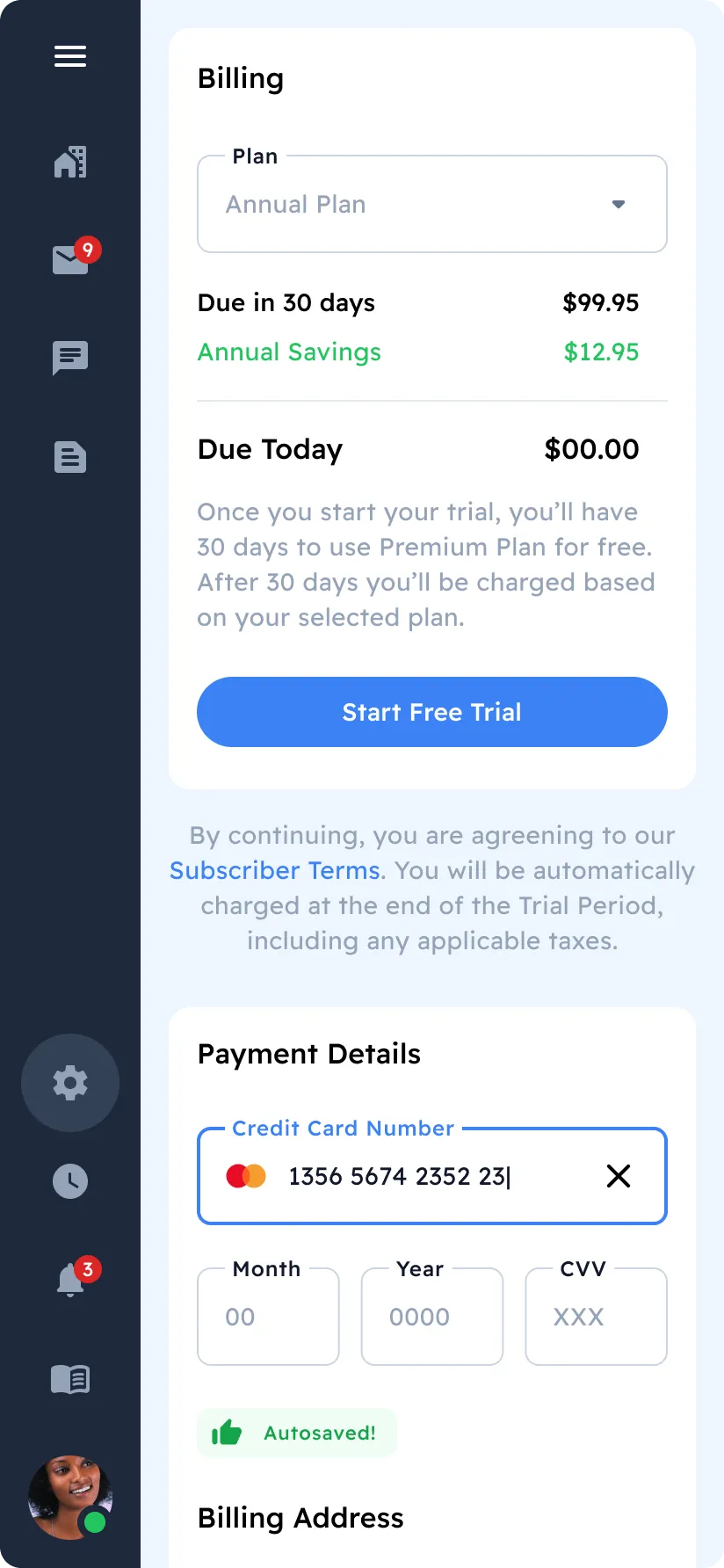
Inputs & Sidebar
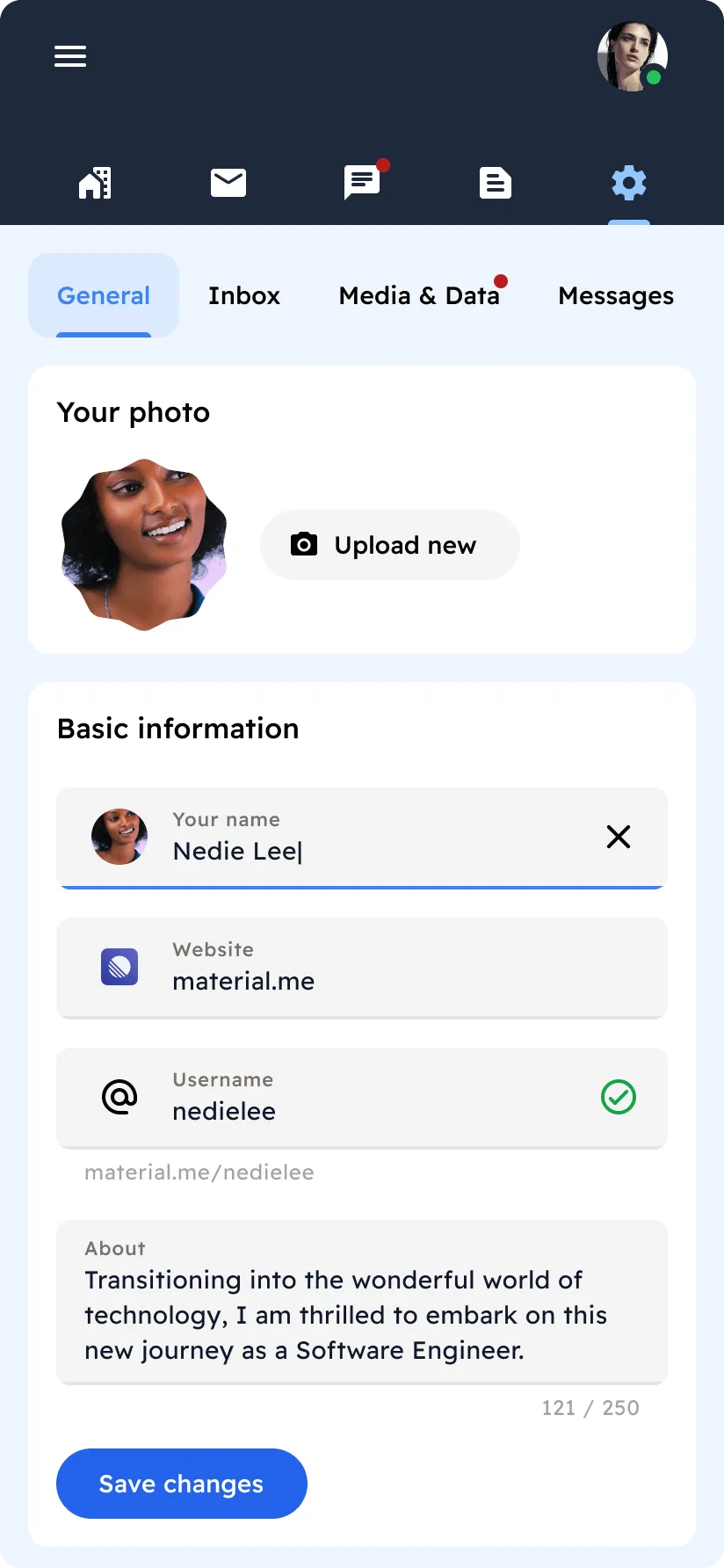
Inputs
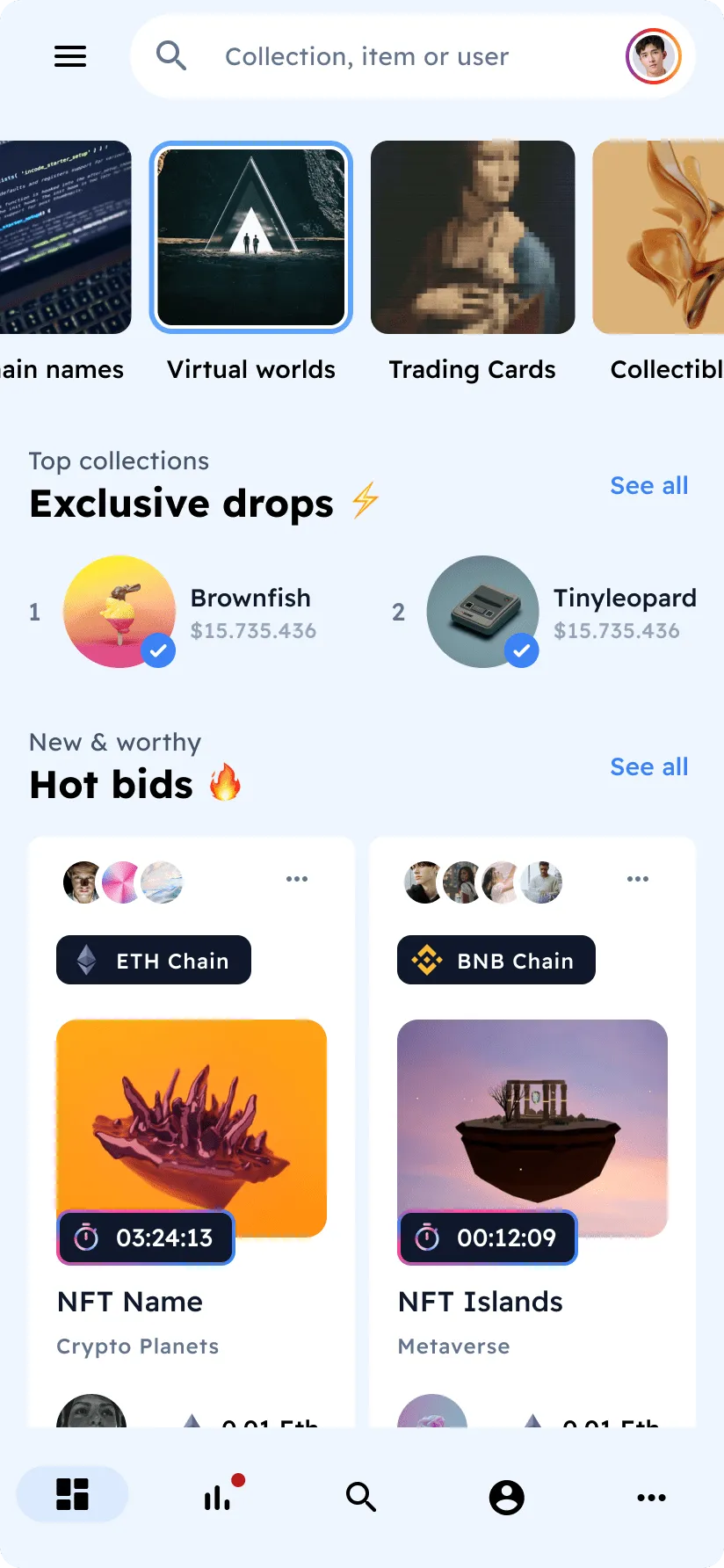
Navigation Drawer
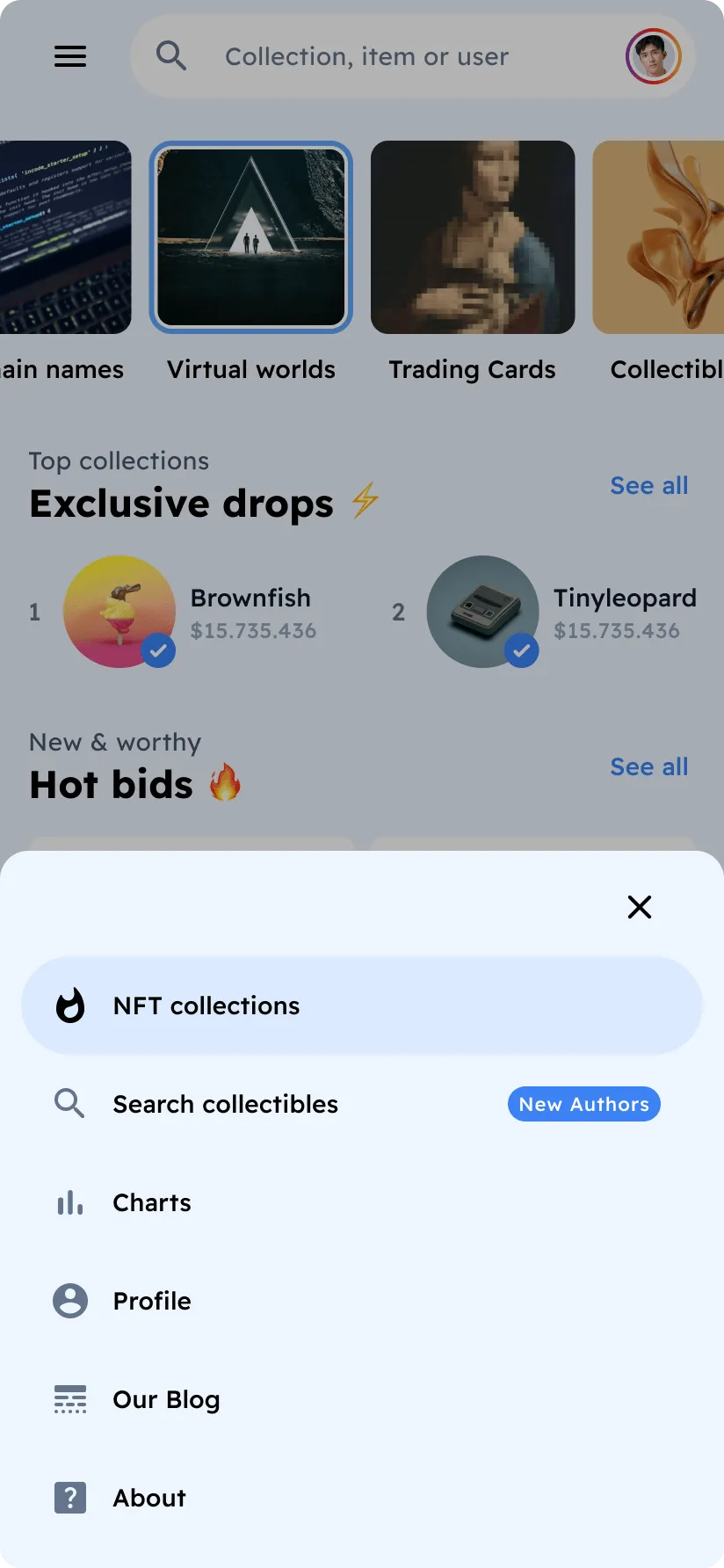
NFTs & Bottom Sheet
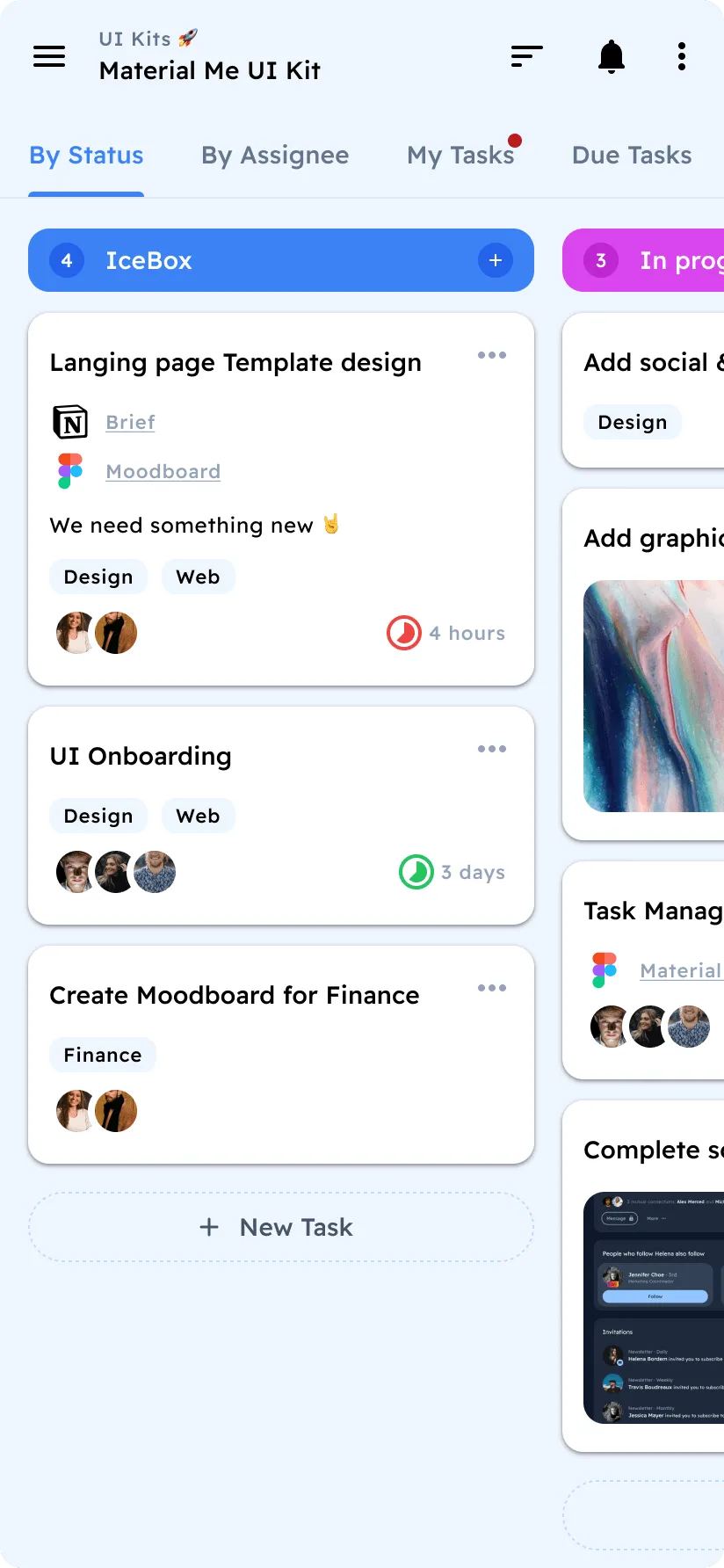
Projects
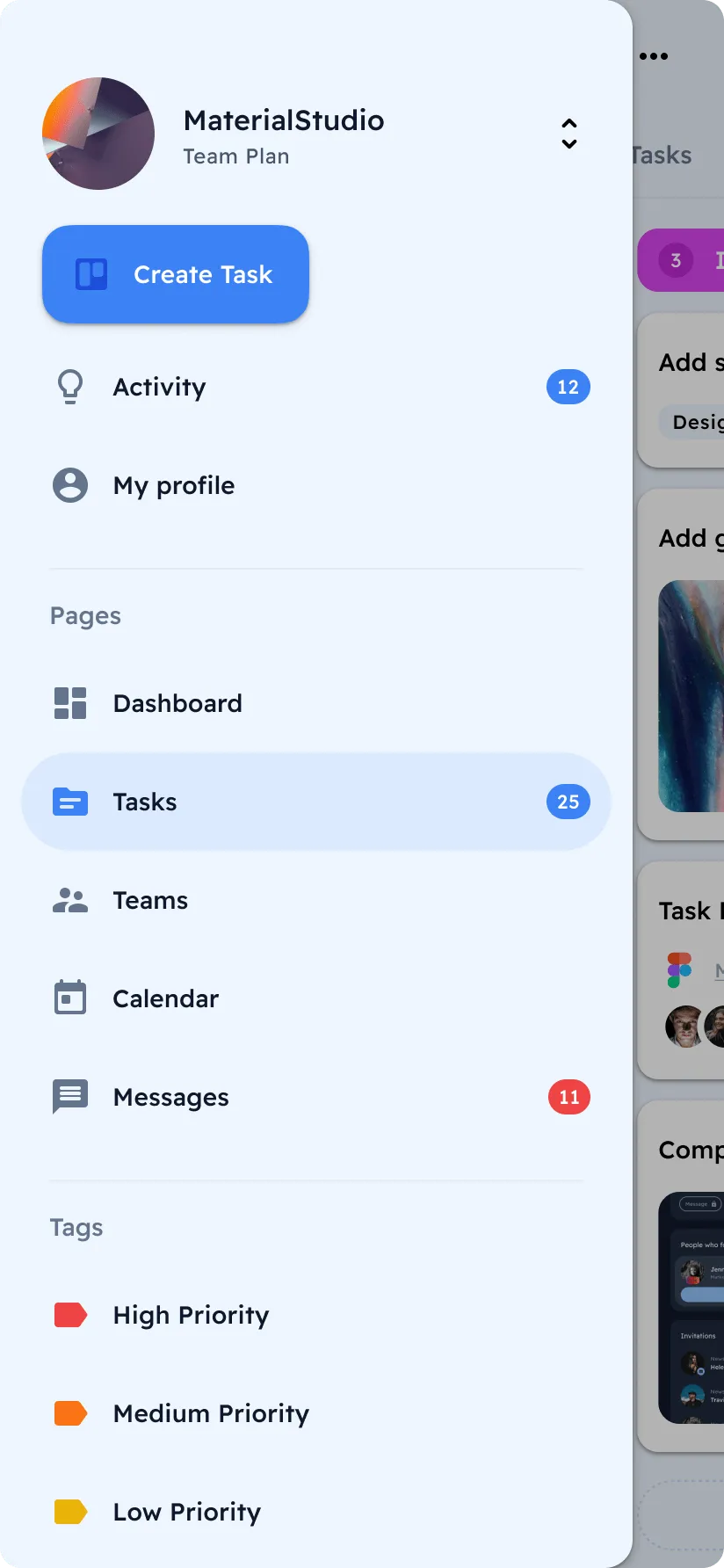
Projects Navigation
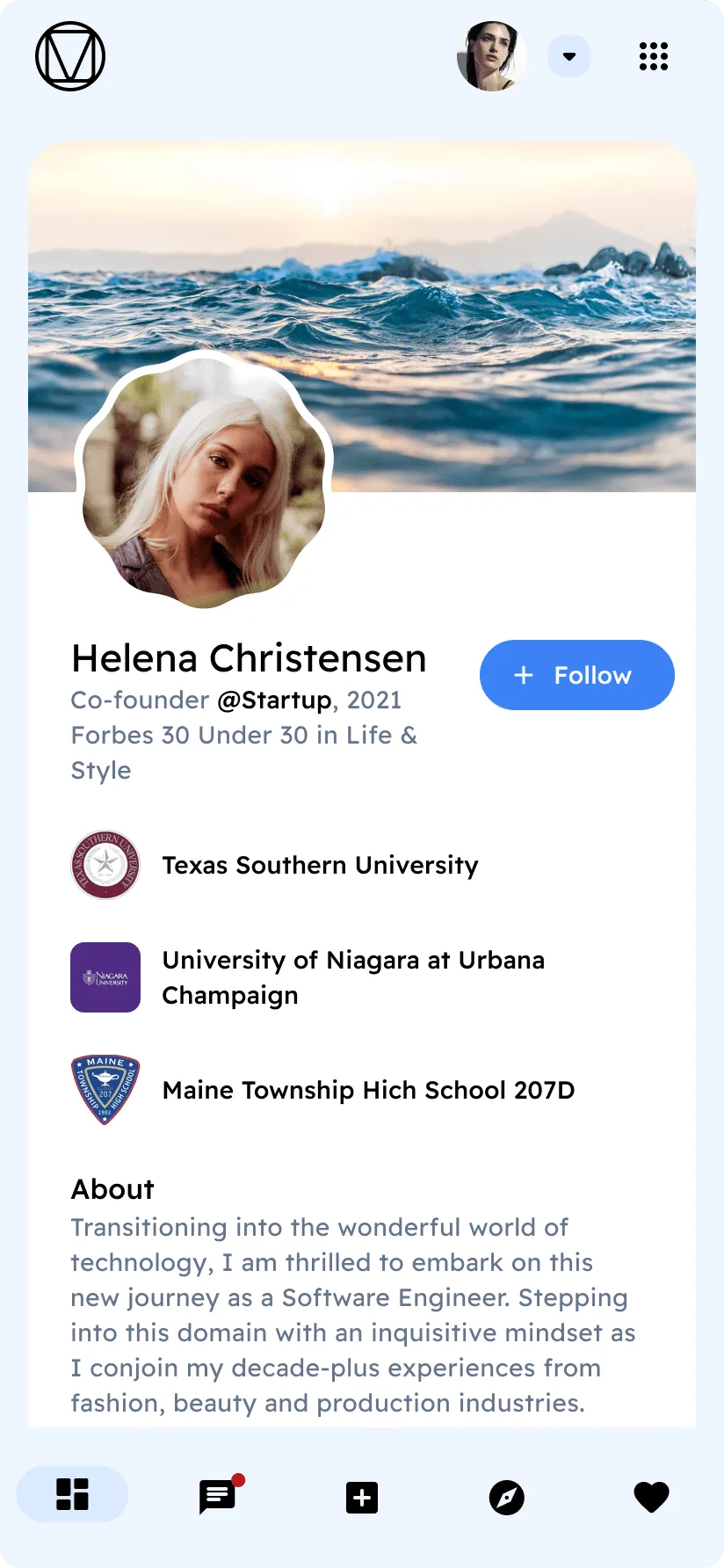
Social
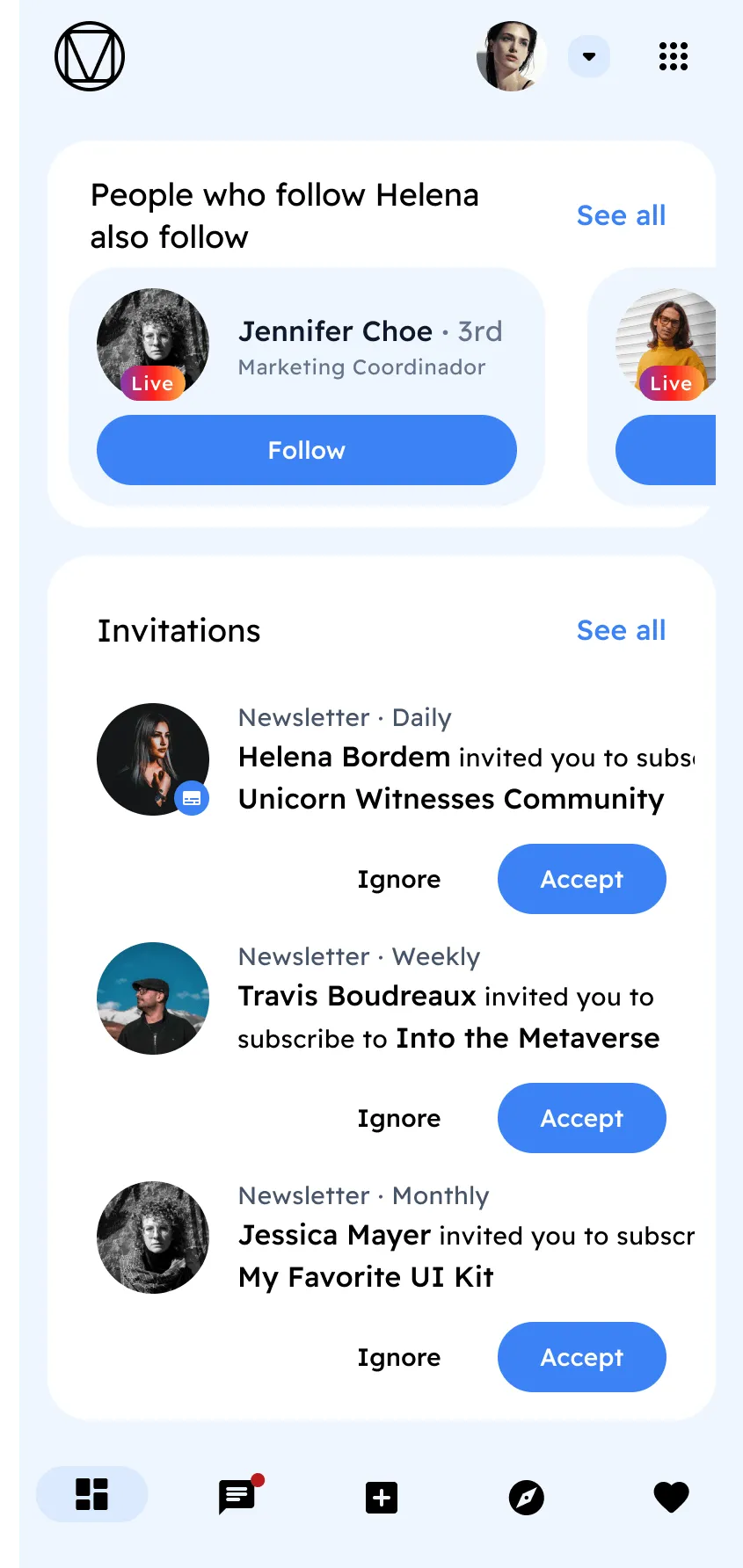
Social
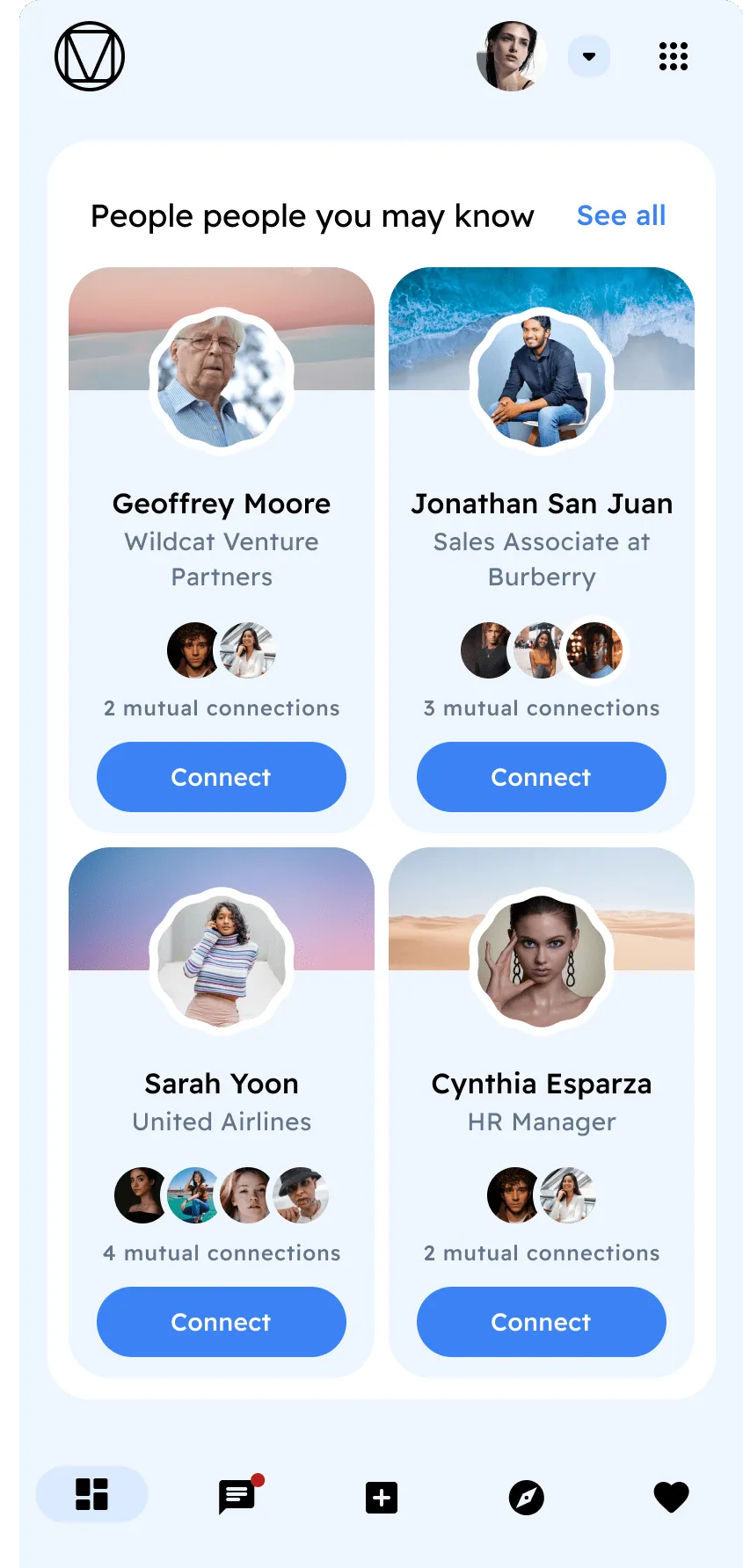
Social
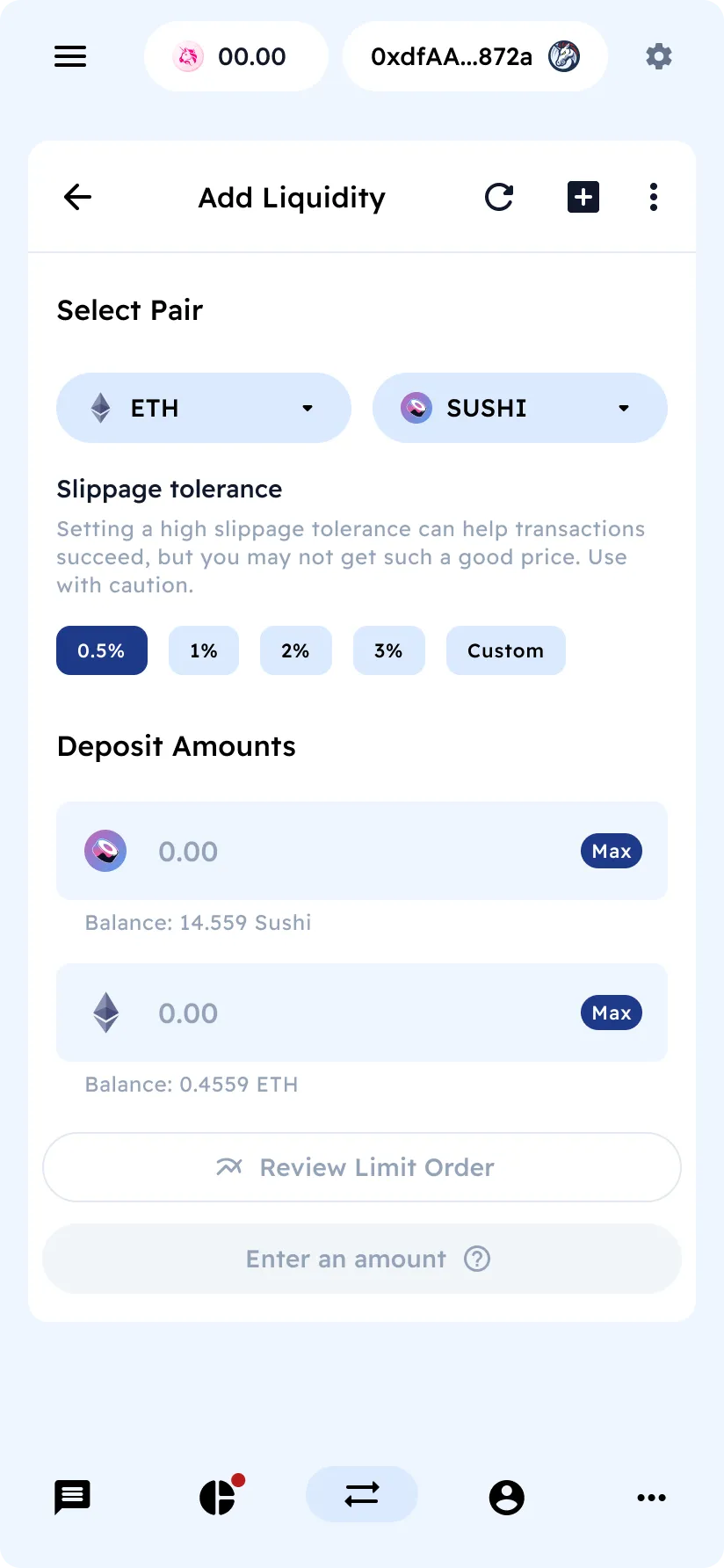
Swap Tokens
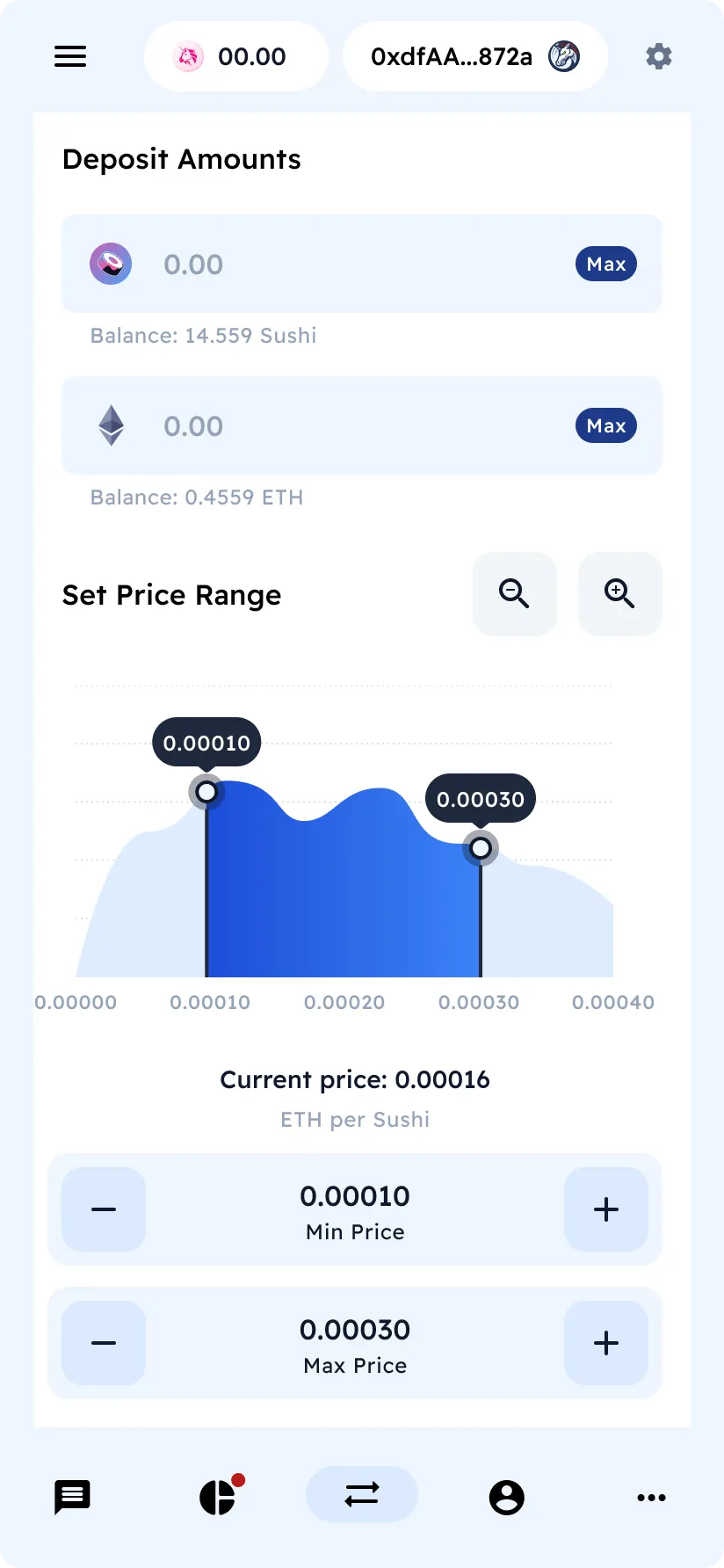
Text Elements
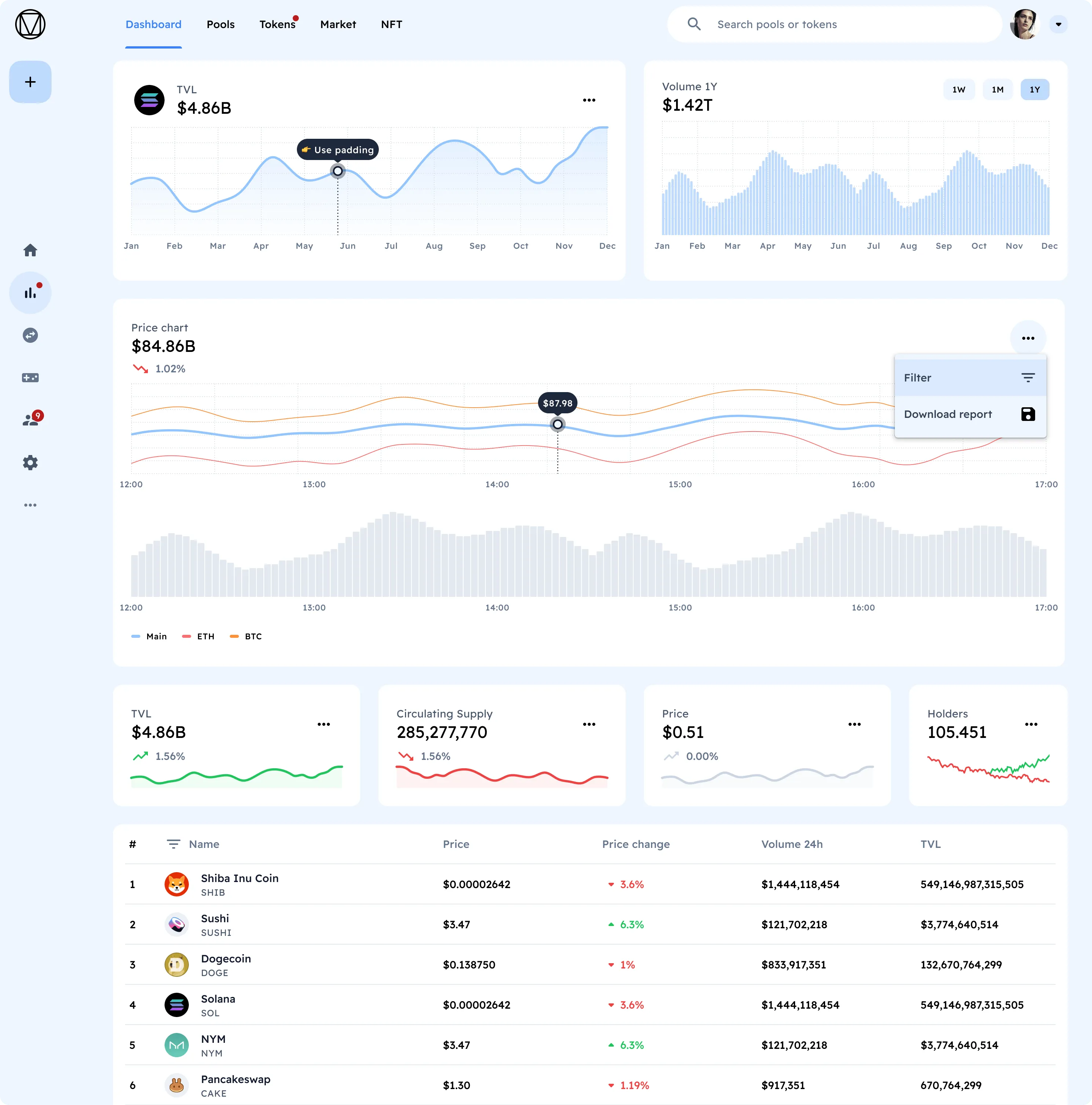
Preview 220+ Material You dashboard templates


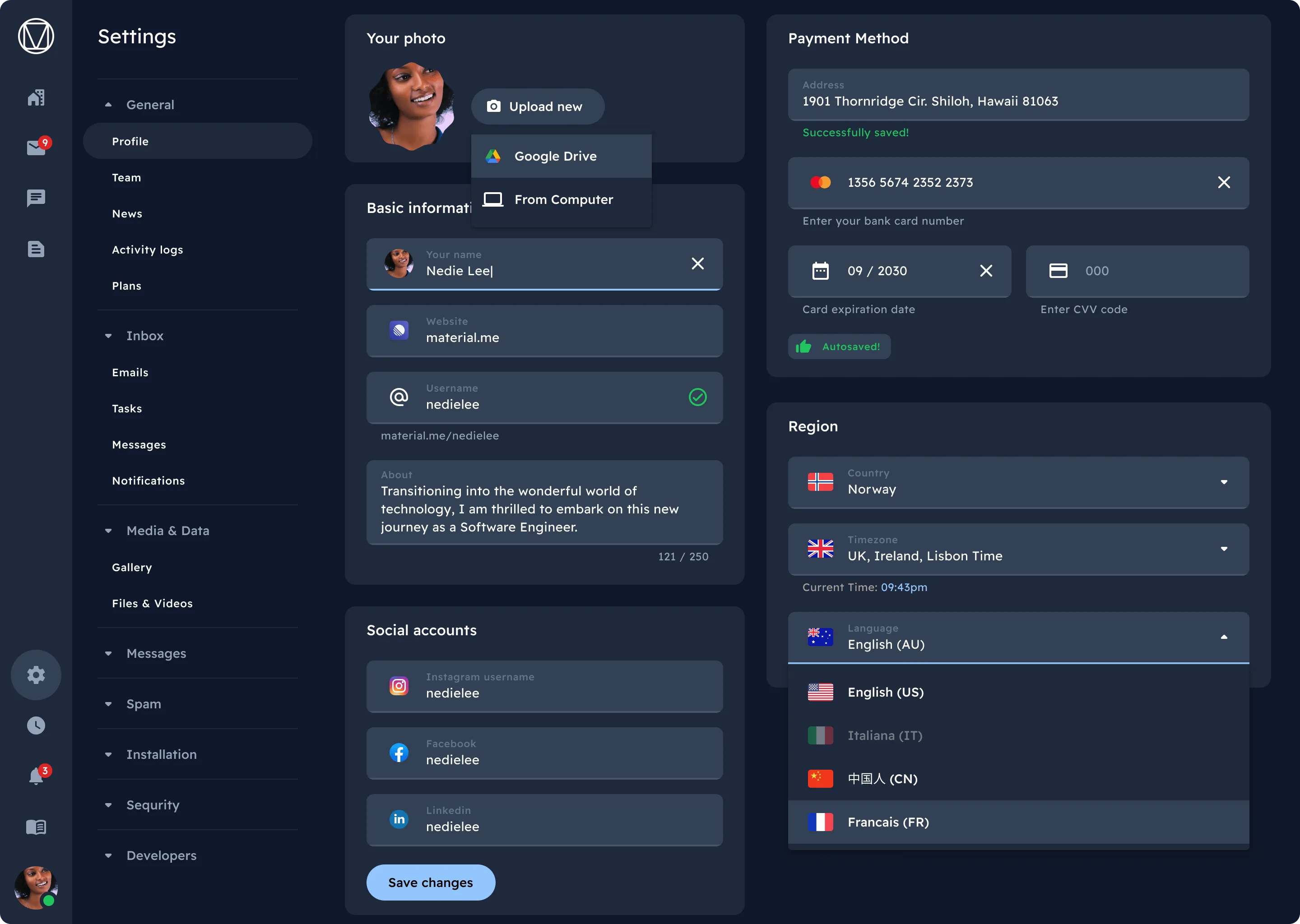
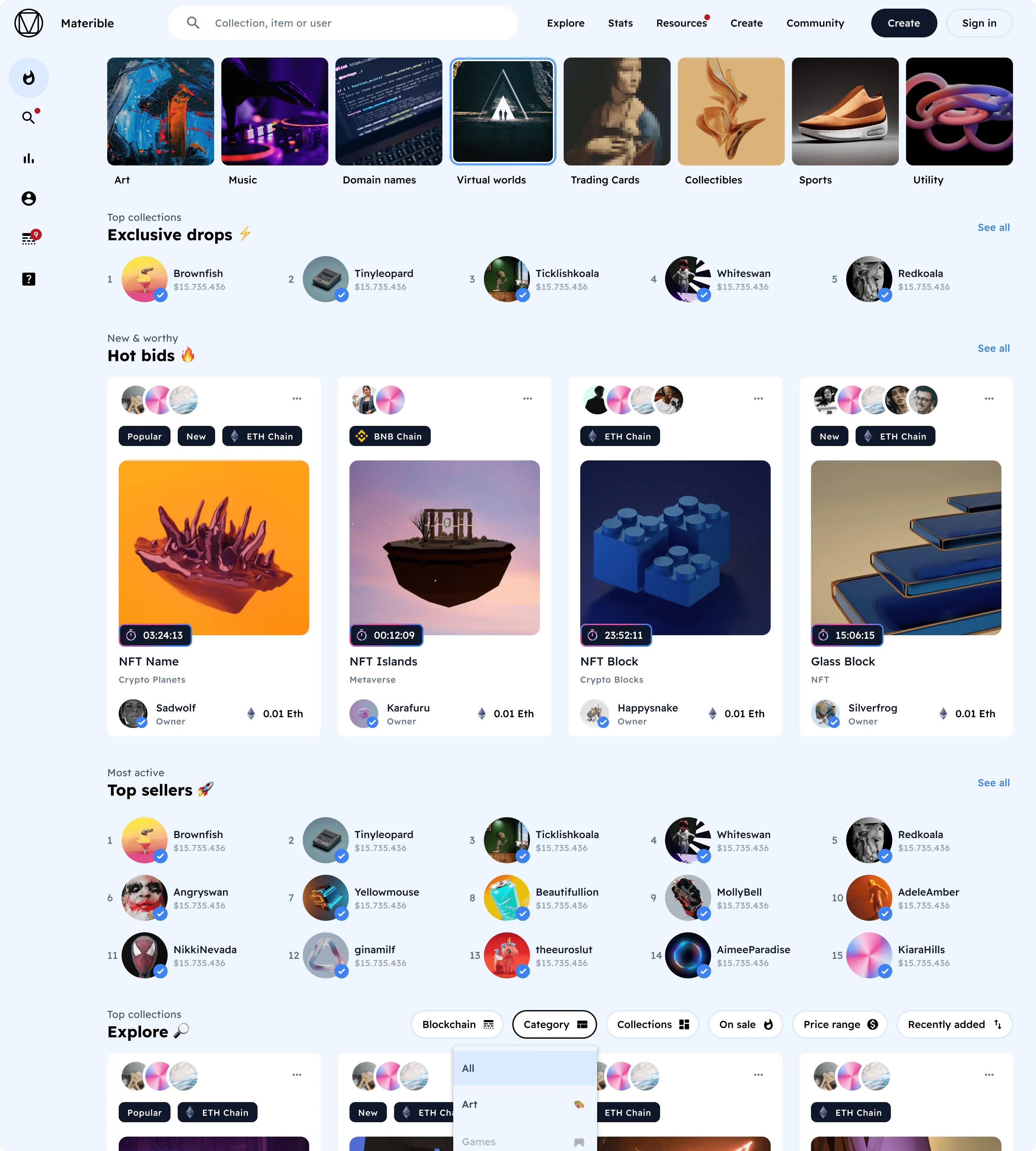
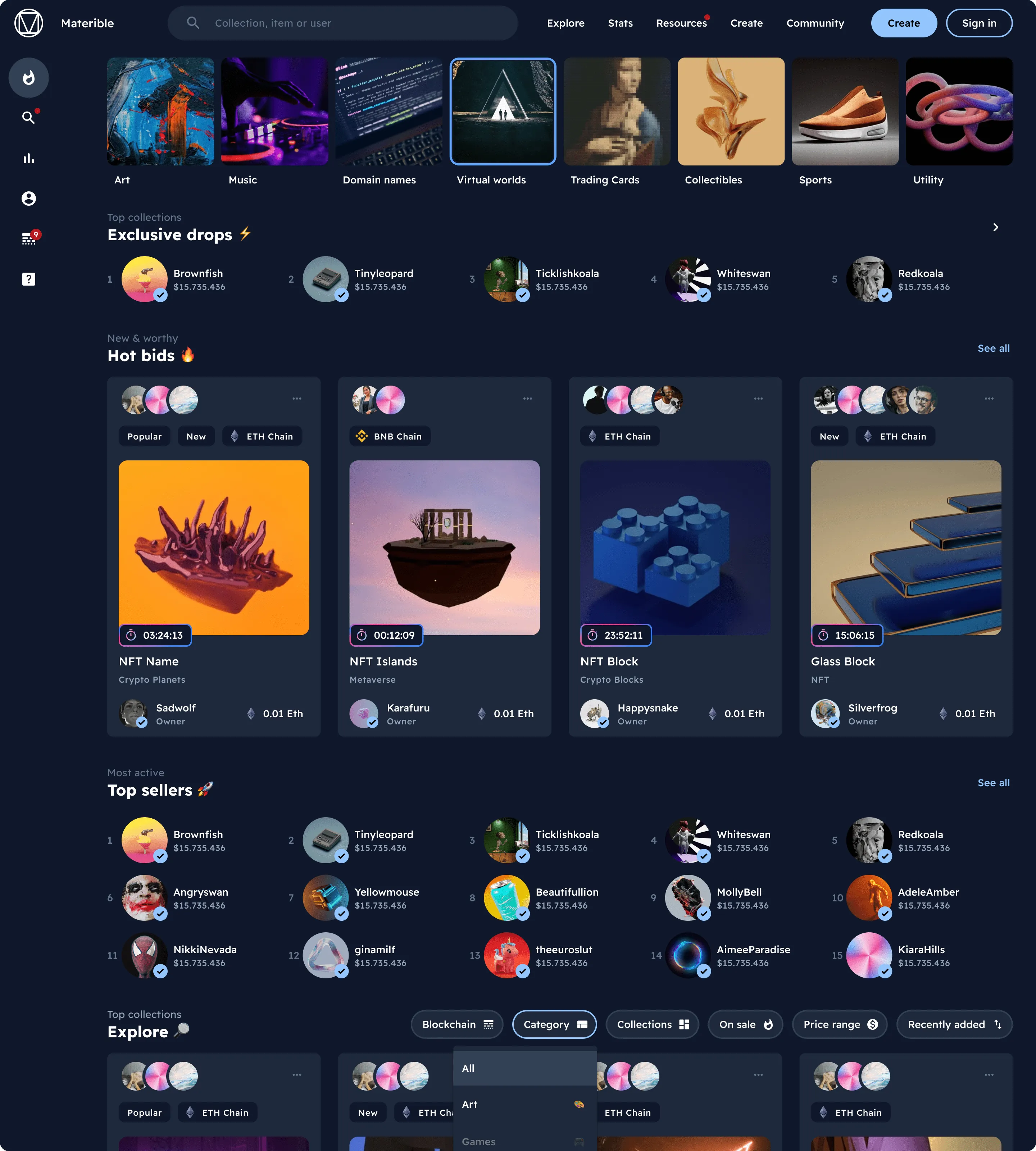
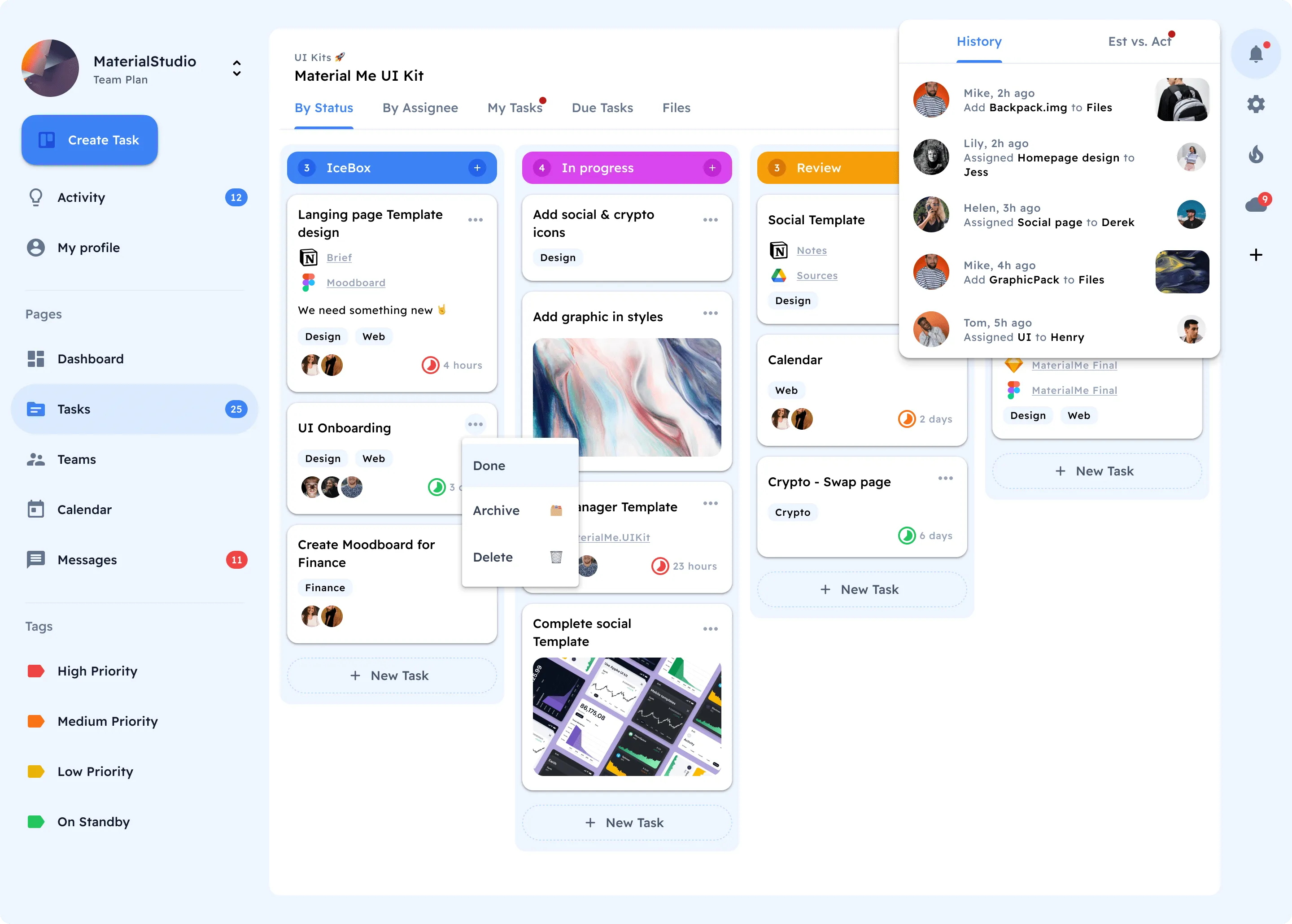
Get started⚡
Material You for Figma
You'll get a components-driven library for web apps, based on Material Design 3 guidelines, Tailwind CSS palette, and free font Readex Pro.
Put your product in front of 17,000 readers
FAQs
How to start with this design system?
After the successful purchase via Gumroad (it's safe and encrypted) you will be taken to a download page. You will also get the download link in your email (check the SPAM folder sometimes). Then just simply drag and drop .FIG file onto your Figma app. Do not drop it onto the project. Drop it over the starting screen with recent projects grid.
l am new to Figma. Should I try your kits?
Definitely! Our products help customers who learning Figma from scratch. By exploring and studying commercial UI kits you learn how the components and layouts were crafted, which styles being used and which styling tricks have been applied.
How to import your kits?
Importing .FIG files into Figma: https://help.figma.com/hc/en-us/articles/360041003114-Import-files-to-the-file-browser
Which license type should I choose?
You must select the proper license type according to the number of users in Figma if you're purchasing our product for the business.
Business license — for startups or enterprise organizations to use for a local team or publish in Figma library.
Individual license — for freelancers, indie developers, or solopreneurs working on a single project.
Can I build commercial proiects with your products?
Yes! You can build an unlimited amount of commercial projects using Setproduct assets. But, please, consider a license type before making a purchase.
Can I promote my product on Setproduct?
Yes. Publish a guest post on the Setproduct blog with a dofollow link to your product. About 17,000 people read the blog every month, its domain rating is 42, and posts go live within 24 hours. One link costs $390, two links cost $490, and the Delegate plan at $890 includes the article written for you. Start on publish.setproduct.com.
Do you offer discounts?
The bundle packs several kits together at a lower combined price. We also run seasonal sales, and newsletter subscribers hear about them first.