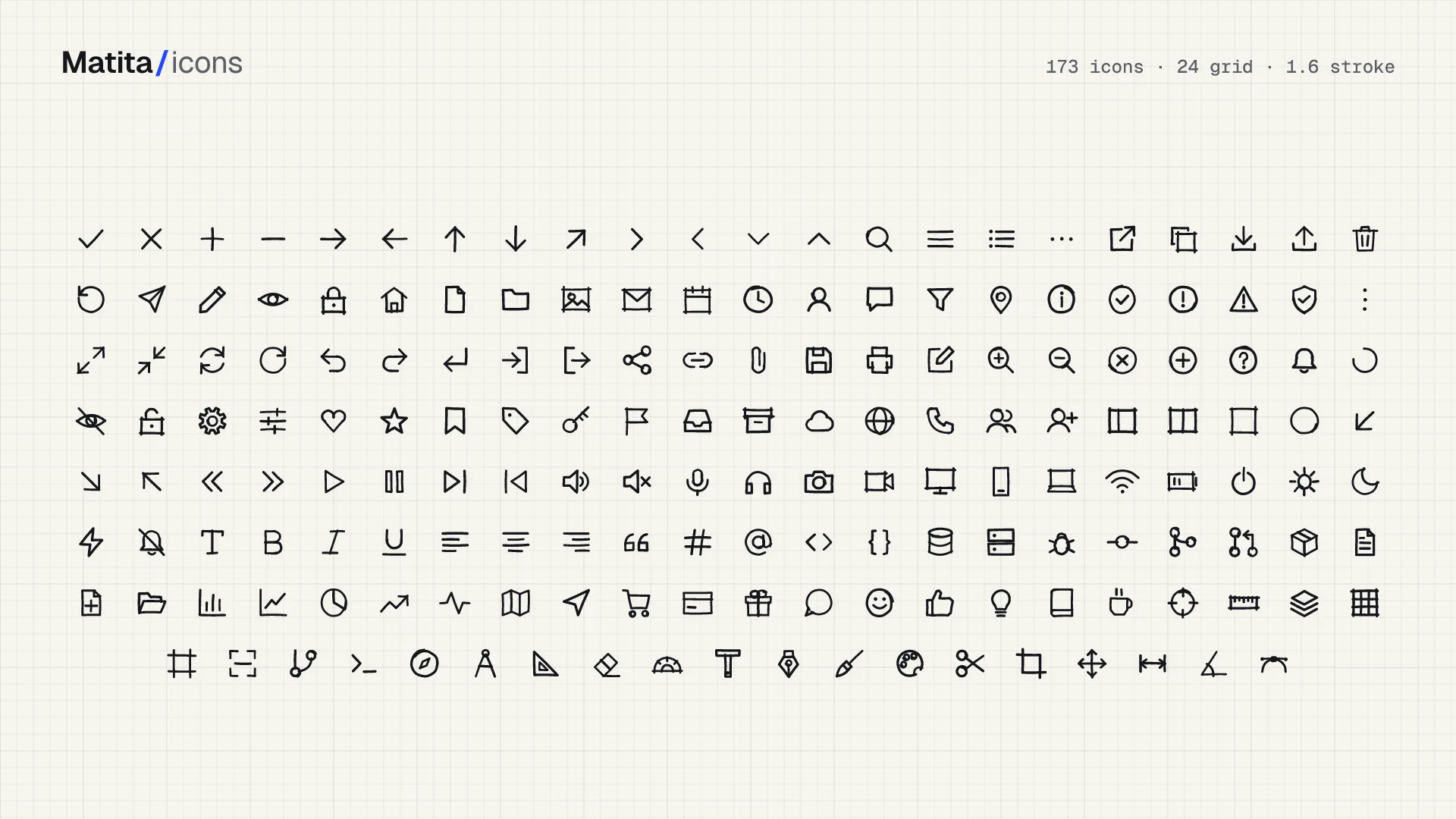
Matita icons, 200 pencil-style glyphs

200 pencil-style icons as SVG files and React components. Every stroke overshoots like a ruled pencil line, and the whole set is free under the MIT license.

Matita icons, 200 pencil-style glyphs (free Figma file)
Home
Resources

Matita icons, 200 pencil-style glyphs

A pencil icon on graph paper usually means someone took a stock set and ran it through a sketch filter. Matita works the other way round. Two hundred glyphs are drawn by code from a short list of drafting primitives, so every line overshoots its end the way a real pencil does, and a given name draws the same way on every machine.

What Matita does

Matita is an icon library with 200 glyphs on a 24 unit grid. Strokes sit at 1.6 and take their color from currentColor, so an icon inherits the text color of whatever sits around it. One npm package carries five delivery formats, and the list further down shows which one fits your project.

Names are plain kebab-case: arrow-right, trash-2, circle-check. You guess the name, you get the icon. That matters more than it sounds once you have scrolled a gallery hunting for a shape you could describe in two words.

Installation is one command, and the React entry point asks for React 17 or newer as a peer:

  • npm i @matita/icons
  • import { ArrowRight } from "@matita/icons/react"
  • <ArrowRight size={20} />

The code lives on GitHub under an MIT license. The browsable gallery with search sits at matita.dev, where you can filter the set and copy a glyph before you install anything.

Why hand-drawn beats a sketch filter
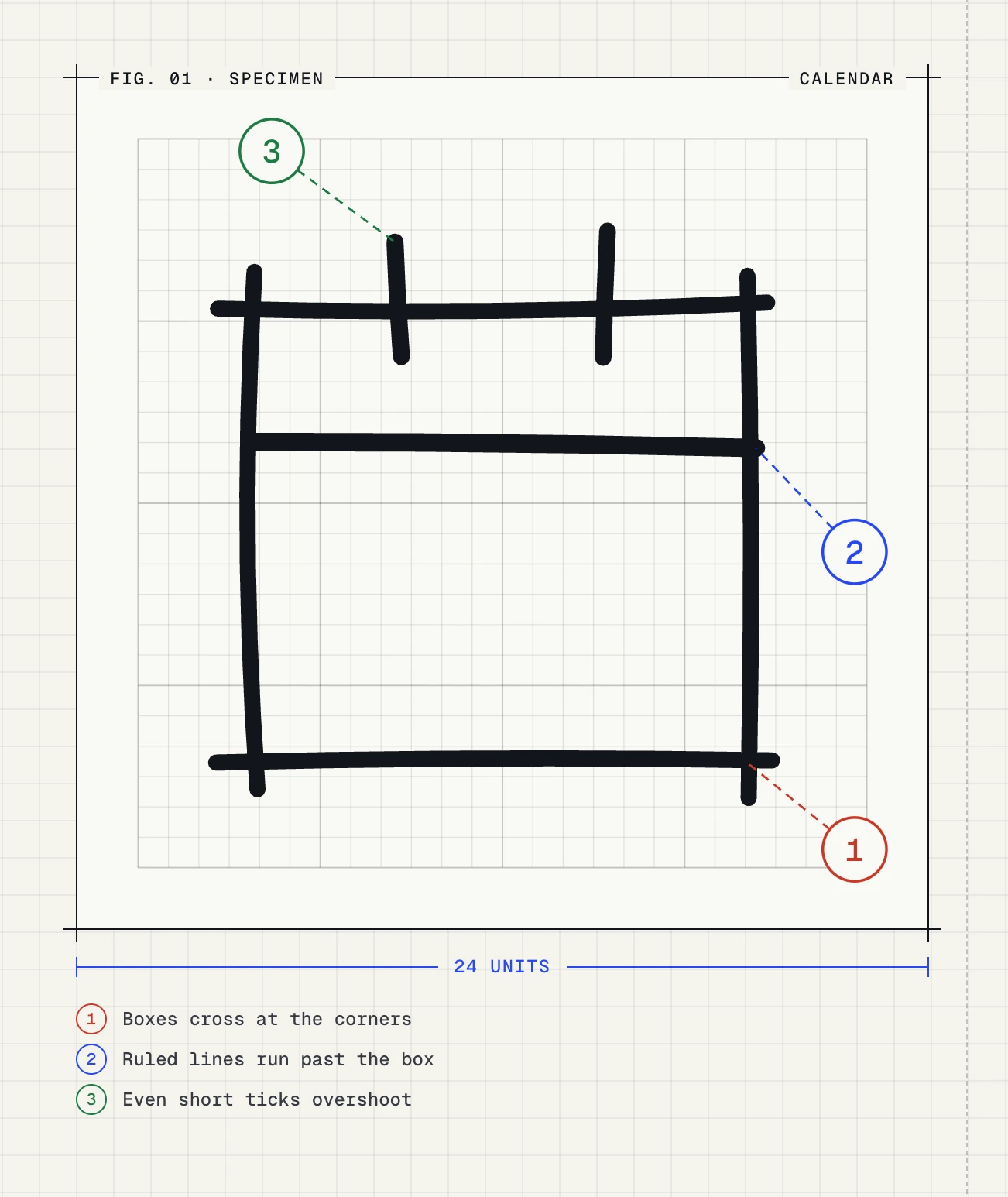
Calendar glyph drawn on a 24 unit grid, with callouts for crossed corners, lines running past the box and overshooting ticks

The specimen labels the three details that carry the whole style. Box corners cross and leave short tails. A horizontal rule runs past the frame on both sides. Even a short tick for a calendar binding overshoots at both ends.

A sketch filter takes a clean vector and adds wobble on top. The result reads as drawn, yet the original geometry stays underneath, so a set assembled from three sources still carries three different line systems. The filter roughs up the edges and leaves the mismatch in place.

Matita starts from the stroke. Every glyph is a short program over drafting primitives: a line, a polyline, a closed shape, a rect, a circle, an ellipse, an arc, a curve and a dot. The looseness lives in those primitives rather than in a filter painted on afterwards, which is why two icons from opposite ends of the set still feel drawn by one hand.

☞ The drawing is computed from those numbers, so the same name yields the same shape on every build. The matita.dev tool exposes a seed with a Redraw button: change it and the glyph comes back in a different hand, while the definition and the name stay put.

What ships in the package

The browser tool at matita.dev does the searching for you. Type a concept and the grid filters as you go. Size and stroke width sit on sliders above the grid. The right panel switches between React, JavaScript and plain SVG and shows the import path with a snippet you copy in one click.
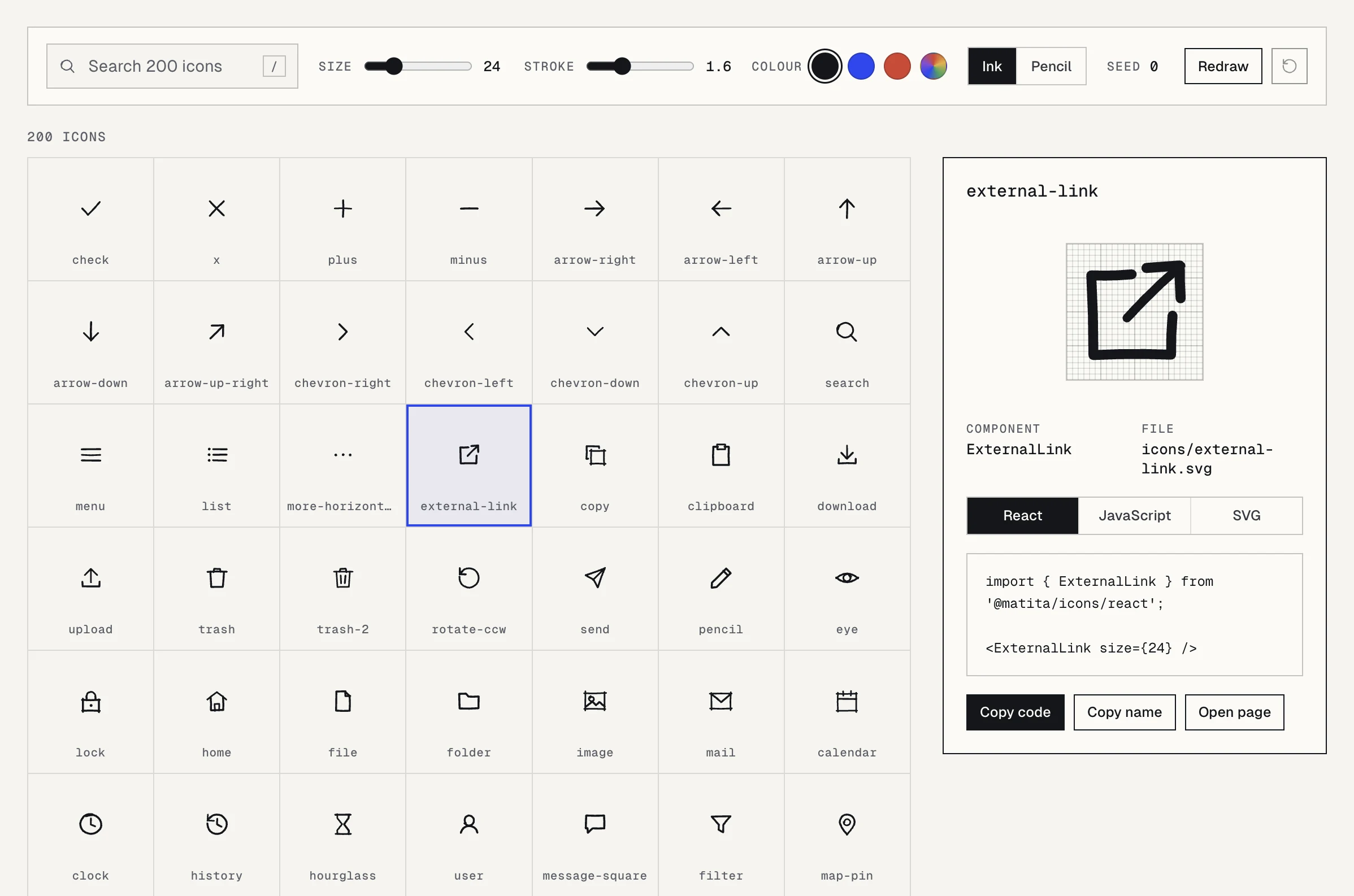
Matita icon browser with a search field, size and stroke sliders, color swatches and a side panel showing the ExternalLink React snippet

The same set is shipped in five shapes, for whatever your project already consumes:

  • ❶ React components from @matita/icons/react, one module per glyph, so a bundler drops what you do not import
  • ❷ Raw SVG at @matita/icons/icons/<name>.svg, for Figma, Vue, Svelte or plain HTML
  • ❸ One sprite sheet for projects that reference icons by <use>
  • ❹ A UMD build on jsDelivr with data-sketch-icon attributes for pages with no build step
  • ❺ icons.json, which lists every name, plus a toSvg helper that returns an SVG string

There are helper exports too: SketchIcon renders any glyph by name, and SketchIconProvider sets a default size and stroke width once for the whole tree instead of repeating it on every icon.

How deterministic drawing works

Every glyph is described in one file, src/defs.js, as a list of primitives on a 24 unit grid. A build step turns that list into every format from the list above. Nobody edits a finished path by hand, so the whole set can be regenerated from the definitions at any time.

The contribution rules are tight on purpose. Two to five primitives per glyph, everything inside the 1 to 23 range, no fills, short descriptive names. The cap keeps every glyph sparse, which pays off at toolbar sizes where an extra line turns into noise.

☛ Determinism is the quiet feature here. A hand-edited SVG set drifts the moment three people add icons in three sessions. This one is much harder to break, because the drawing is computed from definitions and the test suite checks the output.

The pencil variant and its paper grain

Every glyph ships twice. The standard version is a clean stroke with a pencil cadence. The pencil version draws each stroke as two or three loose pencil lines and adds paper grain, so it looks like a sketch on a notepad rather than a vector outline.

You switch by adding one prop. SketchIcon accepts pencil, and the raw files sit in @matita/icons/pencil/<name>.svg. When you reference those files yourself, import @matita/icons/pencil.css so the grain lands properly.

Grain is texture, and texture costs markup. Save the pencil variant for empty states and onboarding screens, where the icon sits above 32px and the double stroke is visible. Keep the standard variant for toolbars and dense tables, where a 16px icon has no room to show a second line.

Getting icons into Figma and code

Designers get a community file on Figma plus the raw SVGs, so a glyph can be dropped onto an artboard and resized without a plugin. Engineers get the matching React component or the same SVG path. One name works on both sides, which removes the usual review comment about a shipped icon that differs from the file.

Styling stays yours. Size comes from a prop or plain width and height. Color follows currentColor, and the provider sets stroke width for the whole tree. Nothing is locked to a theme, so the set follows your tokens instead of asking you to match its own.

For accessibility, inline SVG needs a decision per icon. A decorative glyph next to a label should carry aria-hidden, while a lone icon button needs an accessible name. The W3C images tutorial spells out the cases, and it applies to the labels you wrap around these icons too.

Frequently asked questions

Can I use Matita in commercial work?

Yes. The set is MIT licensed, so you can ship it in paid products and modify the glyphs freely. The license asks you to keep its notice in the source code, and nothing has to appear in your interface.

Does it work without React?

It does. The SVG files render anywhere, and the sprite works with a plain <use> tag. On a static page the UMD build from jsDelivr replaces data-sketch-icon placeholders. The toSvg helper covers server side rendering and build scripts.

What is the difference between the two variants?

The standard glyph is one clean stroke with pencil character. The pencil glyph draws each stroke as two or three loose lines and adds paper grain. Use the pencil variant above 32px and the standard one in dense UI.

Can I add my own icon to the set?

Yes. Add a definition in src/defs.js, keep it to two to five primitives inside the 1 to 23 grid with no fills, then run npm run build and npm test. The build regenerates every output format, so your glyph gets the React component and the SVG file automatically.

Why it belongs in your stack

Most interfaces need an icon set long before they need a design system, and the usual choice is between a huge library that looks like every other product and a folder of mismatched downloads. Matita sits in the middle. It has 200 glyphs drawn by one engine, with a look that reads as sketched without turning your toolbar into a cartoon.

For a designer, the pencil style is a fast way to make a product feel human, especially on an empty state or a landing block. For a builder shipping with an AI assistant, the set is plain SVG and typed React with guessable names, so the model can write the import from the icon name alone.

It pairs with the rest of the reading here. The RuneIcons set covers the clean line school when you need neutral shapes, and the guide to design systems for business covers how icons fit into a component library. If you want a full open source base around them, LiftKit for Figma and React is a good place to start.

To see where a sketched icon earns its place, browse real screens in the AI inspiration gallery. When the screens around those icons need to hold up too, the other free resources and design and code kits are built for the same fast, solo workflow.
More free resources

CleanYourTV — Android TV without the ads

Code

CleanYourTV — Android TV without the ads

Open source setup that disables ad services and bloatware on Android TV and Google TV over Wi-Fi. No root, nothing uninstalled, one line restores it.
Gr8r Studio — calm project management workspace

Code

Gr8r Studio — calm project management workspace

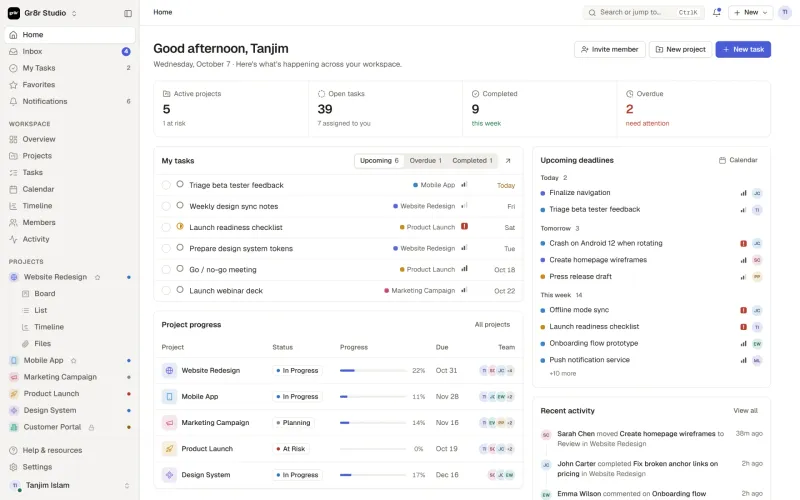
A calm project workspace with dashboard, inbox, board, calendar and timeline views. Plain JavaScript modules, no UI framework, zero runtime dependencies.

Spectrum UI — animated React components you copy and own

Components

Spectrum UI — animated React components you copy and own

Open source React and Tailwind component library for animated interfaces. Buttons, cards, loaders, and text effects arrive through one CLI command and land in your own repo as editable files.

Compositor — free Photoshop alternative for macOS

Code

Compositor — free Photoshop alternative for macOS

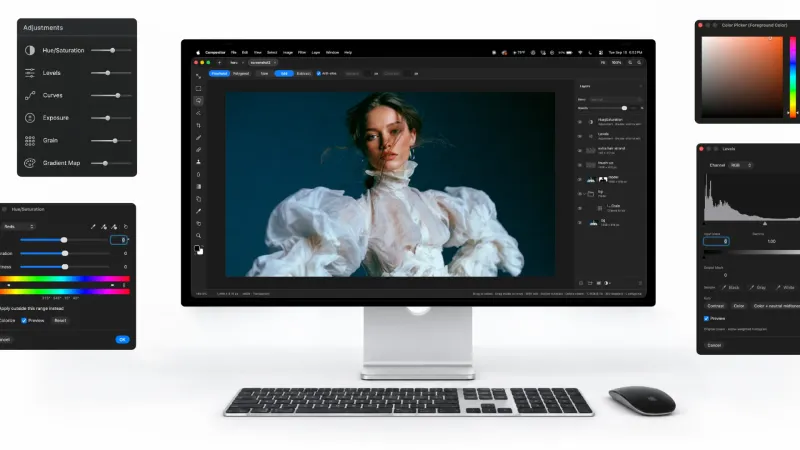
Free and open source Photoshop alternative for macOS. Layers, masks, PSD import, and a project format any AI agent can read and write.

Mailcheap, self-hosted newsletter on Amazon SES

Code

Mailcheap, self-hosted newsletter on Amazon SES

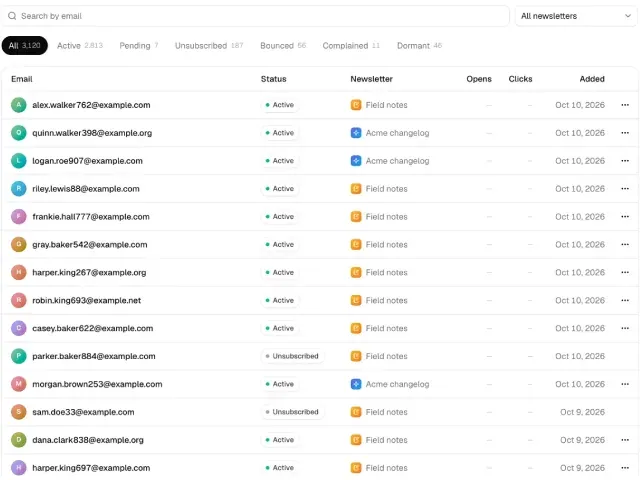
Self-hosted newsletter on Amazon SES. Write an issue, send it to your list, publish an archive, and pay about $0.10 per 1,000 emails with no per-subscriber fee.

Liquid Glass for React

Code

Liquid Glass for React

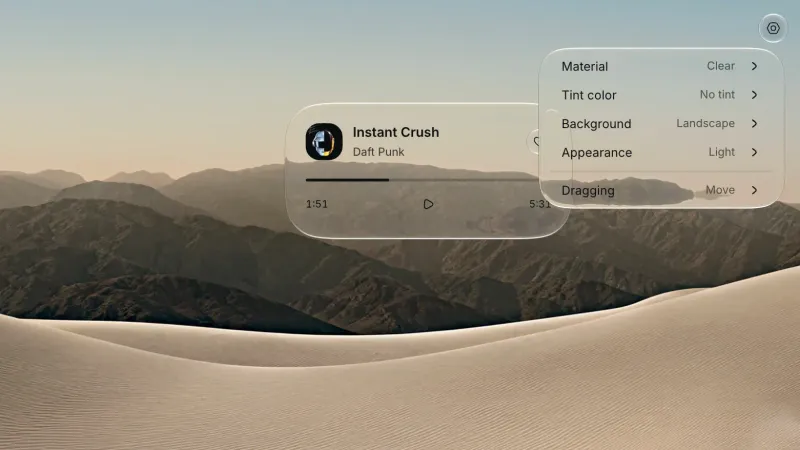
Glass surfaces and controls for React on the web and in Electron. Clear and Regular materials refract live content, and every control runs on Base UI behavior.

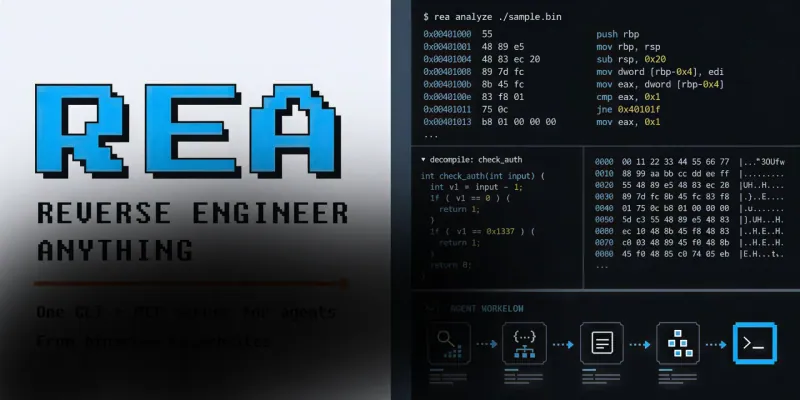
REA — reverse engineering MCP for AI agents

Code

REA — reverse engineering MCP for AI agents

Give your AI agent an MCP server that reverse engineers any app: native binaries, Electron, .NET, APKs, and websites. Analysis runs locally, MIT licensed.

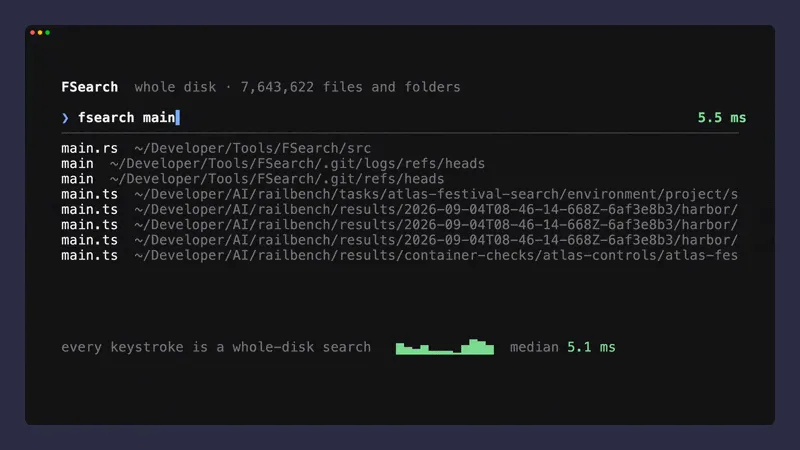
FSearch — whole-disk file search for macOS

Code

FSearch — whole-disk file search for macOS

Find any file on your Mac in about a millisecond, typos included, and search inside text files. Whole-disk index in Rust, MIT licensed, one small daemon.

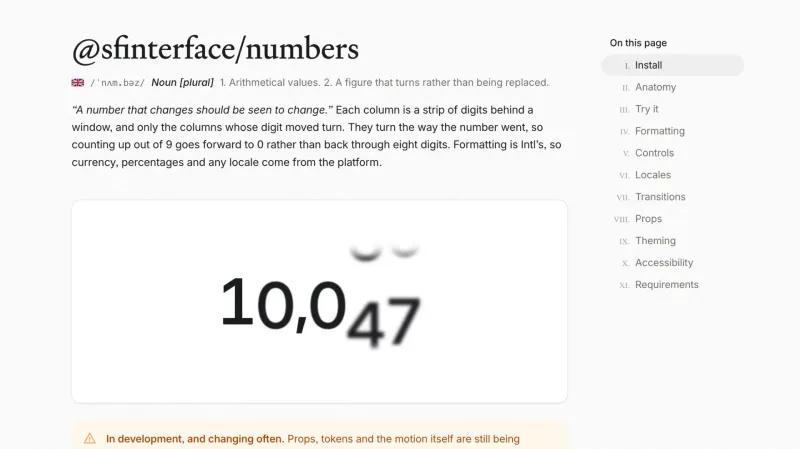
@sfinterface/numbers — rolling numbers for React

Code

@sfinterface/numbers — rolling numbers for React

React component that turns only the digits that changed. 13 kB, no dependencies, Intl formatting, five transitions, and reduced-motion support.

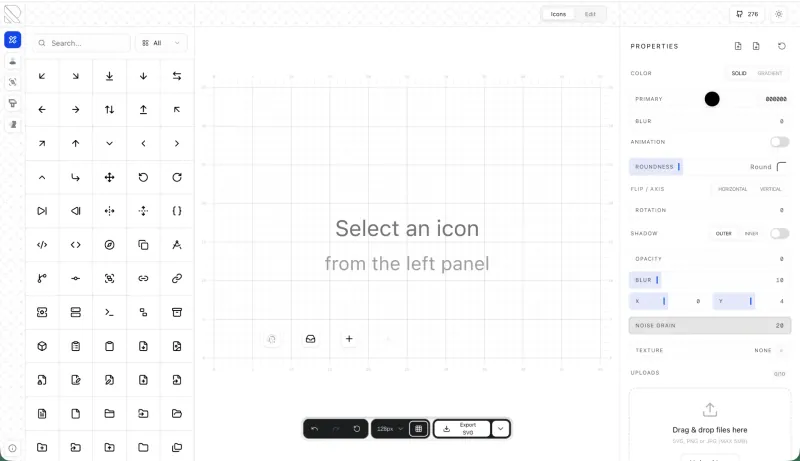
RuneIcons — open source icon set for modern UIs

Components

RuneIcons — open source icon set for modern UIs

Thousands of clean, consistent SVG icons for web and app interfaces. Open source, MIT licensed, and ready to drop into Figma, React, or plain HTML today.

Amicro — micro-interactions for any landing page

Code

Amicro — micro-interactions for any landing page

Open source collection of ready-made micro-interactions: hover glow, magnetic buttons, scroll reveals. Copy a snippet, paste into any page, ship motion today.

M3E Canvas — Material 3 Expressive UI builder

Code

M3E Canvas — Material 3 Expressive UI builder

Assemble Material 3 Expressive interfaces in your browser and export a ready-to-use prompt for AI. Open source, free, and built for Android vibe coding.

Driver.js — product tours & onboarding

Code

Driver.js — product tours & onboarding

Lightweight, vanilla JavaScript library for building powerful product tours, feature highlights, and contextual onboarding. No dependencies, just 5kb gzipped, fully customizable and accessible by default.

pdfcn — PDF viewer component for React

Code

pdfcn — PDF viewer component for React

Open source PDF viewer built on the shadcn stack. Renders documents inside your React app with zoom, search, and navigation. No iframe, no vendor lock-in, MIT license.

Free invoice template for Figma

Components

Free invoice template for Figma

Clear and simple table-based document for your business purposes. Powered by editable data grid, which is easy to manage.

Avatar UI design templates & tips

Components

Avatar UI design templates & tips

A part of the upcomong design handbook «The State of Component». Colors, Styles & UI design for Avatar. Events, States and Actions. Including layout samples for inspiration.

App Bar UI design templates & tips

Components

App Bar UI design templates & tips

Application Bar (aka Navigation Bar) — displays prior in-app controls related to the current app section. This freebie contains things to consider when designing App Bars.

Fonts Playground

Global Styles

Fonts Playground

Best web fonts precisely handpicked and optimised for better web legibility and ready to implement into your Figma project.

Website Template

Web Design

Website Template

Landing page template made for Figma. Contains styled components UI kit, desktop & mobile versions. Global styles, Inter, FlatUI colors.

Android UI kit

Mobile Templates

Android UI kit

8 mobile app templates based on popular Android UI design patterns: Calendar, Cards, Tasks, Kanban & Project management and more.

Figma iOS UI kit

Mobile Templates

Figma iOS UI kit

iOS native components and app templates organised into a «Most Design System» fully compatible with Human Interface guidelines.

Material X Starter

Free UI kits

Material X Starter

Top-notch styled components in the design system powered by Auto-layout. Ready-to-use Figma UI kit with styles from the nearest future.

Radar Chart

Data visualization

Radar Chart

Radar chart template made of components and available within a range of popular viewports: desktop, tablet and mobile. Light & Dark.

Rome UI kit lite

Free UI kits

Rome UI kit lite

Components & templates for desktop & mobile apps. Powered by clean and trendy custom guidelines and DM Sans font (OFL).

Xela UI kit starter

Free UI kits

Xela UI kit starter

100+ variants of several components to craft perfectly shaped desktop & mobile apps. Modern styleguides and free Nunito Sans font.

Free iOS UI kit

Mobile Templates

Free iOS UI kit

Customisable & adjustable mobile design system with 100+ variants for a set of components and 8 ready-to-use app layouts to try out.

Mobile-X UI kit

Mobile Templates

Mobile-X UI kit

Meet Mobile-X Figma design system for mobile app design. Cross-compatible & stylish UI kit which fits both iOS / Android apps.

Accordion guide

Tutorials & Education

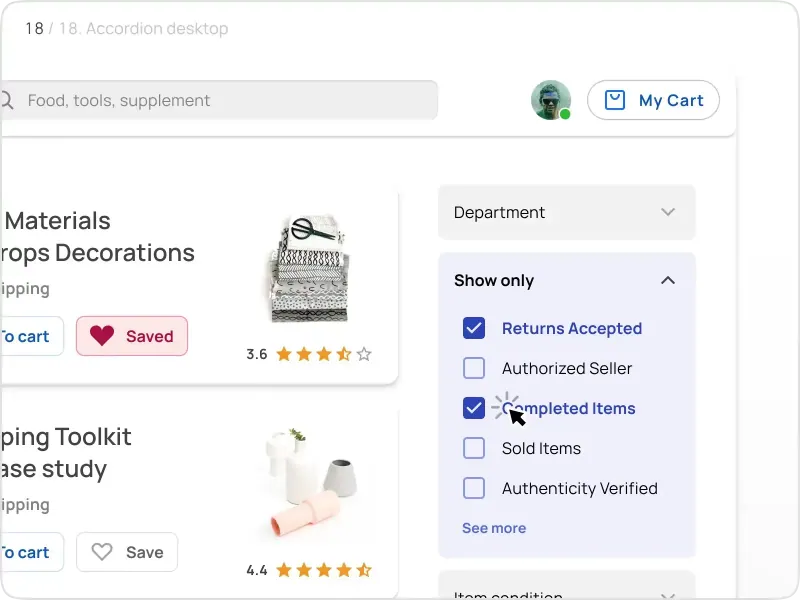
Accordion guide

The exploration for Accordion component: styles, states, samples, and use cases for desktop & mobile viewports.

Eclipse UI kit

Free UI kits

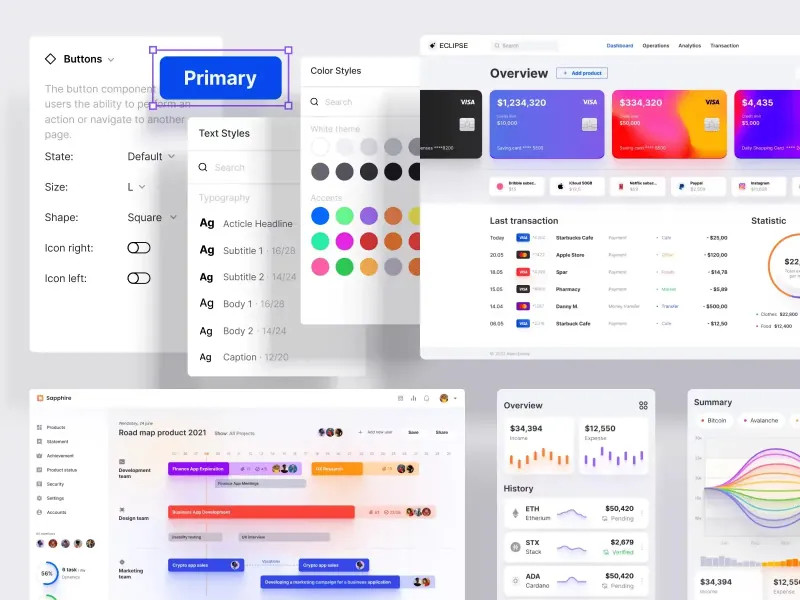
Eclipse UI kit

Fine components fully loaded with variants, auto-layout, global text & color styles. Hi-end customizable Figma design system (starter).

Appka iOS UI kit

Mobile Templates

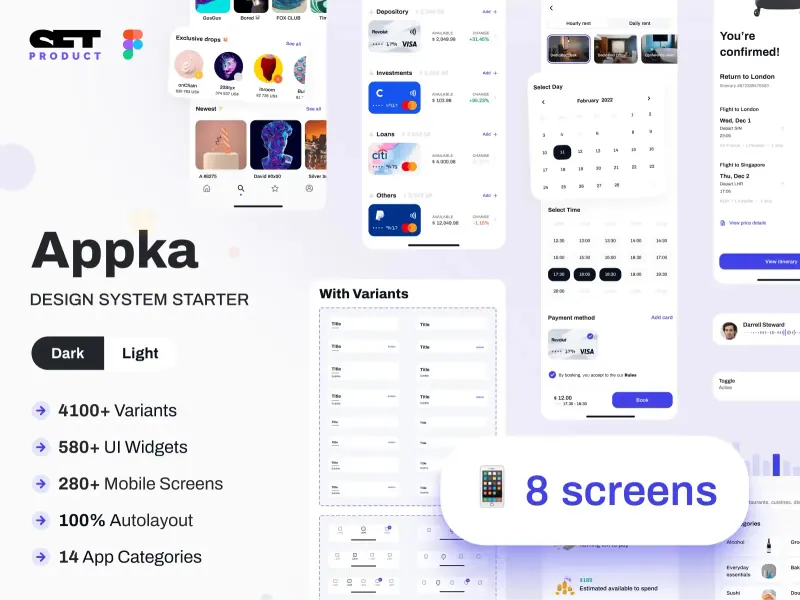
Appka iOS UI kit

Appka is a fine-themed & customized iOS design system with 4100+ variants for 28 components and 280+ ready-to-use app layouts for Figma.

Nav templates

Components

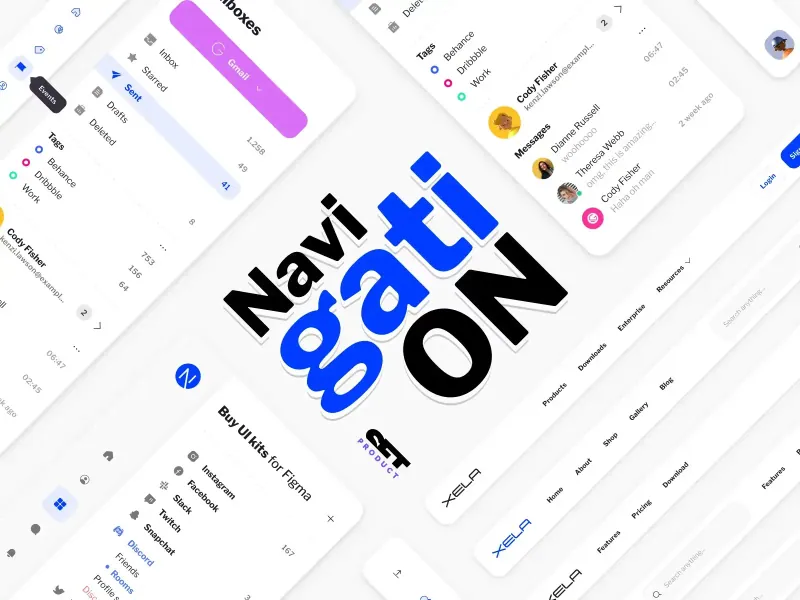
Nav templates

This design resource represents navigation components. It contains sidebars, drawers and headers both in light & dark modes.

Dark charts UI kit

Chart Templates

Dark charts UI kit

Try out this handy source of graphs for your next dashboard, pitch, or even print materials. Contains most common dark chart templates.

Figma email templates

Email Templates

Figma email templates

Five awesome and scalable free email templates to engage your subscribers. Dark & light themes. Contains buttons, lists and cards.

Charts widgets dark & light

Chart Templates

Charts widgets dark & light

Line & Wave charts, Bars, Histograms, Ratings and more graphs widgets are available in this free Figma resource. For dashboards, mobile & desktop.

Shopping layout for web app

Desktop templates

Shopping layout for web app

Contains navigation, filtering components, tabs, cards and more. This layout was made with Angular and fully coded.

Orion dark templates

Data visualization

Orion dark templates

Figma library with 40+ desktop charts templates served in light & dark themes. Contains 200+ of dataviz widgets for every case.

Responsive imagery cards

Card Templates

Responsive imagery cards

A variety of responsive cards templates for Figma. Constrained and scalable. Made with global styles for typography and colors.

Landing page & web blocks

Web Design

Landing page & web blocks

Use given blocks as a quickstarter for your very next web design mission. This freebie contains 3 landing pages for desktop, tablet & mobile.

Mobile tables several themes

Mobile Templates

Mobile tables several themes

Components-driven iOS layouts with data grid made from one singe cell. Based on different styles. Allows to create better tables in Figma.

12 free mobile templates

Mobile Templates

12 free mobile templates

Use our Full iOS design system as the starter for your next mobile app. This freebie includes 12 screens dark & light powered by 200+ components.

Calendars & Date picker templates

Components

Calendars & Date picker templates

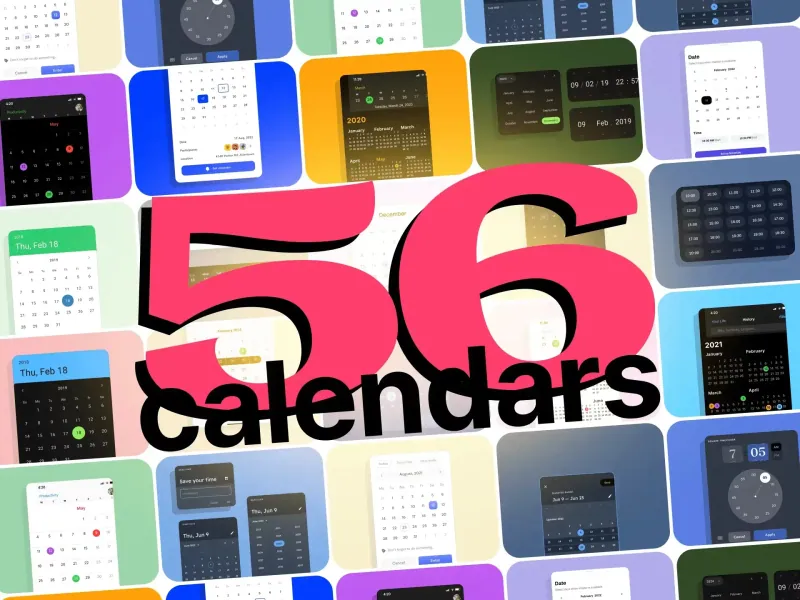
UI design resource with 56 calendars extracted from our popular UI kits. All the best samples of schedule patterns, planners, event managers.

Schedule & Events template

Desktop templates

Schedule & Events template

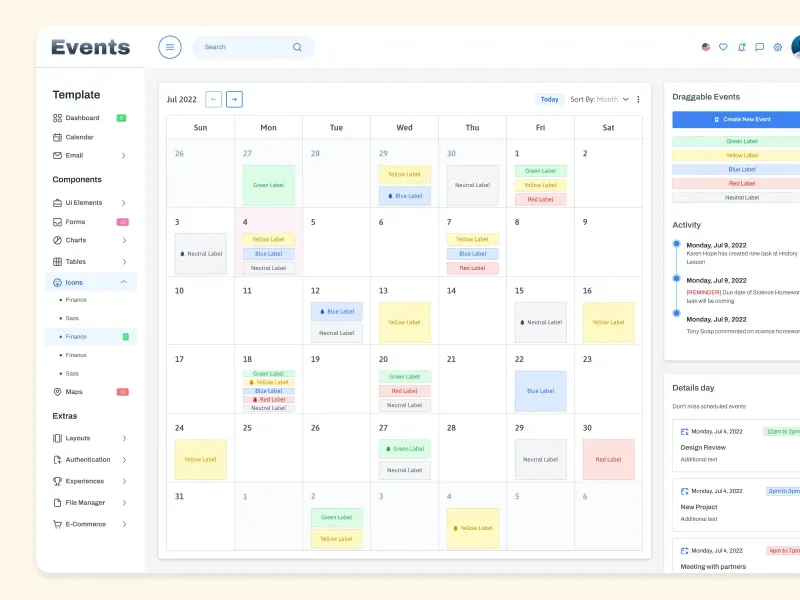
This clean calendar template has been made of a scalable grid, accurately made with colored items and wrapped for the desktop.

Material You for web apps

Free UI kits

Material You for web apps

Figma Material Design 3 starter fully loaded with several desktop & mobile templates (with dark themes) and a bundle of components.

iOS Datepickers

Tutorials & Education

iOS Datepickers

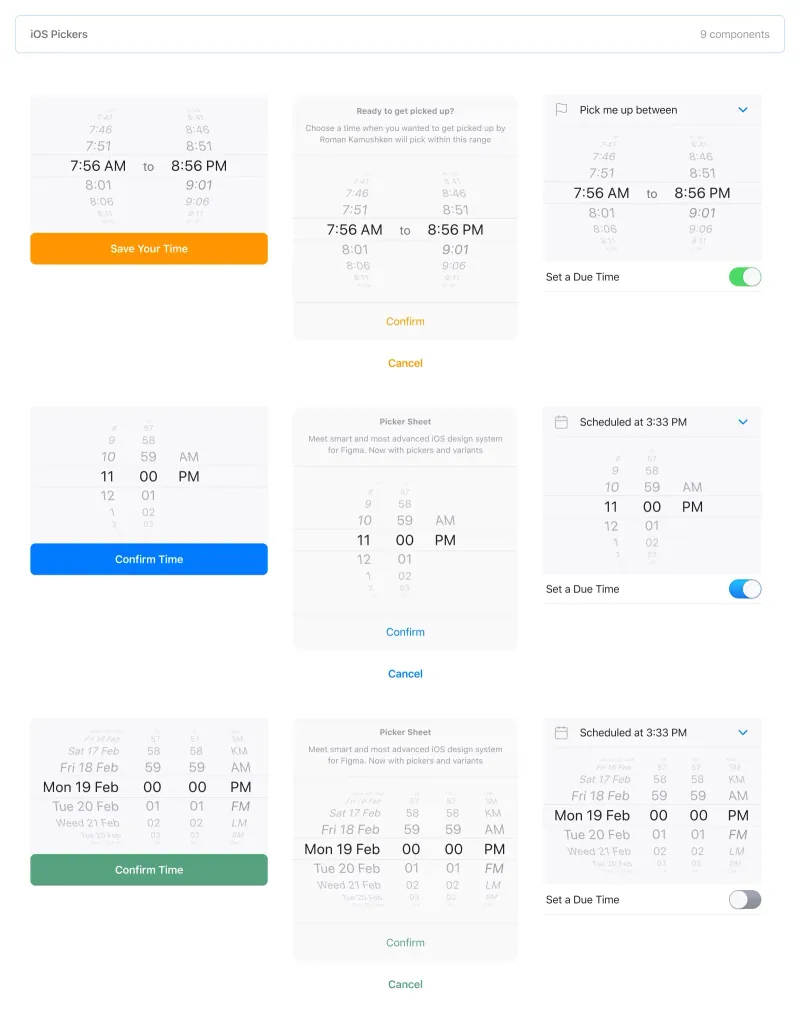
Stand out with our Figma iOS date picker. Offering a true-to-life isometric design and easy-to-edit text, it's the most realistic option.

Segment UI kit

Mobile Templates

Segment UI kit

Design stunning Android apps with our free Figma UI kit. Follow Android guidelines and components and use our fonts, colors, and templates.

Figma React UI kit

Design & Code

Figma React UI kit

Our Figma React UI kit 2-in-1 makes web app building faster. Created in Figma, exported to React, and customised with Blueprint.js library.

Messenger app desktop template

Desktop templates

Messenger app desktop template

Effortlessly create world-class communication design with our Messenger Template for Figma. With dark and light mode options.

Zeus UI free website template

Web Design

Zeus UI free website template

Zeus Web UI kit-inspired landing page template. Supports all viewports, card-driven UX, polished with Syne and Space Grotesk fonts.

Design system starter

Global Styles

Design system starter

Launch your project with confidence thanks to our Figma design system. Customize grids, text, color, gradients, and shadows with ease.

Navigation layout 4 samples

Components

Navigation layout 4 samples

Sleek Navigation Menu for Material X design system in Figma. Various sizes and design options. Features badges and active state highlight.

Chart cards

Data visualization

Chart cards

Make your data pop with our easy-to-use Charts UI kit. Featuring bar charts and heatmaps, it's perfect for dataviz, dashboard, pitches and others.

Material UI styled

Free UI kits

Material UI styled

New and improved Material UI Kit, refreshed with enhanced material.io guidelines. Free and ready-to-use components included.

Hyper charts

Data visualization

Hyper charts

Transform your data into captivating visuals with several Figma's chart templates based on Hyper Charts kit. You'll find 8 editable widgets inside.

Search inputs

Components

Search inputs

Explore how Figma inputs are revolutionizing search interface design. Gain key insights to enhance user experience with impeccable UIs.

Figma Grid Layouts

Grid Layouts

Figma Grid Layouts

This template is designed to help you create templates that are beautifully balanced. Features both mobile and desktop layouts with 16/24 gutters.

Panda dashboard template

Desktop templates

Panda dashboard template

Build sleek dashboards with our Panda UI kit starter! Featuring a 1920w desktop template, UI widgets, and components.

Orion dataviz templates

Dashboard Templates

Orion dataviz templates

The design system starter for your next application. This resource contains 6 dashboard templates and a bundle of UI design widgets.

Subscribe to Setproduct

Once per week we send a newsletter with new releases, free resources and blog posts

By clicking Sign Up you're confirming that you agree with our Terms and Conditions.