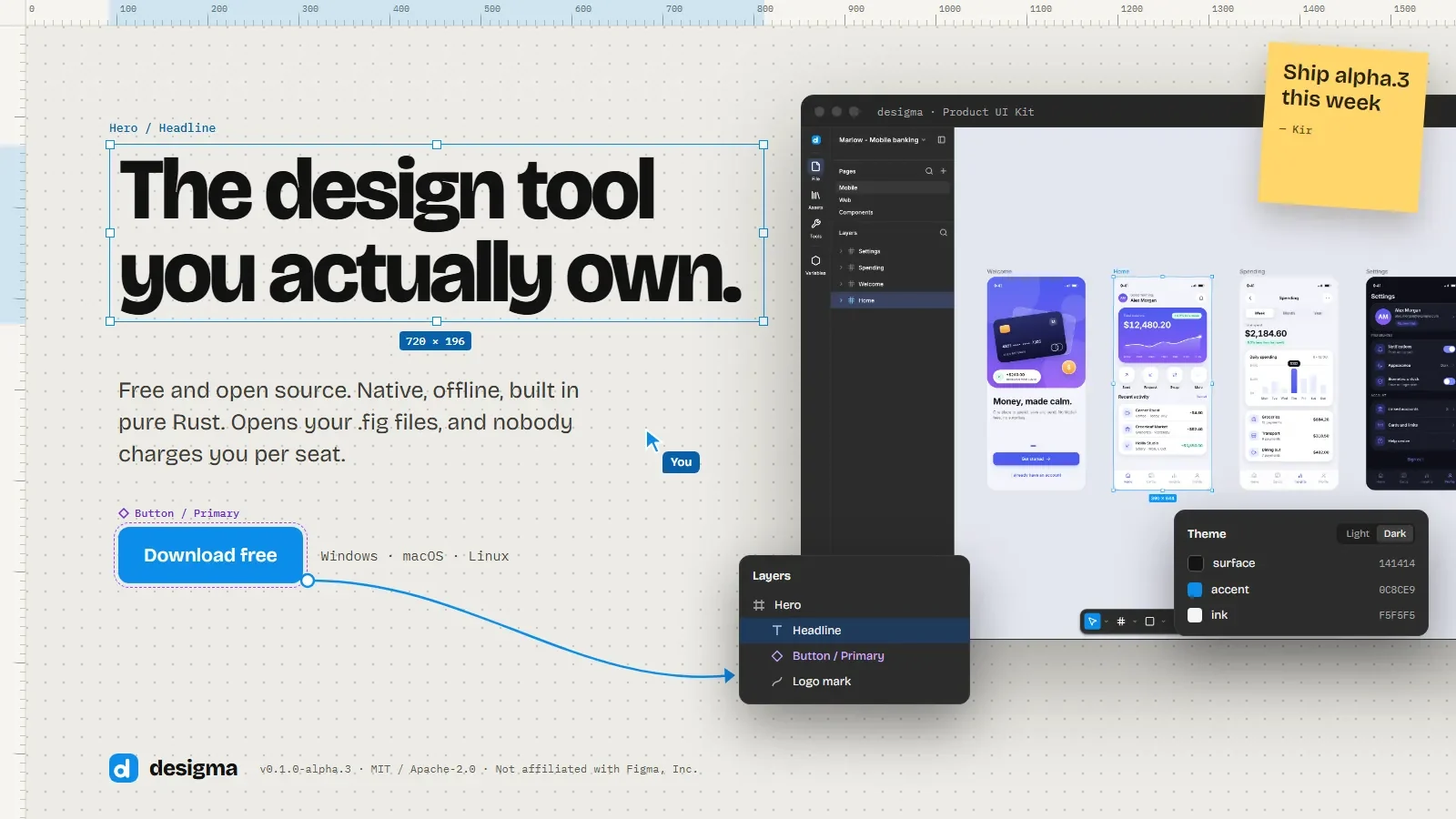

Figma holds your files, and it also holds the renewal date for them. Desigma answers a narrower question. Can a design tool live on your own machine, open the files your team already has, and keep working when the network drops? The project is a native desktop editor written in Rust, dual-licensed under MIT or Apache-2.0, and still labelled early alpha by the people who build it.
What Desigma actually does
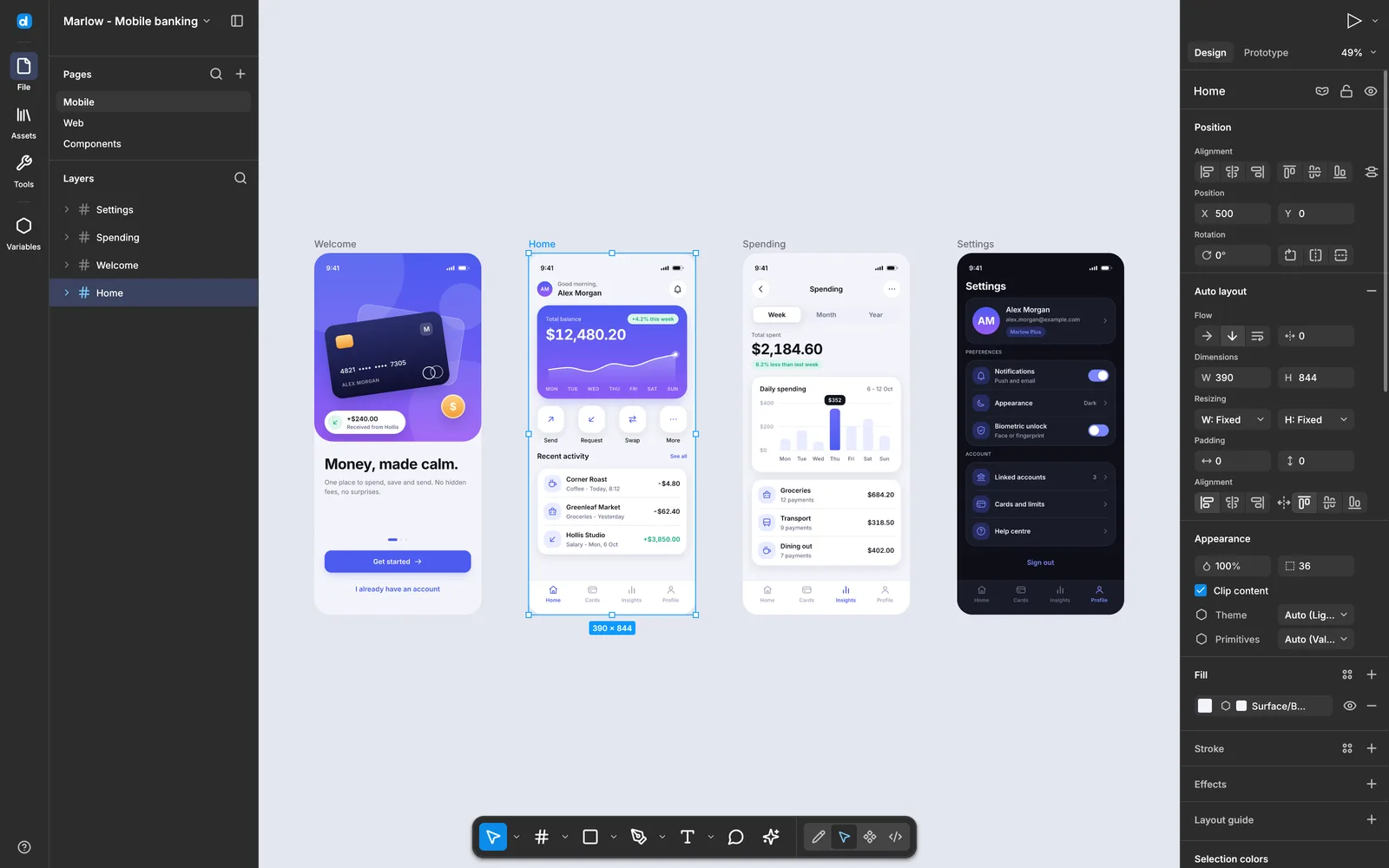
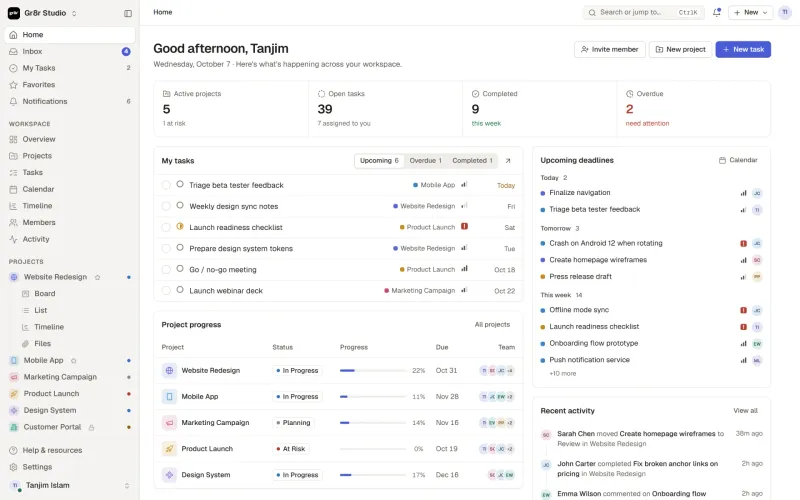
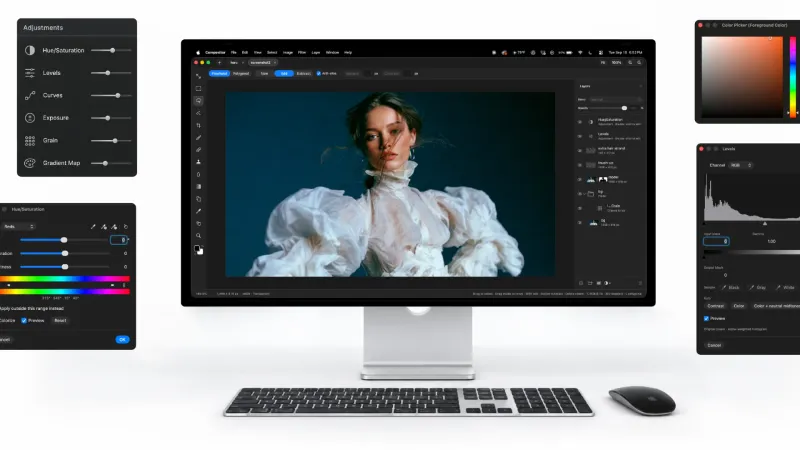
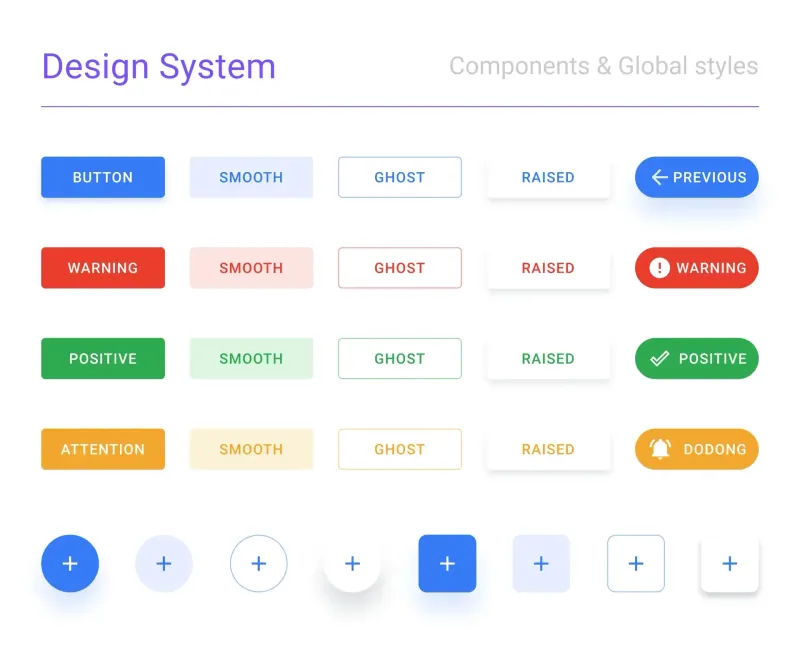
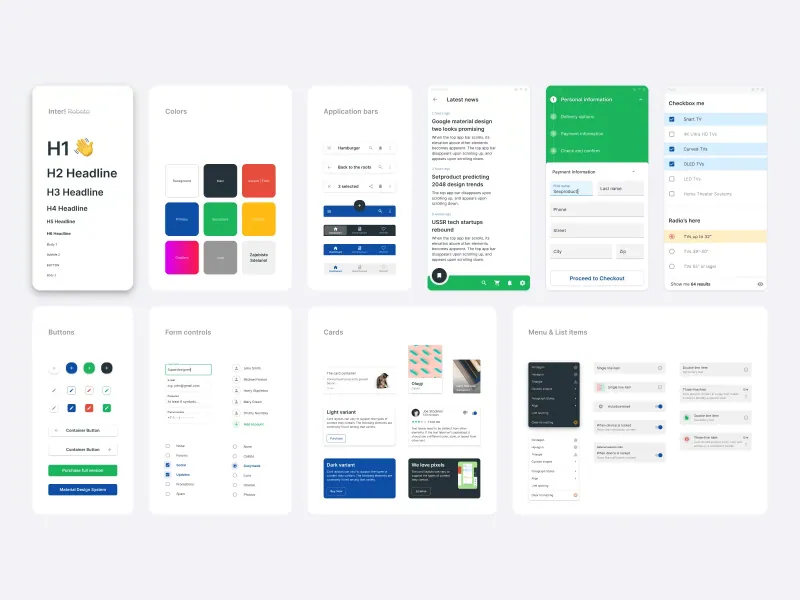
Desigma is a design app for macOS, Windows and Linux, written in Rust with no Electron and no embedded web view. Frames, auto layout, components with variants, prototyping, variables with modes, motion, whiteboards, decks and vector editing all live in one desktop window.
It reads more than its own format. From Figma you open REST JSON or a .fig file saved locally. From Pencil you open .pen files. Everything you draw is stored as .desigma, and an import never writes back to the source file.
The code sits on GitHub, where the README is the most complete document about the editor. Builds come from the releases page: a .dmg for macOS, a -setup.exe or a portable zip for Windows, and a .tar.gz with an installer script for Linux.
Why a native editor in Rust changes the feel
Most design tools released in the last decade are web pages wearing a desktop shell. Electron loads a browser, and every frame of your canvas travels the same rendering path as a news site.
Desigma renders on the CPU with tiny-skia, keeps a spatial index over the document, and caches 256 px tiles in parallel. Panning and dragging on a page with 5,000 layers stays under a frame, which is the number the authors report. A wgpu renderer exists with a CPU fallback, so a machine without a usable GPU still draws the file.
That choice shows up in small moments. Opening a file, changing pages, dragging a frame across a zoomed-out canvas. The window answers immediately because there is no browser between your pointer and the document.
How Figma files come across
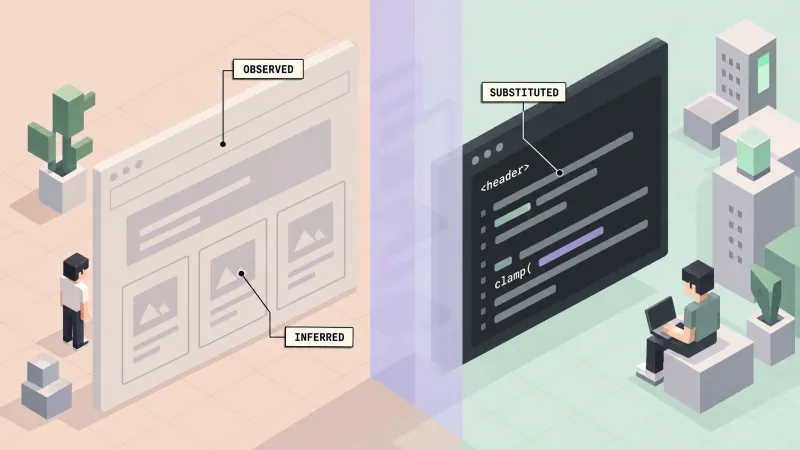
A .fig file is a zip wrapper around a kiwi-encoded document, compressed with deflate or zstd. Desigma unpacks it, decodes the schema, and maps node changes, embedded images, shared styles, instance overrides, layout grids and prototype links into its own document model.
The same model takes the body of GET /v1/files/:key, the REST response you can save straight out of Figma. With the optional net feature, Desigma fetches that response with a personal access token, and the token only travels as a request header. It is never logged or stored.
One caveat comes straight from the README. The .fig format is undocumented, so the decoder follows community reverse engineering and is tested against synthetic files. Real-world files will hit gaps, and reports are welcome. Import is also one way. Save writes .desigma, so the Figma file you started from stays exactly as it was.
What ships in the box
The feature list is long for an alpha, and the parts that matter to a working designer are all there:
- ❶ Drawing tools for frame, section, rectangle, ellipse, polygon, star, image, pen, pencil and text, with snapping, smart guides and distance labels
- ❷ Auto layout with direction, wrap, gap, padding, alignment and hug, fill or fixed sizing, plus drag to reorder
- ❸ Vector networks with point editing, bend, paint bucket, marquee and lasso selection, shape builder, outline stroke, flatten and simplify
- ❹ Shared styles for color, text and effects, plus libraries that publish components and variables to other files
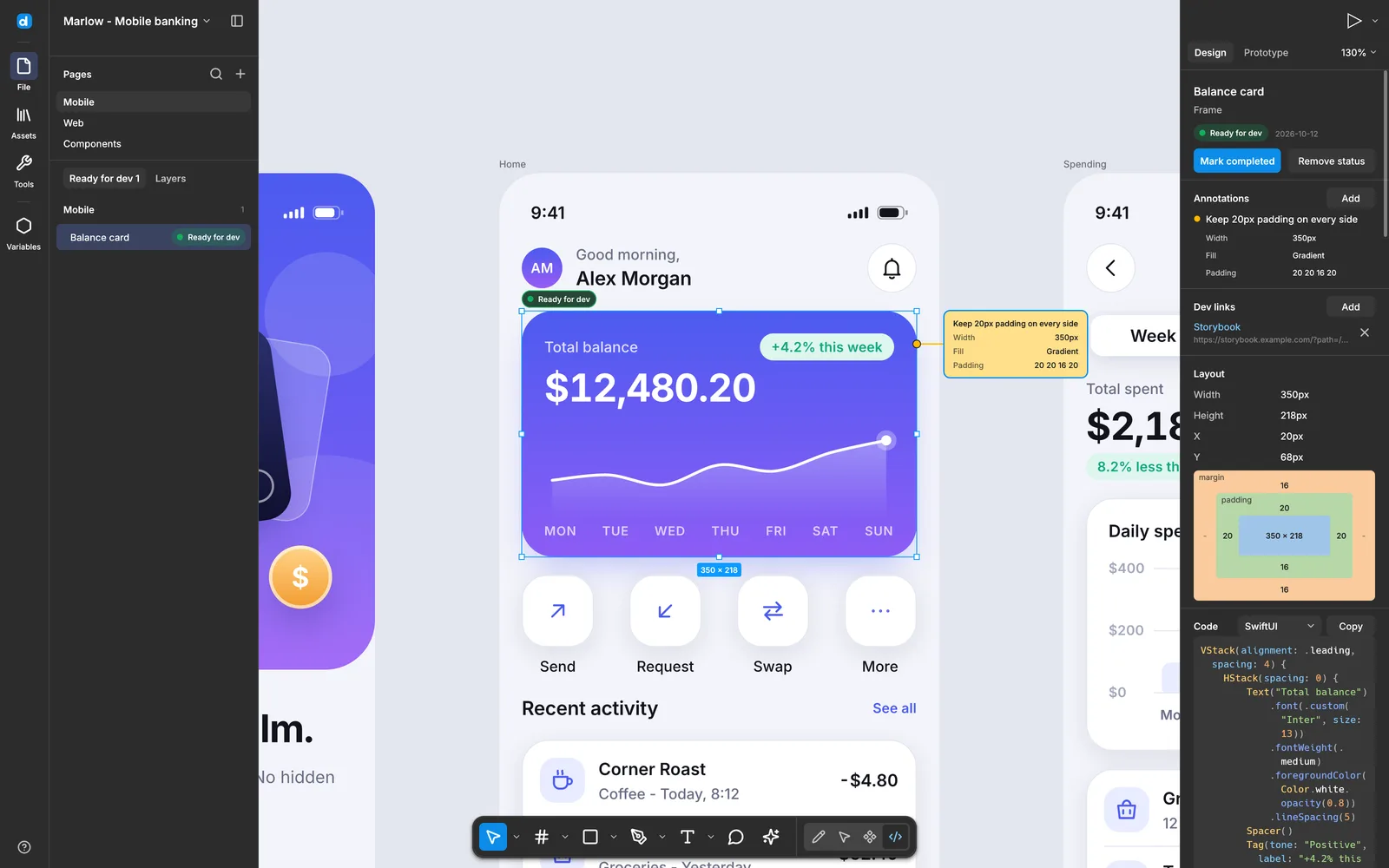
- ❺ Export to PNG, JPG, SVG and PDF, copy as PNG, SVG or CSS, and Dev mode code for CSS, Tailwind, SwiftUI, Jetpack Compose or React
Type gets the same treatment. Inter ships inside the binary as a variable font, any other open-licensed family a file uses is fetched from Fontsource and cached, and proprietary fonts map to metric-compatible open alternatives. A Figma file built on a licensed family keeps its proportions on a machine that does not have it.
Components and variables
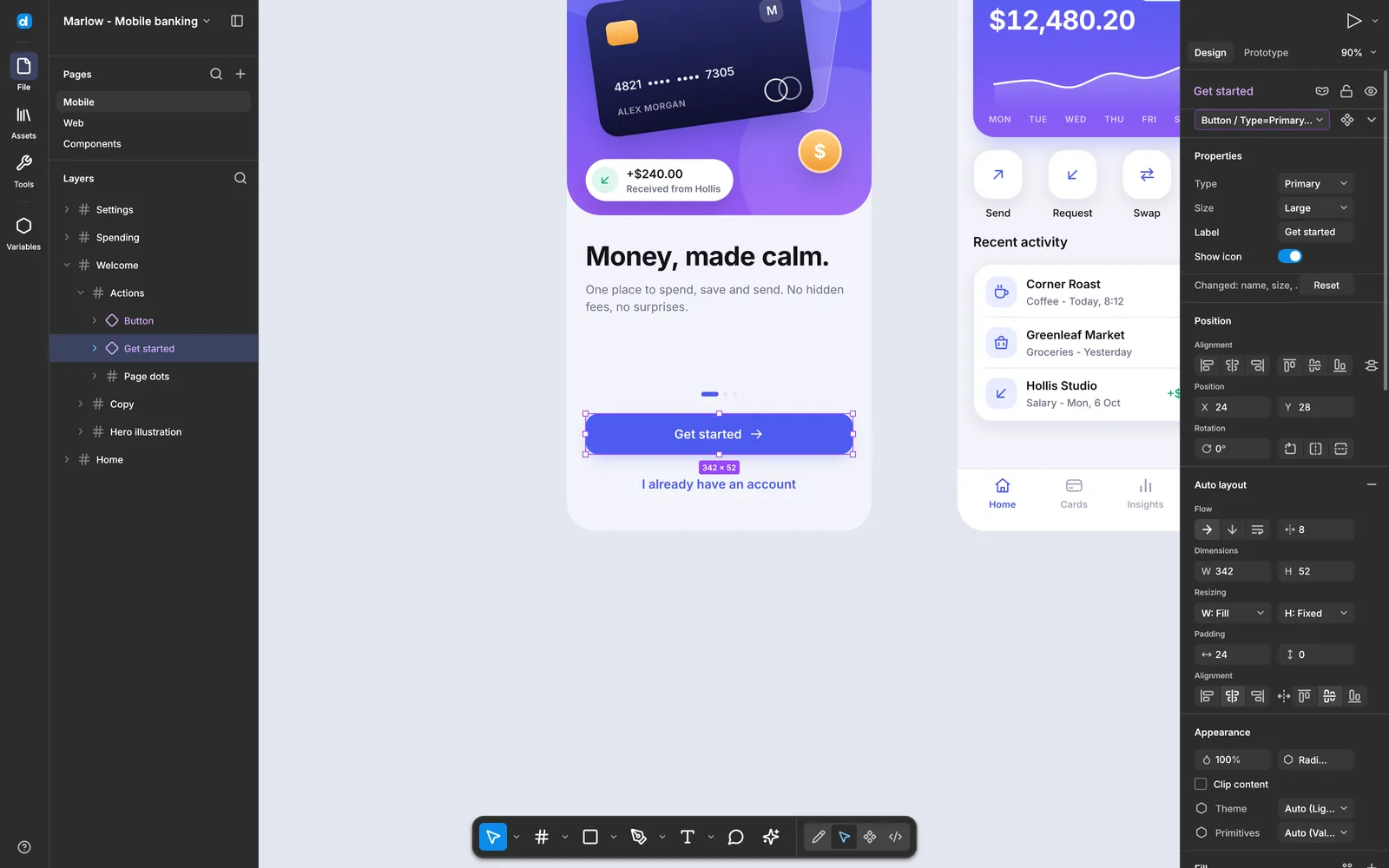
Ctrl + Alt + K turns any layer into a component. Instances drop from the Assets panel, and editing the main component updates every copy in a single undo step while each instance keeps its own overrides. Boolean, text, variant and instance-swap properties are editable, and Combine as variants, Go to main component, Reset all changes and Detach are all undoable.
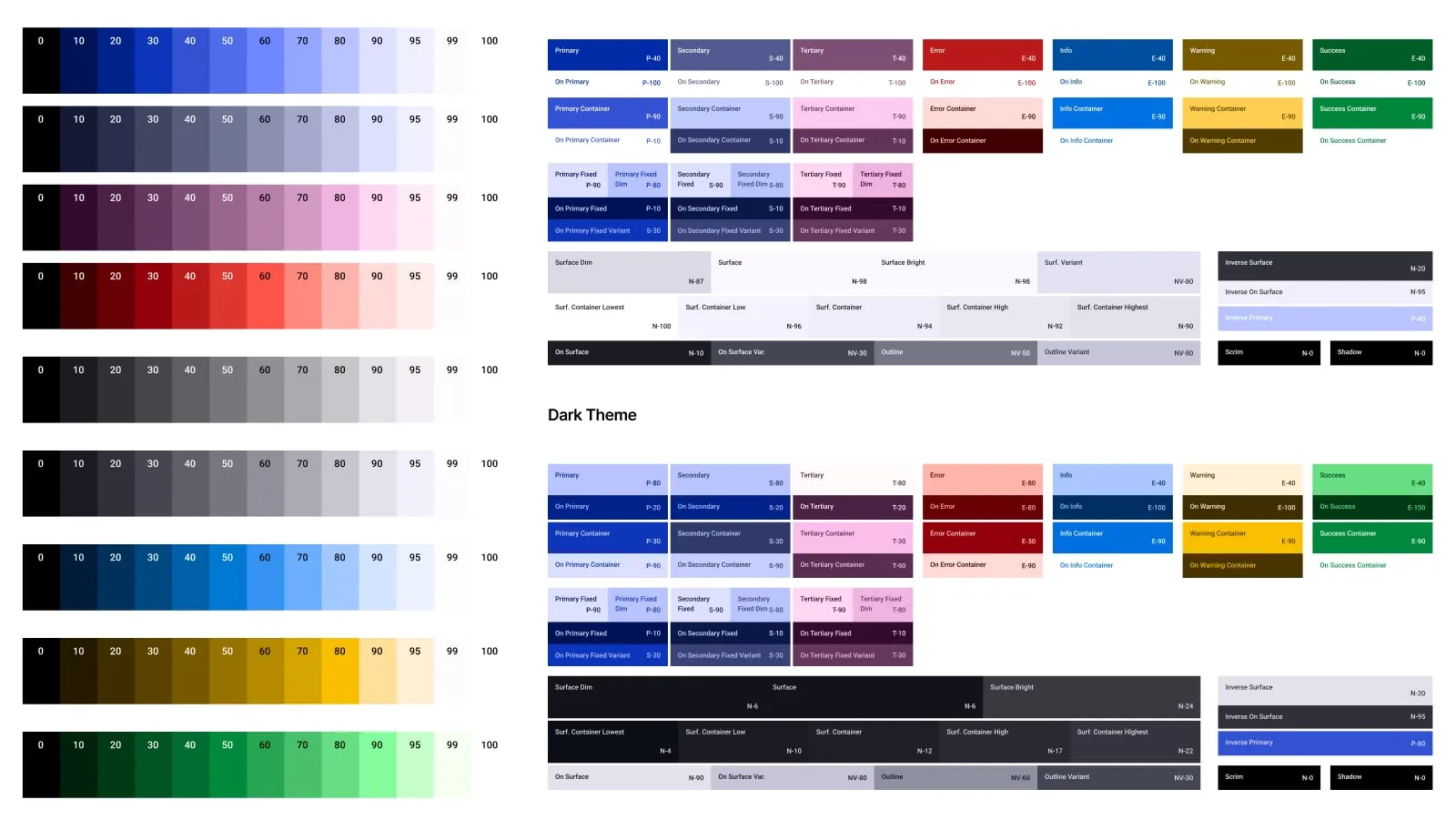
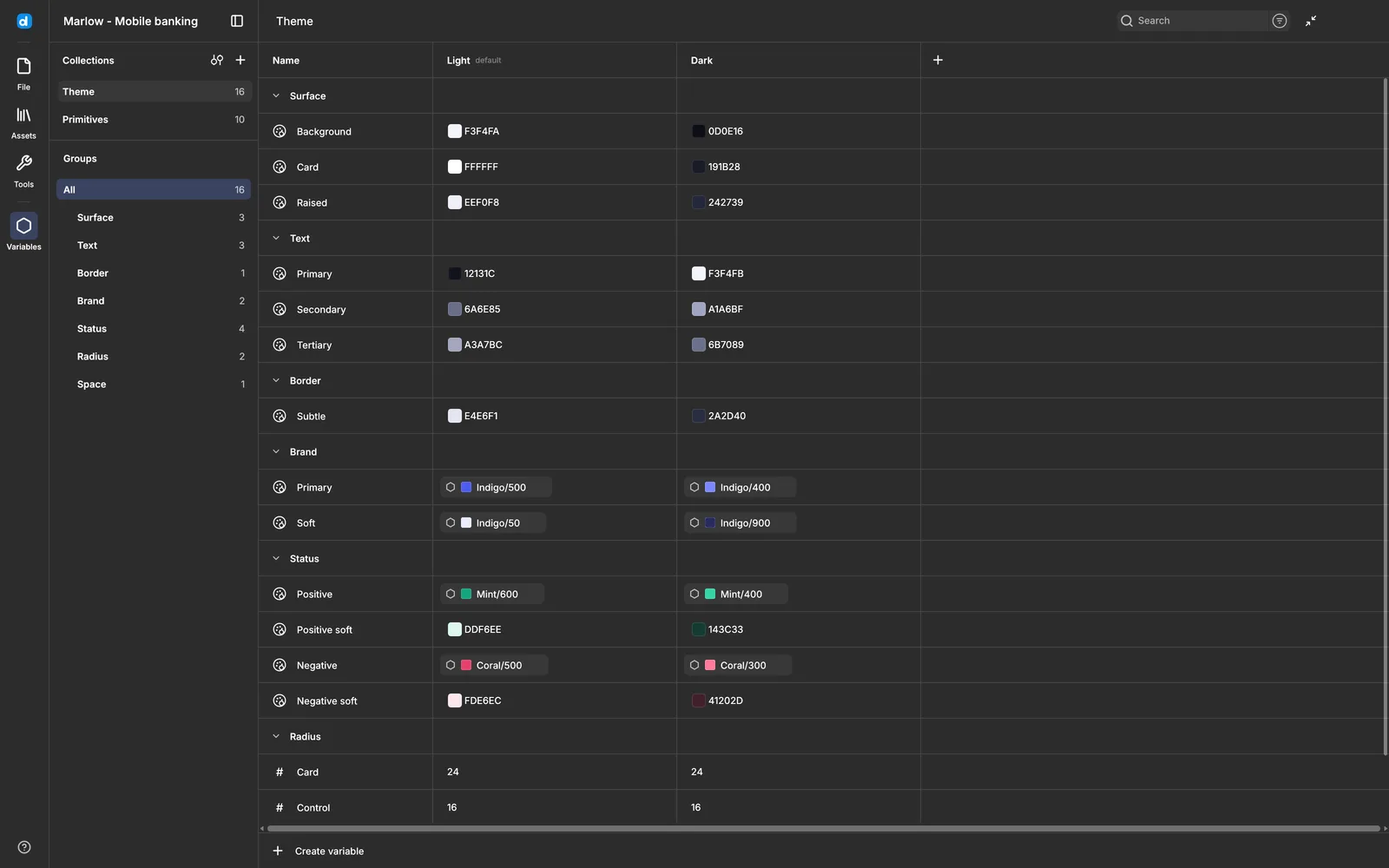
Variables come in four types: color, number, string and boolean. Each lives in a collection with modes. Bind a color to a fill, a number to a radius or a gap, switch a frame to the Dark mode, and everything bound to it follows. Library variables and color styles appear in the same pickers, and using one copies it into the file in the same undo step.
Prototyping and motion
The prototype tab works the way you would guess. Drag from a hotspot to a frame, then set triggers, actions, overlays and transitions with curves or springs. Present plays the flow back with Smart Animate, which pairs layers by name, and variables drive conditional logic through Set variable, Set variable mode and If, Else if and Else branches.
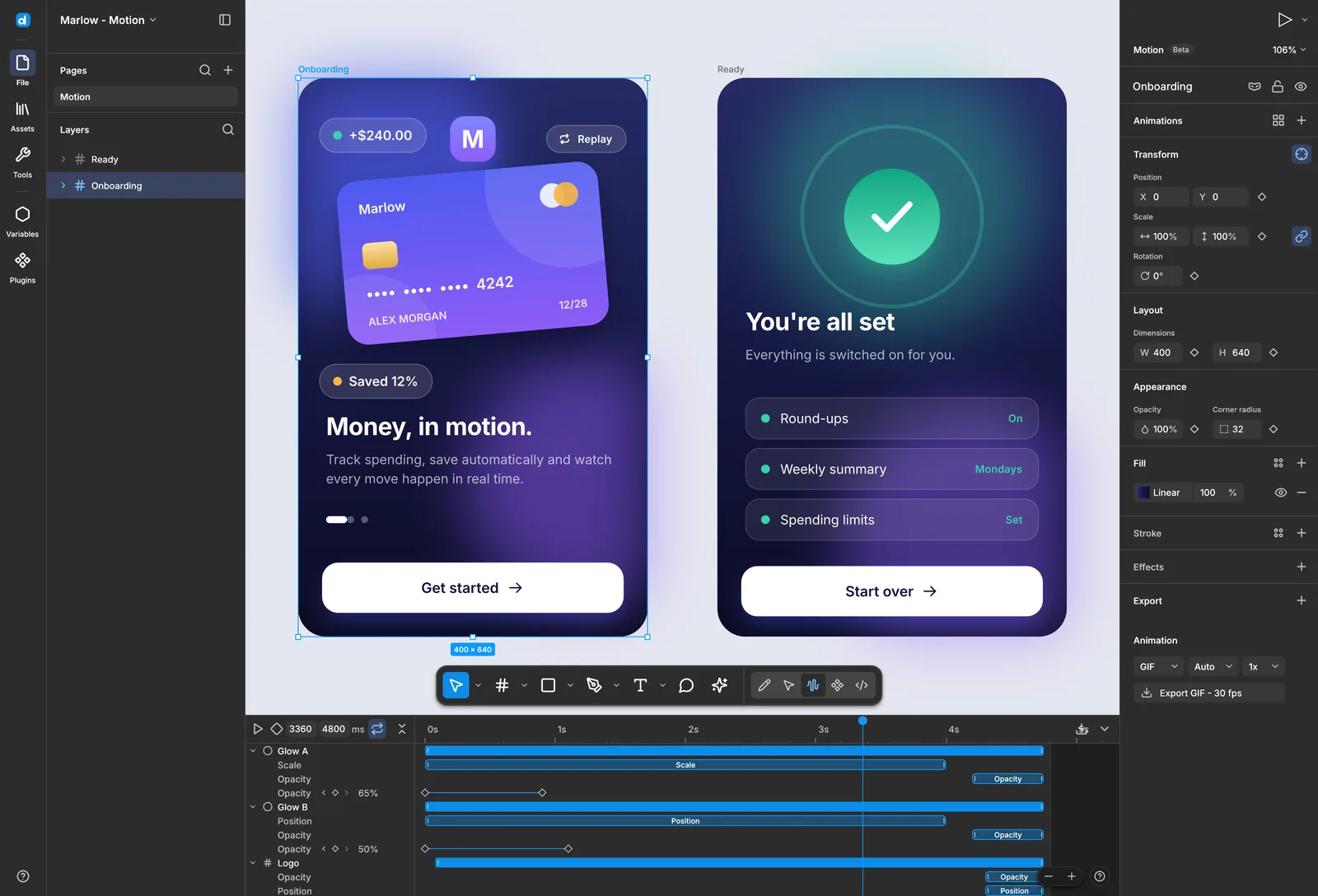
Motion is in beta and free like the rest of the app. A toolbar button turns the page into a timeline with keyframe tracks on position, scale, rotation, size, opacity, radius, fill, shadow and blur, easing made of curves or springs, and 41 presets that become clips you retime. The export writes GIF, WebM encoded in pure Rust, or a PNG sequence. Keyframe tracks from Figma Motion files import as editable Desigma motion.
Decks reuse the same canvas. File then New deck gives you 16:9 frames, slide thumbnails, speaker notes and a full-screen Present mode. Slide and deck PDF export is high-resolution raster for now, so the text in it is not selectable.
Live collaboration without a server
Sharing here needs no account and no hosted workspace. Click Share, copy a desigma://join/ link, and send it. Your copy hosts the session while the file stays open, and edits travel peer to peer over iroh QUIC with NAT traversal. When a direct connection fails, traffic falls back to a public relay and stays end-to-end encrypted.
Edits merge per property, so two people changing the color and the position of the same layer both keep their change. Your undo only undoes your own edits. Cursors and selections appear in each person's color, and clicking an avatar follows that view.
The host keeps control. There is an optional password, approval of each joiner, edit or view-only access, and a stop sharing button. The session ends when the host closes the file, and guests can save a copy before that.
Where it does not fit yet
The README is unusually direct about this, and the page should be too. Desigma is early alpha. Much of the everyday Figma surface exists, and the authors still say it is not ready to replace professional daily work.
- → PDF export produces raster pages, so text and vector shapes inside the file are not selectable
- → Plugins run in a narrow bridge that allows SVG insertion and local storage, with nothing else exposed
- → Collaboration is beta, and fonts are not sent over a session yet, so a guest without the family sees a substitute
- → Release builds are not code-signed, so the first launch shows a warning on macOS and Windows
- → Some
.figfeatures have not been exercised by real files, and the team asks for reports with the OS and a sample file
The project is independent as well. Figma and Pencil are trademarks of their owners, named here to describe file compatibility, and neither company sponsors or endorses Desigma.
Frequently asked questions
Does Desigma open my existing Figma files?
Two paths. Open a local .fig copy from File then Save local copy, or open the JSON body of a file request from the Figma REST API. Components, instance overrides, styles and prototype links come across, and Save writes a .desigma file, so the original stays untouched.
Is it really free?
Yes. The code is dual-licensed under MIT or Apache-2.0, so you pick the terms that suit the project and use it in commercial work. Those licenses cover the code, and the name and logo stay with the project, which means a fork ships under its own branding.
Do I need an account or an internet connection?
Not for the editor. Download a build and work offline, with files autosaving into a local projects library. Collaboration skips accounts too, since it shares a link instead of inviting people to a workspace. The network is used for Fontsource when a file needs an open font that is not cached yet.
Does it run on Windows and Linux?
Yes. Each platform gets a native build from the releases page. macOS ships one .dmg that covers Apple Silicon and Intel, Windows gets a -setup.exe or a portable zip, and Linux gets a .tar.gz with an installer script.
Why it belongs in your stack
If you design for a living and want a second editor that opens your files without a subscription, Desigma earns an afternoon of testing. It reads .fig, keeps components and variables intact, runs offline, and hands you CSS, SwiftUI, Compose or React from Dev mode.
The MCP server adds a second angle. It exposes 16 tools for importing a file, inspecting layers and tokens, generating code, editing with undo and saving a new document, so an agent can work on the same design you have open. That is the handoff described in the guide to design-to-code with AI agents, running on a tool you host yourself.
The reading on this site pairs with it. LiftKit for Figma and React covers another open source design system, and the open source tools digest collects the rest of the stack around it. When the debate turns to layout, the auto layout debate explains the model Desigma implements, and the cost of Figma updates covers the reason people look for a local tool in the first place.
To see which interface patterns are landing in shipped products right now, browse the AI inspiration gallery. When you need screens to bring into the editor, the mobile UI kits and the rest of the free resources and design and code kits are built for the same ship-it-yourself workflow.