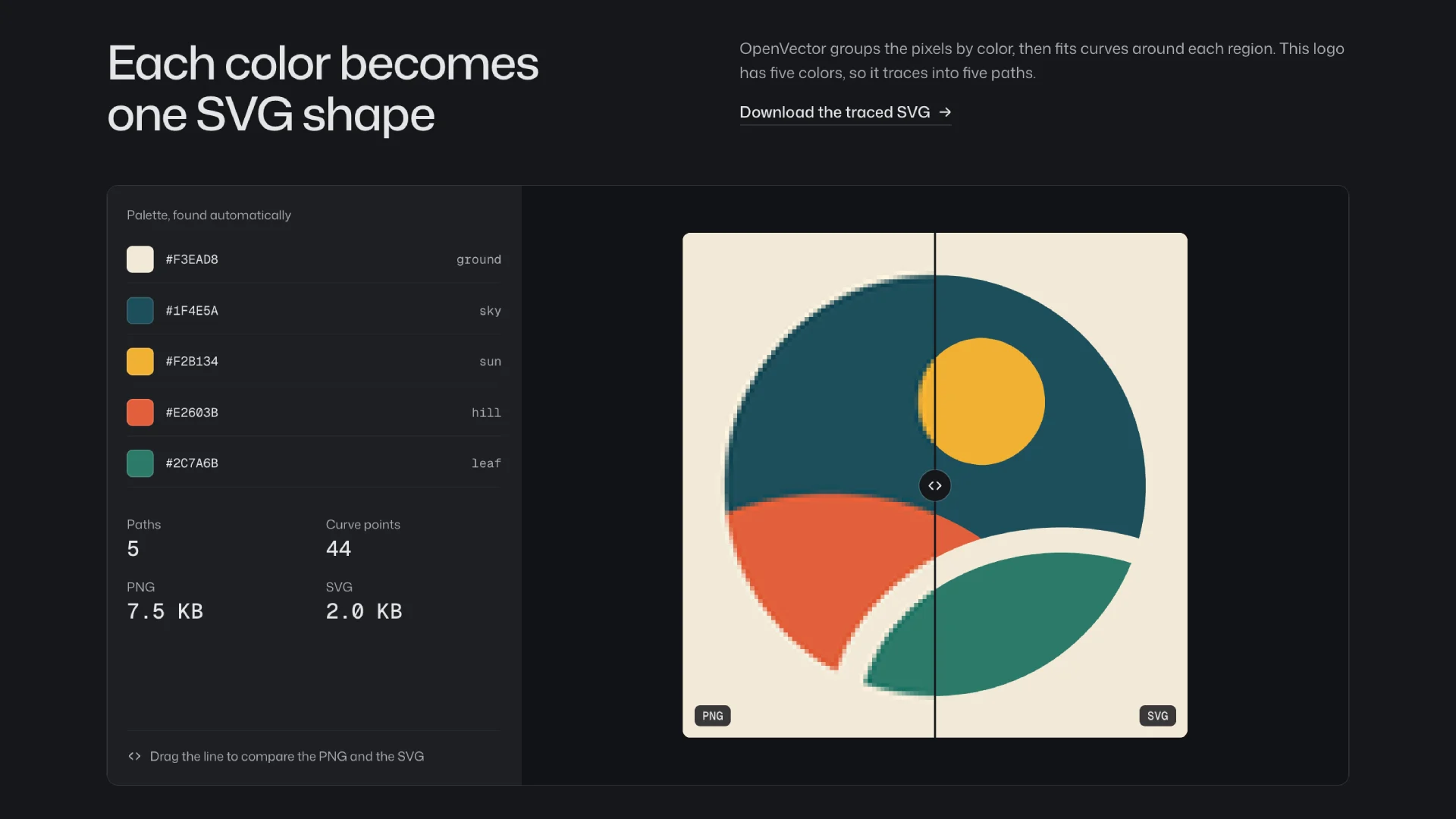
You have the logo as a PNG. It was exported at 2000 pixels wide in 2019, it looks soft on a retina screen, and the client cannot find the original file. Redrawing it by hand costs an afternoon. Openvector takes the bitmap you already have and returns paths you can edit, in the format your next tool expects.
What Openvector actually does
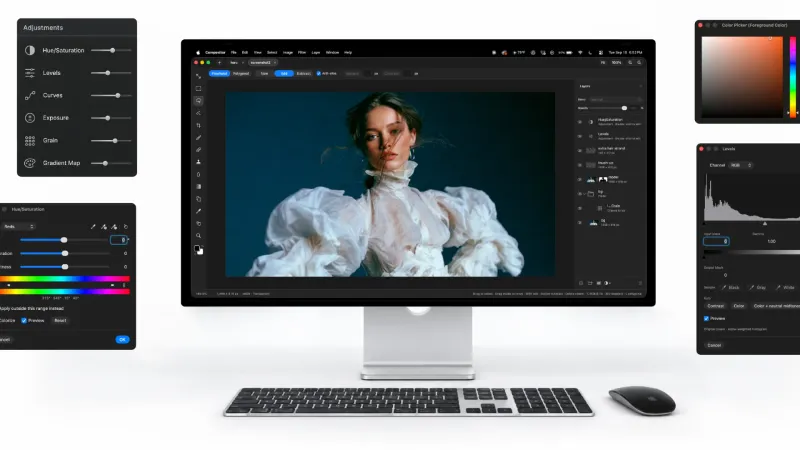
Openvector turns png, jpeg, bmp, gif and tiff images into editable vectors. One Rust engine sits behind four different surfaces: a browser editor, a native desktop app, a command line tool, and a node library. The same code produces the same paths whether you drag a file into the window or run it inside a build script.
The web editor is the same GPUI interface as the desktop app, compiled to WebAssembly. Images stay in the tab memory, the trace runs locally, and exports download straight to your disk. Nothing is uploaded, which matters when the artwork is a client logo under an NDA. The editor needs WebGL2 and a browser with shared WebAssembly memory, so a locked-down browser at a bank will refuse to open it.
The project ships under the MIT licence, currently at version 0.1.7 with 571 stars on GitHub. macOS builds are signed and notarized. Windows builds are unsigned, so SmartScreen will warn on first launch. Linux packages target Ubuntu 24.04 with glibc 2.39 and were tested on X11, while Wayland is listed as unverified in the readme.
Why tracing still matters
Every design system eventually hits the same wall. Someone drops a raster mark into a component library, and it survives three redesigns because nobody has time to redraw it. Scaling a bitmap to 32 pixels for a favicon and to 512 pixels for an app icon from a single asset is the job vectors do without complaint.
The usual objection is that automatic tracers produce garbage. That was fair for a long time. A photograph traced by a naive algorithm becomes thousands of tiny polygons that look worse than the source and weigh more than a photo. The real fix is giving the person control over how many colours survive and which regions merge.
☞ A trace is a decision about how much detail you keep. Count the paths before you ship the file.
How the engine works
The editor walks the image through a fixed pipeline, and each stage is something you can override.
- ❶ Load. The engine reads the bitmap and reports its real size, so you know whether the source is worth tracing at all.
- ❷ Quantize. Colours collapse into a palette. Automatic palettes work for flat art, and manual palettes let you name the exact colours your brand allows.
- ❸ Segment. Adjacent regions can be merged or deleted by hand. A photo background becomes one region you remove instead of four hundred shapes you clean up later.
- ❹ Trace. Contours become paths with adjustable smoothing. Fewer anchor points mean a cleaner file and a slightly softer edge.
- ❺ Export. The result leaves as a vector format or as a fresh raster at whatever size you choose.
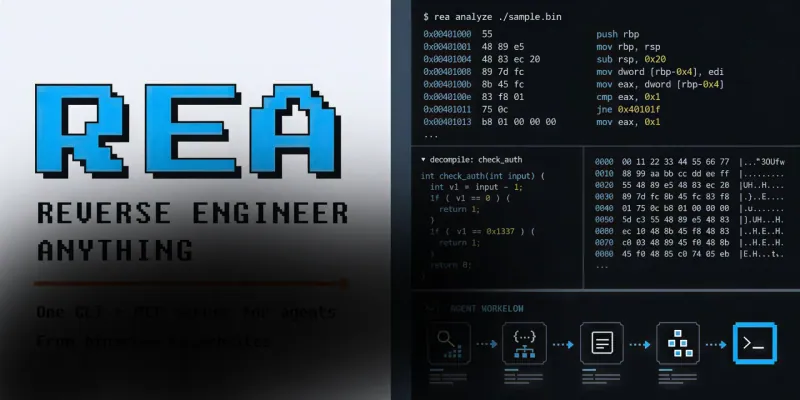
The npm package carries no dependencies at all, an empty dependencies object in its manifest. Native binaries for macOS, Windows and Linux arrive with the install, so you do not need Rust on the machine that runs the trace. It asks for Node 22.19 or newer. Batch conversion and saved profiles make a repeat job a one-line command:
npx openvector vectorize logo.png --output logo.svgnpx openvector batch first.png second.jpg --format svg --output-dir vectors
Six vector formats out of one trace
A trace is only useful if the file opens wherever the work continues. Openvector writes SVG, PDF, EPS, AI, DXF and EMF, plus rasterized PNG, JPEG, BMP and TIFF when a downstream slot still wants pixels. DXF and EMF matter more than designers expect, because sign shops and manufacturing tools ask for them and usually get a JPG instead.
The SVG output is ordinary SVG 2 markup, which means a traced icon drops into a component library and inherits currentColor like any hand-written icon. That single property decides whether a traced asset behaves like part of the system or like a foreign object.
There is a benchmark worth reading on the project page: one test image comes out at 3.2 KB across 4 paths, against 13.4 KB across 21 paths in VTracer and 66.6 KB across 405 paths in ImageTracerJS. Path count is the number that matters, since it decides how painful the file will be to edit six months later. The Openvector site hosts the browser editor and the build notes for every platform.
Use cases
For a founder
- → An investor deck needs the mark at slide size, and the only source is a favicon pulled from the old site. One trace returns a clean SVG for the title slide.
- → A landing page is shipping to a print partner next month. The EMF export saves a redraw fee that a studio would charge for the same job.
- → A contractor rebuilds the brand assets as a favour nobody budgeted. Batch mode turns eleven PNGs into one folder of vectors in a single command.
For a designer
- → A client sends a scanned signature and wants it as a watermark. Segmentation removes the paper texture before the trace, so the path follows the ink instead of the noise.
- → An icon set arrives as flat PNG exports with no source file. Tracing with a locked palette keeps every icon on the brand colours, and the SVG output inherits text colour inside our own React UI kit without extra work.
- → A packaging mockup needs a vector copy of a stock illustration for a print run. DXF goes to the shop, and nobody argues about resolution.
For a coder
- → A build step needs every raster mark in the repo converted once. The node library exposes the engine, so the conversion runs in CI and the artifacts are committed together.
- → A dashboard prints charts at three sizes. Exporting the chart as SVG instead of a 2x PNG removes the blurry print every time someone exports a report.
- → A self-hosted tool cannot send customer artwork anywhere. The browser editor keeps the image in tab memory, so the privacy review passes without a network exception.
Frequently asked questions
Do I need to install anything to try it?
No. Open the browser editor, drop a file, and export. The desktop app and the command line tool are separate downloads for people who trace in batches or offline.
Does it work on photographs?
It runs on them and the result is usually a stylised version with a flat palette. Tracing earns its keep on logos, icons, line art, and scanned signatures. A product photo is still better served by a camera and a crop.
What does it not do yet?
Version 0.1.7 is early software. Full screen-reader support in the desktop app is listed as unverified, Windows builds ship unsigned, and Linux has only been tested on X11 with Ubuntu 24.04 libraries. Read the verification notes before you put it in a production pipeline.
Can I use the output commercially?
The MIT licence covers the tool, so yes. The artwork you feed it carries its own terms, and a client logo still belongs to the client.
Why it belongs in your stack
Most vector work happens once per project, which is exactly why an expensive subscription is hard to justify. A local tracer that also runs in CI covers the two cases that actually come up: one-off rescue of a bad source file, and a repeatable conversion for a repository.
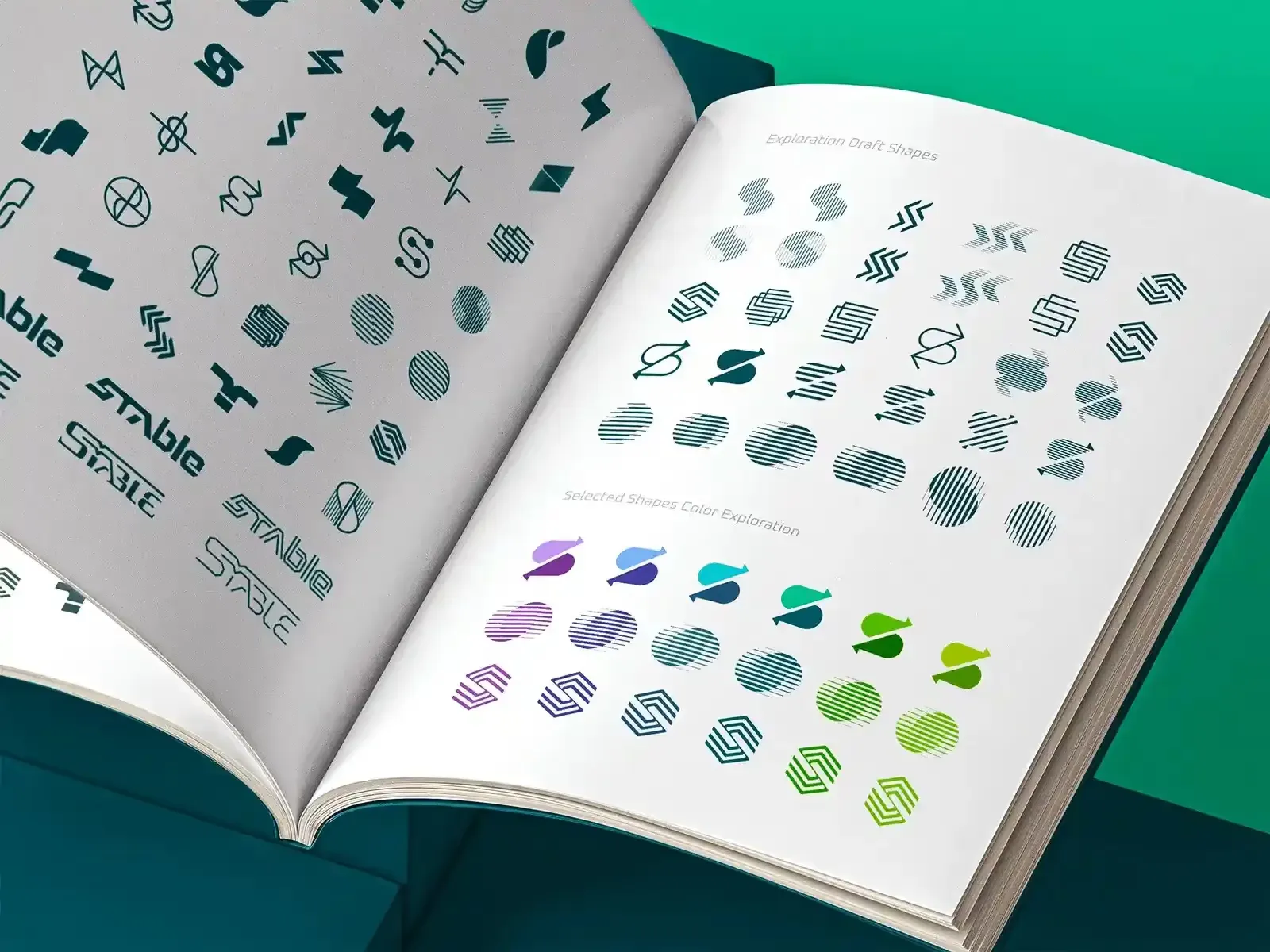
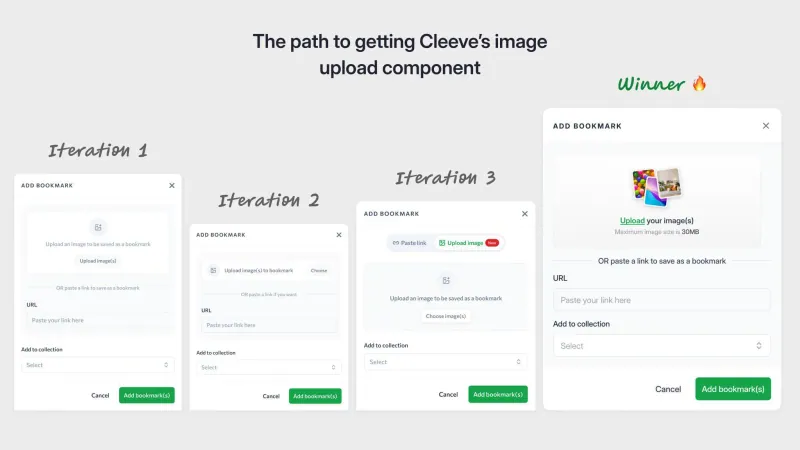
Start with the worst asset in your library. The notes on logo design that survives redraws explain what separates a mark that traces cleanly from one that does not, and the image upload component case study covers what happens to artwork after users hand it to you. Our review of the Vectorstock Figma plugin covers the other end of the same workflow, and the monthly digest of open source design tools tracks the rest of the list. Fresh references live in the AI inspiration gallery, and the other free open source resources follow the same ship-it-yourself pattern.