

Jamshed Kasimov
But despite the instability, the UI / UX and product design industry didn't even think to stand still. After all, with new problems come new solutions.
Companies released new products as well as updated existing ones.
As a result, our devices and operating systems continued to change, and our interfaces became simpler and more convenient to use.
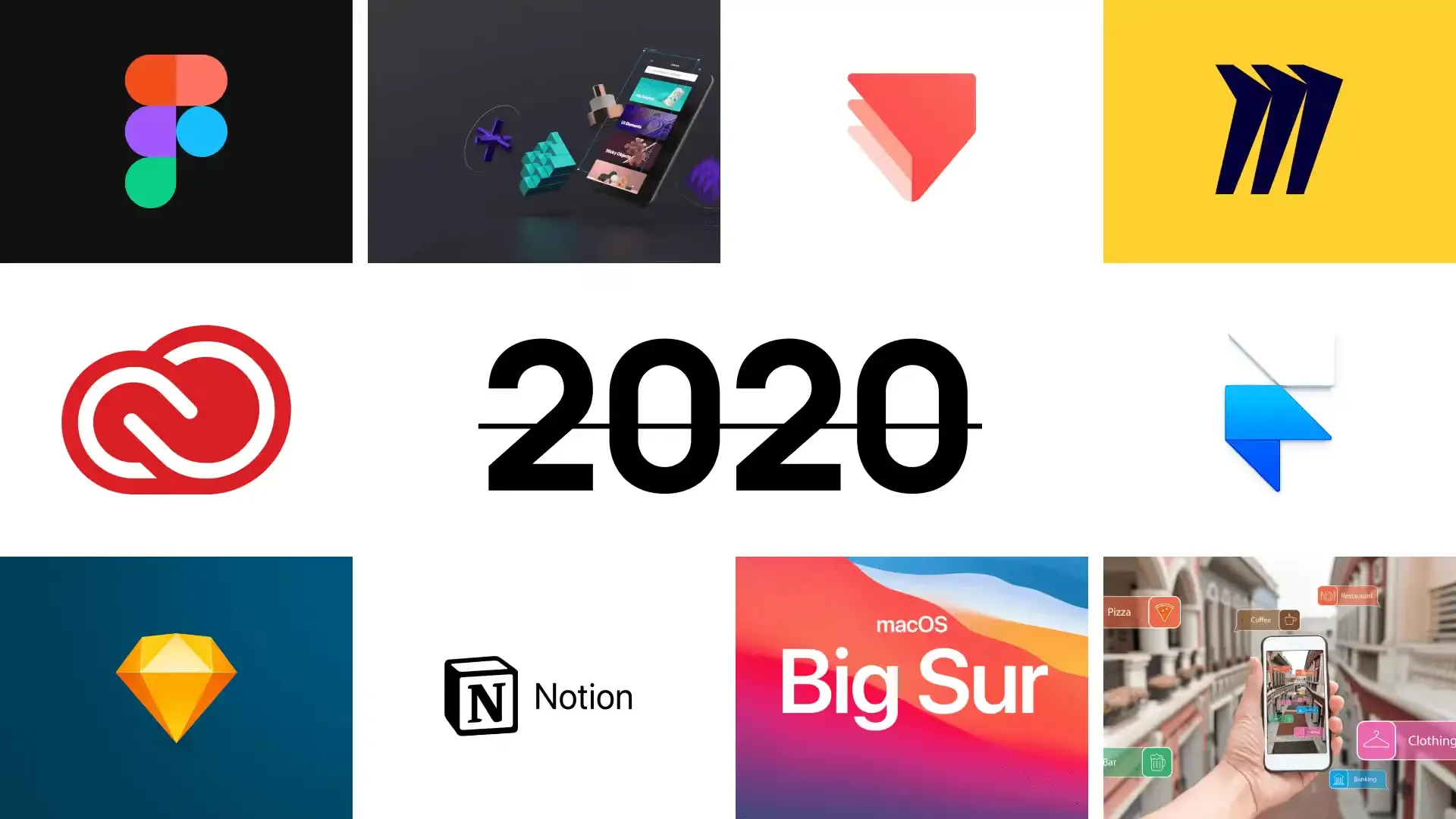
In this post, we have summed up the results of 2020, where we have collected for you the top events from the design world.
As always, this is a rating, so all the fun is down below.
10 / 10ProtoPie has strengthened its position in the prototypes world
In 2020, Protopie continued to evolve and gain momentum. The company currently has 100,000 paid users worldwide, having major deals with Microsoft, Google, and other high-profile tech companies. And last year turned out to be very fruitful for them. Several interesting updates and improvements have been released, among which are the following:
· Autocomplete for sending and receiving messages was added
· System status bar was added
· Interaction libraries were added
· Swap component instances function was added
· Voice prototyping function was added
· ProtoPie plugin for Figma was created
Notion - Towards Better Productivity

Notion has significantly improved its product and also continued to replenish the list of their templates: there are 90+ templates in their database already, and the numbers will only grow in 2021. And here are the improvements and innovations that made Notion better in 2020:
· Search system has been improved thanks to new filters;
· The mobile app now starts 2 times faster;
· The function of adding an unlimited amount of content for free was added;
· "Scribble" feature for iPad was added to take notes by hand;
· With the new Timeline View (Gantt Chart) function, you can edit plans, projects, and tasks of your team in the form of a schedule.
Sketch launched Cloud Inspector and Online-Collaboration

In 2020, Sketch launched Cloud Inspector, giving developers the ability to use Sketch for free. The process of transferring designs to developers and overall collaboration both within teams and between individual freelancers has been improved.
But this was not the main feature for Sketch last year ...
In October, the company announced that they've been testing real-time collaboration in beta mode. In our humble opinion, this is a slightly belated decision, given Figma's progress in this aspect. But hardcore Sketch users were overjoyed at the news.
The real-time collaboration was featured in the new beta of Sketch 71. The beta is available to anyone with a Teams subscription at no additional cost. The online collaboration will be fully launched in early 2021.
7 / 103D segment is one of the most popular in 2020
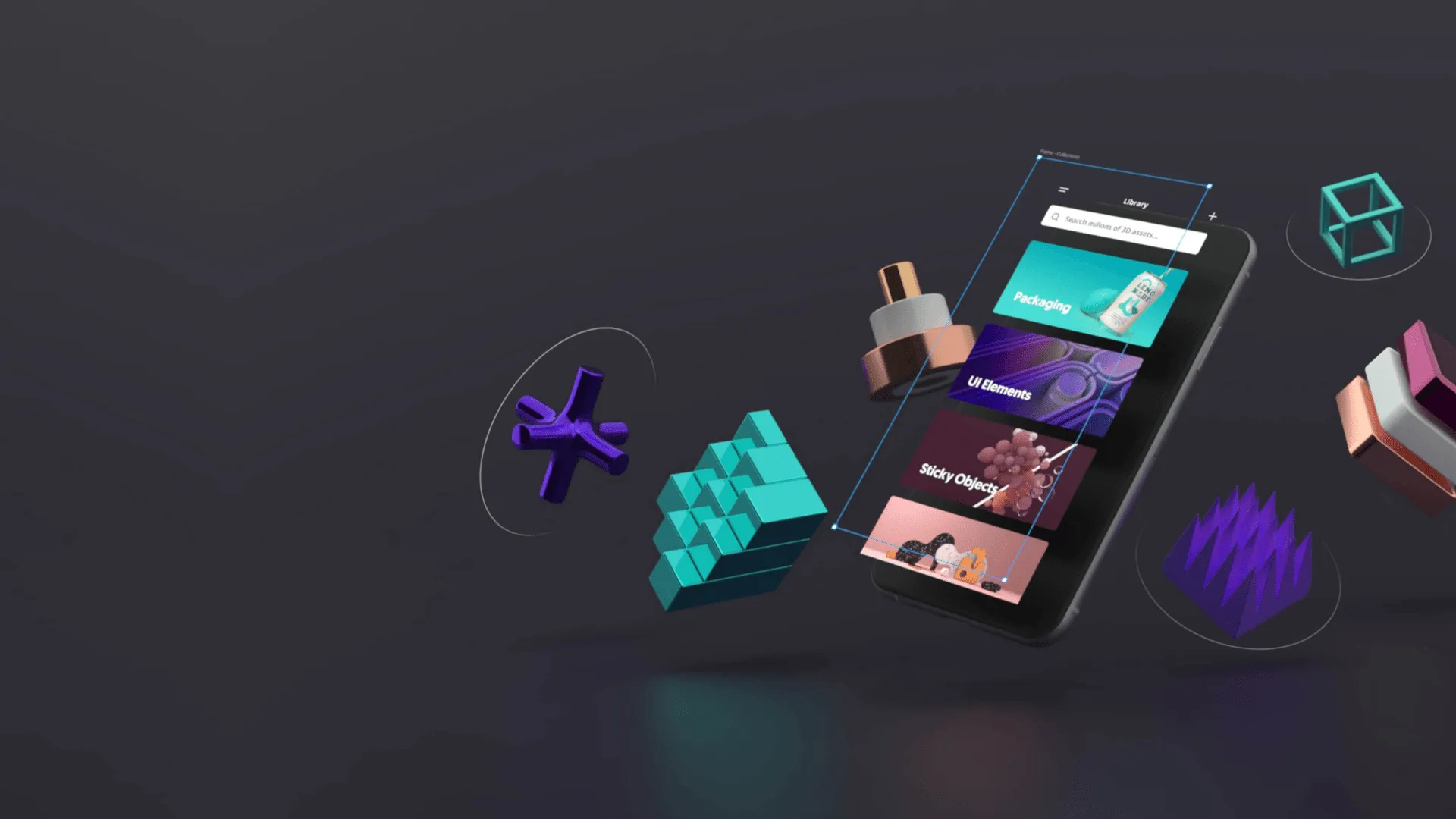
And thereupon new products, such as Vectary and Spline were launched.
Vectary is a cloud-based tool that lets you create awesome 3D elements, compositions, and layouts. They can then be exported to AR applications. You can also use it to create 3D design systems in Figma.
Vectary also has an online collaboration mode, which makes working with your team even easier.
Spline is a very worthy competitor to Vectary, which is still gaining momentum.
It is more focused on web applications. With Spline, you can work with 3D text, create geometric shapes, edit materials, import 3D models, and much more.
The app works on macOS, Windows, and Linux.
6 / 10The rise of AR/VR
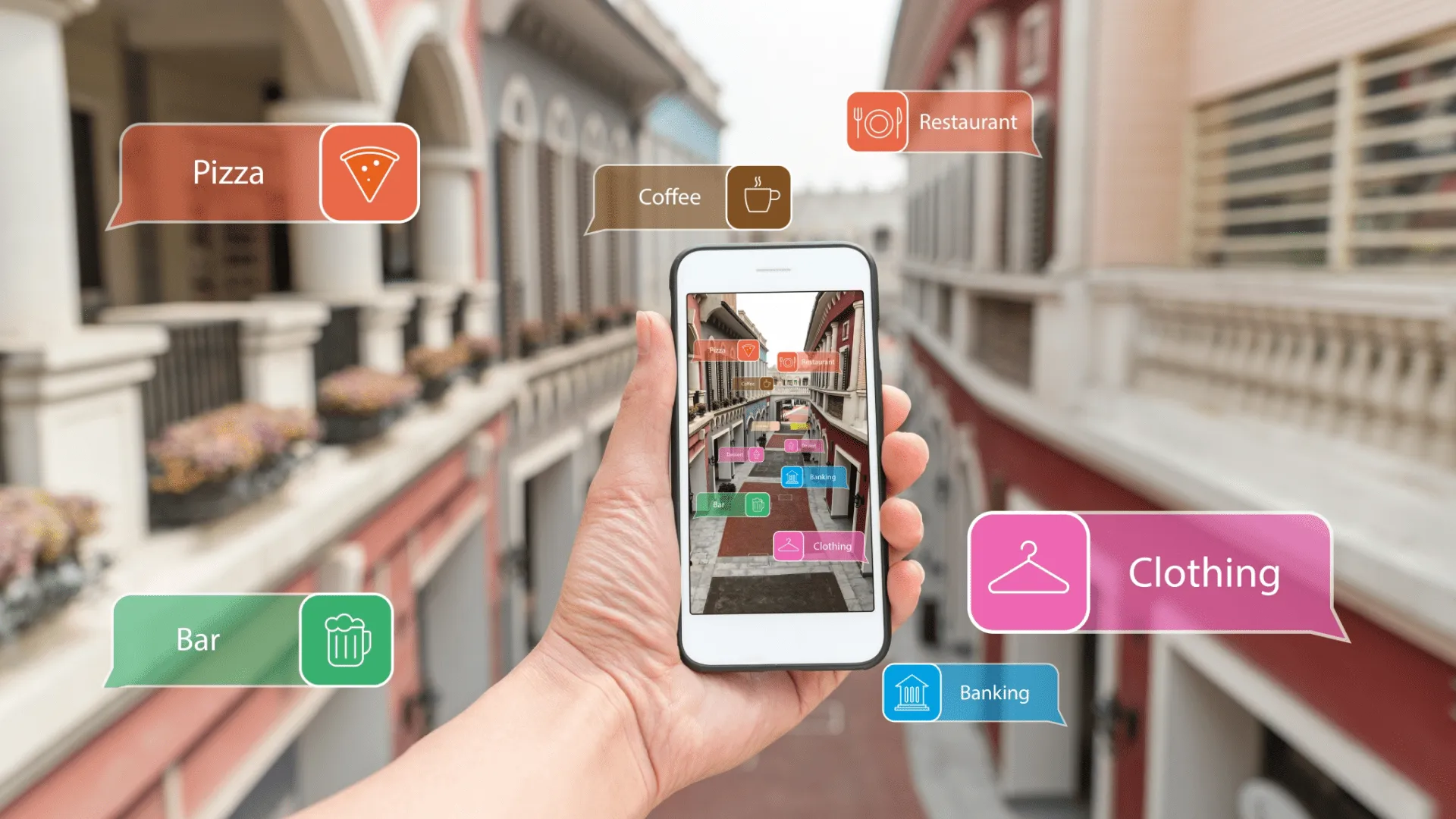
In 2020, AR / VR applications were in demand more than ever. AR / VR technologies have helped many companies adapt to new conditions and maintain their businesses.
For example, Amazon has developed a Room Decorator application that allows you to place multiple pieces of furniture and other items at once before purchasing.
Apple has added new capabilities to ARKit 4 with the introduction of the Depth API, which creates a new way to access in-depth information on the iPad Pro.
Google hasn't been left out either: Google Shopping, for example, has teamed up with several beauty brands to create an AR app that lets you try virtual makeup at home. And if you are a fan of museums and galleries, then the Google Arts & Culture team got their users you covered with such an opportunity. With a combination of street mapping and high-resolution imagery, anyone can take a virtual tour of the world's best cultural institutions.
We believe that the AR / VR industry will only strengthen its capacity, and promises to be one of the main trends in 2021.
5 / 10Apple released macOS Big Sur redesigned
In the summer of 2020, Apple announced the imminent launch of a new version for its macOS. After 5 months, Big Sur saw the light.
The new design is one of the most impressive innovations in Big Sur. Obviously, the designers have borrowed many elements from the iPhone and iPad. All elements in the interface take up less space, their corners are nicely rounded, transparency effects have been added and color schemes have been updated.
As for the functional changes, the new OS has a number of innovations:
An interactive Notification Center has been created, combining widgets and notifications in one panel.
Customizable Control Center lets you control Wi-Fi, Bluetooth, music playback, dark mode, and more elements.
Maps, Mail, and Photos apps were also updated. And with the new functionality of Maps, you can easily and quickly plan your trips.
4 / 10Framer goes to Web and follows Figma's footsteps
In 2020, Framer took it to the next level with some cool changes. Now it's not just a prototyping tool - Framer clearly follows the Figma path. And this tool is definitely worthing to get tried out this year.
Among the new things, we highlight the following:
· The new Components Section allows you to view all of your components in a project.
· New Multi-Team Management feature allows managing multiple teams in Framer.
· The Assets section now provides access to useful design resources. Now you have ready-made vector elements at your fingertips, including Feather Icons, Material Icons, Hero Icons, and Phosphor Icons + illustrations from Humaaans.
· And the coolest thing: Variants and Variables were added! With these features, you can create components with their own states and custom properties.
3 / 10Miro is the solid brainstorming tool

According to the UX Tools Survey, in the Brainstorming category, Miro usage has grown from 5% in 2019 to 33% in 2020. And the total number of Miro users worldwide in 2020 exceeded 10 million.
Here are the new items that have helped Miro make this progress:
Stickies Captures - transfer of handwritten text on stickers during a brainstorming session to an electronic format;
Miro Grids widget organizes content in visual tables;
Live Embed lets you integrate Miro boards into Coda, Jira, Microsoft Teams, Whereby, and more;
The collaborative wireframing function was added;
And the coolest thing: collaboration with Adobe and integration with Adobe XD. From now on, workflows with these programs will be significantly accelerated by:
· conducting brainstorming sessions;
· sending feedback in real-time;
· launching group design audits;
· quick decision making on prototypes;
· tracking progress in design sprints using Kanban boards;
· presenting final designs to customers.
Figma is the design tool of choice of the year
Figma has had a powerful year. Firstly, according to the results of the UX Tools Survey, which was attended by 4100 people, Figma took a leading position in 6 of 8 categories ("User Flows", "UI Design", "Prototyping", "Developer Handoff", "Design Systems "," Versioning").
Secondly, since September 2020, the creators of Figma have made several cool changes to the functionality of their system:
· Variants function was added. It combines component variants into a single component with custom properties and values;
· Updated Auto Layout now provides even more flexibility for resizing and Constraints;
· Updated Instance Swapping menu now has preview and component search functions;
· Inspect Tab was added - it allows developers to copy animation values and any other information;
With these changes, Figma will definitely maintain its leading position in 2021.
1 / 10Creative Cloud released new products and updated existing ones

The leader of our list is Adobe, for which 2020 was a very busy year. Here's a summary of the company's major updates:
The Streaming function for Photoshop, Illustrator, and Fresco was added;
The ability to centrally manage plugins in the Creative Cloud desktop app.
InDesign now has a "Share for Review" feature that allows users to share their work and receive feedback.
Photoshop has improved font recognition, fill and color correction, as well as added the "Select Subject Portrait" function with an easier selection of complex objects (for example, a woman with curls) and easily replacing the background. And thanks to neural filters based on the Adobe Sensei (Adobe's AI), you can change the portrait (smooth skin, change age, the direction of eyes or head, add emotions, etc.)
Searching on Behance has also improved with new filters;
After Effects has an optimized 3D experience;
Adobe XD has also been boosted with the following new features:
· Content-Aware Layout - analog of Figma's Auto Layout
· Stacks sets the spacing between objects, which is preserved when you change your design;
· Scroll Groups creates scrolling elements inside the artboard (lists, carousels, galleries) in prototyping mode;
· Adobe XD Extension for Visual Studio Code provides collaboration on a design system;
· 3D Transforms allows you to create AR prototypes.
Conclusion
And that's it for now. The design has shown once again its strength and flexibility to the world. We wish you not to slow down because 2021 promises to be very cool and fruitful.
We constantly publish interesting news from the world of the design industry. So to stay informed and to get some inspiration, consider subscribing to our Newsletter, as well as our Youtube channel and follow our pages on: Dribbble, Behance, Medium, Reddit.
Also, don't forget to visit our Setproduct homepage to get inspired with UI design from the nearest future. Where you will find top-notch design systems and UI kits for fast and high-quality work in Figma.
Stay safe, productive, and successful! Happy designing!
Related publications
The most significant releases of 2020 on a UI design scene
Last year has passed. It was a very unstable year that changed the way things were. In this post, we have summed up the results of 2020, where we have collected for you the top events from the design world
14 useful UI design resources handpicked. January 2021
What's in today's release: various generators, cool sources for your inspiration, stylish icons, top 2020 products from Product Hunt, tools for exporting animations and GIFs, and much more
16 fresh design resources of February 2021
Here is what we are gonna review today: icons, emojis and illustrations, the coolest articles on working with color and tables for enterprise, effective plugins for Figma, sources for inspiration and much more
Top 11 design tools and resources to kickstart your project
We've reviewed the most popular launches on ProductHunt after the first quarter of 2022 and here is what we discovered.
Best 20 design resources for startups, developers and designers
Today's list includes a bunch of cool icons, powerful UI kits, great collections and tools, even a history of user interfaces, and so much more.
18 design & developer resources to boost your productivity and creativity
In today's list, you will find texture and gradient generators, beautiful fonts, Figma plugins, AI tools, and much more.